Stop Treating ISO Like a Setting You Choose — Let It Work For You

Stop Treating ISO Like a Setting You Choose — Let It Work For You

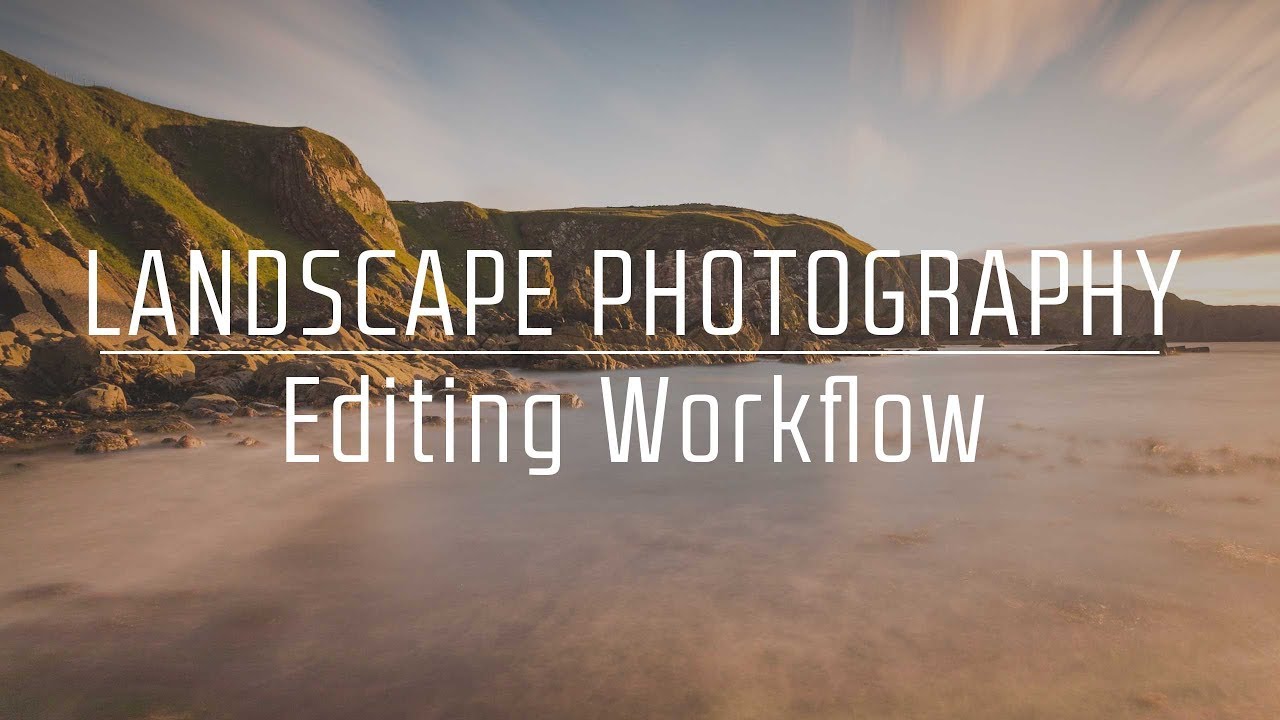
I’ve spent fifteen years in commercial studios where the light is controlled, repeatable, and exactly where you put it. So when I started taking my camera outside, the constantly shifting light genuinely caught me off guard. Not because I didn’t understand exposure, but because I kept rebuilding it from scratch every few minutes like some kind of Groundhog Day nightmare. Adjust ISO, check the meter, tweak again. Meanwhile the shot I actually wanted had already moved on.

Master the Light Blur Effect: A Non-Destructive Workflow in Photoshop

Master the Light Blur Effect: A Non-Destructive Workflow in Photoshop

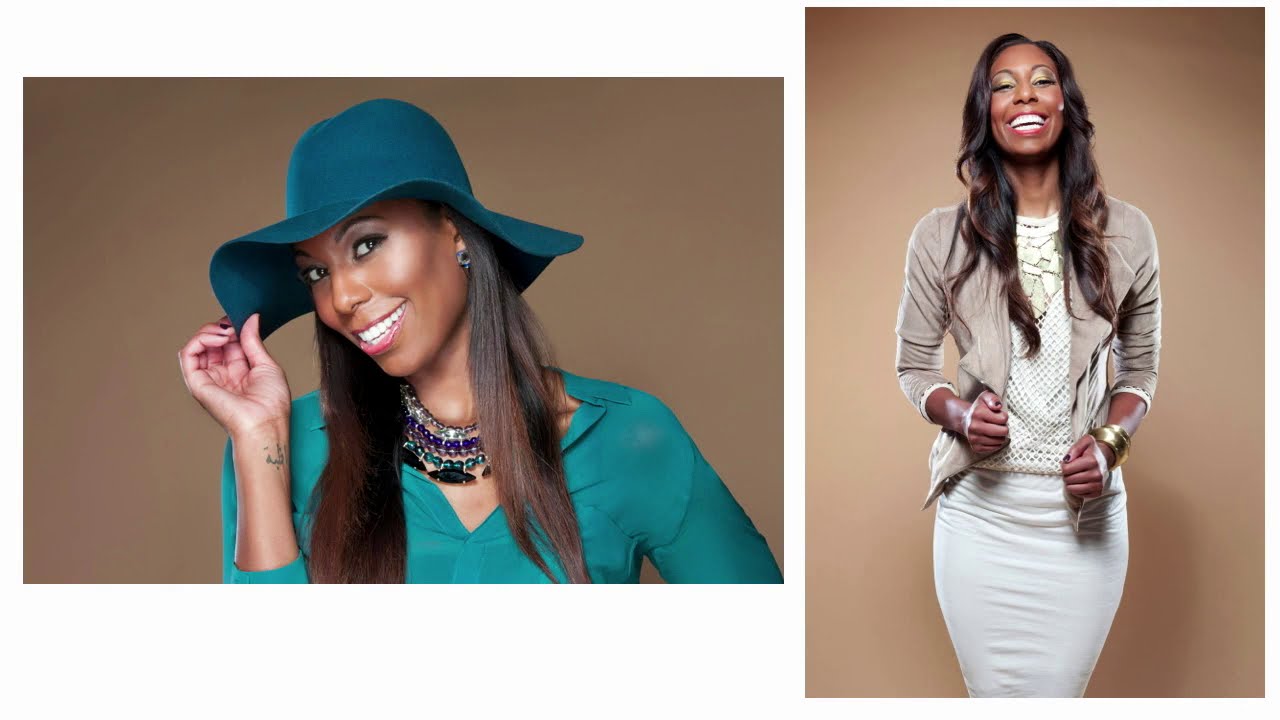
Composite portrait work makes up a significant chunk of what I do for ad agency clients, and the single biggest complaint I hear from art directors is that the subject looks “pasted in.” The background is sharp, the person is sharp, and nothing feels like it was shot together. What actually sells a composite is controlled imperfection: the right amount of blur, some light bleed, a little grain. Getting that to feel photographic rather than digital is the whole game.

Master Non-Destructive Texture Layering in Photoshop: A Complete Breakdown

Master Non-Destructive Texture Layering in Photoshop: A Complete Breakdown

Texture overlays are one of those techniques I resisted for years because I assumed they were a shortcut for photographers who didn’t know what they were doing. After about a decade and a half of commercial work, I’ll admit I was wrong. Done well, textures add atmospheric depth that’s nearly impossible to fake with adjustments alone, and they do it fast. For high-volume retouching work, that speed matters more than most tutorials acknowledge.

Restoring Blurry Vintage Photos with Photoshop's Generative Upscale (One-Click Method)

Restoring Blurry Vintage Photos with Photoshop's Generative Upscale (One-Click Method)

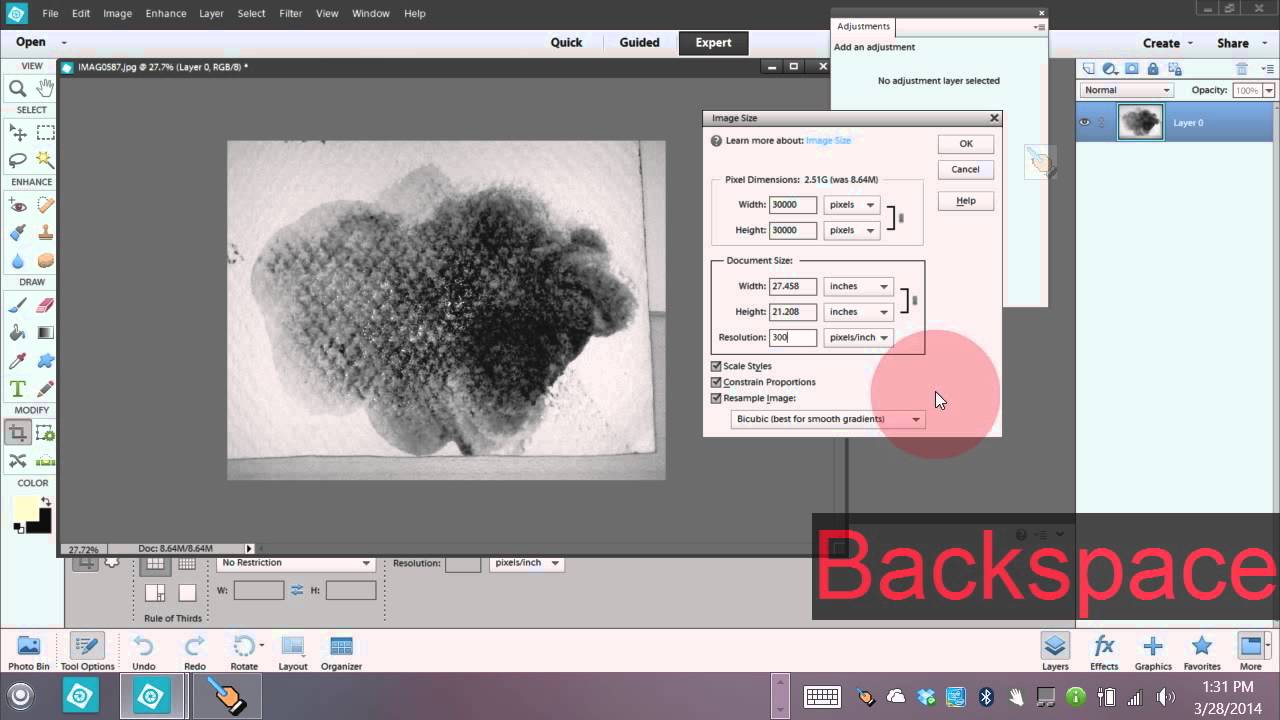
Client calls me last spring asking if I can restore a handful of old family photos for a campaign about heritage and legacy. The images are small, soft, and shot on film sometime in the 1970s. I’ve done this kind of work before, and historically it means a combination of sharpening passes, manual frequency separation, and a lot of squinting. It’s slow. It’s imperfect. And when the client wants a 24x36 print out of a 600-pixel scan, there’s only so much you can do before the physics of resolution just say no.

Remove Distractions in Photoshop in Minutes: Aaron Nace's Game-Changing Generative Fill Workflow

Remove Distractions in Photoshop in Minutes: Aaron Nace's Game-Changing Generative Fill Workflow

E-commerce clients don’t care about scaffolding. They don’t care about the stray tripod leg that crept into the corner of your shot, or the shadow a light stand threw across an otherwise clean background. They care about the product, the model, the scene. Everything else is noise, and removing that noise used to eat serious time. I’ve had jobs where cleanup work accounted for nearly a third of my total post-production hours.

Photoshop 2026's Game-Changing Adjustment Layers: A Complete Breakdown

Photoshop 2026's Game-Changing Adjustment Layers: A Complete Breakdown

When Photoshop 2026 dropped, I immediately noticed something that made me genuinely excited: three adjustment layers that had been living in Lightroom finally made their way into Photoshop as native adjustment layers. This isn’t just a convenience update—it’s a legitimate workflow game-changer for anyone who edits photos seriously. In this excellent tutorial, Aaron Nace (PHLEARN) breaks down exactly how to use Photoshop’s newest adjustment layers: Color & Vibrance, Clarity & Dehaze, and Grain.

Master the Double Exposure Effect in Photoshop: A Complete Breakdown of Aaron Nace's Essential Technique

Master the Double Exposure Effect in Photoshop: A Complete Breakdown of Aaron Nace's Essential Technique

I’ve always found the double exposure effect to be one of those techniques that looks incredibly complex but is surprisingly straightforward once you understand the core principle. In this excellent tutorial, Aaron Nace (PHLEARN) demonstrates exactly how to nail this effect in just two minutes—and today, I’m breaking down every step so you can master it yourself. What Makes a Double Exposure Work? Before jumping into the technical steps, let’s talk about why this effect works at all.

Master Non-Destructive Editing in Photoshop: A Professional Workflow Breakdown

Master Non-Destructive Editing in Photoshop: A Professional Workflow Breakdown

I’ll be honest: when I first started working in Photoshop, the fear of permanently destroying my work kept me from experimenting. One wrong flatten operation and hours of effort could vanish. That anxiety is exactly what In this excellent tutorial, Aaron Nace (PHLEARN) addresses head-on with “The Ultimate Guide to Non-Destructive Editing.” After diving deep into this course, I want to break down the key concepts and workflow strategies that transformed how I approach every Photoshop project.

How Serge Ramelli Shot an Action Short on Canon 7D & 5D Mark II: Lessons for Your Workflow

How Serge Ramelli Shot an Action Short on Canon 7D & 5D Mark II: Lessons for Your Workflow

There’s a particular kind of tutorial that doesn’t feel like a tutorial at all. It feels like being let into someone’s process mid-project, watching decisions get made in real time, with real constraints. That’s what pulled me into this one. In this Serge Ramelli tutorial, he documents the making of “Arthur,” a short action film built around parkour in what looks like an urban European setting. On the surface it’s a filmmaking piece.