From Rope Photo to Pattern Brush: A Cross-App Workflow That Actually Holds Up

From Rope Photo to Pattern Brush: A Cross-App Workflow That Actually Holds Up

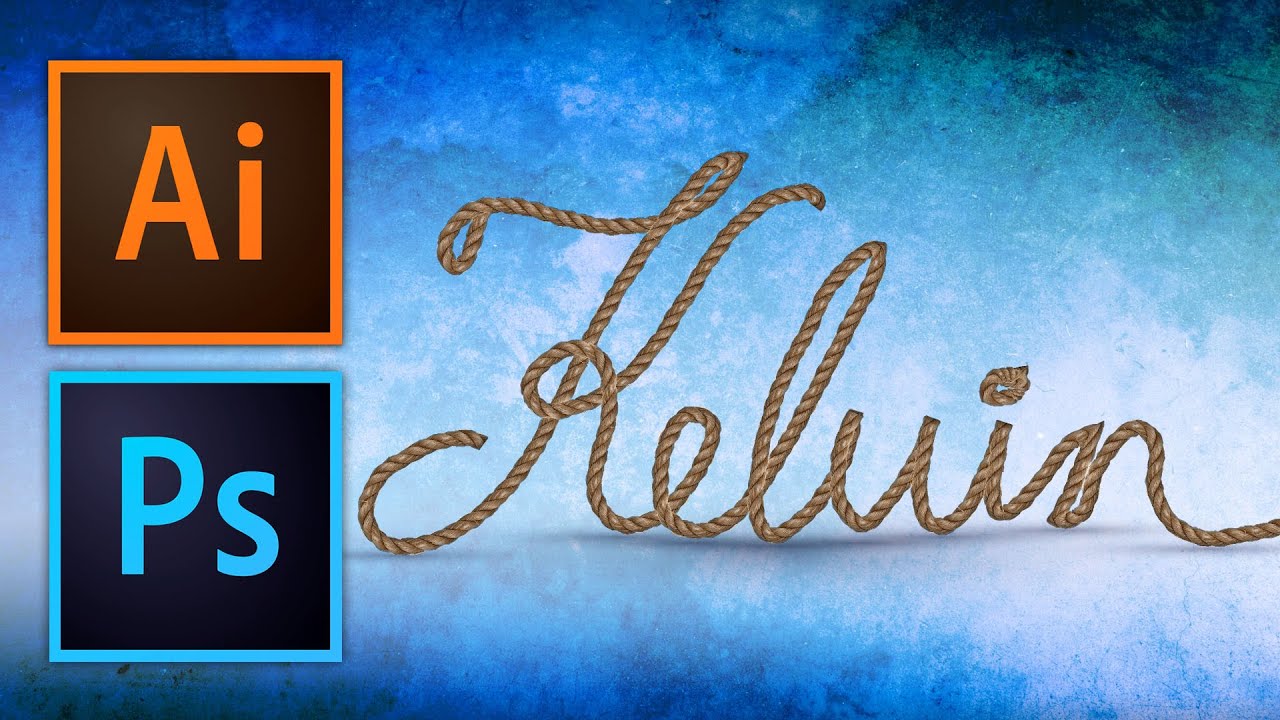
Most of my work lives inside repeatable systems. Actions, batch exports, preset pipelines built to survive a Monday morning with 300 product shots due by noon. But every so often a client brief lands that needs something handcrafted-looking, something with texture and physicality that a gradient overlay just cannot fake. That’s when brush work and pattern techniques become genuinely useful, not decorative exercises. This particular workflow came across my radar through Watch the full tutorial on YouTube from Kelvin Designs, where Kelvin walks through creating a seamless rope pattern in Photoshop and then applying it along a vector path in Illustrator.

Four Photoshop Tools That Cut My Portrait Cleanup Time in Half

Four Photoshop Tools That Cut My Portrait Cleanup Time in Half

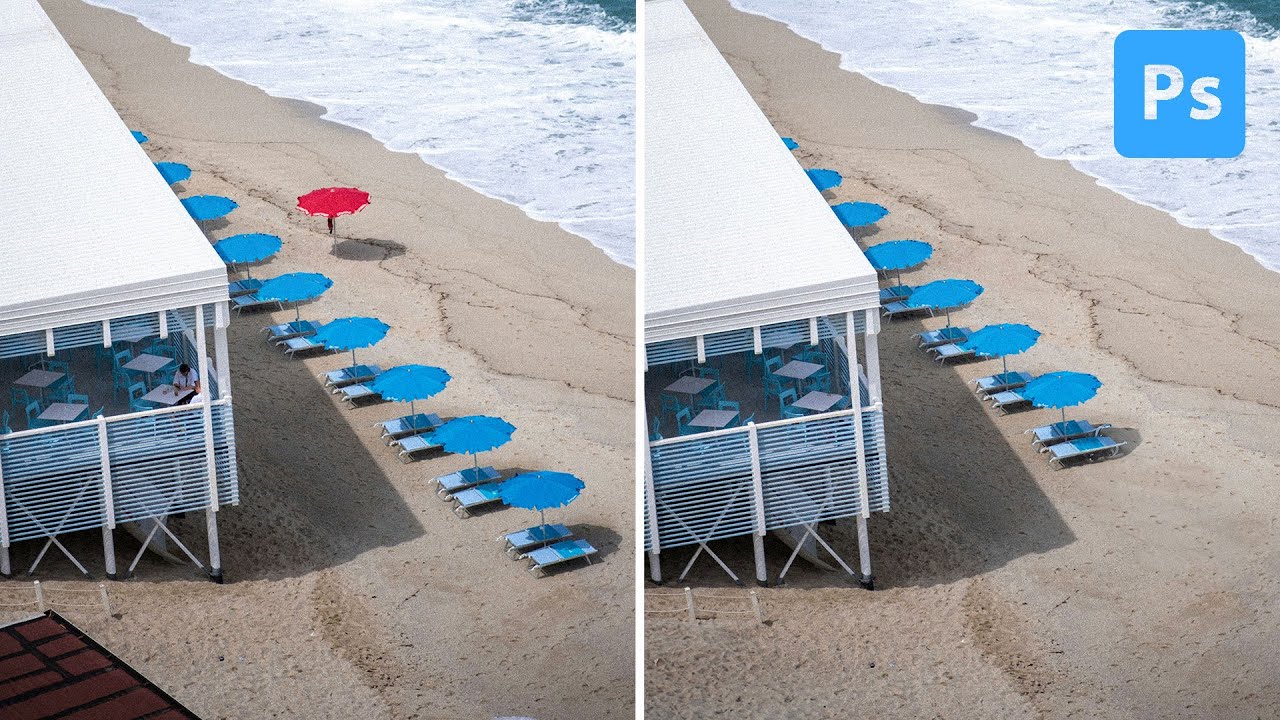
There’s a category of retouching work that never makes it into anyone’s portfolio but eats up a surprising chunk of billable hours. Background clutter. Stray wires. A parking cone that somehow wandered into the corner of a lifestyle shoot. For most of my career I handled these the same way everyone else did: Clone Stamp, Patch tool, Content-Aware Fill, rinse and repeat. It worked, but on a heavy e-commerce day it could chew through an hour before I’d even started the actual color work.

How Photoshop's Dynamic Text Tool Finally Solves the Text-Behind-Subject Problem

How Photoshop's Dynamic Text Tool Finally Solves the Text-Behind-Subject Problem

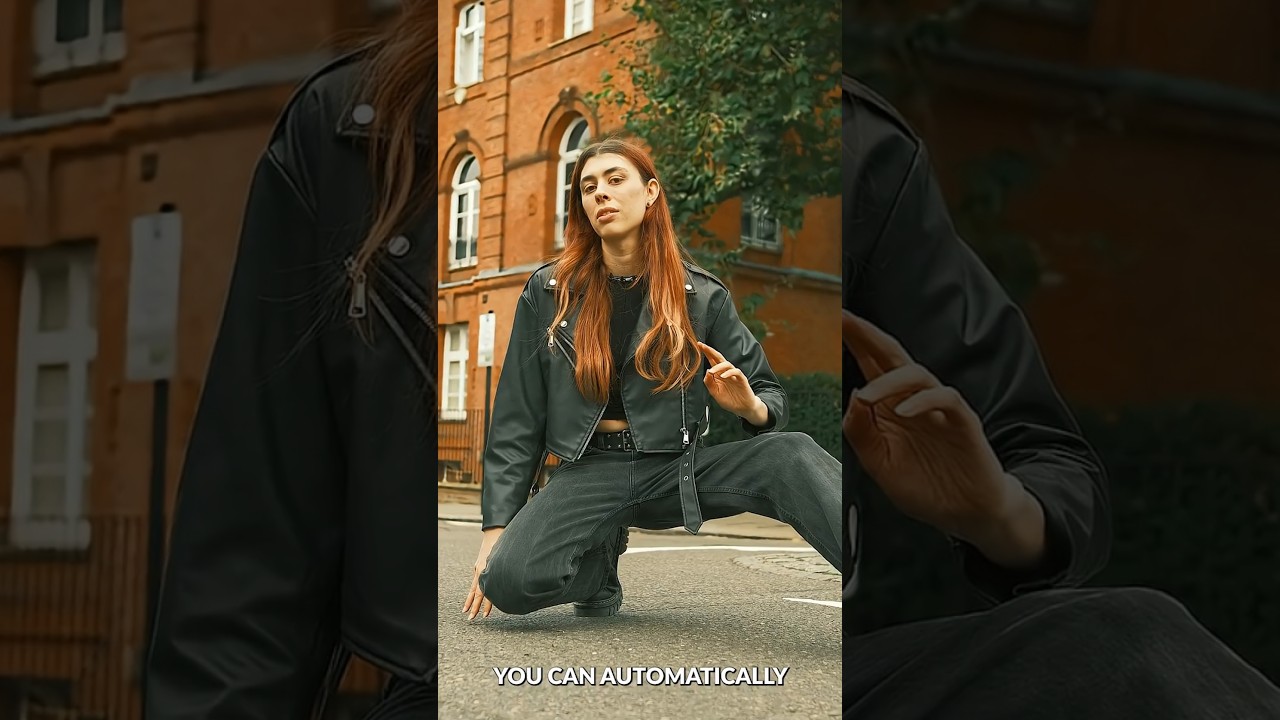
Every few months a client asks for that “text wrapping around a person” look — the kind you see on magazine covers and concert posters where the headline feels like it exists in the same physical space as the subject. For years I handled it with selection masks, layer clipping, and a level of manual fiddling that didn’t exactly scale when I had a deadline. So when I saw PHLEARN drop a one-minute tutorial on the new Dynamic Text Tool in Photoshop 2026, I stopped what I was doing and watched it twice.

Photoshop's Updated Remove Tool Is the Closest Thing to Magic I've Added to My Workflow

Photoshop's Updated Remove Tool Is the Closest Thing to Magic I've Added to My Workflow

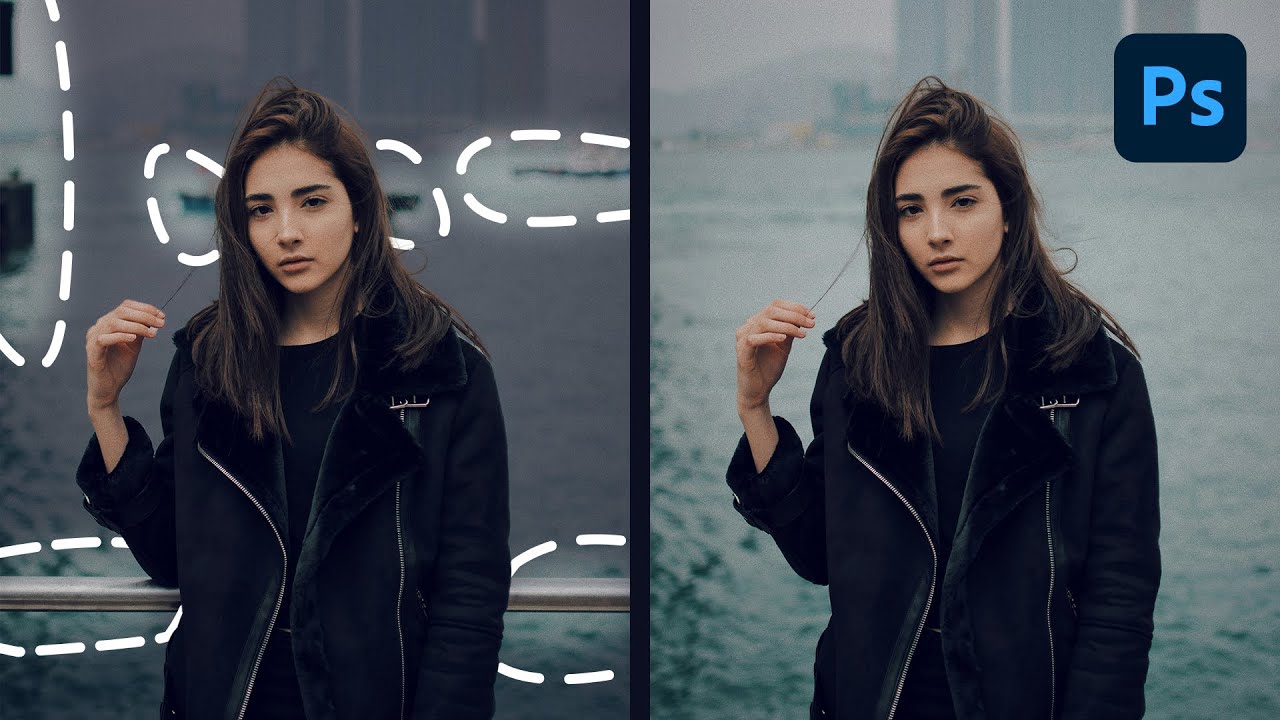
I track time obsessively. Not in a vague, “I should be more productive” way, but in a literal spreadsheet-with-color-coded-columns way. So when a tool promises to save hours on a task I repeat constantly across client work, I pay attention immediately. The Remove Tool in Photoshop has always been solid, but the latest update pushes it into genuinely different territory. Instead of painting over distractions manually one by one, Photoshop can now scan your entire image, identify what doesn’t belong, and remove it all in a single operation.

Depth Masking in Camera Raw Is the Portrait Separation Trick I Wish I'd Had Years Ago

Depth Masking in Camera Raw Is the Portrait Separation Trick I Wish I'd Had Years Ago

Portrait work has a specific problem that product photography mostly avoids: the subject and background often share tones, colors, and edges that make clean separation genuinely painful. I’ve spent embarrassing amounts of time pushing luminosity masks and refining hair edges on location portraits where the background foliage was nearly the same brightness as the subject’s jacket. If you’ve been doing this work for any length of time, you know that the “select subject” button is great until it isn’t, and “isn’t” happens constantly with real-world portraits shot in natural environments.

Master the Light Blur Effect: A Non-Destructive Workflow in Photoshop

Master the Light Blur Effect: A Non-Destructive Workflow in Photoshop

Composite portrait work makes up a significant chunk of what I do for ad agency clients, and the single biggest complaint I hear from art directors is that the subject looks “pasted in.” The background is sharp, the person is sharp, and nothing feels like it was shot together. What actually sells a composite is controlled imperfection: the right amount of blur, some light bleed, a little grain. Getting that to feel photographic rather than digital is the whole game.

Building Custom Presets That Actually Stick: My Framework for Reusable Photoshop Workflows

Building Custom Presets That Actually Stick: My Framework for Reusable Photoshop Workflows

Building Custom Presets That Actually Stick: My Framework for Reusable Photoshop Workflows I’ve been using Photoshop for over a decade, and I can tell you with confidence: most people build presets wrong. They create them once, use them twice, and then forget they exist. The difference between a preset that gathers dust and one that genuinely transforms your workflow comes down to intentionality and testing. Why Your Current Presets Probably Aren’t Working Let me be honest.

Master Non-Destructive Texture Layering in Photoshop: A Complete Breakdown

Master Non-Destructive Texture Layering in Photoshop: A Complete Breakdown

Texture overlays are one of those techniques I resisted for years because I assumed they were a shortcut for photographers who didn’t know what they were doing. After about a decade and a half of commercial work, I’ll admit I was wrong. Done well, textures add atmospheric depth that’s nearly impossible to fake with adjustments alone, and they do it fast. For high-volume retouching work, that speed matters more than most tutorials acknowledge.

Restoring Blurry Vintage Photos with Photoshop's Generative Upscale (One-Click Method)

Restoring Blurry Vintage Photos with Photoshop's Generative Upscale (One-Click Method)

Client calls me last spring asking if I can restore a handful of old family photos for a campaign about heritage and legacy. The images are small, soft, and shot on film sometime in the 1970s. I’ve done this kind of work before, and historically it means a combination of sharpening passes, manual frequency separation, and a lot of squinting. It’s slow. It’s imperfect. And when the client wants a 24x36 print out of a 600-pixel scan, there’s only so much you can do before the physics of resolution just say no.

Remove Distractions in Photoshop in Minutes: Aaron Nace's Game-Changing Generative Fill Workflow

Remove Distractions in Photoshop in Minutes: Aaron Nace's Game-Changing Generative Fill Workflow

E-commerce clients don’t care about scaffolding. They don’t care about the stray tripod leg that crept into the corner of your shot, or the shadow a light stand threw across an otherwise clean background. They care about the product, the model, the scene. Everything else is noise, and removing that noise used to eat serious time. I’ve had jobs where cleanup work accounted for nearly a third of my total post-production hours.

Master Non-Destructive Editing in Photoshop: A Professional Workflow Breakdown

Master Non-Destructive Editing in Photoshop: A Professional Workflow Breakdown

I’ll be honest: when I first started working in Photoshop, the fear of permanently destroying my work kept me from experimenting. One wrong flatten operation and hours of effort could vanish. That anxiety is exactly what In this excellent tutorial, Aaron Nace (PHLEARN) addresses head-on with “The Ultimate Guide to Non-Destructive Editing.” After diving deep into this course, I want to break down the key concepts and workflow strategies that transformed how I approach every Photoshop project.

Building Cinematic Worlds: A Matte Painting Workflow That Actually Works

Building Cinematic Worlds: A Matte Painting Workflow That Actually Works

I’ve been diving into matte painting techniques lately, and I’ve noticed something frustrating: most tutorials skip over the structural stuff. They show you the final result, but not the why behind the layering decisions and compositional choices that make a cinematic environment actually feel believable. That’s why I got genuinely excited learning about how professional concept artists like Killian Prevost approach this discipline from the ground up. It’s not just about beautiful renders—it’s about building a repeatable, organized workflow that scales whether you’re creating a game environment, film concept, or personal illustration.