Video Tutorials
Depth Masking in Camera Raw Is the Portrait Separation Trick I Wish I'd Had Years Ago
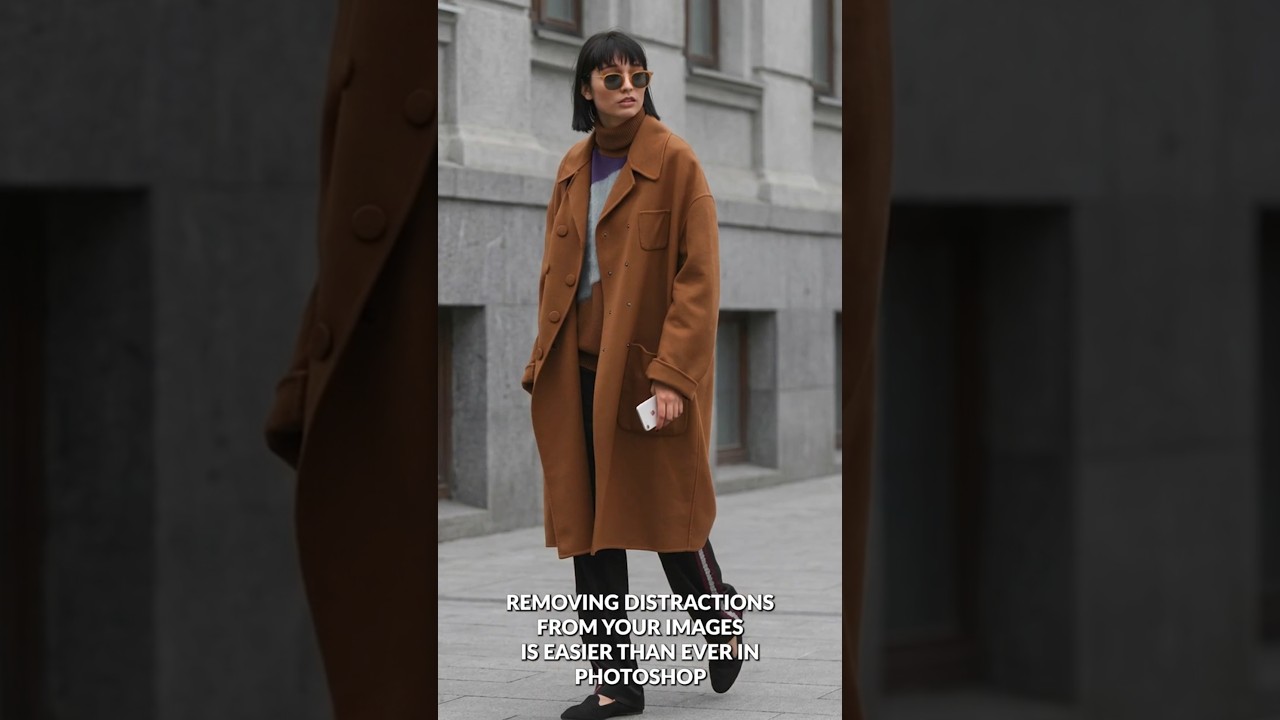
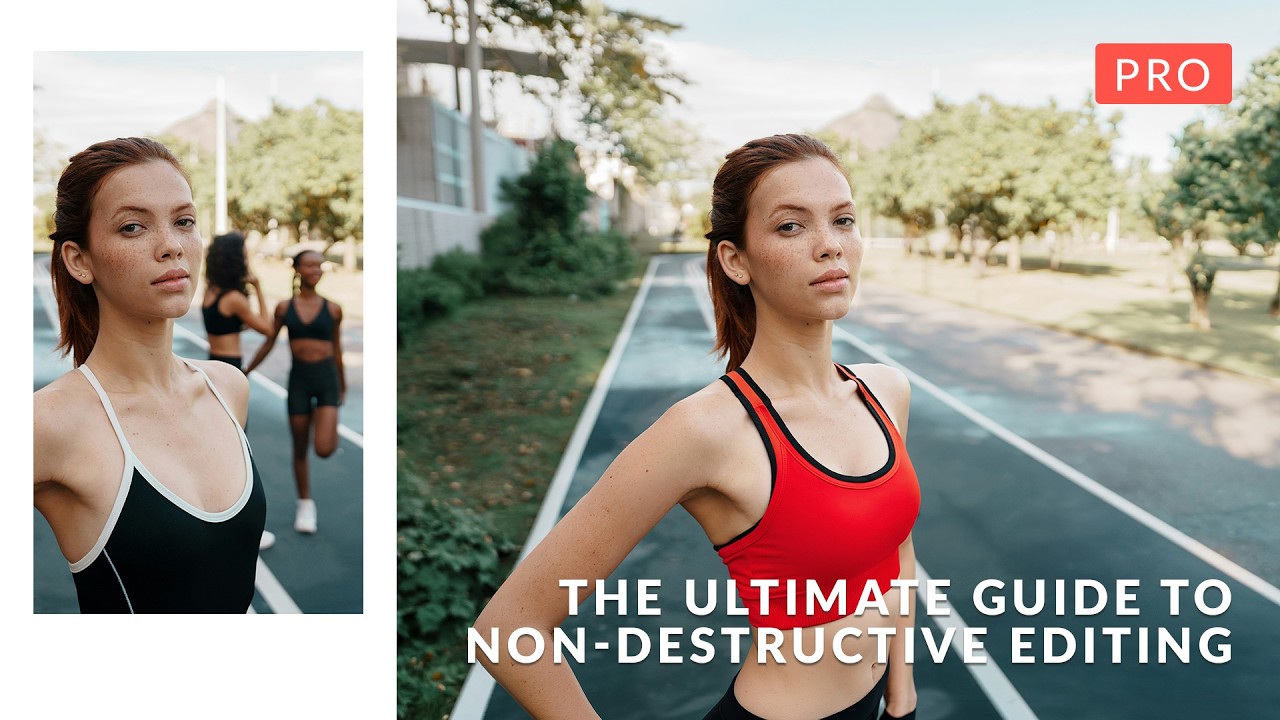
Portrait work has a specific problem that product photography mostly avoids: the subject and background often share tones, colors, and edges that make clean separation genuinely painful. I’ve spent embarrassing amounts of time pushing luminosity masks and refining hair edges on location portraits where the background foliage was nearly the same brightness as the subject’s jacket. If you’ve been doing this work for any length of time, you know that the “select subject” button is great until it isn’t, and “isn’t” happens constantly with real-world portraits shot in natural environments.