Lightroom's Adaptive Color Profiles Are the Starting Point I Wish I'd Had Years Ago

Lightroom's Adaptive Color Profiles Are the Starting Point I Wish I'd Had Years Ago

I track time obsessively. I have a spreadsheet that logs every hour my automation tools have saved me, and right now it’s sitting at over 2,400 hours. So when I see a feature that genuinely changes how fast I can get from import to edit-ready, I pay attention. Presets have always been my first line of defense against flat RAW files, but I’ve quietly suspected there was a smarter way to handle that initial color foundation.

How I'd Structure My Landscape Editing Workflow (And What This Tutorial Got Right)

How I'd Structure My Landscape Editing Workflow (And What This Tutorial Got Right)

There’s a specific kind of dread that hits when you open a folder called “Photos - Misc 2022” and realize you have no idea what’s in it. I’ve been organizing digital assets professionally for fifteen years, and I still see photographers - talented ones - lose hours every month just hunting for files. The capture is the fun part. What happens after you get home determines whether that work ever sees the light of day in a coherent, repeatable way.

Stop Babysitting Your Focus Point: A Landscape Photographer's Case for Wider AF Zones

Stop Babysitting Your Focus Point: A Landscape Photographer's Case for Wider AF Zones

There’s a particular kind of friction I recognize immediately when I watch photographers work in the field. It’s the same friction I see in post-production when someone is manually repeating a task that a well-built action could handle in a keystroke. The tool becomes the subject. The actual work gets pushed aside. In a recent tutorial, Watch the full tutorial on YouTube, Mark Denney describes coming back from a week of leading workshops in the Faroe Islands and noticing that photographers were spending more mental energy managing a tiny focus point than they were thinking about their compositions.

Why Your Sharpest Aperture Isn't f/22 (And What to Do Instead)

Why Your Sharpest Aperture Isn't f/22 (And What to Do Instead)

Every landscape job I take on starts the same way: the client wants everything sharp, front to back, horizon to horizon. For years I watched photographers in my studio reach straight for f/22 the moment they needed deep depth of field, like it was some kind of guaranteed solution. The results came back soft, and nobody could figure out why. The glass was good, the tripod was solid, the technique was clean.

Tonal Separation in Forest and Waterfall Scenes: Lessons from William Patino's NZ Landscape Workflow

Tonal Separation in Forest and Waterfall Scenes: Lessons from William Patino's NZ Landscape Workflow

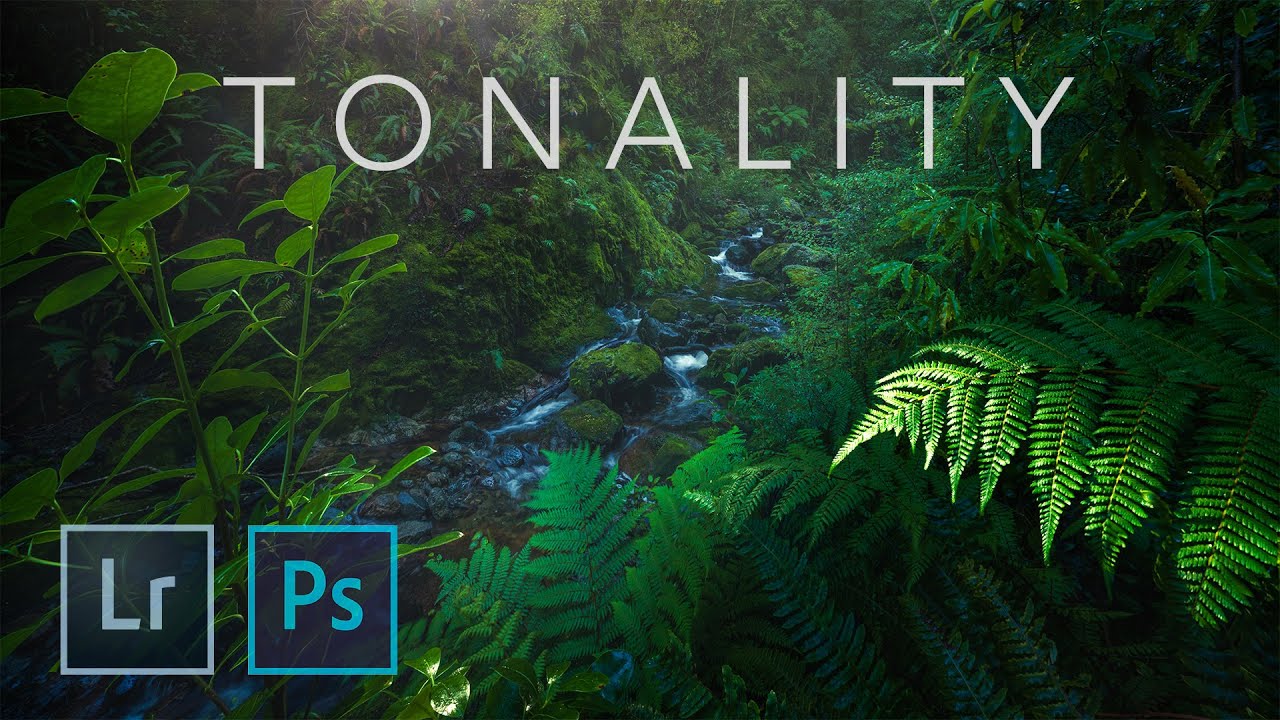
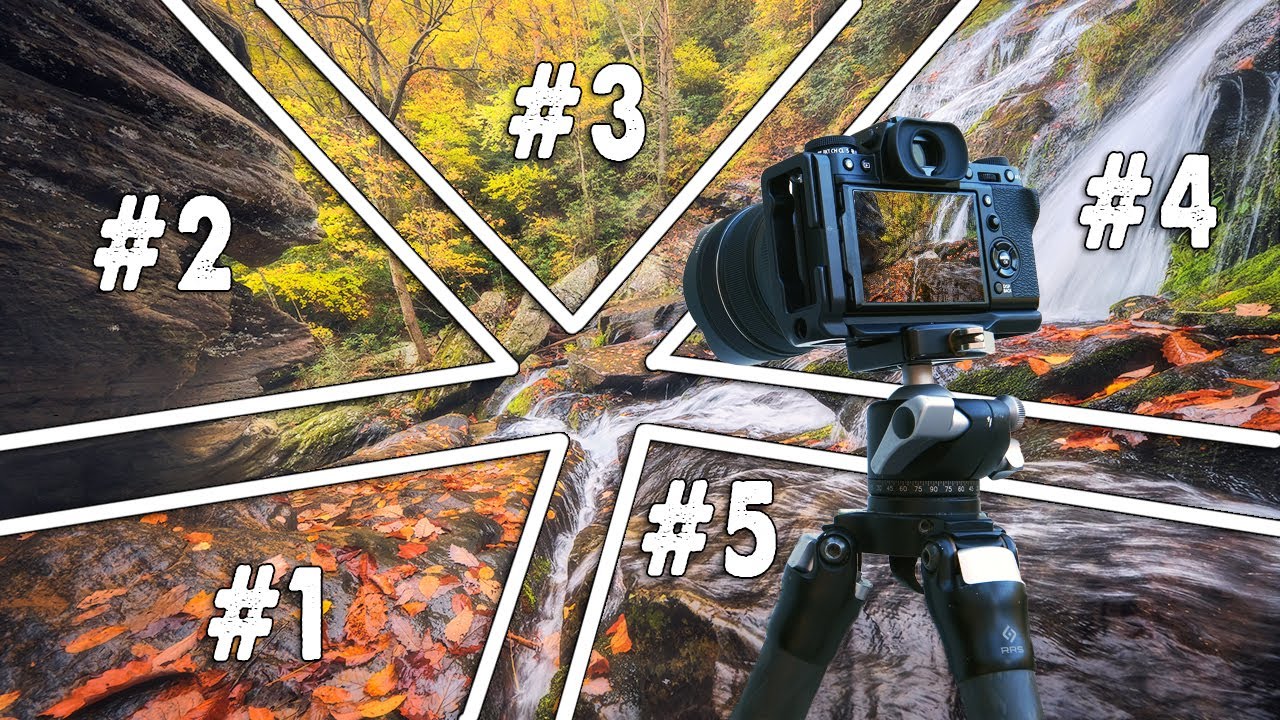
There is a category of image that breaks my usual batch-processing brain completely: dense forest scenes with waterfalls, layered greens, and dappled light. In commercial work I can automate a lot. I built my first Photoshop action at 26 and have barely repeated a manual task since. But these organic, tonal-heavy nature shots demand something different. They demand judgment at the RAW stage that no action can substitute for. That is exactly what pulled me into this William Patino tutorial on NZ landscape photography workflow.

From Flat to Cinematic in Under 2 Minutes: What Pierre T. Lambert's AI Editing Demo Taught Me About Workflow Speed

From Flat to Cinematic in Under 2 Minutes: What Pierre T. Lambert's AI Editing Demo Taught Me About Workflow Speed

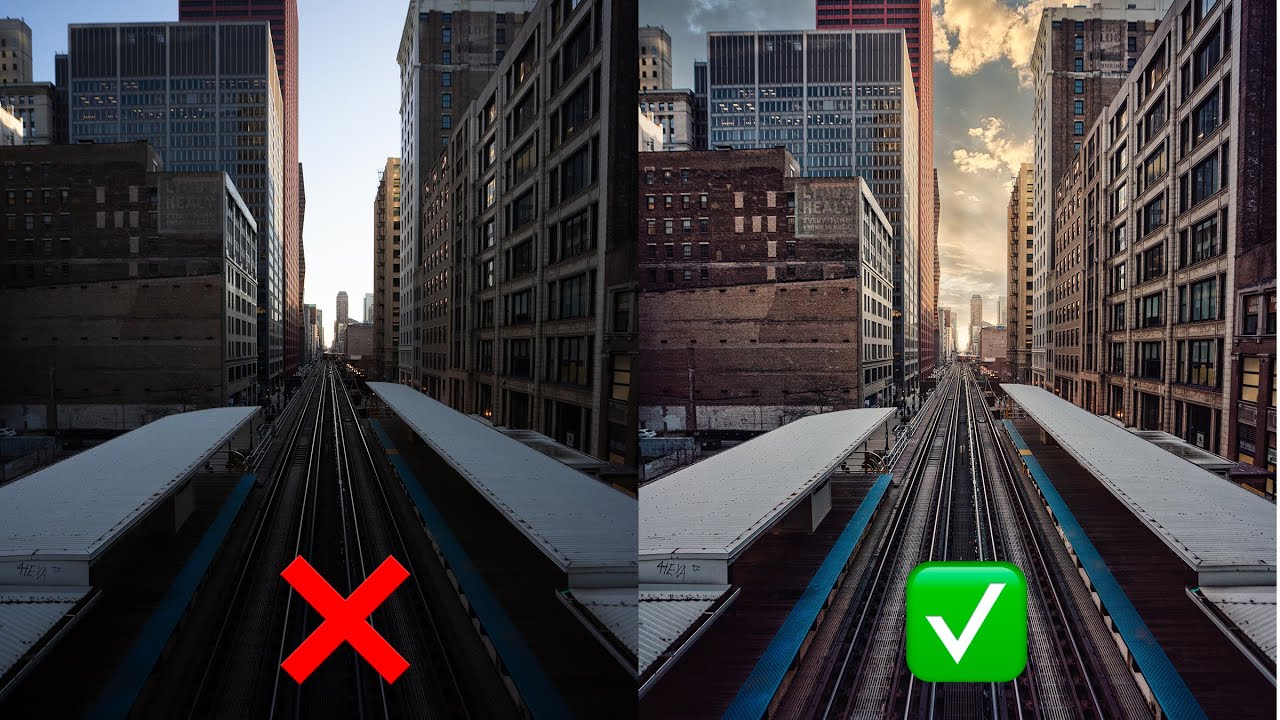
I track everything. I have a spreadsheet that currently sits at 2,400-plus hours saved through Photoshop actions and batch scripts I’ve built over the years. So when I say a tutorial genuinely challenged the way I think about editing speed, that’s not a throwaway compliment. That’s a data point. Watch the full tutorial on YouTube In this Pierre T. Lambert tutorial, he demonstrates how he transformed a flat, ordinary cityscape into a dramatic, print-worthy image in under two minutes, without Photoshop, without presets, and without any of the usual heavy lifting.

Clean Skies, No Excuses: Removing Distractions in ON1 Photo RAW the Right Way

Clean Skies, No Excuses: Removing Distractions in ON1 Photo RAW the Right Way

I have a bad habit of not cleaning my sensor often enough. Fifteen years of commercial work and I still catch myself delivering a first round of selects to an ad agency only to get an email back with a screenshot circled in red: “What’s that blob in the sky?” Every photographer I know has a version of that story. The frustrating part is that most of those dust spots are invisible at shooting apertures and only reveal themselves when you shoot at f/11 or tighter for a landscape.

Stop Asking How Do I Make This Look Better? — Ask This Instead

Stop Asking How Do I Make This Look Better? — Ask This Instead

I spent the first few years of my post-production career convinced that getting faster and better meant learning more software. More shortcuts, more panel combinations, more batch scripts. And I did get faster. But the commercial work I was turning around for ad agencies still felt flat in ways I couldn’t name. The images were correct. They weren’t compelling. It wasn’t until I started thinking about where I wanted the viewer to look — before touching a single slider — that the quality of my edits actually jumped.

Before the Camera Comes Out: What a New Zealand Wilderness Shoot Teaches Us About Photographic Workflow

Before the Camera Comes Out: What a New Zealand Wilderness Shoot Teaches Us About Photographic Workflow

There’s a version of photography workflow that lives entirely inside a computer. Batch actions, export presets, color grading pipelines. That’s most of what I think about in my day job. But every so often I watch something that reminds me that the most important part of the workflow happens before you ever open Photoshop. In this William Patino tutorial filmed in Fiordland National Park, New Zealand, William walks through the complete end-to-end process of a serious landscape shoot: the map research, the multi-hour hike through boggy rainforest, the scouting decisions made on the fly when the terrain doesn’t match the map.

Rethinking Your Landscape Editing Order in ON1 Photo RAW 2019

Rethinking Your Landscape Editing Order in ON1 Photo RAW 2019

I have a spreadsheet that tracks every hour I’ve recovered through better workflow systems. It’s embarrassing how much of that time was lost not to bad tools, but to doing things in the wrong order. Sequence matters enormously in post-production, whether you’re batch-processing 500 product shots or sitting down with a single landscape file you actually care about. That’s why I keep coming back to tutorials from photographers who think systematically, not just creatively.

A Focused Lightroom Landscape Workflow That Respects Your Time

A Focused Lightroom Landscape Workflow That Respects Your Time

I have a bad habit of over-engineering things. Fifteen years in commercial studios will do that to you. I’ve built Photoshop action sets with 40 steps, color-coded folder structures across four backup drives, and batch pipelines that could process half a year’s worth of product shots before lunch. So when I come across a landscape photographer who strips a complex editing process down to only what actually matters, I pay attention.

Kill the Post-Processing Paralysis: A Landscape Editor's Minimal Workflow That Actually Works

Kill the Post-Processing Paralysis: A Landscape Editor's Minimal Workflow That Actually Works

There’s a specific kind of discouragement that hits landscape photographers and I’ve watched it happen to clients of mine for years. You nail the shot in the field, drive home buzzing, load the RAWs onto the computer, and then just… stall. The files look flat. The shadows are a mess. The sky is blown or the foreground is a muddy void. And because you don’t have a clear entry point into the edit, you close the application and tell yourself you’ll come back to it.