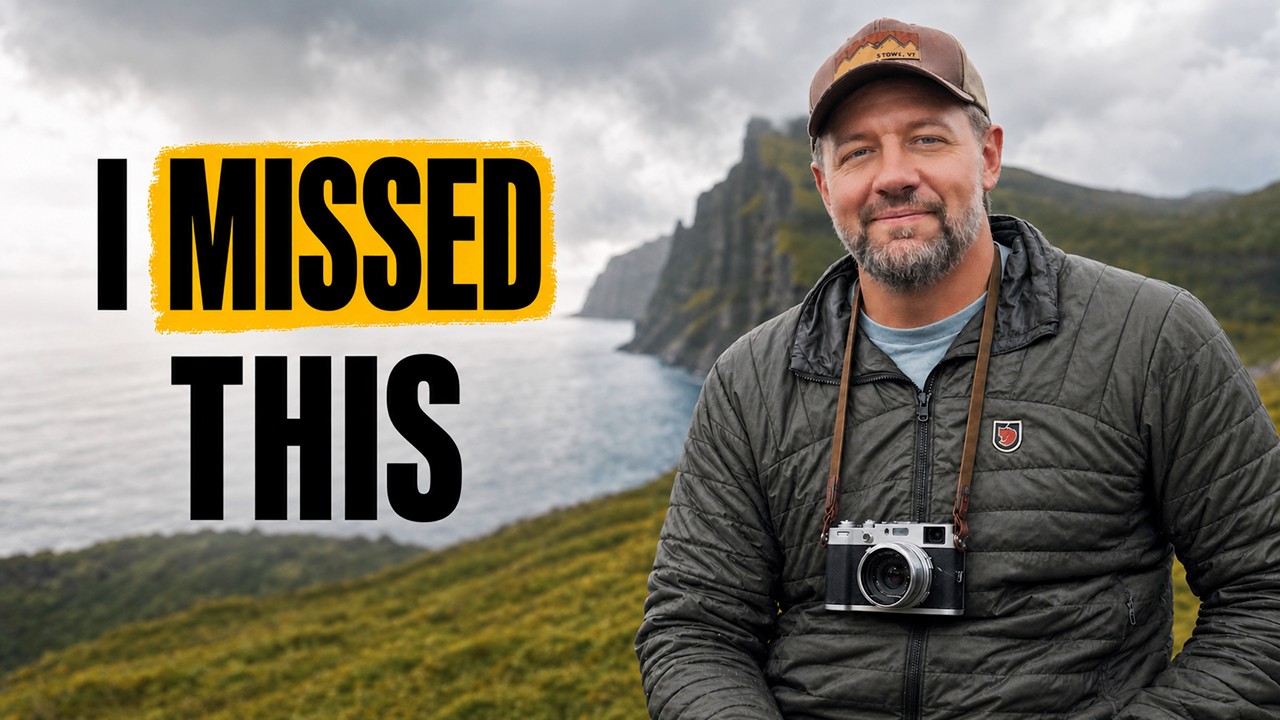
There’s a version of this post where I talk about megapixels and autofocus systems. This isn’t that post. In this Mark Denney tutorial, the gear is almost beside the point, and that’s exactly why I kept thinking about it long after I watched it. I spend most of my working hours in Photoshop, building batch systems and actions for clients who need 500 product shots processed consistently before Friday afternoon. Efficiency is the whole game. But Denney’s video reminded me that efficiency without intention is just fast mediocrity, and that’s a problem I’ve seen creep into my own work when I stop paying attention.
What Denney documents here isn’t really a camera review. It’s an honest look at how the tools we choose, or refuse to choose, shape the photographs we make and whether we actually enjoy making them. For anyone who builds workflows for a living, that lands differently than it might for a casual viewer. The tool isn’t the point. The behavior the tool encourages is the point. That distinction matters whether you’re picking a compact camera or deciding which Photoshop panel to reach for first.
Watch the full tutorial on YouTube
Step 1: Identify the Real Problem Before You Reach for a Solution
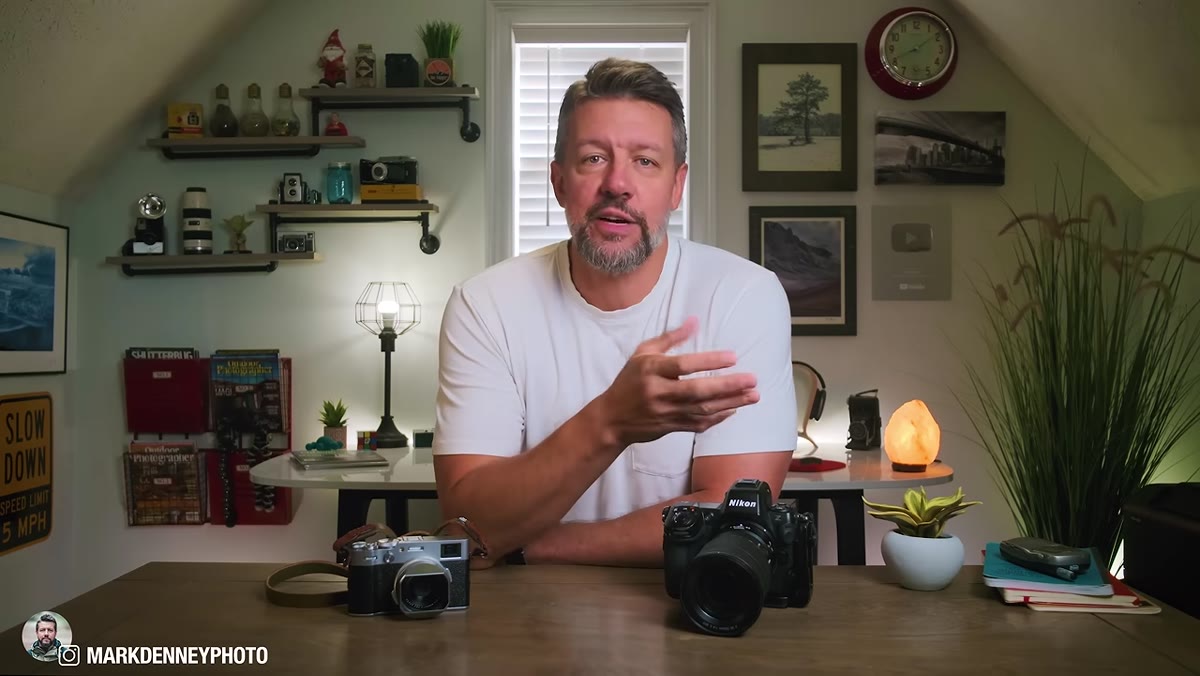 Denney explaining why this is not a camera review
Four years before this video, Denney tested the Fuji X100V, enjoyed using it, and sent it back because he couldn’t logically justify it alongside an already complete pro system. His Nikon did everything. He had the lenses. The files were excellent. On paper, the compact camera had no job to do.
Denney explaining why this is not a camera review
Four years before this video, Denney tested the Fuji X100V, enjoyed using it, and sent it back because he couldn’t logically justify it alongside an already complete pro system. His Nikon did everything. He had the lenses. The files were excellent. On paper, the compact camera had no job to do.
The lesson here is one I had to learn the hard way building my first batch processing system: defining the problem in technical terms only gets you a technical answer. Denney’s real problem wasn’t about specs. It was about something in his relationship with photography that had quietly shifted. Before you build a workflow or add a tool, ask what behavior you’re actually trying to change, not just what output you want to produce.
Step 2: Don’t Test in Controlled Conditions
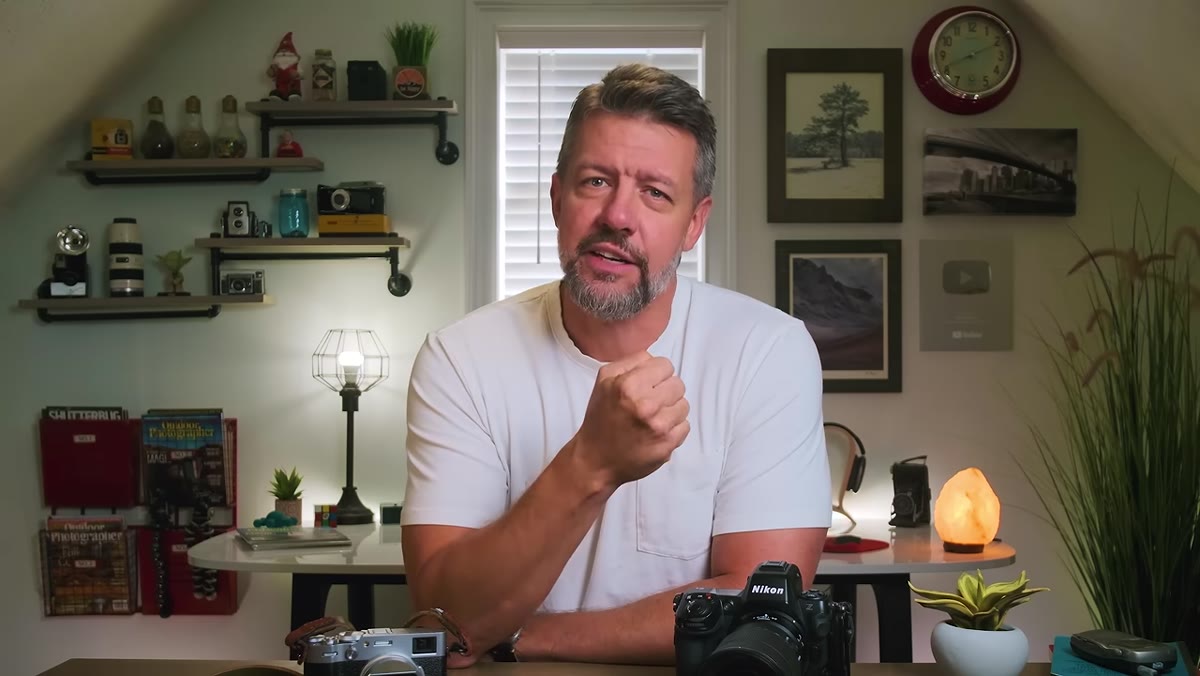 Denney describing the decision to bring the X100VI to Faroe Islands
Denney makes a deliberate choice not to test the X100VI at home or by pulling sample images on a monitor. He took it on a full workshop trip to the Faroe Islands, where photography was the primary activity for every single day. That’s the only environment where the question he was asking could actually get answered.
Denney describing the decision to bring the X100VI to Faroe Islands
Denney makes a deliberate choice not to test the X100VI at home or by pulling sample images on a monitor. He took it on a full workshop trip to the Faroe Islands, where photography was the primary activity for every single day. That’s the only environment where the question he was asking could actually get answered.
This maps directly to how I evaluate new actions or plugins before recommending them to clients. Running a new tool on ten clean test images tells you almost nothing. I put it through a real job: inconsistent lighting, varied subjects, tight deadline. If it holds up there, it earns a place in the kit. Synthetic testing gives you synthetic confidence.
Step 3: Let the Primary System Stay Primary
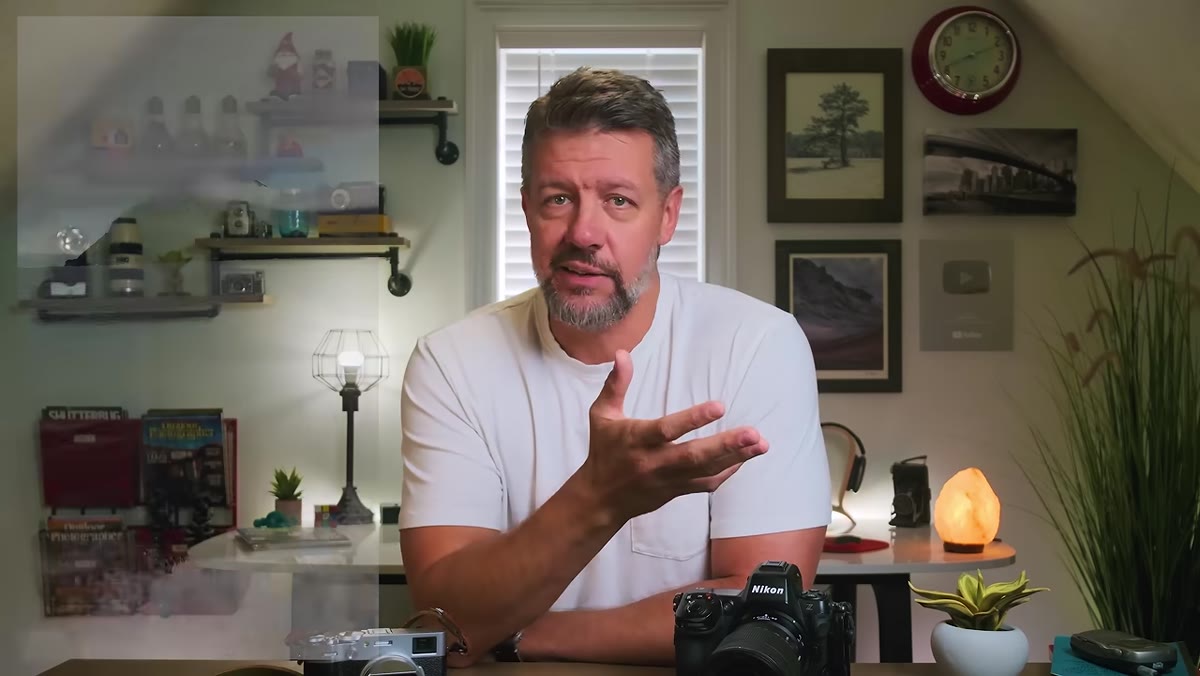 Nikon Z8 described as the main landscape camera for the trip
Denney brought his Nikon Z8 as the main camera and was clear-eyed about that from the start. When the light was right and he had a specific shot in mind, the full system with interchangeable lenses and a larger sensor was what he wanted. The compact camera wasn’t competing for that role.
Nikon Z8 described as the main landscape camera for the trip
Denney brought his Nikon Z8 as the main camera and was clear-eyed about that from the start. When the light was right and he had a specific shot in mind, the full system with interchangeable lenses and a larger sensor was what he wanted. The compact camera wasn’t competing for that role.
This is a critical workflow principle that gets ignored constantly. Introducing a new tool doesn’t mean every existing tool needs to justify itself again. I keep my core Photoshop action sets stable and introduce new additions to run alongside them, not instead of them. Parallel, not replacement. That framing removes most of the anxiety around trying something new.
Step 4: Watch for the Moments Your Main System Gets Left Behind
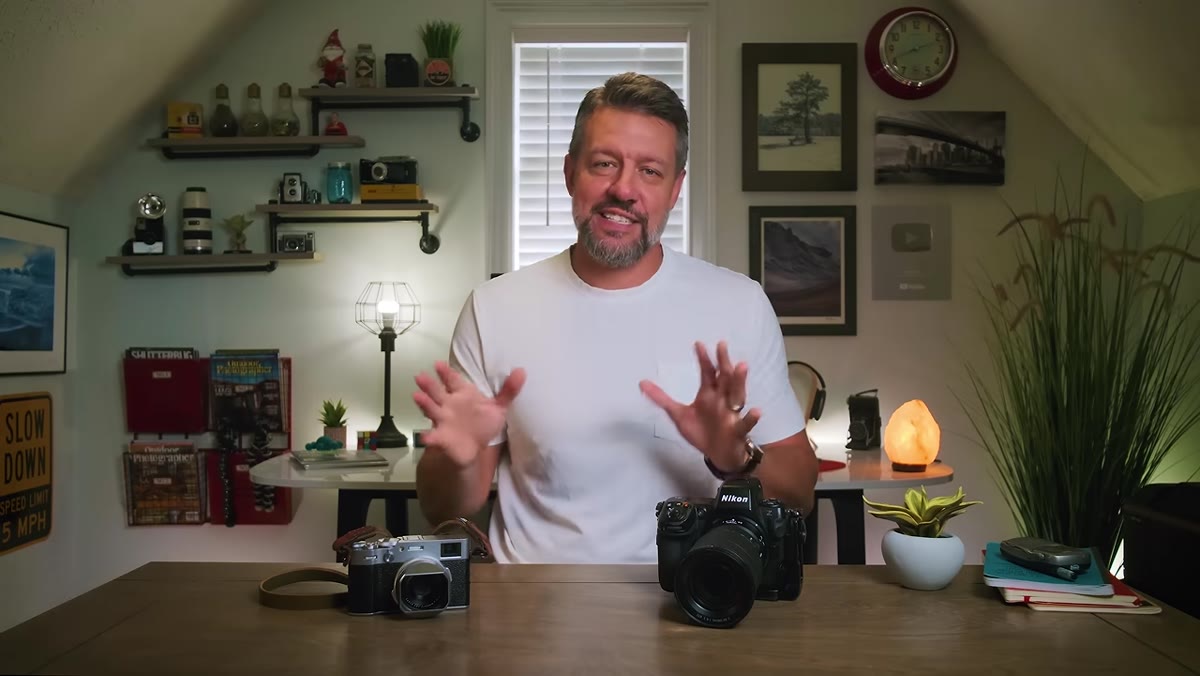 Highland cows moment described as X100VI’s first real opportunity
The compact camera’s value started becoming clear in a specific, unglamorous situation: the group went to photograph Highland cows. Photogenic animals, sure, but not the kind of subject that made Denney want to haul out the full landscape rig. The Nikon was going to stay in the bag regardless. The X100VI was already in his pocket.
Highland cows moment described as X100VI’s first real opportunity
The compact camera’s value started becoming clear in a specific, unglamorous situation: the group went to photograph Highland cows. Photogenic animals, sure, but not the kind of subject that made Denney want to haul out the full landscape rig. The Nikon was going to stay in the bag regardless. The X100VI was already in his pocket.
That’s the gap worth paying attention to. In post-production terms, I think of this as the “too much setup” problem. Sometimes an edit needs three specific adjustments, but the action I’d normally use does twelve steps. So I skip it and do it manually instead, which takes longer and produces inconsistent results. A lighter tool that actually gets used beats a powerful one sitting on the shelf. The X100VI showed up precisely because the barrier to pulling it out was low.
Step 5: Measure Experience, Not Just Output
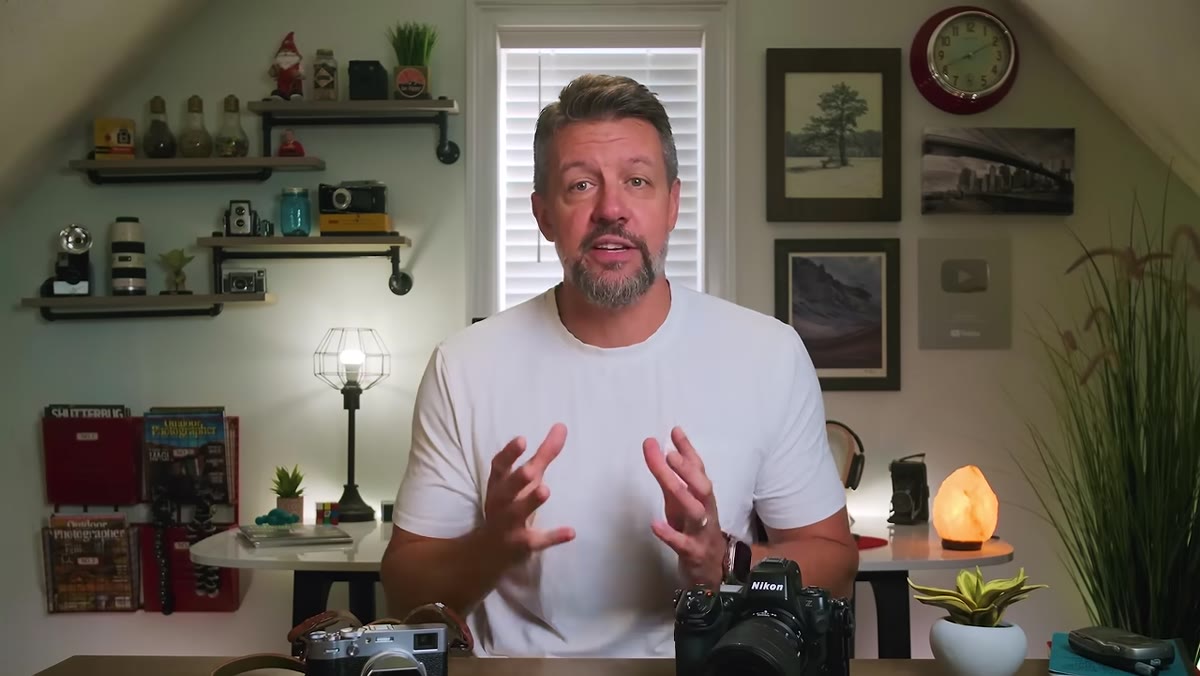 Denney reflecting on what he missed about the X100V after returning it
When Denney looked back on returning the X100V four years earlier, he realized he hadn’t missed the sensor or the file quality. He missed the experience of using it. Something about that form factor changed how he moved through a shooting day. He couldn’t fully articulate it at the time, which is part of why the regret took so long to resolve.
Denney reflecting on what he missed about the X100V after returning it
When Denney looked back on returning the X100V four years earlier, he realized he hadn’t missed the sensor or the file quality. He missed the experience of using it. Something about that form factor changed how he moved through a shooting day. He couldn’t fully articulate it at the time, which is part of why the regret took so long to resolve.
Output quality is measurable. Experience is harder to quantify, which means it tends to get discounted in professional decision-making. But if a tool makes the work feel lighter, that matters. I track hours saved by my action sets obsessively, but I’ve started paying more attention to the jobs where I’m actually looking forward to sitting down to edit versus the ones I’m grinding through. The process shapes the product.
Step 6: Answer the Question You Actually Asked
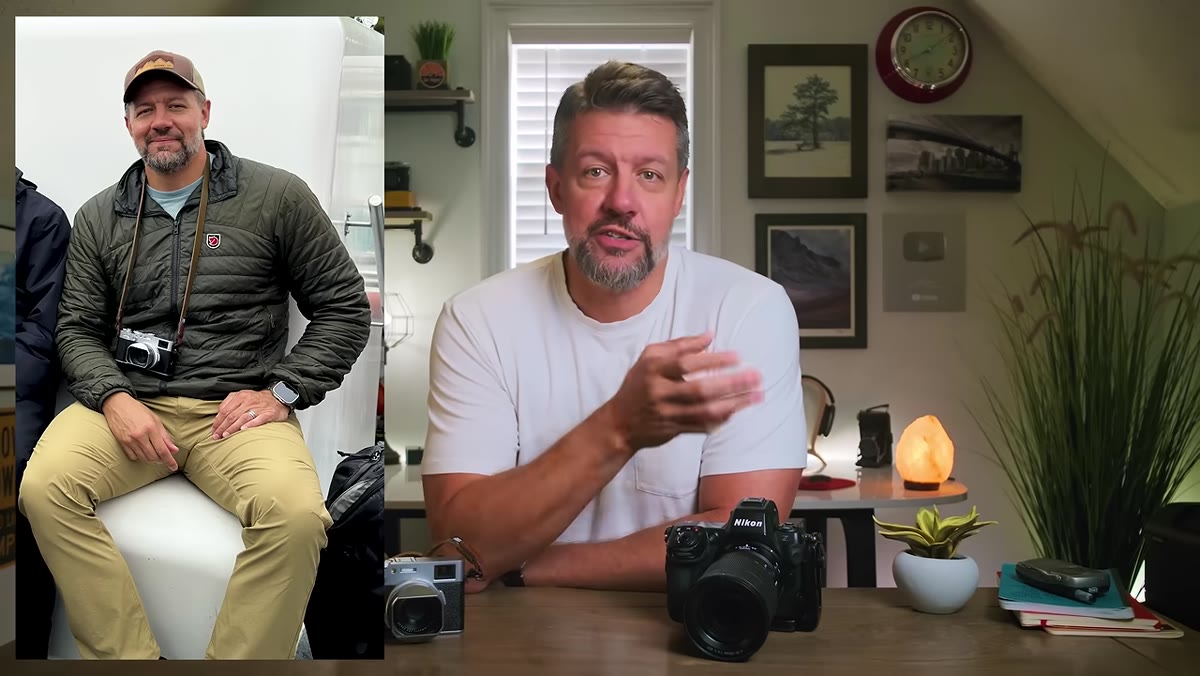 Denney framing the single question the trip was meant to answer
The entire trip had one explicit goal: decide whether to buy the X100VI or send it back again. Denney didn’t let scope creep turn it into a broader review of Fuji’s lineup or a comparison of sensor formats. One question, answered in the field.
Denney framing the single question the trip was meant to answer
The entire trip had one explicit goal: decide whether to buy the X100VI or send it back again. Denney didn’t let scope creep turn it into a broader review of Fuji’s lineup or a comparison of sensor formats. One question, answered in the field.
Scope discipline is something I enforce hard when building client workflows. A batch action for color correction should do exactly that and nothing else. The moment it starts doing selective masking and export renaming too, it becomes fragile and hard to troubleshoot. Denney’s approach here is the same logic: define the question tightly, then actually answer it.
What I’d Add From My Own Experience
The video doesn’t go deep into post-processing, but the Faroe Islands footage Denney mentions made me think about something I’ve run into with clients who shoot with compact cameras as secondaries. The files from a fixed-lens camera with a different sensor profile need their own starting preset, not a modified version of the main camera’s baseline. Trying to adapt one profile to cover both creates inconsistency that shows up in the shadows and the skintones. Build a dedicated starting point for each camera body, even if the edit style is identical. It’s ten minutes of setup that saves an hour of matching.
The single most important takeaway from this video is one I’d frame as a workflow principle: a tool’s value is determined by whether it actually gets used, not by its theoretical capability. Denney’s compact camera earned its place not by outperforming his Nikon but by showing up in moments the Nikon never would have. That’s a question worth asking about every tool in your kit, digital or physical.
Watch the full tutorial on YouTube
Comments (2)
This should be required reading for anyone starting out.
Quality content like this is rare. Keep it up.
Leave a Comment