Lightroom's AI Edit Order Warning: What That Color-Coded Icon Actually Means for Your Workflow

Lightroom's AI Edit Order Warning: What That Color-Coded Icon Actually Means for Your Workflow

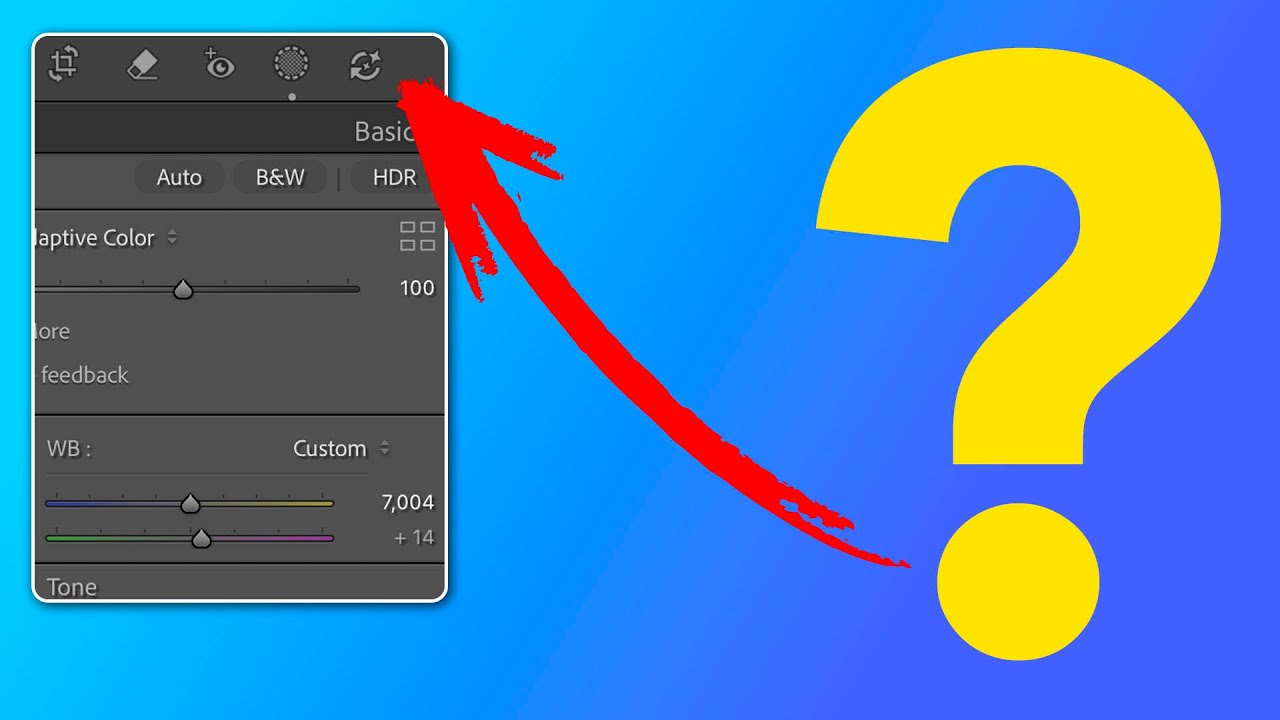
Order matters. I learned that the hard way running a commercial studio where consistency across hundreds of images isn’t a preference, it’s a contract requirement. When Adobe quietly added a new AI edit status icon to the Lightroom Classic toolbar, my first reaction was the same one I have whenever Adobe ships something new: is this going to break my existing workflow, or make it better? In this Matt Kloskowski tutorial, Watch the full tutorial on YouTube, Matt does something I appreciate in a good instructor: he doesn’t just explain the feature, he tells you when to ignore the rules it suggests.

Lightroom Profiles Are the Non-Destructive Edit Layer I Didn't Know I Needed

Lightroom Profiles Are the Non-Destructive Edit Layer I Didn't Know I Needed

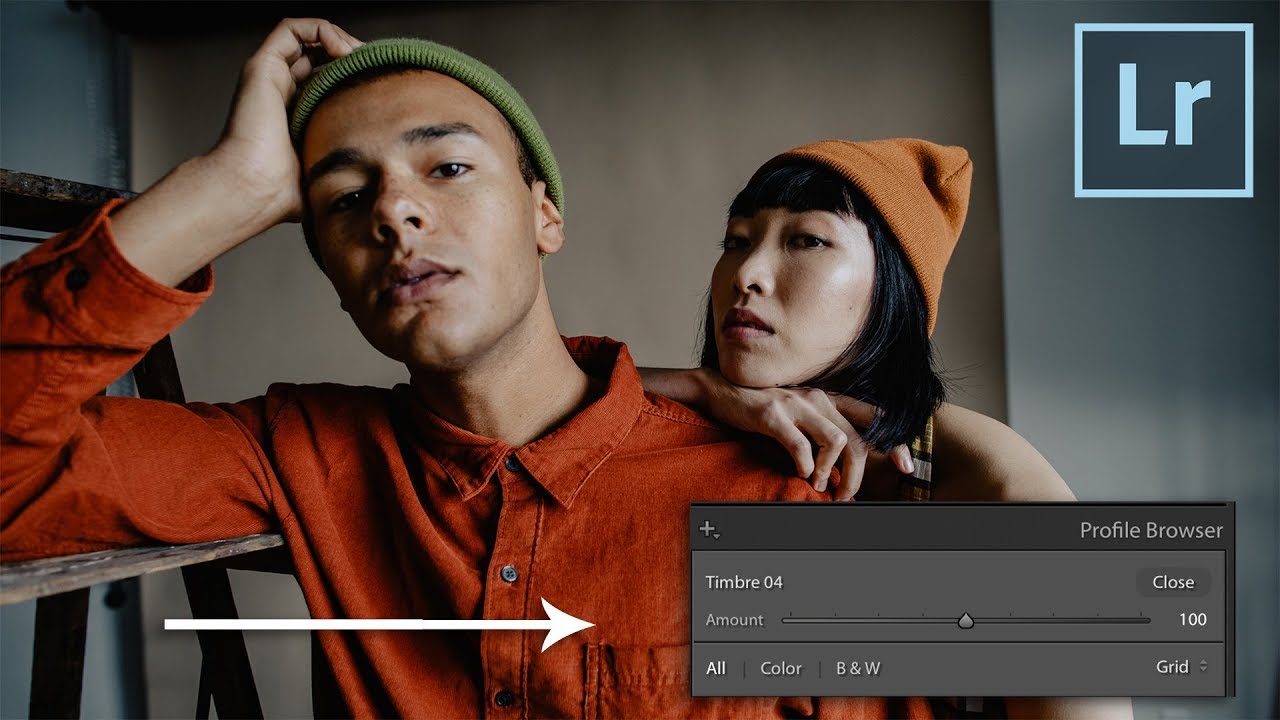
I’ve spent fifteen years building systems that save time in post-production. My entire consultancy runs on the idea that repetitive manual steps are the enemy of good work. So when a feature ships inside a tool I use every single day and I completely miss it, that stings a little. That’s what happened with Lightroom Profiles. I’d been clicking past them for weeks before I actually stopped and paid attention.

How to Get Your Lightroom Classic Presets onto Your Phone in Three Steps

How to Get Your Lightroom Classic Presets onto Your Phone in Three Steps

I spend a lot of time building systems so I don’t have to think twice on a deadline. Presets are a big part of that. Over the years I’ve developed a library of custom Lightroom adjustments tuned specifically for the kind of work I do – product photography, e-commerce, the occasional ad campaign. They live in Lightroom Classic, which is where I do all my serious editing. But more and more, clients want quick turnaround on selects reviewed from a phone, or they want me to make a light pass on tethered shots while I’m still on location.

Remove People From Photos Automatically: Lightroom's June 2025 AI Update Is the Real Deal

Remove People From Photos Automatically: Lightroom's June 2025 AI Update Is the Real Deal

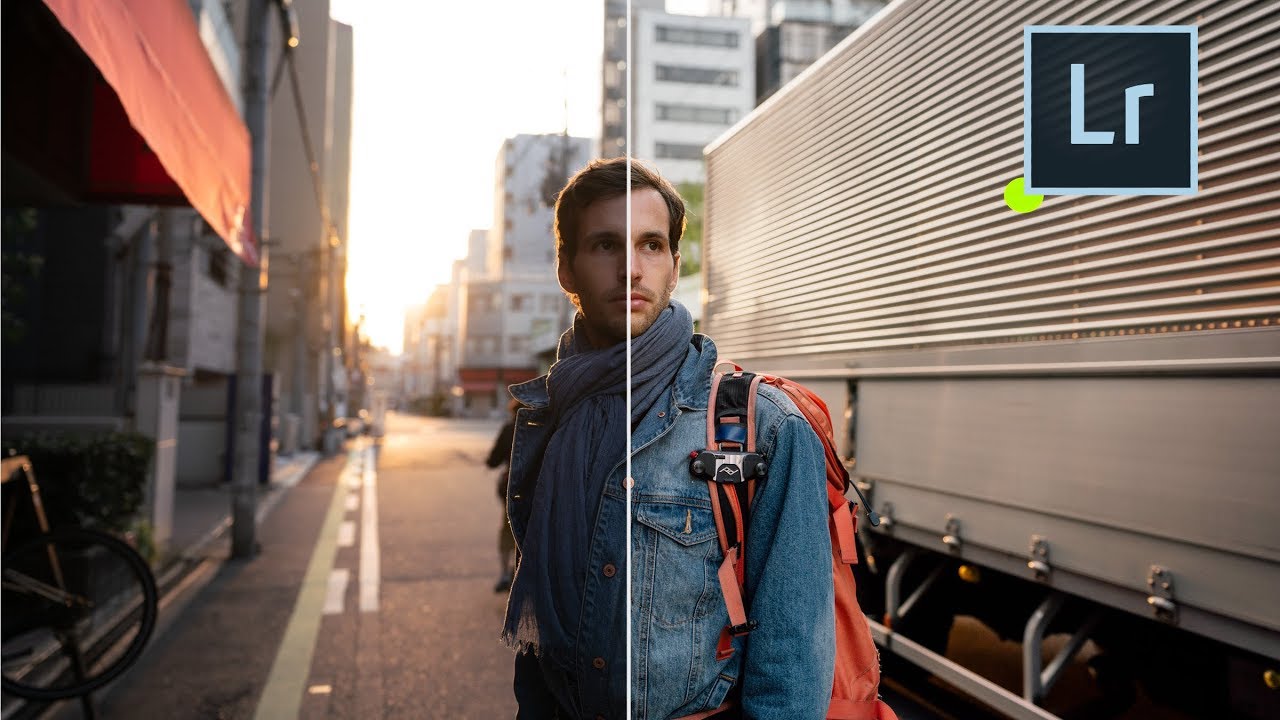
Every commercial shoot I run ends with the same conversation with a client: “Can you get rid of that person in the background?” Sometimes it’s a tourist, sometimes it’s a crew member who wandered into frame, sometimes it’s just a stranger whose presence undermines the whole composition. My answer used to involve a lot of time in Photoshop, careful masking, and Content-Aware Fill working harder than it wanted to. That workflow is not dead, but it just got a serious competitor.

LUTs in Lightroom Are More Powerful Than You Think (Especially With a Profile Intensity Slider)

LUTs in Lightroom Are More Powerful Than You Think (Especially With a Profile Intensity Slider)

If you do any volume of editing, you have probably felt the friction of applying a LUT-based look to still photos. LUTs live comfortably in Premiere and DaVinci, but getting them to behave inside Lightroom has historically required workarounds that feel more like duct tape than a real system. That problem gets worse when you work with clients who want their product photography and video content to feel like they came from the same shoot.