Photoshop 2026's Game-Changing Adjustment Layers: A Complete Breakdown

Photoshop 2026's Game-Changing Adjustment Layers: A Complete Breakdown

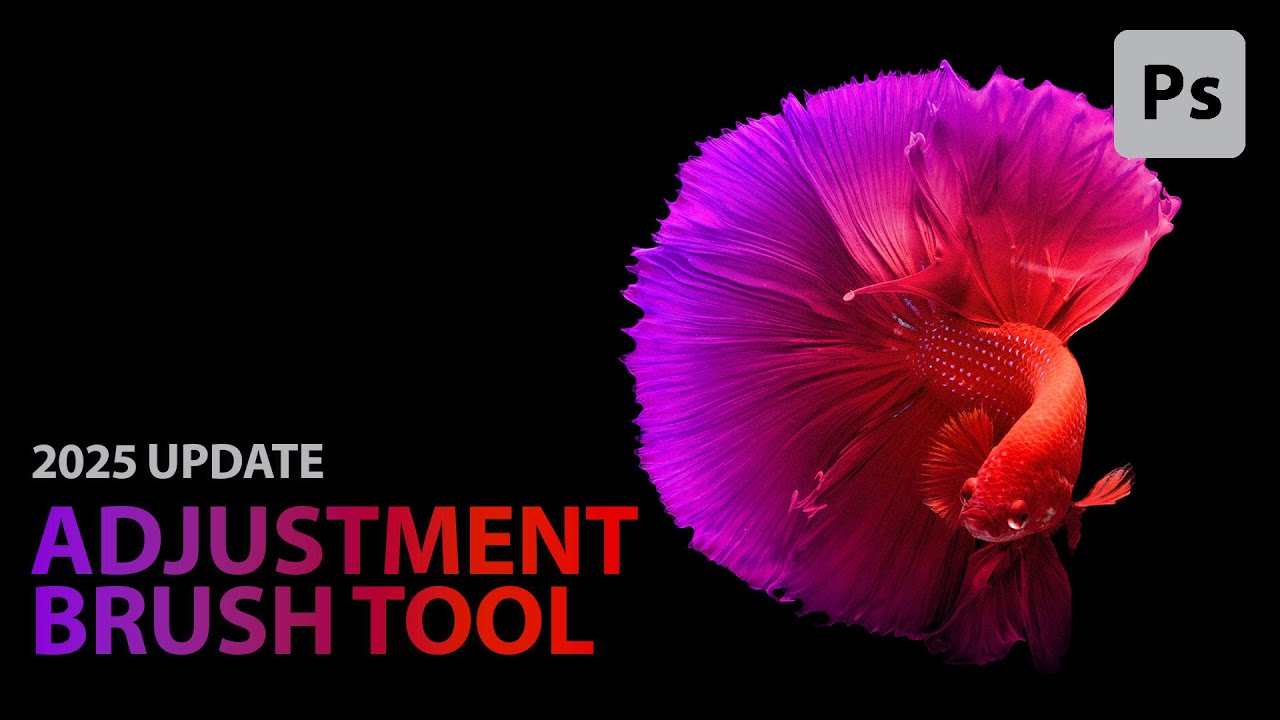
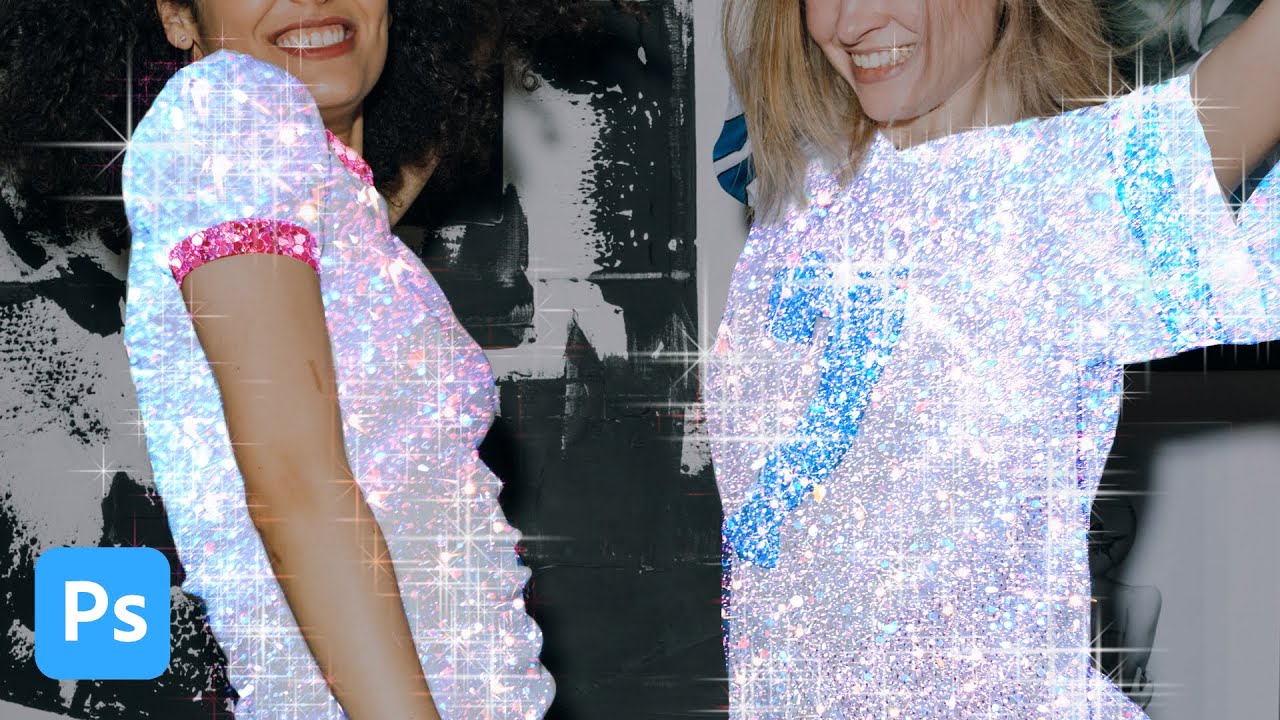
When Photoshop 2026 dropped, I immediately noticed something that made me genuinely excited: three adjustment layers that had been living in Lightroom finally made their way into Photoshop as native adjustment layers. This isn’t just a convenience update—it’s a legitimate workflow game-changer for anyone who edits photos seriously. In this excellent tutorial, Aaron Nace (PHLEARN) breaks down exactly how to use Photoshop’s newest adjustment layers: Color & Vibrance, Clarity & Dehaze, and Grain.

Building Custom Presets in Photoshop: Why One-Size-Fits-All Isn't Enough

Building Custom Presets in Photoshop: Why One-Size-Fits-All Isn't Enough

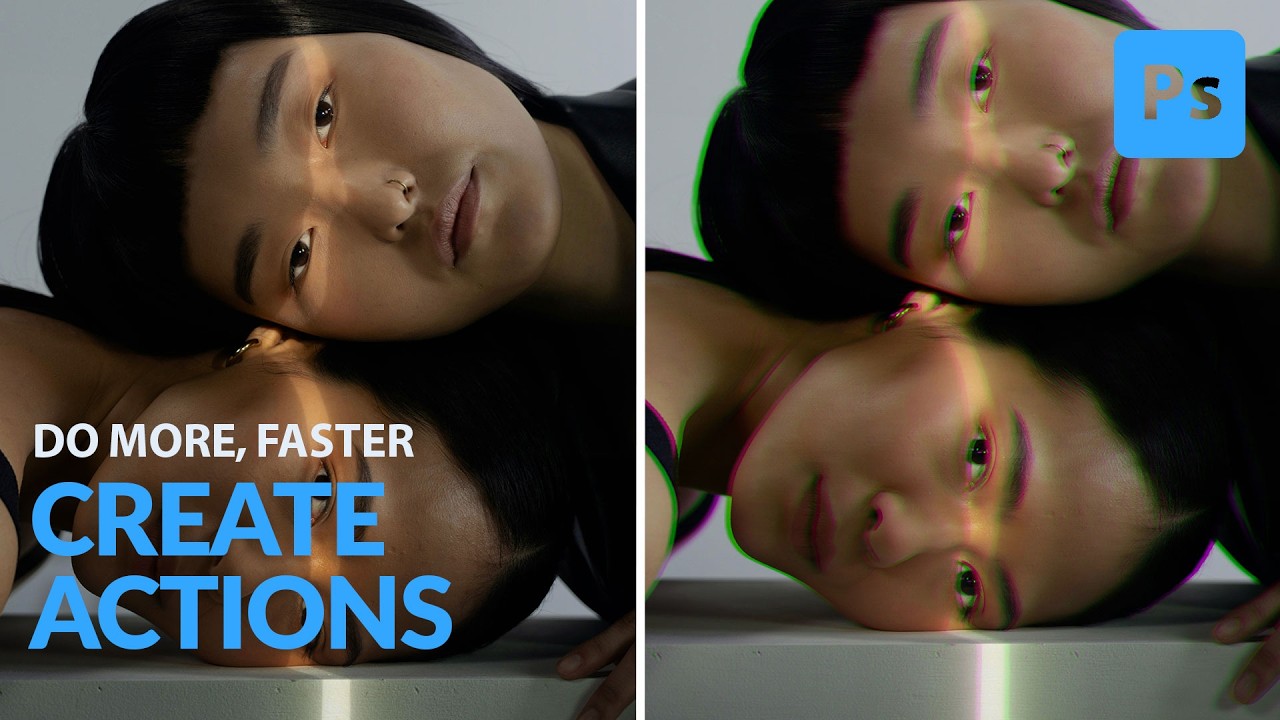
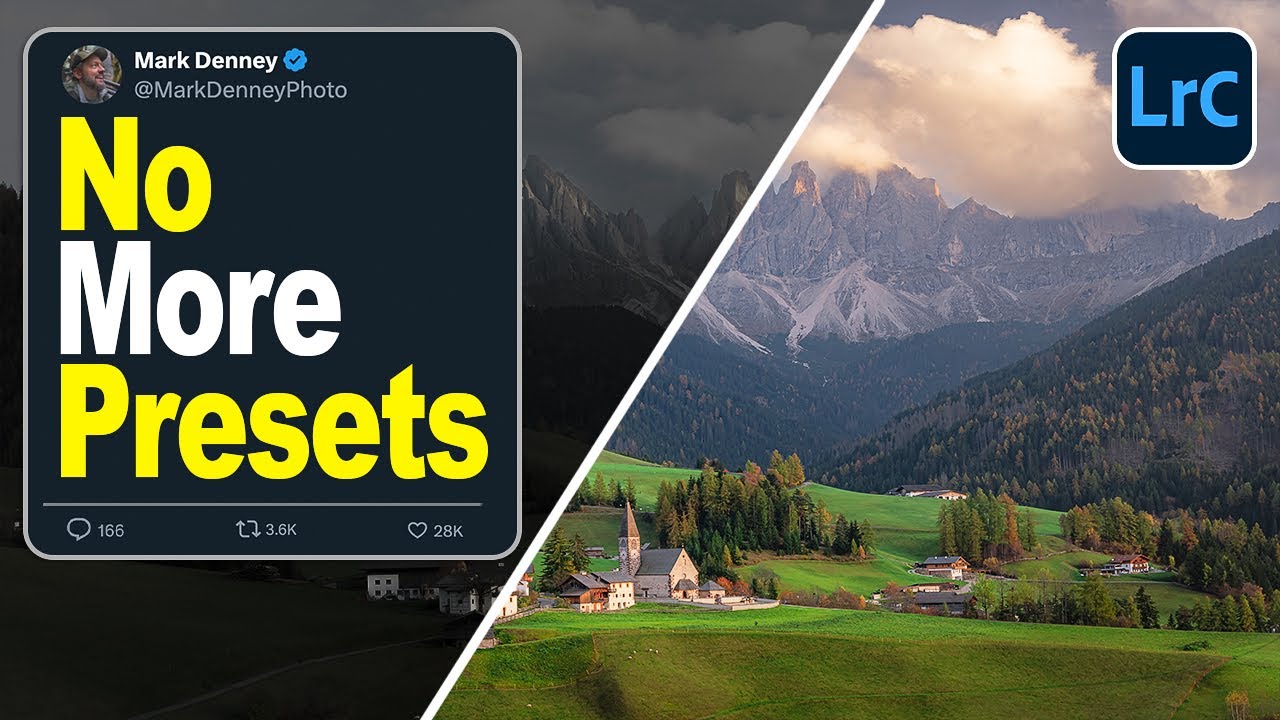
Building Custom Presets in Photoshop: Why One-Size-Fits-All Isn’t Enough I spent two years using other people’s presets before I realized I was wasting time. Sure, they looked nice in the demo videos, but they never quite fit my editing style or the specific cameras I was working with. The turning point came when I started building my own custom presets, and honestly, it’s transformed how fast I can work. Here’s what I’ve learned: custom presets aren’t just for the advanced users.

Best Free Photoshop Plugins 2026: Proven Tools to Supercharge Your Workflow

Best Free Photoshop Plugins 2026: Proven Tools to Supercharge Your Workflow

Best Free Photoshop Plugins 2026: Proven Tools to Supercharge Your Workflow I’ve been testing Photoshop plugins professionally for over a decade, and I can tell you with absolute certainty: the gap between paid and free plugins has narrowed significantly. Some of the best free Photoshop plugins 2026 offers rival premium solutions that cost hundreds of dollars. But here’s the catch—not all free plugins are created equal. Many are abandoned projects or poorly maintained tools that’ll slow your system to a crawl.