Lightroom's AI Masks Just Made Presets Actually Worth Using

Lightroom's AI Masks Just Made Presets Actually Worth Using

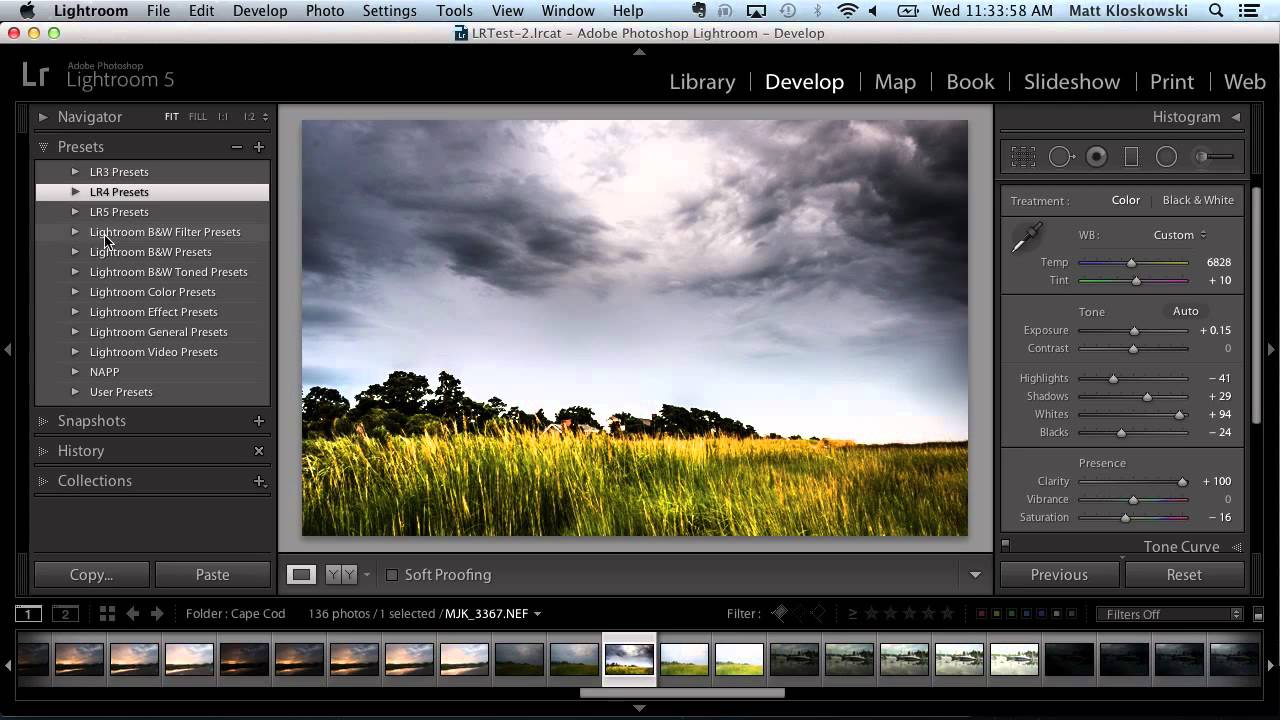
I’ve been skeptical of presets for most of my career. Not because they don’t work, but because they work until they don’t. You build a beautiful sky treatment, save it as a preset, apply it to the next landscape, and then spend five minutes dragging gradients around to make it fit a completely different horizon line. At that point you’ve burned half the time you were trying to save. For high-volume work, that friction adds up fast.

Presets Aren't Shortcuts — They're a Thinking Tool (Here's How to Use Them That Way)

Presets Aren't Shortcuts — They're a Thinking Tool (Here's How to Use Them That Way)

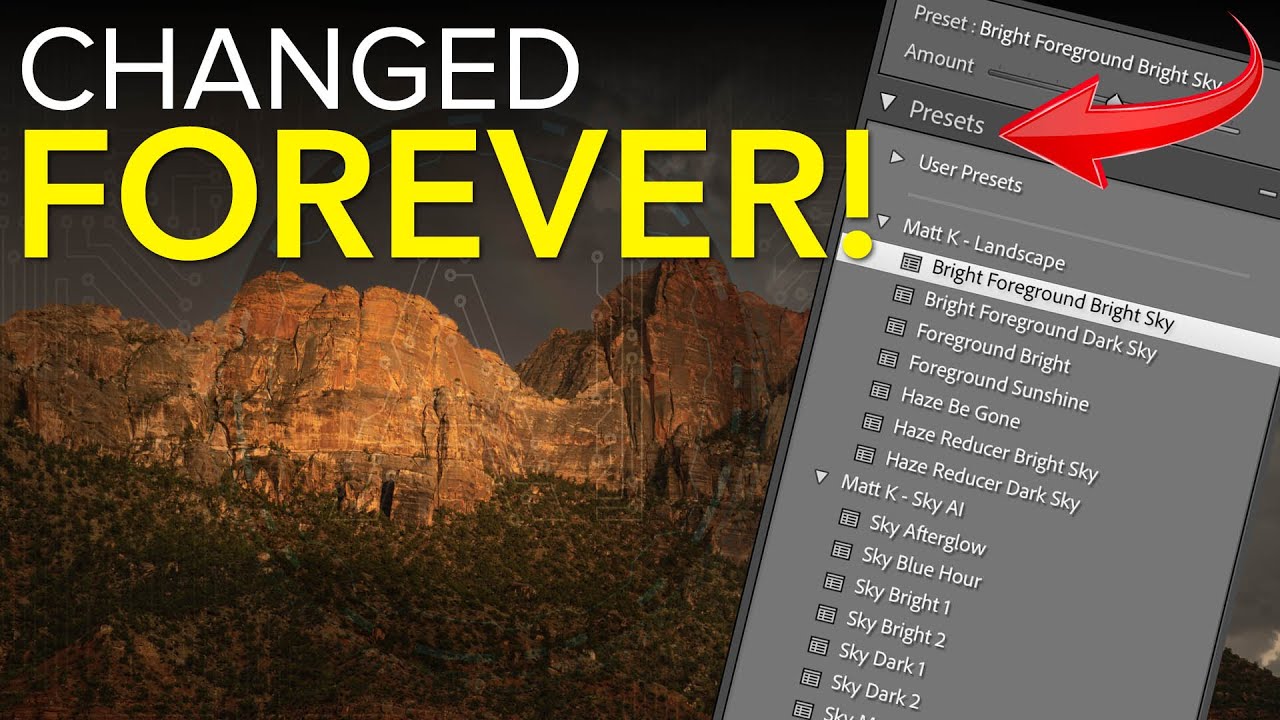
I’ll be honest with you. Early in my commercial work, I treated presets the way a lot of people do: click, hope, move on. I bought packs, applied them wholesale to client images, and wondered why the results felt borrowed rather than intentional. It took a few years of production pressure, and eventually watching people who actually knew what they were doing, to understand that presets are a diagnostic tool first and a finishing tool second.

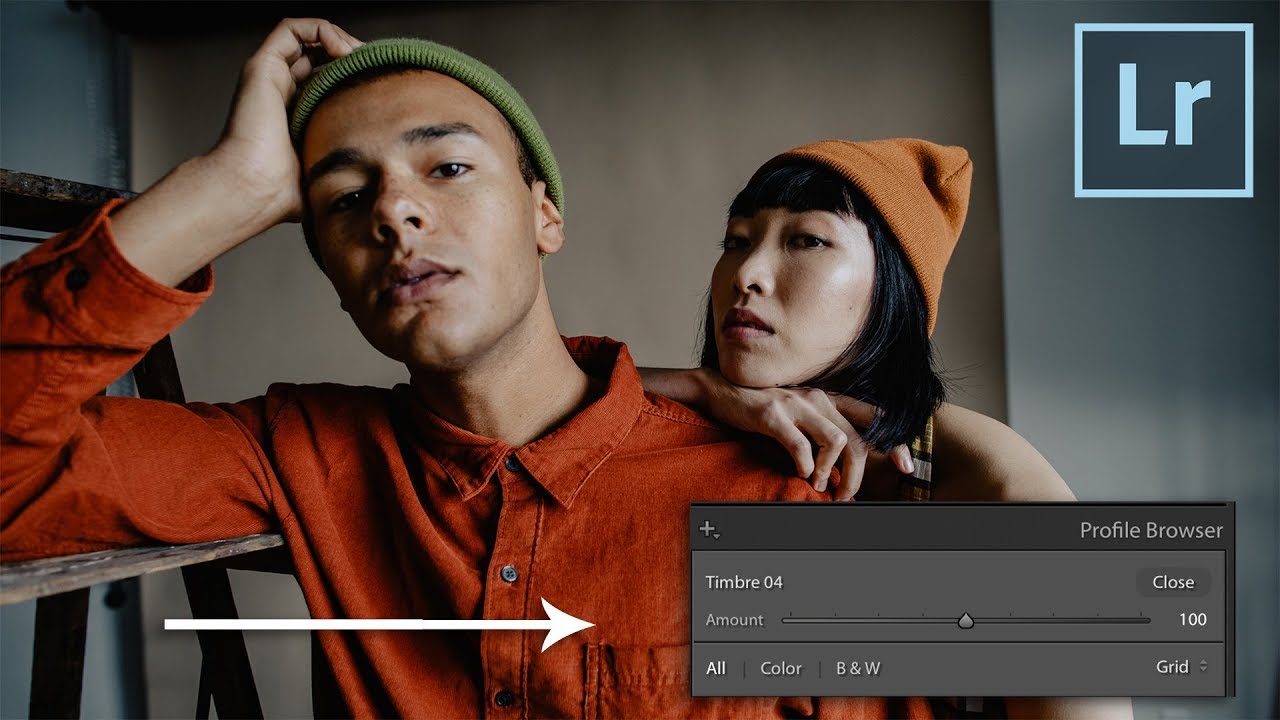
Lightroom Profiles Are the Non-Destructive Edit Layer I Didn't Know I Needed

Lightroom Profiles Are the Non-Destructive Edit Layer I Didn't Know I Needed

I’ve spent fifteen years building systems that save time in post-production. My entire consultancy runs on the idea that repetitive manual steps are the enemy of good work. So when a feature ships inside a tool I use every single day and I completely miss it, that stings a little. That’s what happened with Lightroom Profiles. I’d been clicking past them for weeks before I actually stopped and paid attention.

How to Get Your Lightroom Classic Presets onto Your Phone in Three Steps

How to Get Your Lightroom Classic Presets onto Your Phone in Three Steps

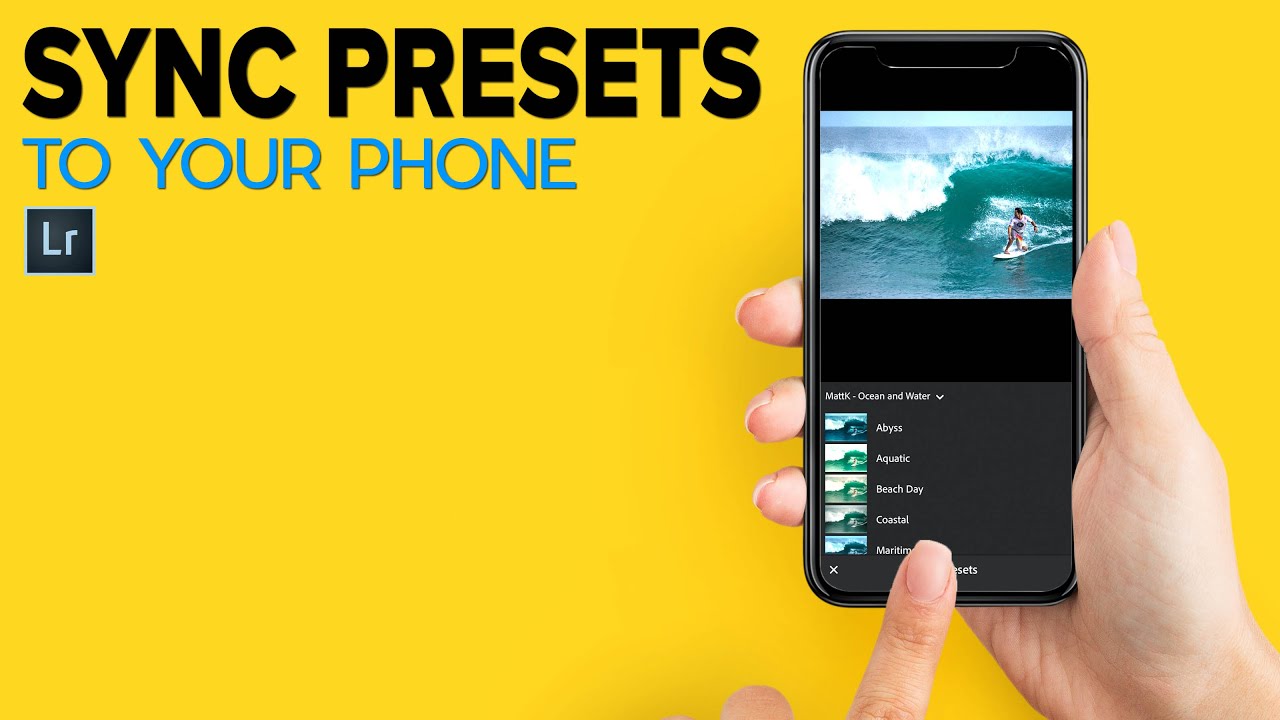
I spend a lot of time building systems so I don’t have to think twice on a deadline. Presets are a big part of that. Over the years I’ve developed a library of custom Lightroom adjustments tuned specifically for the kind of work I do – product photography, e-commerce, the occasional ad campaign. They live in Lightroom Classic, which is where I do all my serious editing. But more and more, clients want quick turnaround on selects reviewed from a phone, or they want me to make a light pass on tethered shots while I’m still on location.

LUTs in Lightroom Are More Powerful Than You Think (Especially With a Profile Intensity Slider)

LUTs in Lightroom Are More Powerful Than You Think (Especially With a Profile Intensity Slider)

If you do any volume of editing, you have probably felt the friction of applying a LUT-based look to still photos. LUTs live comfortably in Premiere and DaVinci, but getting them to behave inside Lightroom has historically required workarounds that feel more like duct tape than a real system. That problem gets worse when you work with clients who want their product photography and video content to feel like they came from the same shoot.

Why Workflow Automation Matters: Learning from Kalshi's Enforcement Actions

Why Workflow Automation Matters: Learning from Kalshi's Enforcement Actions

The Power of Preset Rules in Preventing Problems I’ve been thinking a lot lately about how we build safeguards into our creative workflows, and a recent story about prediction market Kalshi really crystallized something important for me. The platform recently suspended three political candidates—Mark Moran from Virginia, Matt Klein from Minnesota, and Ezekiel Enriquez from Texas—for suspected insider trading activity. Here’s what caught my attention: Kalshi caught these violations because they’d implemented automated rules just last month specifically designed to flag suspicious behavior.

Building Custom Presets That Actually Stick: My Framework for Reusable Photoshop Workflows

Building Custom Presets That Actually Stick: My Framework for Reusable Photoshop Workflows

Building Custom Presets That Actually Stick: My Framework for Reusable Photoshop Workflows I’ve been using Photoshop for over a decade, and I can tell you with confidence: most people build presets wrong. They create them once, use them twice, and then forget they exist. The difference between a preset that gathers dust and one that genuinely transforms your workflow comes down to intentionality and testing. Why Your Current Presets Probably Aren’t Working Let me be honest.

Mastering Export Workflows: How to Package Your Photoshop Actions Like a Pro

Mastering Export Workflows: How to Package Your Photoshop Actions Like a Pro

Mastering Export Workflows: How to Package Your Photoshop Actions Like a Pro I’ve spent more hours than I’d like to admit troubleshooting broken action files and corrupted preset exports. But here’s what I’ve learned: most export problems aren’t mysteries—they’re just preventable mistakes. Let me walk you through the exact workflow I use to export actions and presets that reliably work across different machines. Understanding Photoshop’s Export Limitations Before you export anything, you need to know what Photoshop actually supports.

How AI-Powered Real Estate Tools Are Changing Photography Workflows

How AI-Powered Real Estate Tools Are Changing Photography Workflows

How AI-Powered Real Estate Tools Are Changing Photography Workflows I’ve been watching the real estate photography space closely, and something significant is happening. A new wave of AI-driven platforms is targeting one of the most time-intensive segments of professional photography—and it’s forcing me to reconsider how we think about presets, automation, and creative workflows. The Speed Problem Real Estate Photographers Face Let’s be honest: real estate photography is a volume game.

Noise Reduction Presets That Actually Preserve Detail

Noise Reduction Presets That Actually Preserve Detail

The default approach to noise reduction — crank the slider until the noise disappears — destroys detail along with the noise. Every noise reduction algorithm is fundamentally a trade-off between smoothness and sharpness. The goal is finding the sweet spot for each ISO range, then saving those settings as presets for consistent results. Why Generic Presets Fail Camera noise varies by sensor size, generation, and ISO setting. A noise reduction preset built for a Sony A7 IV at ISO 6400 will over-smooth a Fuji X-T5 at the same ISO, because the Fuji’s smaller sensor produces different noise characteristics.

Mastering Export Workflows: How to Share Your Photoshop Actions Without Losing Your Mind

Mastering Export Workflows: How to Share Your Photoshop Actions Without Losing Your Mind

Mastering Export Workflows: How to Share Your Photoshop Actions Without Losing Your Mind I’ve spent way too many hours troubleshooting corrupted action files and presets that refuse to load on someone else’s system. But I’ve finally cracked the code on reliable exports, and I’m genuinely excited to walk you through it. Why Standard Exports Fail (And How to Fix It) Here’s the thing: exporting actions from Photoshop’s default “Save Actions” dialog looks simple, but it’s deceptively fragile.

Mastering Export Workflows: How to Save Your Photoshop Actions Properly

Mastering Export Workflows: How to Save Your Photoshop Actions Properly

I’ve watched too many creators struggle with broken action files. Someone exports an action, shares it, and suddenly it won’t load on another machine. The preset icons disappear. The color values get corrupted. These problems aren’t random—they come from exporting the wrong way. After years of building and distributing actions, I’ve learned exactly what works and what doesn’t. Let me walk you through it. Why Export Matters More Than You Think Here’s the thing: exporting an action isn’t just about sharing.