Master Non-Destructive Texture Layering in Photoshop: A Complete Breakdown

Master Non-Destructive Texture Layering in Photoshop: A Complete Breakdown

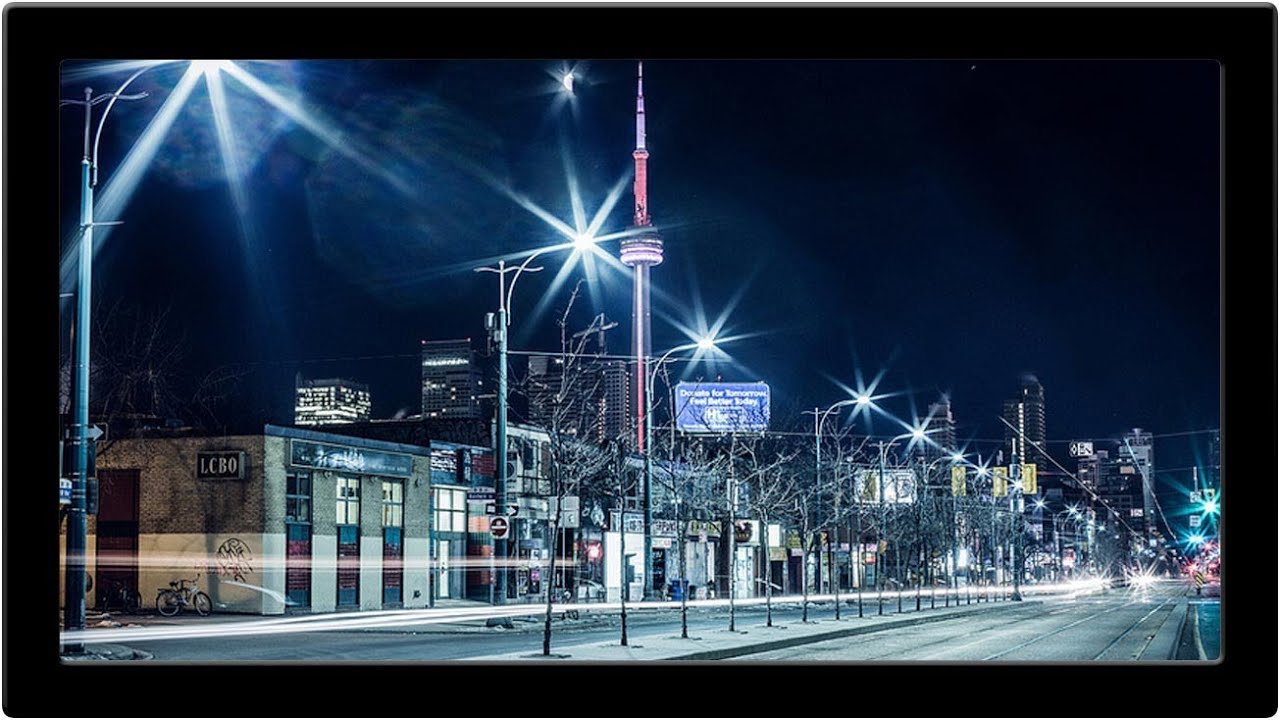
Why Textures Matter in Modern Photography I’ve spent years watching photographers struggle with the “digital look” problem. You know the one—images that feel too clean, too sterile, lacking that tactile quality that draws viewers in. In this excellent tutorial, Aaron Nace (PHLEARN) demonstrates a game-changing approach to texture application that transformed how I approach post-processing. The beauty of textures isn’t just aesthetic. They add visual interest, create depth, and give your work that professional, editorial quality that clients notice.

Restoring Blurry Vintage Photos with Photoshop's Generative Upscale (One-Click Method)

Restoring Blurry Vintage Photos with Photoshop's Generative Upscale (One-Click Method)

I’ve spent the last few years watching AI integration transform Photoshop from a static tool into something genuinely intelligent. And honestly? The new Generative Upscale feature might be one of the most practical implementations I’ve seen yet. In this excellent tutorial, Aaron Nace (PHLEARN) walks through exactly how to take a blurry vintage photo and restore it to crisp, magazine-quality clarity in literally one click. Let me break down what you’re about to learn and why it matters for anyone sitting on a collection of old family photos or soft-focus film scans.

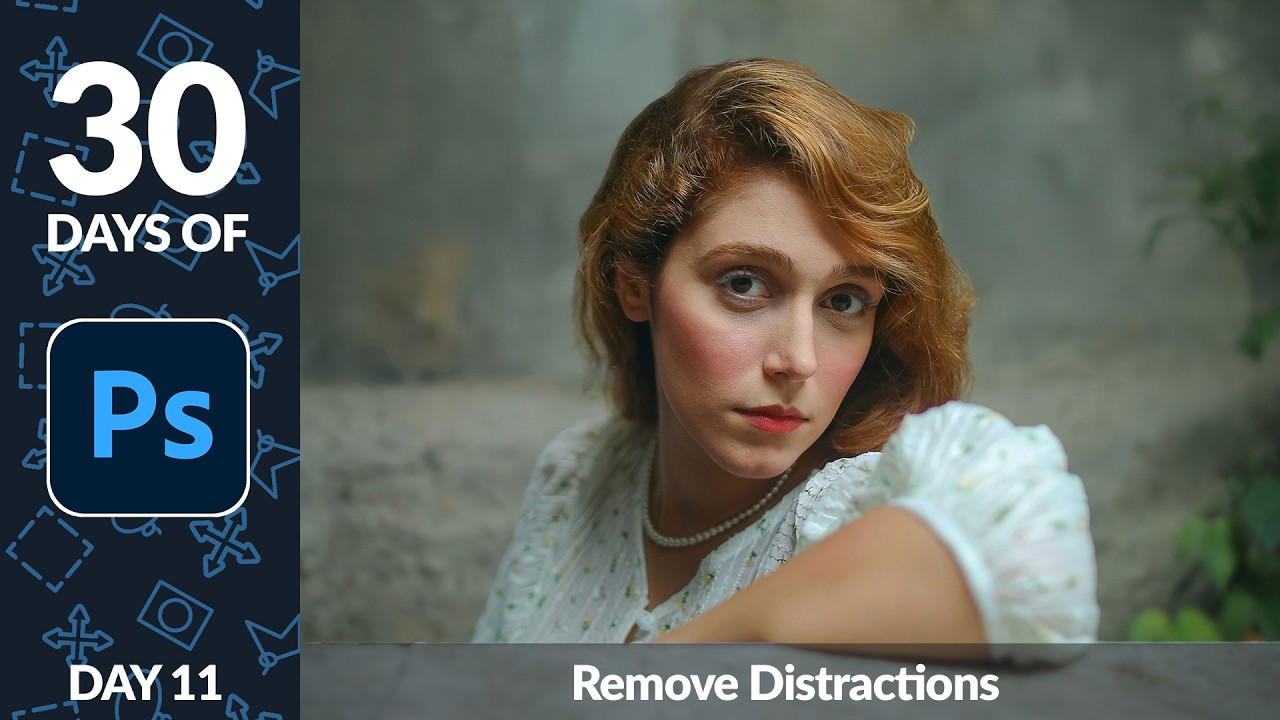
Remove Distractions in Photoshop in Minutes: Aaron Nace's Game-Changing Generative Fill Workflow

Remove Distractions in Photoshop in Minutes: Aaron Nace's Game-Changing Generative Fill Workflow

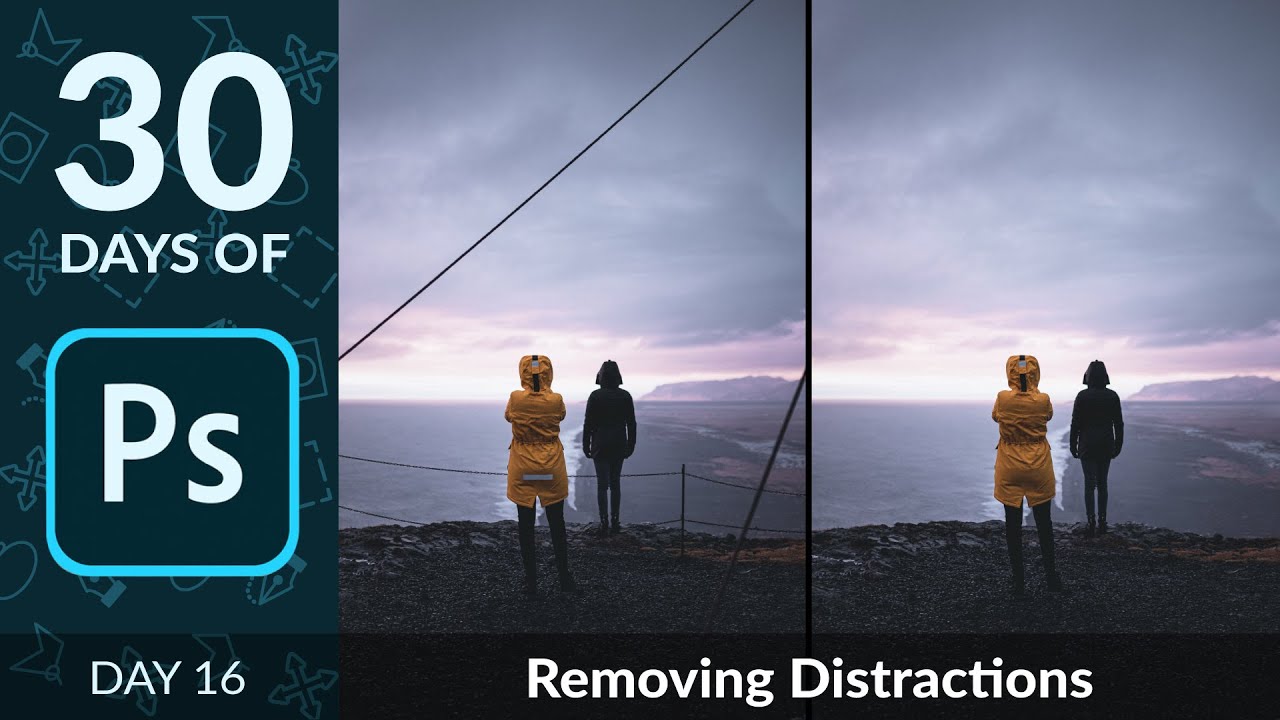
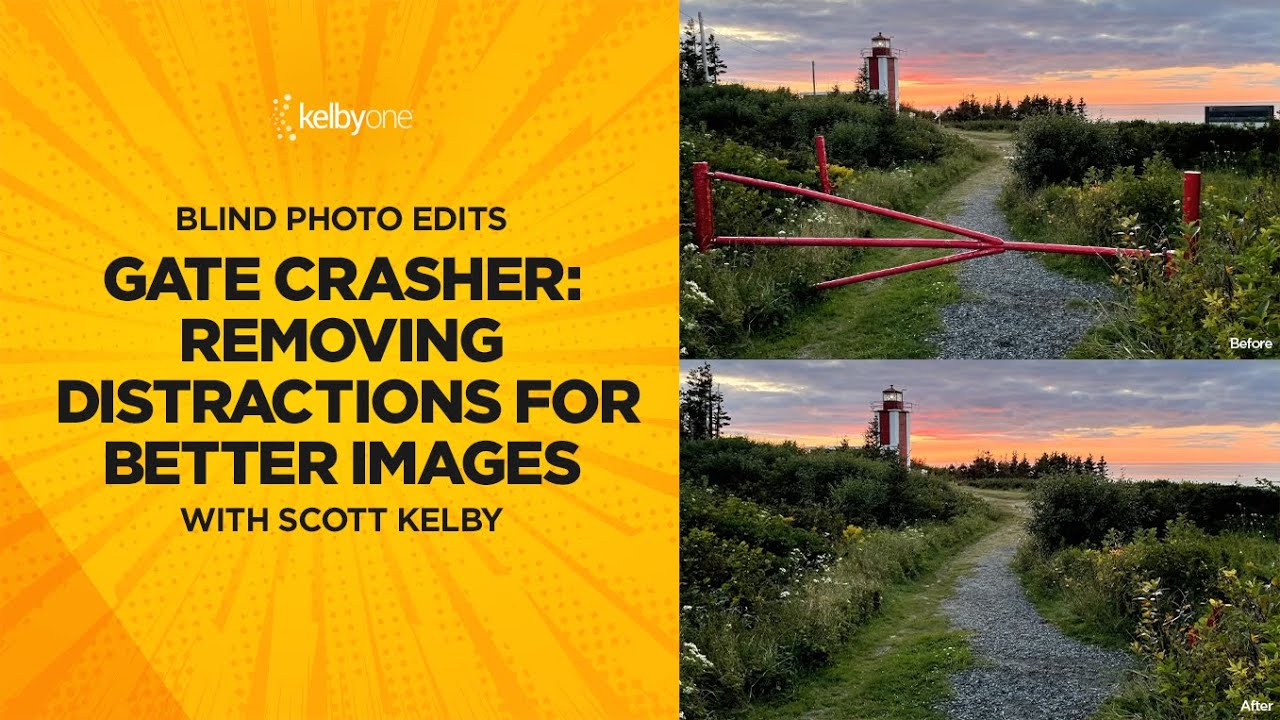
The Game-Changer for Photo Cleanup I’ve spent years testing different Photoshop retouching workflows, and I can tell you without hesitation: the method Aaron Nace demonstrates in this tutorial is genuinely one of the fastest ways to remove distractions from your images. What used to take 15-20 minutes of careful cloning and healing now takes just a couple of clicks. In this excellent tutorial, Aaron Nace (PHLEARN) reveals exactly how to leverage Photoshop’s Generative Fill with the Selection Brush tool to eliminate unwanted elements in seconds.

Master Non-Destructive Editing in Photoshop: A Professional Workflow Breakdown

Master Non-Destructive Editing in Photoshop: A Professional Workflow Breakdown

I’ll be honest: when I first started working in Photoshop, the fear of permanently destroying my work kept me from experimenting. One wrong flatten operation and hours of effort could vanish. That anxiety is exactly what In this excellent tutorial, Aaron Nace (PHLEARN) addresses head-on with “The Ultimate Guide to Non-Destructive Editing.” After diving deep into this course, I want to break down the key concepts and workflow strategies that transformed how I approach every Photoshop project.

Building Cinematic Worlds: A Matte Painting Workflow That Actually Works

Building Cinematic Worlds: A Matte Painting Workflow That Actually Works

I’ve been diving into matte painting techniques lately, and I’ve noticed something frustrating: most tutorials skip over the structural stuff. They show you the final result, but not the why behind the layering decisions and compositional choices that make a cinematic environment actually feel believable. That’s why I got genuinely excited learning about how professional concept artists like Killian Prevost approach this discipline from the ground up. It’s not just about beautiful renders—it’s about building a repeatable, organized workflow that scales whether you’re creating a game environment, film concept, or personal illustration.

Batch Automation in Photoshop: Process 100 Images While You Sleep

Batch Automation in Photoshop: Process 100 Images While You Sleep

Batch Automation in Photoshop: Process 100 Images While You Sleep I’ve spent countless hours watching Photoshop do the same thing over and over. Resize, color correct, add a watermark, export. Resize, color correct, add a watermark, export. About six months ago, I decided this was insane and dived deep into batch automation. What I discovered completely changed how I approach production work. If you’re still manually applying the same edits to dozens or hundreds of images, you’re wasting time you could spend on actual creative decisions.

Automating Your Photoshop Workflow: Scripts That Actually Save Time

Automating Your Photoshop Workflow: Scripts That Actually Save Time

Automating Your Photoshop Workflow: Scripts That Actually Save Time I’ve spent thousands of hours in Photoshop, and I can tell you this with certainty: if you’re doing the same task more than twice, you should automate it. I learned this the hard way after manually resizing 200 product photos one afternoon. That’s when I invested real time into understanding Photoshop’s scripting capabilities—and honestly, it’s been a game-changer for my workflow.