Lightroom Presets That Actually Respect Your Exposure: A Breakdown of Tony & Chelsea Northrup's Technical + Creative System

Lightroom Presets That Actually Respect Your Exposure: A Breakdown of Tony & Chelsea Northrup's Technical + Creative System

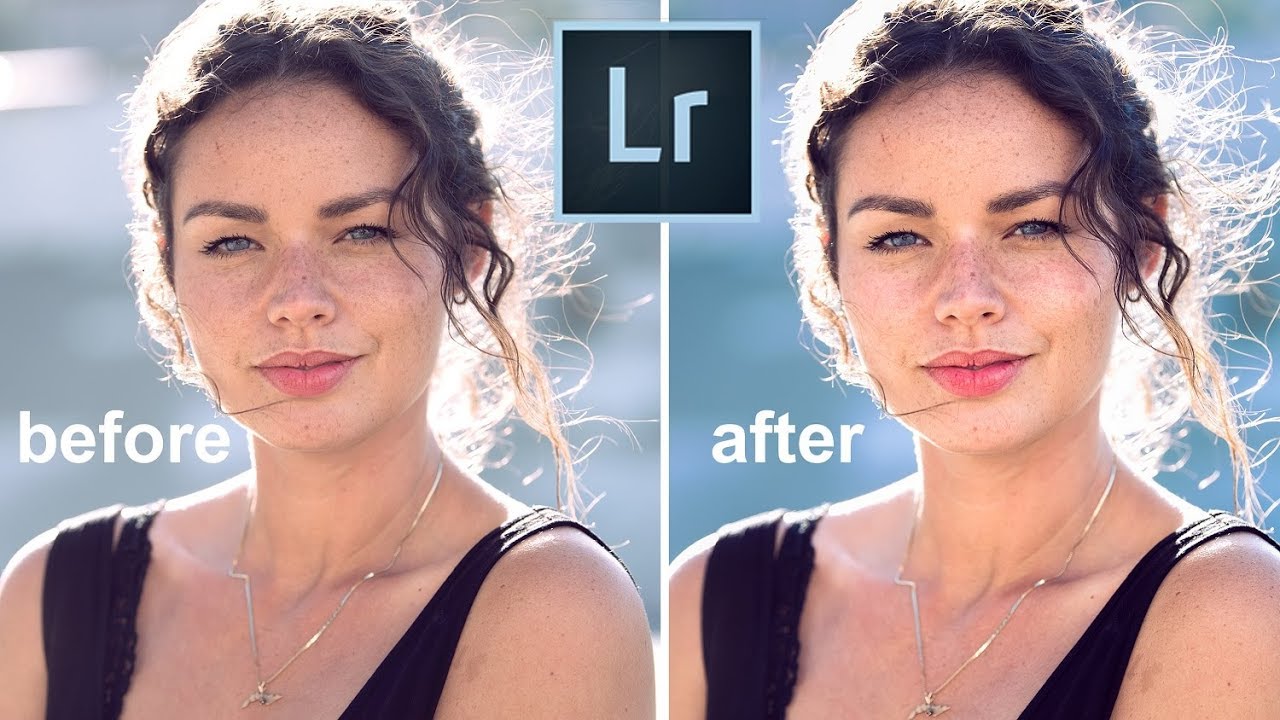
I have a spreadsheet that tracks every hour I’ve recovered through smarter post-production workflows. After fifteen years of processing images for ad agencies and e-commerce brands, I know exactly what bad preset design costs: blown exposures, wrecked color grades, and a growing sense of dread every time a client sends a folder of 800 RAW files. The specific problem I keep running into with off-the-shelf Lightroom presets is that they fight your exposure instead of working with it.

When the Wrong Camera Teaches You the Right Workflow Lesson

When the Wrong Camera Teaches You the Right Workflow Lesson

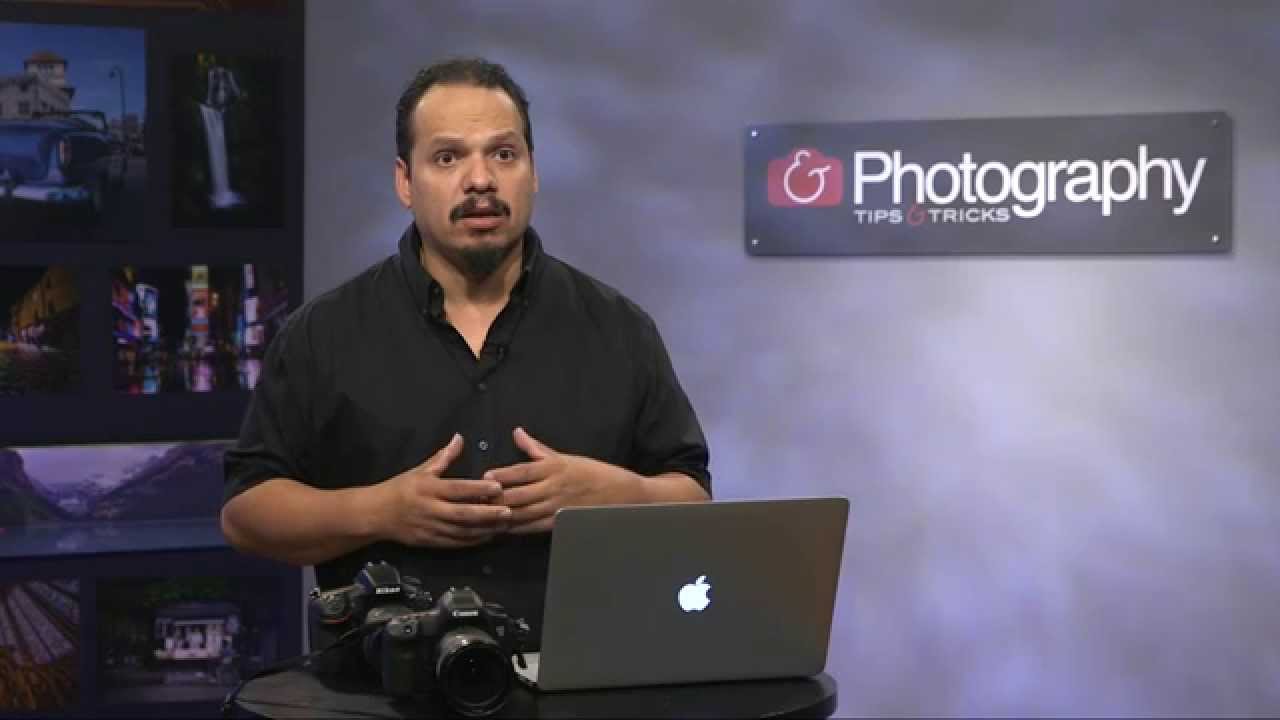
There’s a version of this post where I talk about megapixels and autofocus systems. This isn’t that post. In this Mark Denney tutorial, the gear is almost beside the point, and that’s exactly why I kept thinking about it long after I watched it. I spend most of my working hours in Photoshop, building batch systems and actions for clients who need 500 product shots processed consistently before Friday afternoon. Efficiency is the whole game.

How I Stopped Living in Fear of Hard Drive Failure (And Built a Workflow That Actually Scales)

How I Stopped Living in Fear of Hard Drive Failure (And Built a Workflow That Actually Scales)

I have backup drives for my backup drives. My colleagues find this funny until one of them loses a shoot. I’ve been color-coding storage drives and labeling them obsessively since my early days in commercial studios, and the habit has saved me more than once. So when I came across Watch the full tutorial on YouTube from Peter McKinnon, where he walks through exactly how a single rugged drive failure nearly took down his entire library, it hit close to home.

Music, Copyright, and the Lightroom Workflow Detail Most Photographers Overlook

Music, Copyright, and the Lightroom Workflow Detail Most Photographers Overlook

There’s a part of the post-production process most photographers treat as an afterthought: the slideshow. You’ve culled, edited, color-graded, exported, and then you drop in whatever song felt right, burn a video, and send it to the client. I did exactly that for the first few years of my career, and I was lucky nobody called me on it. When I finally sat down with Jared Platt’s Ultimate Lightroom Workflow workshop on CreativeLive, I expected to walk away with faster culling techniques and better export settings.

How Two Pros Edit 2,500 Travel Photos Without Losing Their Minds (Or Their Weekend)

How Two Pros Edit 2,500 Travel Photos Without Losing Their Minds (Or Their Weekend)

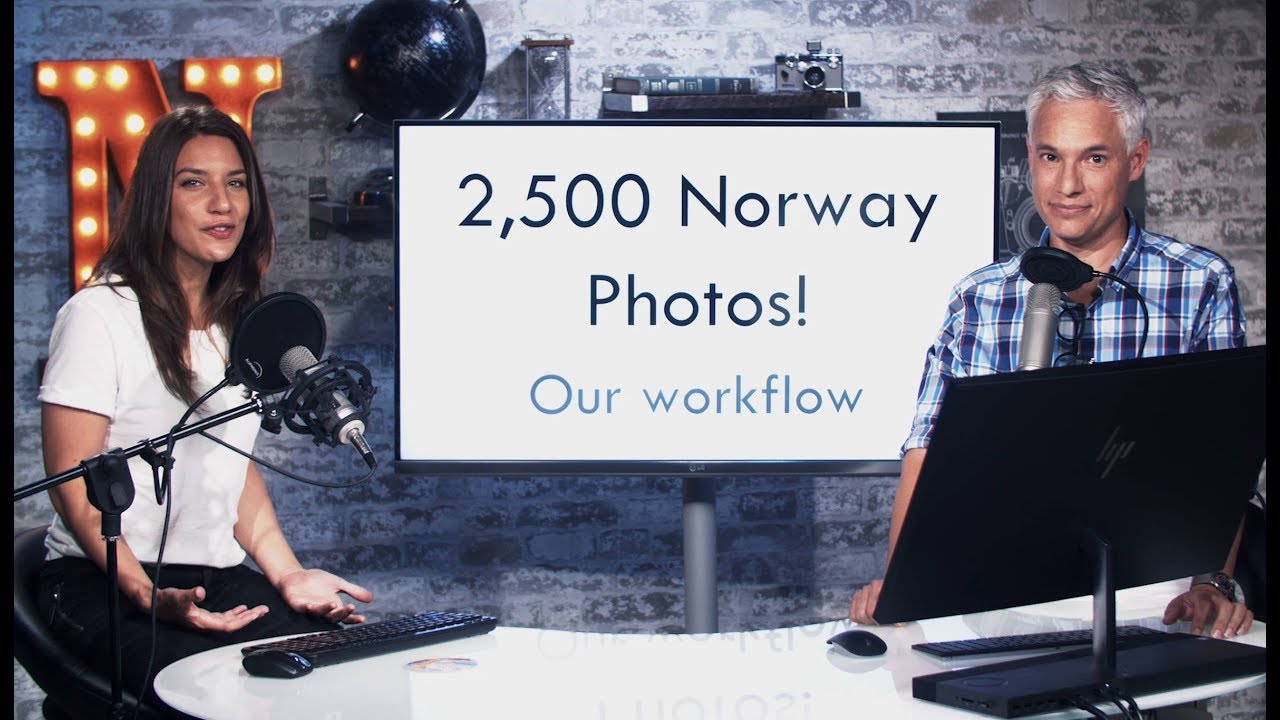
There’s a particular kind of dread that hits when you get home from a big shoot and the card reader is blinking at you. I’ve felt it after commercial jobs, after personal projects, and I’ve watched it paralyze photographers who simply don’t have a repeatable system. The question isn’t whether you have 300 photos or 2,500. The question is whether your workflow scales. After fifteen years running post-production for ad agencies and e-commerce clients, I can tell you the answer is almost always: your workflow doesn’t scale until you deliberately build one that does.

What Anne Geddes' 2016 Calendar Shoot Teaches Us About Directing and Capturing Unpredictable Subjects

What Anne Geddes' 2016 Calendar Shoot Teaches Us About Directing and Capturing Unpredictable Subjects

There’s a particular kind of pressure that comes with shooting a calendar. The deadline is fixed, the concept is locked, and every image has to carry weight on its own because each one gets thirty days of eyeball time on someone’s wall. I’ve assisted on enough commercial campaigns to know that the shoots that look the most effortless in the final product were usually the most exhausting to pull off. That’s exactly why I keep coming back to behind-the-scenes footage from photographers who’ve mastered that gap between chaos and control.

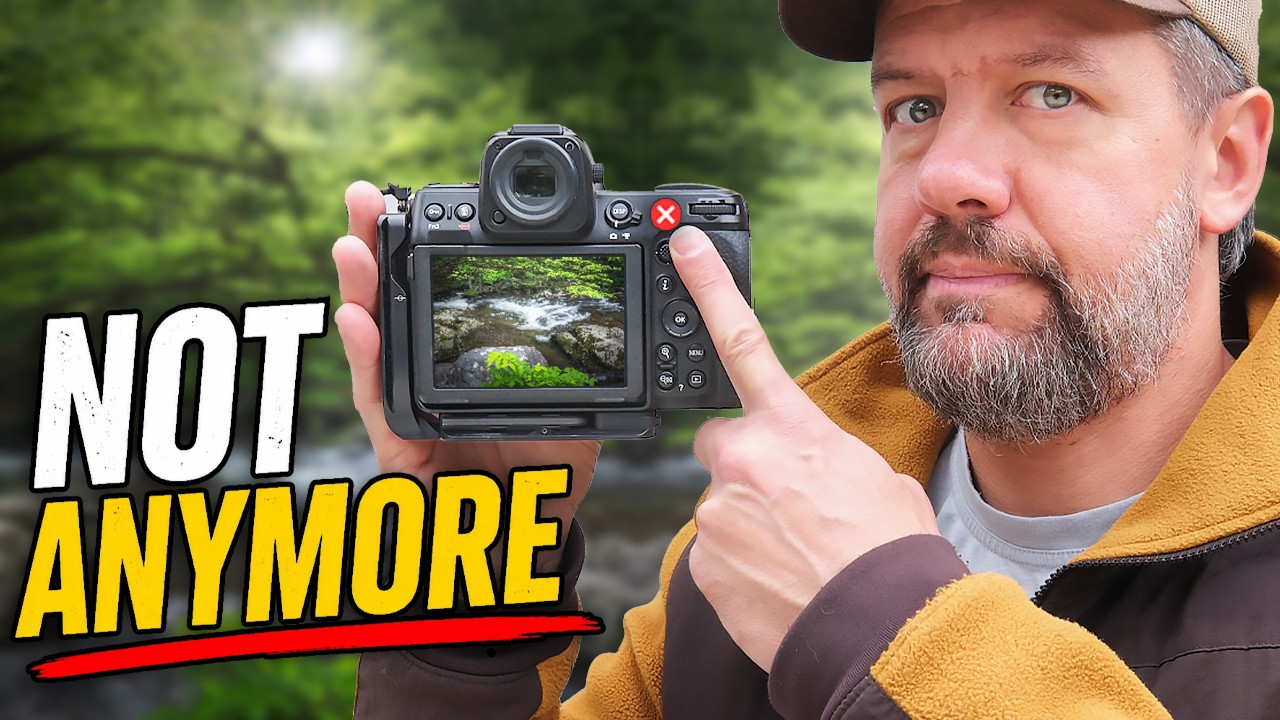
Back Button Focus Is a Tool, Not a Religion — Here's How to Decide What's Right for You

Back Button Focus Is a Tool, Not a Religion — Here's How to Decide What's Right for You

I keep a spreadsheet that tracks every hour my Photoshop actions have saved me. I color-code my backup drives. I have a system for everything. So when I say that I spent years using a camera setting without ever stopping to ask whether it was actually helping me, that should tell you something about how deeply the mythology of back button focus runs in photography culture. Watch the full tutorial on YouTube