
There’s a part of the post-production process most photographers treat as an afterthought: the slideshow. You’ve culled, edited, color-graded, exported, and then you drop in whatever song felt right, burn a video, and send it to the client. I did exactly that for the first few years of my career, and I was lucky nobody called me on it. When I finally sat down with Jared Platt’s Ultimate Lightroom Workflow workshop on CreativeLive, I expected to walk away with faster culling techniques and better export settings. I got those. But the segment that actually stuck with me longest was a short music interlude that turned into a pointed, practical lesson about copyright, licensing, and what it means to run a professional operation.
Watch the full tutorial on YouTube
The segment features a live slideshow set to music by Kevin Burdick, an artist on Triple Scoop Music. What Platt does with that moment is worth unpacking step by step, because the workflow lesson embedded in it is one that applies directly to anyone delivering client slideshows, album reveals, or social content with a soundtrack.
Step 1: Build the Slideshow as Part of the Workflow, Not After It
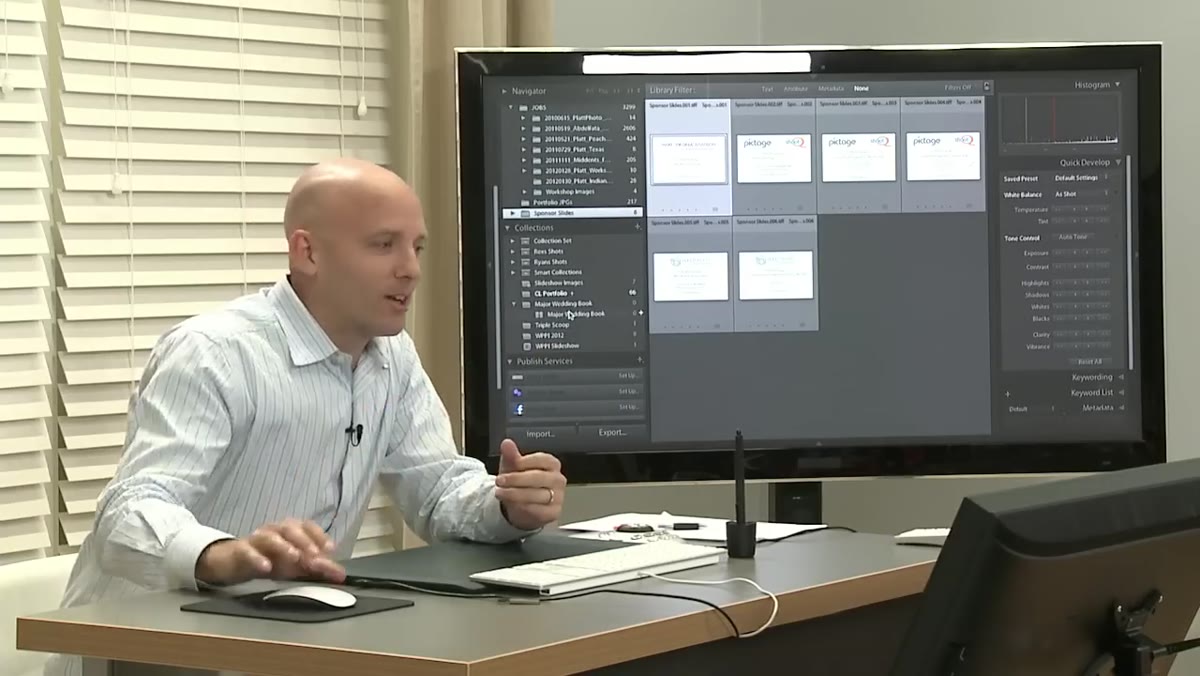 Slideshow of photography images playing on screen
Platt introduces the slideshow not as a bonus or a marketing flourish, but as a natural component of the workshop itself. The images are already edited. The music is already licensed. The pairing is deliberate. If you’re treating your slideshow as something you throw together after the “real work” is done, you’re adding friction and risk to your process. Build a folder of licensed tracks you love the way you build a folder of Lightroom presets. Curate it once, reuse it constantly. I keep a small library of about 30 licensed tracks organized by tempo and mood, and I pull from it the same way I pull from my export presets.
Slideshow of photography images playing on screen
Platt introduces the slideshow not as a bonus or a marketing flourish, but as a natural component of the workshop itself. The images are already edited. The music is already licensed. The pairing is deliberate. If you’re treating your slideshow as something you throw together after the “real work” is done, you’re adding friction and risk to your process. Build a folder of licensed tracks you love the way you build a folder of Lightroom presets. Curate it once, reuse it constantly. I keep a small library of about 30 licensed tracks organized by tempo and mood, and I pull from it the same way I pull from my export presets.
Step 2: Understand That the Music You’re Using Has a Creator Behind It
 Jared Platt speaking to camera after slideshow ends
After the music ends, Platt takes a moment to connect the audience to the reality behind the track. The artists creating this music are working just as hard as photographers, often at significant personal expense, and they depend on licensing revenue the same way photographers depend on usage fees. This isn’t a philosophical point. It’s a workflow point. If your slideshow music gets flagged, muted, or hit with a copyright claim on YouTube or Vimeo, your client-facing content disappears or gets monetized away from you. That’s a deliverable problem, not just an ethical one.
Jared Platt speaking to camera after slideshow ends
After the music ends, Platt takes a moment to connect the audience to the reality behind the track. The artists creating this music are working just as hard as photographers, often at significant personal expense, and they depend on licensing revenue the same way photographers depend on usage fees. This isn’t a philosophical point. It’s a workflow point. If your slideshow music gets flagged, muted, or hit with a copyright claim on YouTube or Vimeo, your client-facing content disappears or gets monetized away from you. That’s a deliverable problem, not just an ethical one.
Step 3: Use a Curated, Licensed Music Platform
 Discussion of Triple Scoop Music as licensing source
Platt specifically names Triple Scoop Music as both a sponsor of the workshop and his personal go-to source for licensed tracks. The endorsement isn’t just promotional. He explains that he actually uses these songs in his own client work, specifically for weddings, portraits, and family sessions. The practical takeaway here is to pick one platform, learn its licensing terms thoroughly, and build your music library there. Trying to cross-reference licenses from five different sources is the kind of inefficiency I’d normally track in my workflow spreadsheet as wasted time. Consolidate your source and you remove a decision point every single time you deliver a slideshow.
Discussion of Triple Scoop Music as licensing source
Platt specifically names Triple Scoop Music as both a sponsor of the workshop and his personal go-to source for licensed tracks. The endorsement isn’t just promotional. He explains that he actually uses these songs in his own client work, specifically for weddings, portraits, and family sessions. The practical takeaway here is to pick one platform, learn its licensing terms thoroughly, and build your music library there. Trying to cross-reference licenses from five different sources is the kind of inefficiency I’d normally track in my workflow spreadsheet as wasted time. Consolidate your source and you remove a decision point every single time you deliver a slideshow.
Step 4: Match Your Music Library to Your Client Work
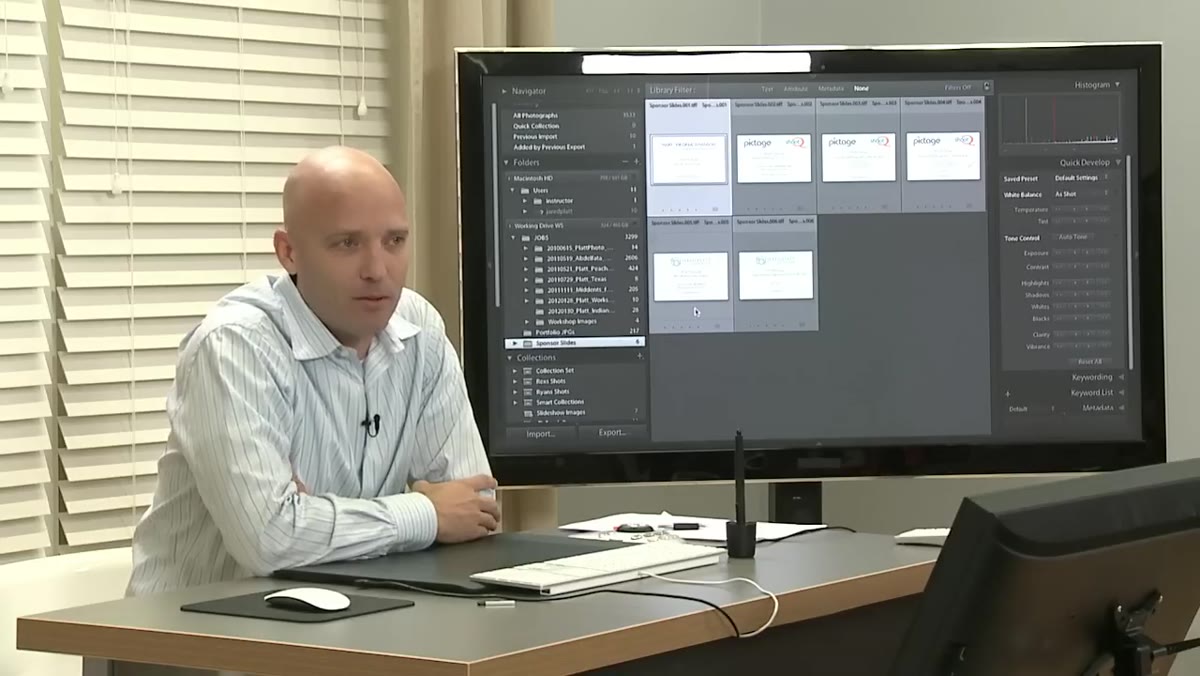 Jared Platt describing music genres suited to weddings and portraits
Platt is specific about what kinds of music live in his licensed collection: tracks that work for weddings, portraits, babies, and family work. That specificity matters. A track that feels right for a dramatic landscape edit will kill the mood on a newborn gallery. When you’re building your licensed library, tag your tracks the way you tag your Lightroom presets. Mood, tempo, instrumentation, typical use case. I use color labels in my music folder the same way I use them in Lightroom. It sounds obsessive until the moment a client is waiting on a same-day slideshow and you need the right track in under 90 seconds.
Jared Platt describing music genres suited to weddings and portraits
Platt is specific about what kinds of music live in his licensed collection: tracks that work for weddings, portraits, babies, and family work. That specificity matters. A track that feels right for a dramatic landscape edit will kill the mood on a newborn gallery. When you’re building your licensed library, tag your tracks the way you tag your Lightroom presets. Mood, tempo, instrumentation, typical use case. I use color labels in my music folder the same way I use them in Lightroom. It sounds obsessive until the moment a client is waiting on a same-day slideshow and you need the right track in under 90 seconds.
Step 5: Recognize the Parallel Between Image Theft and Music Theft
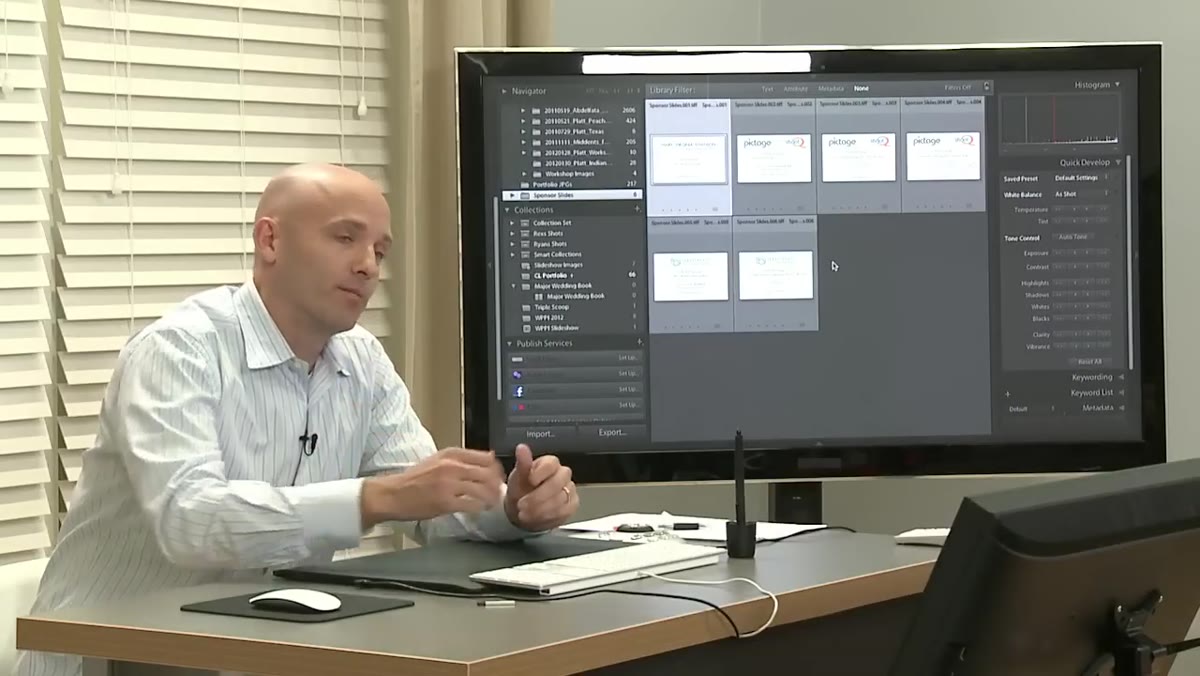 Jared Platt making the direct comparison between image copyright and music copyright
This is the step most photographers skip mentally because it requires some uncomfortable self-reflection. Platt draws a direct line between photographers complaining about image theft and photographers using unlicensed music. The logic is identical. You worked to create something. Someone used it without compensating you. That exact dynamic plays out every time a slideshow goes up with a Spotify rip underneath it. Once you’ve spent time chasing down unauthorized uses of your own work, this comparison lands differently. I haven’t used an unlicensed track since I had a client share one of my product images on their website without a usage agreement. The situations feel different until they happen to you.
Jared Platt making the direct comparison between image copyright and music copyright
This is the step most photographers skip mentally because it requires some uncomfortable self-reflection. Platt draws a direct line between photographers complaining about image theft and photographers using unlicensed music. The logic is identical. You worked to create something. Someone used it without compensating you. That exact dynamic plays out every time a slideshow goes up with a Spotify rip underneath it. Once you’ve spent time chasing down unauthorized uses of your own work, this comparison lands differently. I haven’t used an unlicensed track since I had a client share one of my product images on their website without a usage agreement. The situations feel different until they happen to you.
Step 6: The Artist Relationship as a Creative Asset
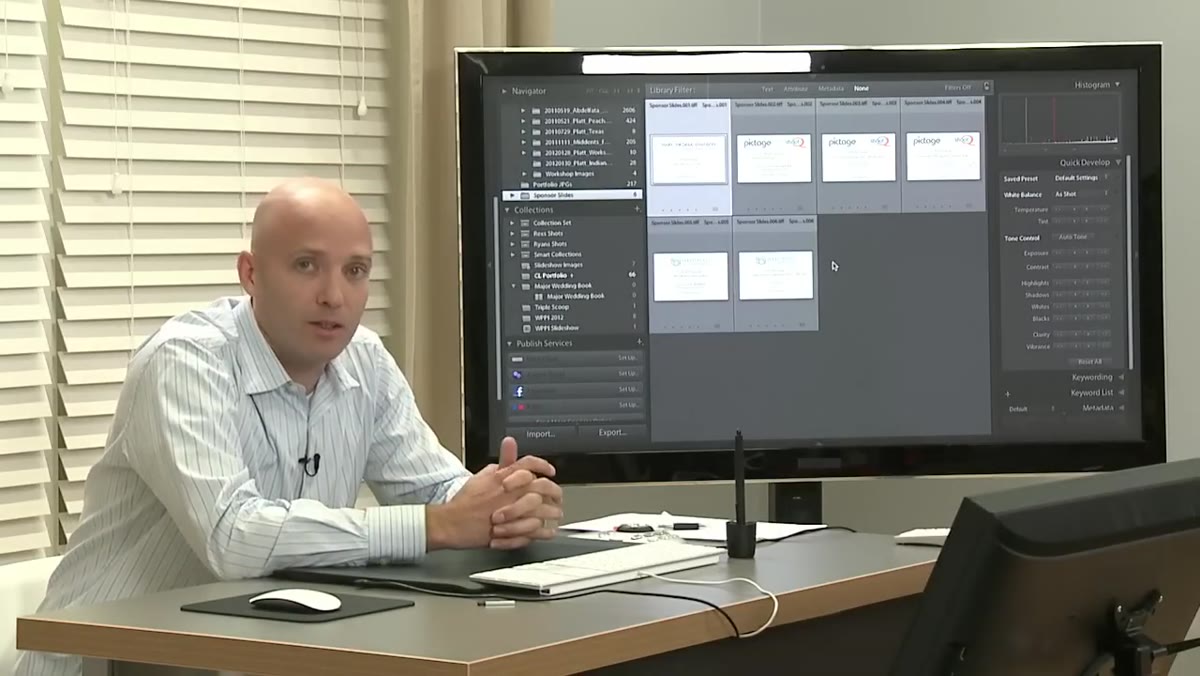 Jared Platt discussing his personal musical collaboration with Kevin Burdick
Platt mentions that he and Kevin Burdick have written music together, and that he personally discovered several artists whose work now lives in his licensed collection. This points to something worth building into your own practice. When you find music that consistently resonates with your clients, build a relationship with that artist. Follow their releases. License tracks early. Some platforms allow you to support specific artists directly. Your slideshow music is part of your brand’s emotional signature, and treating it that way means investing in it the way you invest in your editing style.
Jared Platt discussing his personal musical collaboration with Kevin Burdick
Platt mentions that he and Kevin Burdick have written music together, and that he personally discovered several artists whose work now lives in his licensed collection. This points to something worth building into your own practice. When you find music that consistently resonates with your clients, build a relationship with that artist. Follow their releases. License tracks early. Some platforms allow you to support specific artists directly. Your slideshow music is part of your brand’s emotional signature, and treating it that way means investing in it the way you invest in your editing style.
What I’d Add From My Own Practice
The licensing conversation Platt opens up here is necessary but it’s also just the starting point. The deeper workflow optimization is automation. Once you have a licensed music library organized by mood and tempo, you can build Lightroom slideshow templates that call specific tracks based on the session type. Wedding? The template loads a warm, mid-tempo licensed track automatically. Product shoot with a lifestyle component? Different template, different track. You’re not choosing music at export time, you’re choosing it during the shoot setup. I built this system after a week where I delivered four different client slideshows and spent 20 minutes per project just auditioning music I’d already heard a hundred times. Never again.
The single most important idea in this segment of Platt’s workshop is this: the professionalism of your deliverable extends to every element of it, including the music. An unlicensed track isn’t just a legal exposure, it’s a signal that part of your process is improvised. Clients may never know, but you do, and that matters when you’re trying to run an operation that scales.
Watch the full tutorial on YouTube and pay attention to the moments that aren’t strictly about Lightroom settings. Sometimes the workflow lesson is hiding inside the thing that looks like a break.
Comments
Leave a Comment