Stop Painting with Generic Brushes: How to Build Free, High-Quality Custom Brushes in Photoshop

Stop Painting with Generic Brushes: How to Build Free, High-Quality Custom Brushes in Photoshop

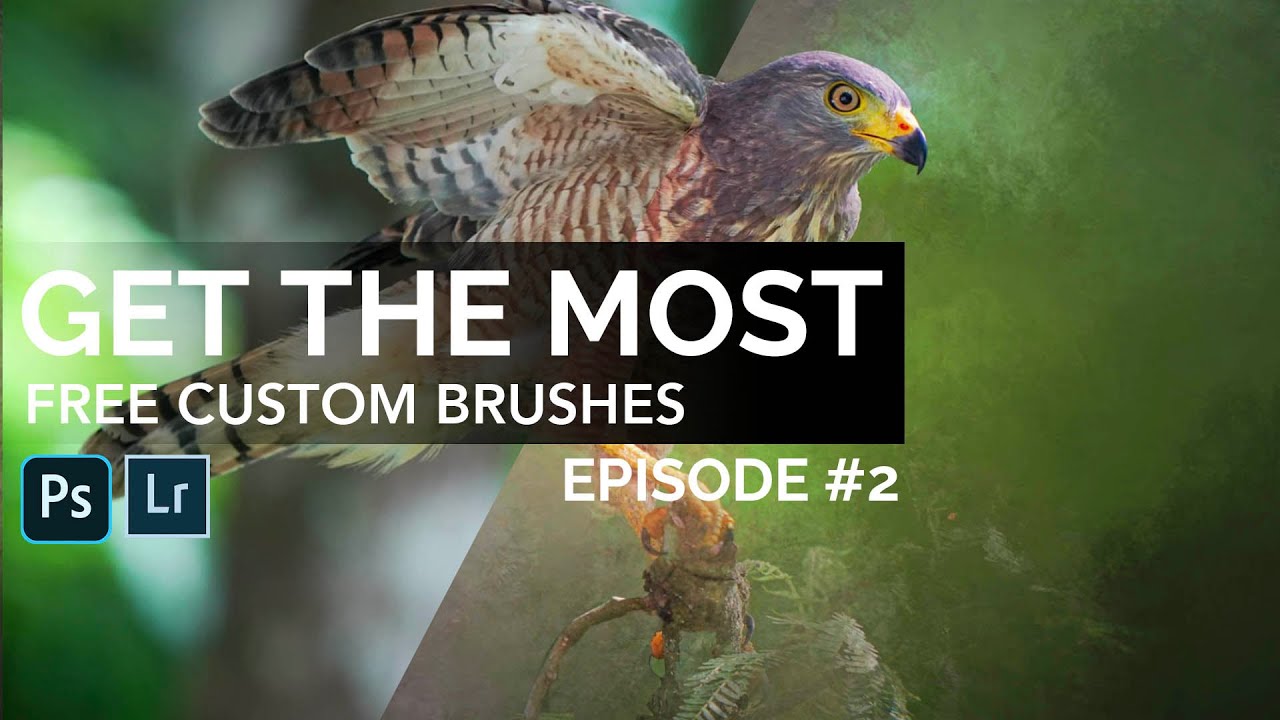
Every so often I’ll be retouching a composite for a client and I hit the same wall: the default Photoshop brush set just doesn’t have what I need. The standard round brushes are fine for blocking in masks, but the moment a project calls for realistic texture, organic edges, or painterly detail, they fall flat fast. I’ve bought brush packs over the years, and some of them are excellent, but there’s a constant nagging feeling that a pre-made pack is always someone else’s creative fingerprint, not mine.
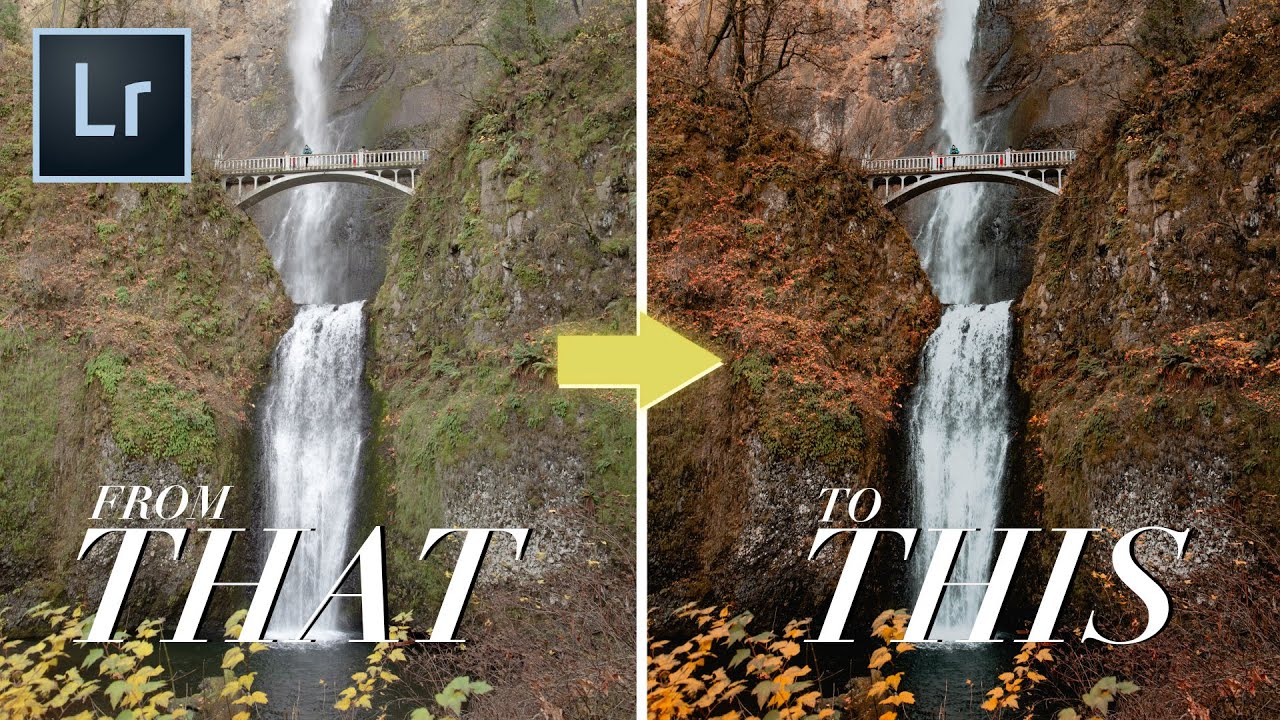
Building a Fall Color Preset in Lightroom: A Layer-by-Layer Breakdown

Building a Fall Color Preset in Lightroom: A Layer-by-Layer Breakdown

Every autumn I get a flood of requests from agency clients who shot outdoor campaigns in September and October and are now staring at RAW files that look like any other month. The foliage was stunning on location. On screen it reads beige. The problem isn’t exposure or white balance. It’s that fall color lives in a very specific tonal and hue relationship, and your all-purpose travel preset was never built to honor it.

6 Premiere Pro Plugins That Actually Change How Fast You Edit

6 Premiere Pro Plugins That Actually Change How Fast You Edit

I track time the way some people track calories. Right now my spreadsheet shows 2,400-plus hours saved through automated workflows across Photoshop alone. So when I watch a tutorial from someone who’s clearly put in the same obsessive thinking about shaving minutes off repetitive tasks, I pay close attention. Watch the full tutorial on YouTube – it’s from Mango Street, and the creator brings 12 years of Premiere Pro experience to a tight rundown of six plugins that genuinely move the needle.

Tonal Separation in Forest and Waterfall Scenes: Lessons from William Patino's NZ Landscape Workflow

Tonal Separation in Forest and Waterfall Scenes: Lessons from William Patino's NZ Landscape Workflow

There is a category of image that breaks my usual batch-processing brain completely: dense forest scenes with waterfalls, layered greens, and dappled light. In commercial work I can automate a lot. I built my first Photoshop action at 26 and have barely repeated a manual task since. But these organic, tonal-heavy nature shots demand something different. They demand judgment at the RAW stage that no action can substitute for. That is exactly what pulled me into this William Patino tutorial on NZ landscape photography workflow.

How to Turn Any Stock Image Into Custom Photoshop Brushes (Spatter Effects the Smart Way)

How to Turn Any Stock Image Into Custom Photoshop Brushes (Spatter Effects the Smart Way)

Every studio I’ve worked in over the past 15 years has had the same gap in its toolkit: people spending money on individual texture assets when a smarter approach to sourcing and defining custom brushes would give them ten times the mileage for the same cost. I hit this wall myself early on in my consultancy work, particularly when clients started asking for grunge and ink-spatter treatments on ad campaigns. I was grabbing one-off stock images, masking them out manually, and dragging them around as smart objects.

Smart Memory Card Management: A Game-Changer for Creative Workflows

Smart Memory Card Management: A Game-Changer for Creative Workflows

Protecting Your Creative Assets While Maximizing Your Gear I’ve been thinking a lot lately about the hidden costs of our creative pursuits. Memory cards aren’t getting cheaper, yet we’re all shooting more footage and higher resolution files than ever before. The anxiety of wiping a card before you’re 100% certain your footage is safely backed up? That’s a real productivity killer. A clever solution just hit my radar that addresses one of the most nerve-wracking moments in any creator’s workflow: that moment when you need to reuse a memory card but desperately want to confirm your files are actually safe.

Lightroom Preset Tips You Probably Haven't Thought About (But Should)

Lightroom Preset Tips You Probably Haven't Thought About (But Should)

I keep a spreadsheet of the hours my automated workflows have saved me. Over 2,400 hours at last count. That number didn’t happen by accident. It happened because I’ve spent years paying attention to the small details that most people skip past, the kind of thing you notice when you’re processing hundreds of images for an e-commerce client and one weird behavior in your software costs you twenty minutes of confused clicking.

How to Install and Organize Lightroom Presets Without Losing Your Mind

How to Install and Organize Lightroom Presets Without Losing Your Mind

If you’ve ever handed a client a gallery and thought “I wish every shot had that look baked in from the start,” presets are the answer. The problem isn’t finding presets. The problem is that the installation process trips people up every single time, usually at the worst moment, right before a deadline. I’ve watched junior retouchers in my studio waste twenty minutes trying to drag a zip file directly into Lightroom and wondering why nothing happened.

Free Lightroom Calendar Print Templates: A Complete Installation and Workflow Guide

Free Lightroom Calendar Print Templates: A Complete Installation and Workflow Guide

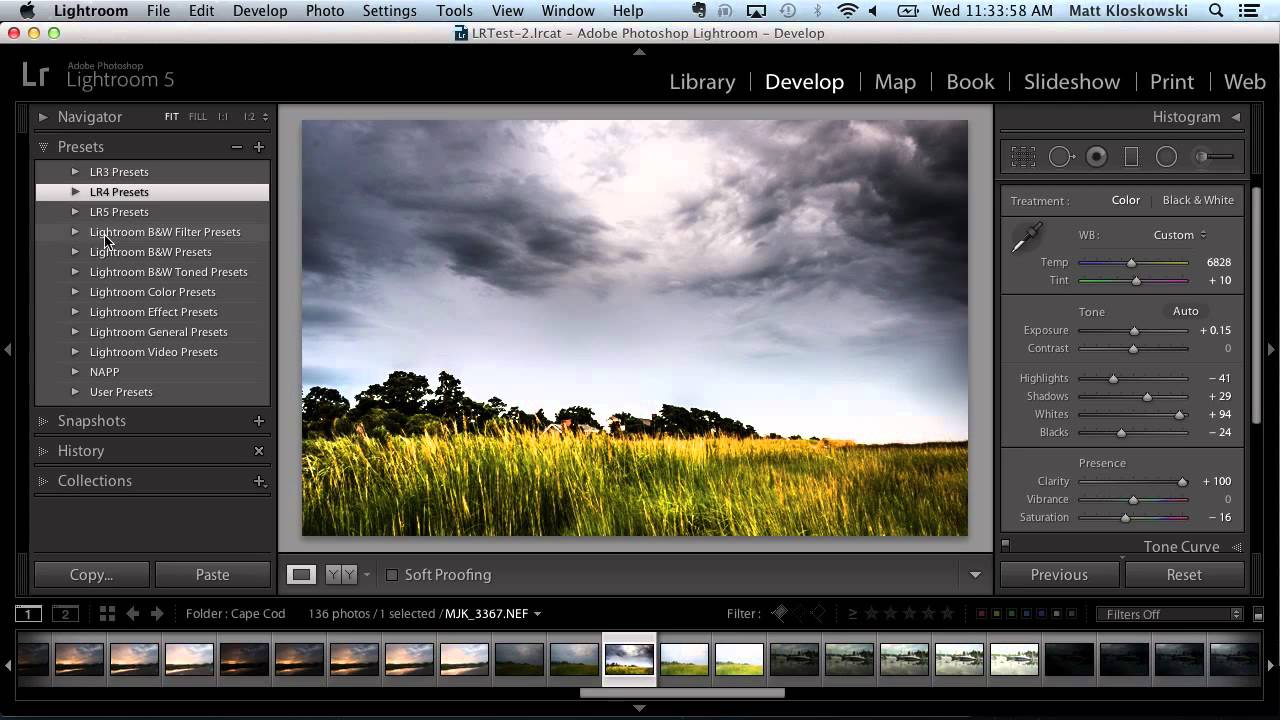
Every December I end up with the same backlog: family portrait clients who want calendar prints, and a print module setup that needs to be rebuilt from scratch because I never saved a proper template the previous year. It’s one of those small inefficiencies that compounds badly when you’re trying to close out a busy fourth quarter. This year I finally stopped reinventing the wheel, thanks to a free resource I came across in this Matt Kloskowski tutorial.

Beyond Actions: How Automation Scripts Turn Photoshop Into a Production Machine

Beyond Actions: How Automation Scripts Turn Photoshop Into a Production Machine

The day I finally learned to write a Photoshop script, I had just spent seven hours doing the same crop-and-resize operation 200 times. Same canvas size, same anchor point, same export settings. Two hundred times. By hand. I was a working photographer with a decade of studio experience, and I had burned an entire Tuesday doing something a decent script could have finished before my morning coffee cooled down. That was the turning point.

From Flat to Cinematic in Under 2 Minutes: What Pierre T. Lambert's AI Editing Demo Taught Me About Workflow Speed

From Flat to Cinematic in Under 2 Minutes: What Pierre T. Lambert's AI Editing Demo Taught Me About Workflow Speed

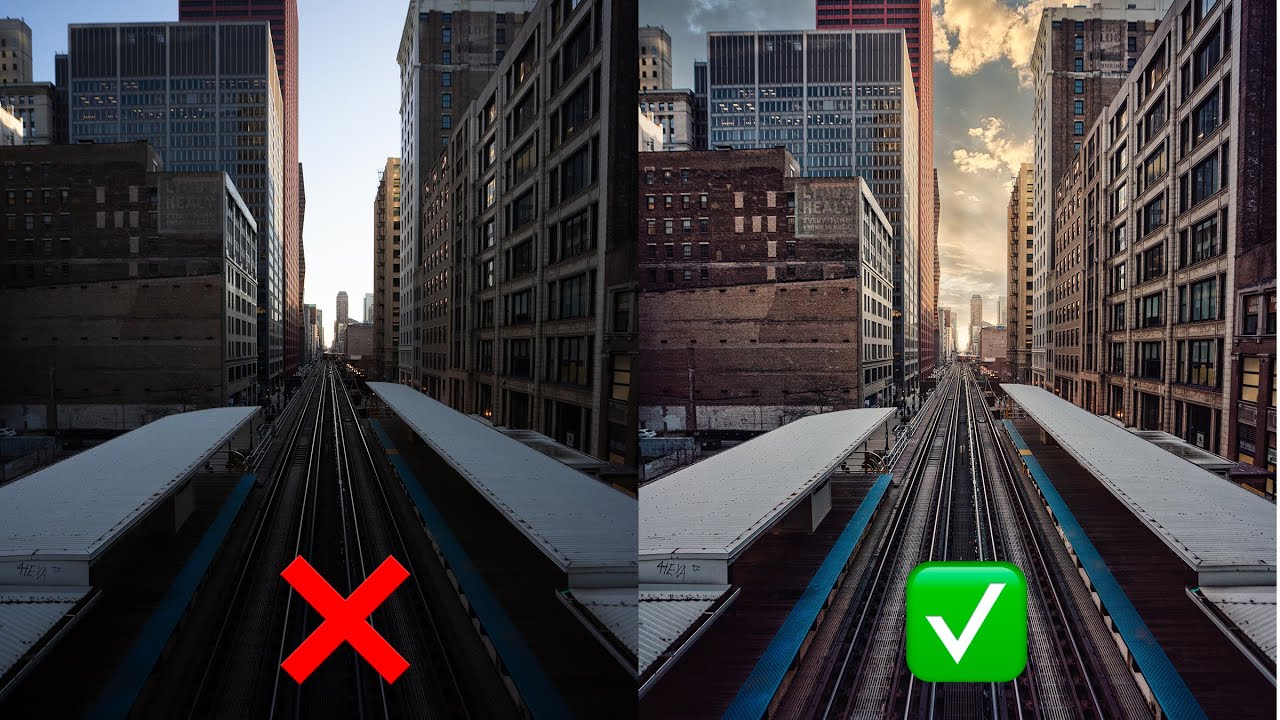
I track everything. I have a spreadsheet that currently sits at 2,400-plus hours saved through Photoshop actions and batch scripts I’ve built over the years. So when I say a tutorial genuinely challenged the way I think about editing speed, that’s not a throwaway compliment. That’s a data point. Watch the full tutorial on YouTube In this Pierre T. Lambert tutorial, he demonstrates how he transformed a flat, ordinary cityscape into a dramatic, print-worthy image in under two minutes, without Photoshop, without presets, and without any of the usual heavy lifting.

Clean Skies, No Excuses: Removing Distractions in ON1 Photo RAW the Right Way

Clean Skies, No Excuses: Removing Distractions in ON1 Photo RAW the Right Way

I have a bad habit of not cleaning my sensor often enough. Fifteen years of commercial work and I still catch myself delivering a first round of selects to an ad agency only to get an email back with a screenshot circled in red: “What’s that blob in the sky?” Every photographer I know has a version of that story. The frustrating part is that most of those dust spots are invisible at shooting apertures and only reveal themselves when you shoot at f/11 or tighter for a landscape.