How to Shoot Action Movie-Style Photos: Lighting, Haze, and Cinematic Atmosphere on Any Budget

How to Shoot Action Movie-Style Photos: Lighting, Haze, and Cinematic Atmosphere on Any Budget

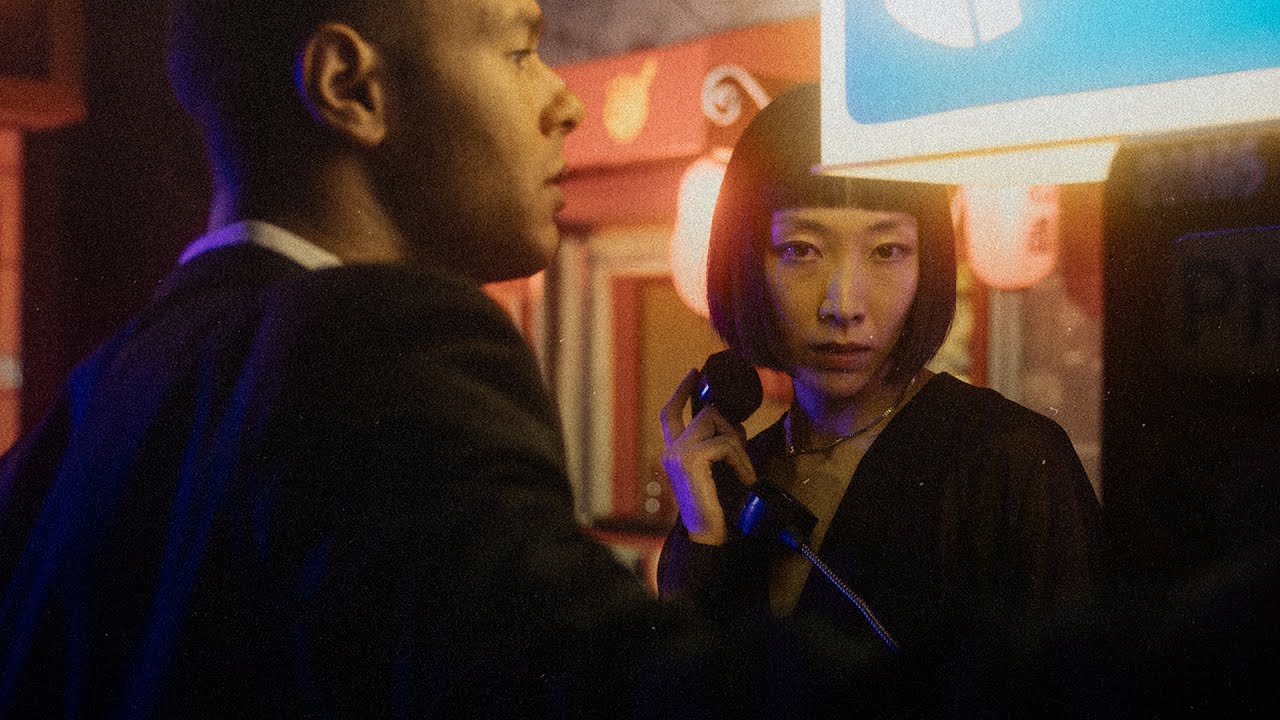
Most of my work lives in the controlled chaos of commercial studios - product shots, ad campaigns, e-commerce grids that need to look consistent at scale. But every so often a client wants something with real cinematic punch, the kind of image that looks like it was pulled from a movie poster rather than a catalog. That gap between “nice photo” and “this looks like a film still” used to cost me a lot of trial and error.
Lightroom's Adaptive Color Profiles Are the Starting Point I Wish I'd Had Years Ago

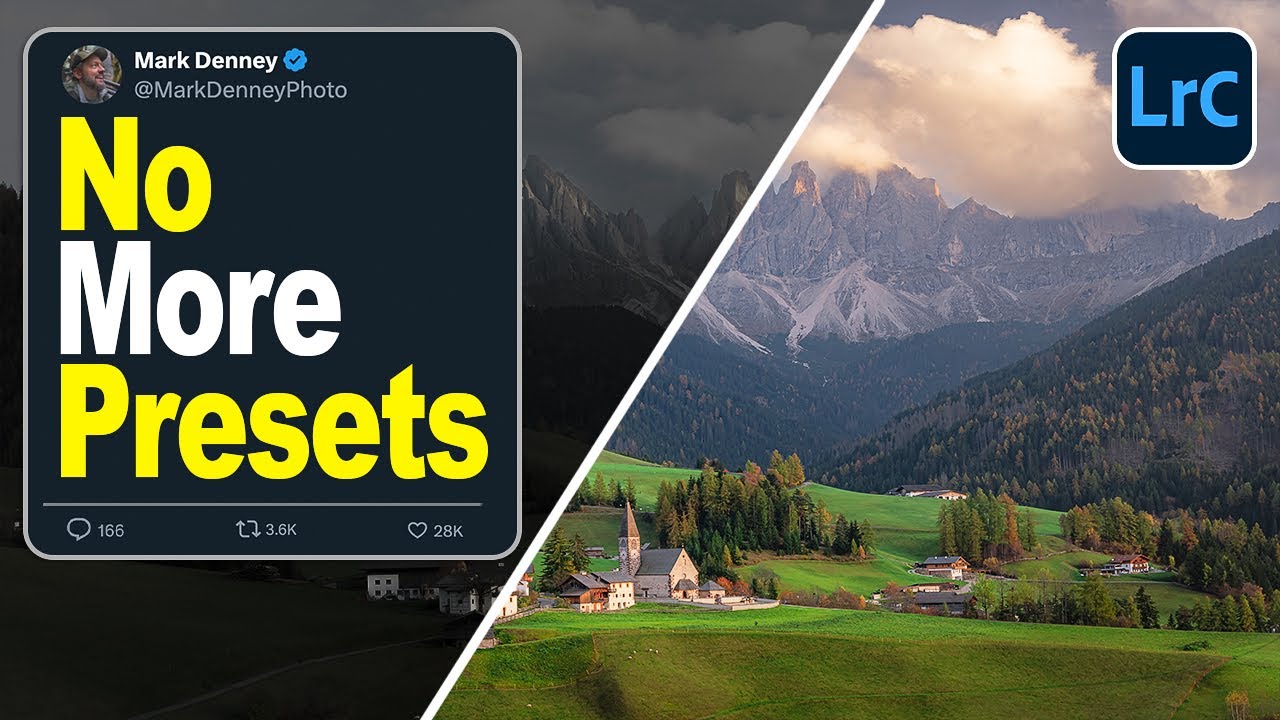
Lightroom's Adaptive Color Profiles Are the Starting Point I Wish I'd Had Years Ago

I track time obsessively. I have a spreadsheet that logs every hour my automation tools have saved me, and right now it’s sitting at over 2,400 hours. So when I see a feature that genuinely changes how fast I can get from import to edit-ready, I pay attention. Presets have always been my first line of defense against flat RAW files, but I’ve quietly suspected there was a smarter way to handle that initial color foundation.

From One Edit to Thousands: How to Build Photoshop Actions and Droplets That Actually Save Time

From One Edit to Thousands: How to Build Photoshop Actions and Droplets That Actually Save Time

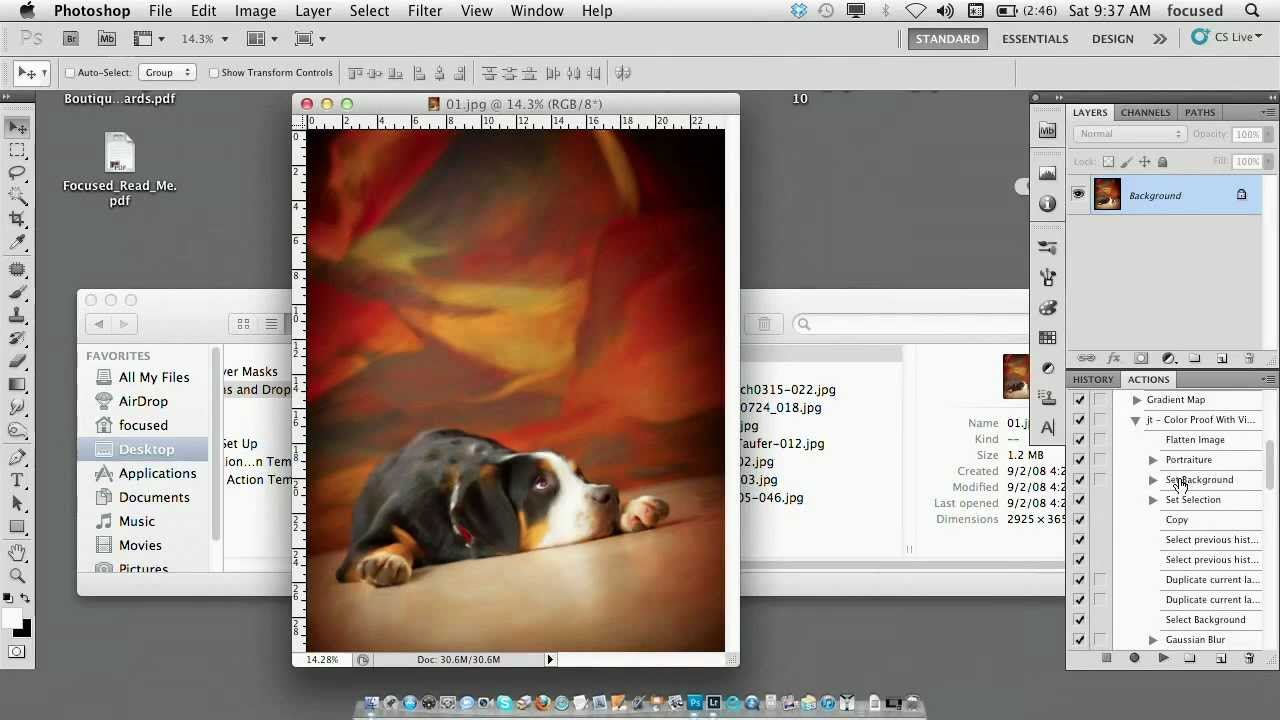
I built my first Photoshop action at 26 and I have not manually repeated a task since. That is not an exaggeration - I keep a spreadsheet. Right now it sits at over 2,400 hours saved across fifteen years of studio and consultancy work. So when I came across Vicki Taufer’s segment on actions and droplets in her CreativeLive tutorial on pets and people photography, I watched it twice. Not because the concepts were new to me, but because Vicki explains the mental model behind actions in a way that finally makes the whole system click for photographers who have been avoiding it.

The Workflow Tools Actually Worth Installing (And the Ones I Quietly Uninstalled)

The Workflow Tools Actually Worth Installing (And the Ones I Quietly Uninstalled)

There’s a spreadsheet on my second monitor right now. It has columns for action name, date built, task type, average time saved per use, and total cumulative hours saved. I update it obsessively. The current total sits at just over 2,400 hours. That number is the reason I still evangelize automation to every photographer and retoucher I consult with, even when their eyes glaze over the moment I say the word “scripting.

How I Stopped Living in Fear of Hard Drive Failure (And Built a Workflow That Actually Scales)

How I Stopped Living in Fear of Hard Drive Failure (And Built a Workflow That Actually Scales)

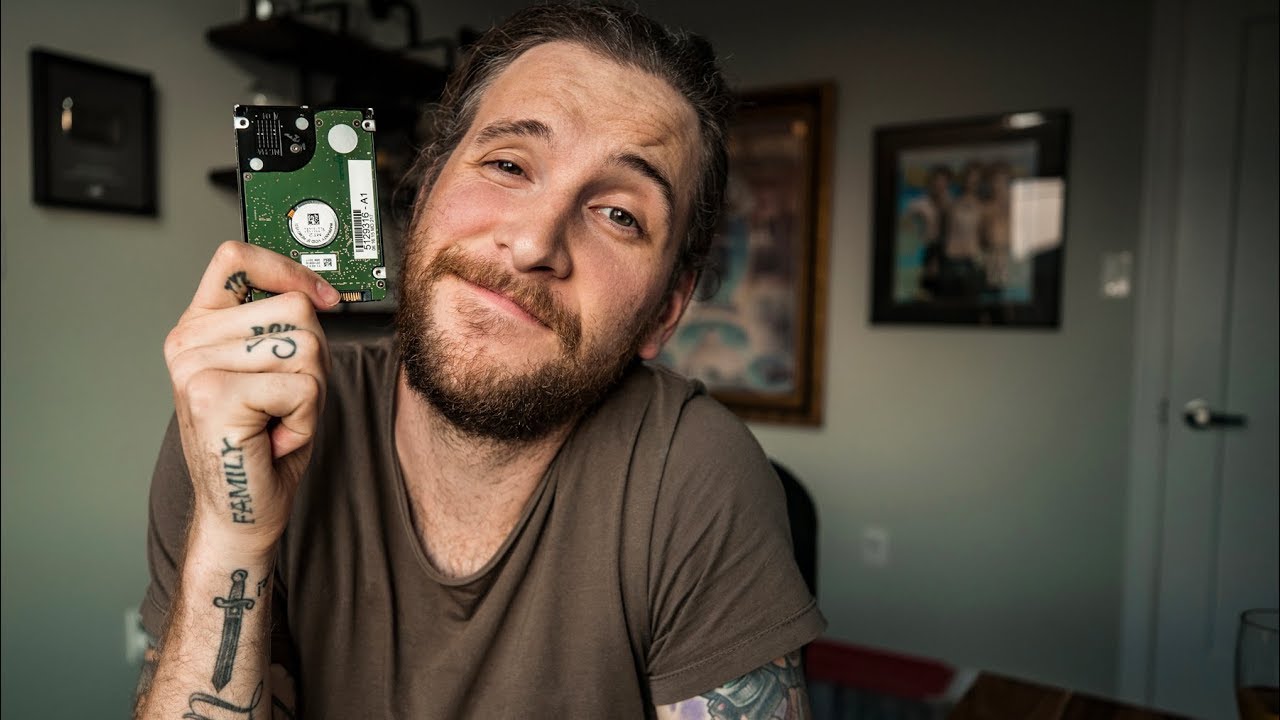
I have backup drives for my backup drives. My colleagues find this funny until one of them loses a shoot. I’ve been color-coding storage drives and labeling them obsessively since my early days in commercial studios, and the habit has saved me more than once. So when I came across Watch the full tutorial on YouTube from Peter McKinnon, where he walks through exactly how a single rugged drive failure nearly took down his entire library, it hit close to home.

How to Give Flat Textures Real Depth Using Photoshop's 3D Lighting Tools

How to Give Flat Textures Real Depth Using Photoshop's 3D Lighting Tools

There’s a category of client request that used to slow me down more than it should have: “Make it feel like it has weight.” Usually this comes from an art director staring at a perfectly sharp texture image that looks, despite being beautiful, completely flat on screen. No shadows cutting across the surface. No sense that light is raking across the grain or the cracks. Just a photo sitting there looking like a photo.

From Three Phone Shots to Canvas-Ready Panorama: A Lightroom-to-Photoshop Workflow That Actually Works

From Three Phone Shots to Canvas-Ready Panorama: A Lightroom-to-Photoshop Workflow That Actually Works

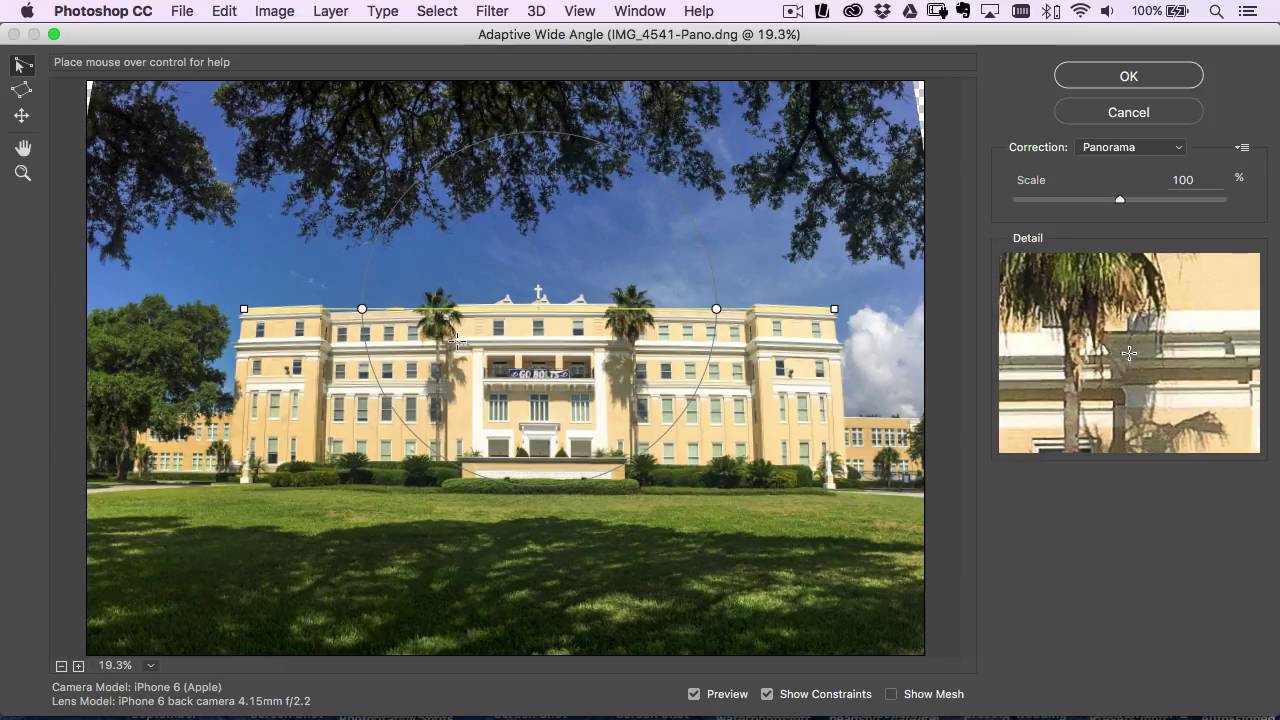
Most of my work runs through a pretty controlled pipeline. Commercial shoots, tethered capture, calibrated monitors, the whole setup. But I’ve been doing this long enough to know that the real test of a workflow isn’t how it performs under ideal conditions. It’s how it holds up when someone hands you three slightly overlapping iPhone photos and asks for a canvas print. That scenario comes up more than you’d think, and for a long time my answer was “I’ll do my best” followed by a lot of manual patching in Photoshop.

How AI-Powered Wildlife Photography is Changing Field Research (and What It Means for Your Workflow)

How AI-Powered Wildlife Photography is Changing Field Research (and What It Means for Your Workflow)

How AI-Powered Wildlife Photography is Changing Field Research (and What It Means for Your Workflow) I’ve been following some fascinating developments in wildlife photography lately, and one project in particular caught my attention: researchers in Oregon have created an affordable AI-powered camera trap system that automatically identifies and photographs wild bumblebees without harming them. What struck me wasn’t just the conservation angle—it’s what this tells us about the future of automated image workflows.

How to Build and Save Custom Presets in Aperture (So You Stop Reinventing the Same Edit)

How to Build and Save Custom Presets in Aperture (So You Stop Reinventing the Same Edit)

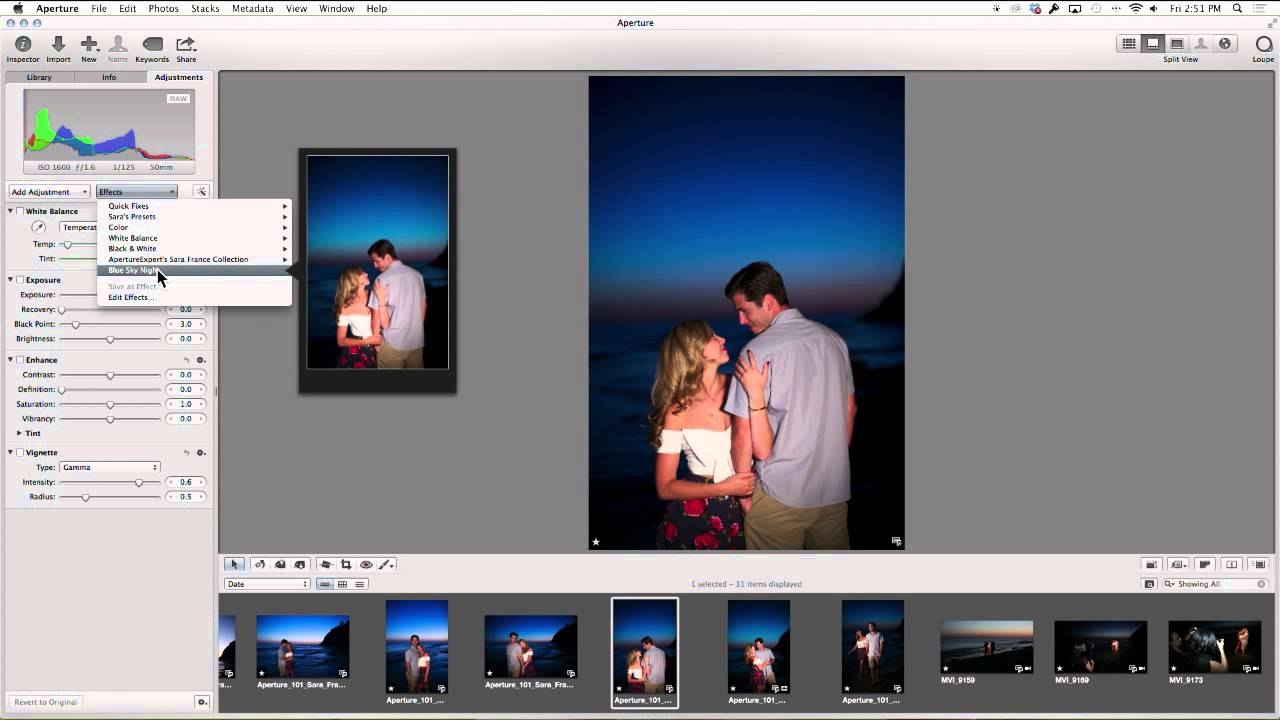
There’s a specific kind of frustration that comes from nailing an edit, closing the app, and then spending twenty minutes trying to reconstruct the same adjustments on the next shoot. I’ve done it more times than I’d like to admit, usually on deadline, usually at 11pm. The whole point of a preset workflow is to capture the decision once and stop making it over and over again. That principle is what drives everything I do in post-production, whether I’m working in Photoshop, Lightroom, or Aperture.

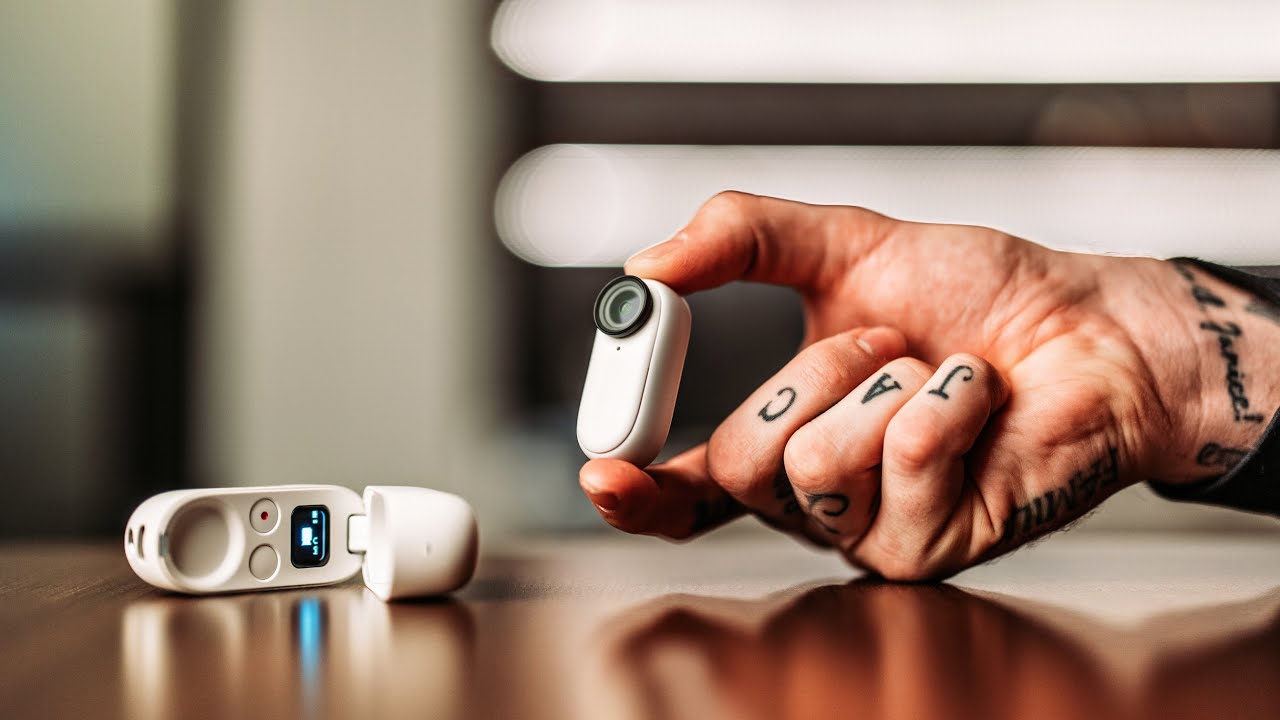
The Insta360 Go 2 Is the Smallest Camera With the Biggest Workflow Lesson for Creatives

The Insta360 Go 2 Is the Smallest Camera With the Biggest Workflow Lesson for Creatives

I track time obsessively. I have a spreadsheet that currently sits at over 2,400 hours saved through Photoshop automation alone. So when a piece of hardware shows up that’s been engineered specifically to remove friction from the capture side of a workflow, I pay attention. Most of my work lives in post-production, but the footage and files I’m working with only exist because someone made a fast, clean decision at the moment of capture.

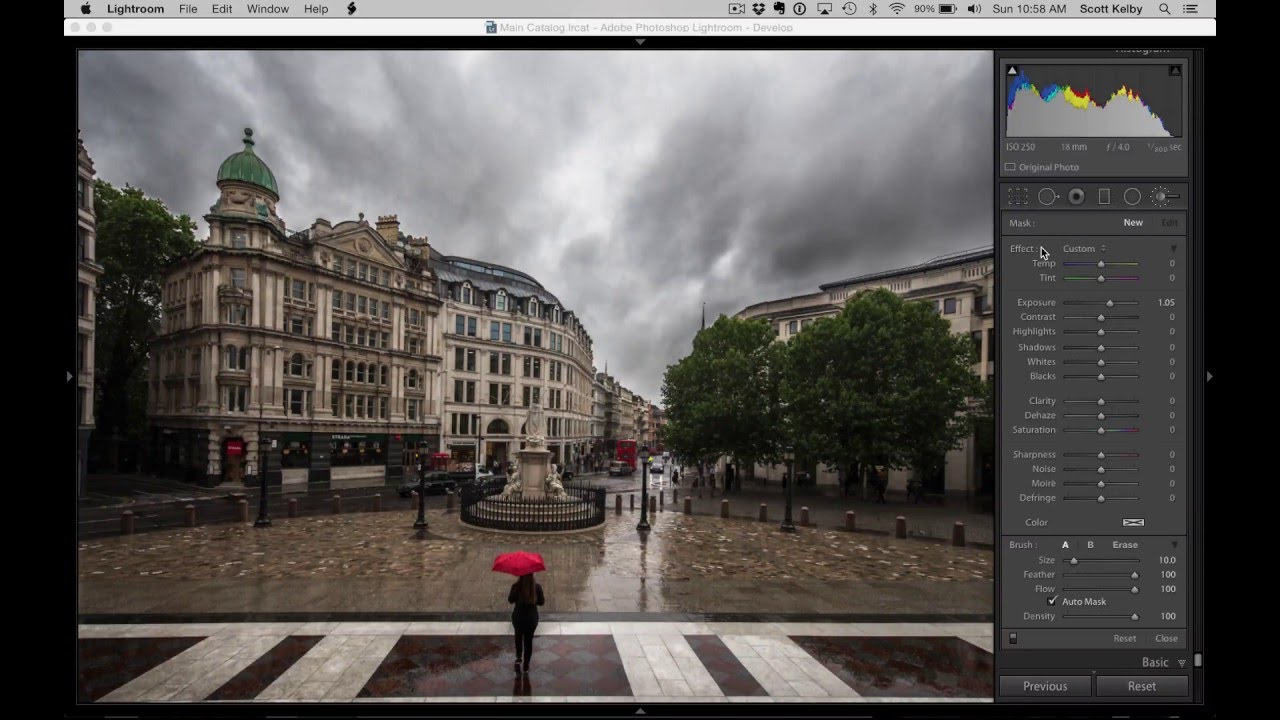
The One Lightroom Adjustment Brush Setting That's Quietly Wrecking Your Masks

The One Lightroom Adjustment Brush Setting That's Quietly Wrecking Your Masks

I’ve watched photographers abandon perfectly good tools because of a single default setting nobody bothered to explain to them. The Lightroom Adjustment Brush is one of the most frequently misunderstood features in the whole application, and the complaint is almost always the same: “It leaves gaps,” or “It paints unevenly,” or my personal favorite, “It misses spots.” After years of building post-production workflows for ad agencies and e-commerce clients, I can tell you those complaints are valid.

DJI's New Pocket Camera Gets Global Release—But US Creators Are Left Waiting Again

DJI's New Pocket Camera Gets Global Release—But US Creators Are Left Waiting Again

Another Year, Another Global Launch Without US Access I’ve got to be honest—watching DJI roll out exciting new pocket camera tech to creators everywhere except the United States is getting old. The company just announced the global launch of their Osmo Pocket 4P, and once again, American content creators are getting the short end of the stick. This isn’t about DJI being difficult. It’s pure regulatory gridlock. The FCC continues to block the company’s products from entering the US market, leaving our creative community unable to access gear that’s already in the hands of creators across Europe, Asia, and beyond.