How I Build Custom Photoshop Brushes That Actually Work Inside Actions

How I Build Custom Photoshop Brushes That Actually Work Inside Actions

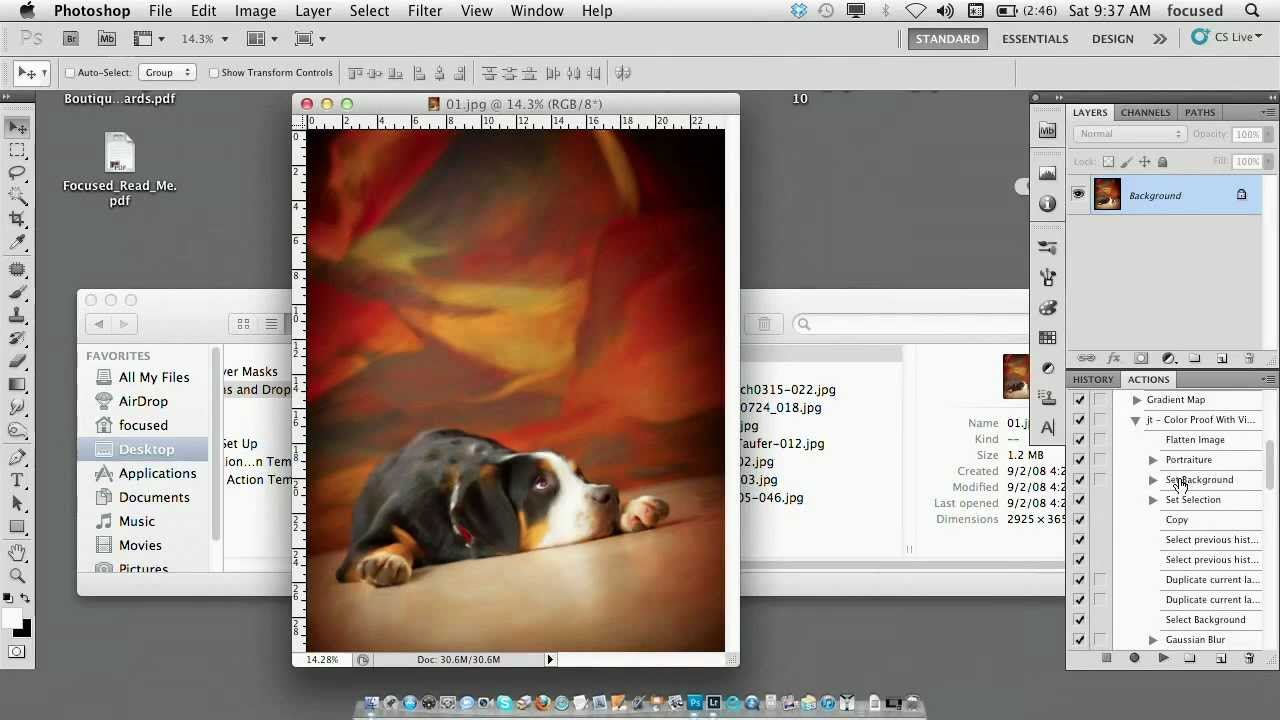
Last year I was building a retouching action for a mid-sized e-commerce client who needed consistent skin softening applied across several thousand product shots. The action worked beautifully in testing. Then I handed it off to a junior editor on their team, opened the results two days later, and found that the softening brush strokes were painting at 40 pixels on their machine instead of the 400 pixels I’d set on mine.

How Photoshop Actions Actually Work (And Why Most People Build Them Wrong)

How Photoshop Actions Actually Work (And Why Most People Build Them Wrong)

The first action I ever built was embarrassing. I was 26, working in a commercial studio, and I’d just spent an afternoon doing the same sequence of steps on 60 product images: flatten, convert to sRGB, sharpen, resize to 2000px on the long edge, save as JPEG at quality 10. Sixty times. By hand. I recorded the action that evening, ran it on the next batch in about four minutes, and felt like I had unlocked something the rest of the industry was hiding from me.

Photoshop Droplets: The Batch Processing Tool You're Probably Ignoring

Photoshop Droplets: The Batch Processing Tool You're Probably Ignoring

A few years into running my own post-production consultancy, I took on a project that nearly broke me: 500 product shots for an e-commerce client, all needing the same sequence of adjustments. Resize to 2000px on the long edge, sharpen, convert to sRGB, export as JPEG at quality 9. Straightforward stuff. But at the volume they needed, and on a Friday afternoon deadline, “straightforward” stops feeling that way fast. I finished the job, but I also spent the following weekend building a system that meant I’d never sit through that particular grind again.

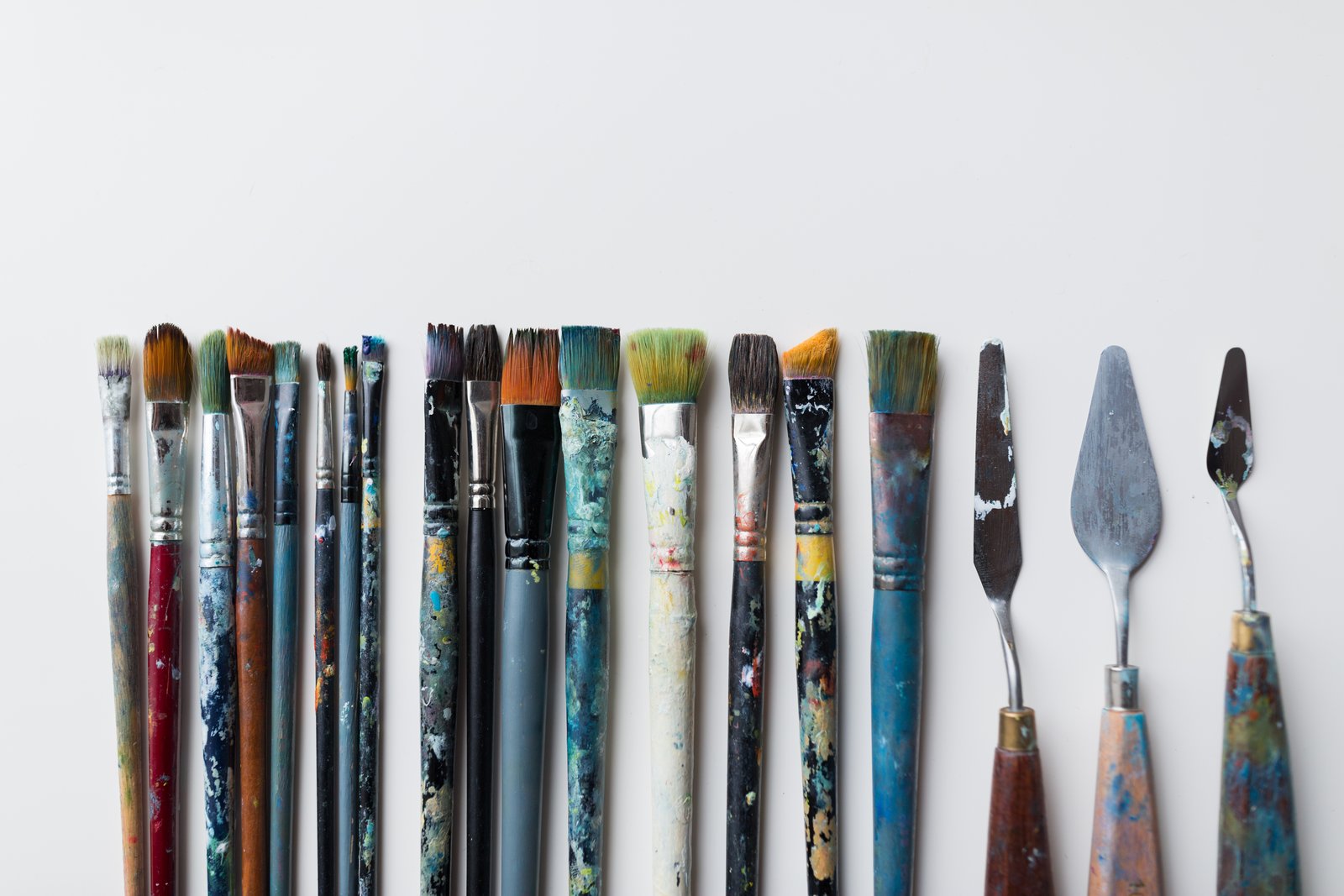
How to Build Custom Photoshop Brushes That Actually Work Inside Actions

How to Build Custom Photoshop Brushes That Actually Work Inside Actions

Last spring I was setting up a new dodging-and-burning action for a cosmetics client, one of those workflows where consistency really matters because the same action runs across 300 product shots in a single batch. The action broke on the third image. Not a layer issue, not a color mode conflict. The brush I had defined for the Healing Brush step had a texture applied that referenced a pattern the client’s machine didn’t have loaded.

Stop Applying the Same Edits Manually: How Custom Lightroom Presets Fix Your Starting Point Problem

Stop Applying the Same Edits Manually: How Custom Lightroom Presets Fix Your Starting Point Problem

Every editor has a version of this problem. You open a raw file, and before you even really look at it, your hands are already moving. Lens correction. Remove chromatic aberration. Enable profile corrections. Slight vignette. Bump vibrance, pull back saturation a touch. Add sharpening. Clip the highlights. Lift the shadows. You do it so automatically it barely registers as thinking anymore. For me, working through large product shot batches for e-commerce clients, that kind of robotic repetition used to eat 20 to 30 minutes per session before I’d even made a single creative decision.

Why Your Photoshop Presets Are Probably Fighting Your Workflow (And How to Build Ones That Don't)

Why Your Photoshop Presets Are Probably Fighting Your Workflow (And How to Build Ones That Don't)

The first time I realized my presets were working against me, I was three hours into a 200-image e-commerce job for a Chicago ad agency. I’d built what I thought was a bulletproof export action: sharpen, resize to 2000px on the long edge, convert to sRGB, save as JPEG at quality 10. Clean. Logical. The problem was the client’s web platform wanted 1600px, their email team wanted 800px, and their print vendor wanted TIFFs at 300 DPI.

Why Workflow Automation Matters: Learning from Kalshi's Enforcement Actions

Why Workflow Automation Matters: Learning from Kalshi's Enforcement Actions

The Power of Preset Rules in Preventing Problems I’ve been thinking a lot lately about how we build safeguards into our creative workflows, and a recent story about prediction market Kalshi really crystallized something important for me. The platform recently suspended three political candidates—Mark Moran from Virginia, Matt Klein from Minnesota, and Ezekiel Enriquez from Texas—for suspected insider trading activity. Here’s what caught my attention: Kalshi caught these violations because they’d implemented automated rules just last month specifically designed to flag suspicious behavior.

Mastering Export Workflows: How to Package Your Photoshop Actions Like a Pro

Mastering Export Workflows: How to Package Your Photoshop Actions Like a Pro

Mastering Export Workflows: How to Package Your Photoshop Actions Like a Pro I’ve spent more hours than I’d like to admit troubleshooting broken action files and corrupted preset exports. But here’s what I’ve learned: most export problems aren’t mysteries—they’re just preventable mistakes. Let me walk you through the exact workflow I use to export actions and presets that reliably work across different machines. Understanding Photoshop’s Export Limitations Before you export anything, you need to know what Photoshop actually supports.

What the Claude Code Leak Reveals About Automation's Future in Creative Tools

What the Claude Code Leak Reveals About Automation's Future in Creative Tools

The Incident That Got Everyone Talking Earlier this week, a significant security oversight exposed the inner workings of Claude Code’s latest update. While Anthropic quickly contained the situation, the leaked source code revealed something fascinating to those of us obsessed with workflow optimization: the company has been quietly developing some seriously ambitious automation features. The timing couldn’t be more interesting for the creative tech community. As someone who spends considerable time evaluating how different tools handle repetitive tasks, I found myself genuinely excited about what this accidental transparency revealed.

The Best Workflow Tools to Supercharge Your Photoshop Actions

The Best Workflow Tools to Supercharge Your Photoshop Actions

The Best Workflow Tools to Supercharge Your Photoshop Actions I’ve spent years building Photoshop actions and presets, and I’ve learned something crucial: Photoshop alone isn’t enough. The real magic happens when you layer complementary tools around your actions to create a seamless editing pipeline. Let me share the tools that have genuinely transformed how I work, and more importantly, how you can use them without getting overwhelmed. Why Tool Stacking Actually Matters Before I jump into specific recommendations, I want to be honest about something: adding more tools doesn’t automatically make you faster.

Photoshop Actions: The Workflow Game-Changer I Wish I'd Discovered Earlier

Photoshop Actions: The Workflow Game-Changer I Wish I'd Discovered Earlier

Photoshop Actions: The Workflow Game-Changer I Wish I’d Discovered Earlier I spent three years doing the same thing every single day: open an image, resize it to 1200x800, add a subtle vignette, boost saturation by 12%, and export as JPEG. Three years of mindless clicking. Then I discovered Photoshop actions, and honestly, I felt a bit foolish for not exploring them sooner. If you’re not using actions yet, you’re leaving serious productivity on the table.

Droplets in Photoshop: Automate Your Entire Workflow

Droplets in Photoshop: Automate Your Entire Workflow

Droplets in Photoshop: Automate Your Entire Workflow I’ll be honest—when I first learned about Photoshop droplets, I thought they were overengineered for what I needed. I was wrong. Droplets have become one of my most-used tools for handling client deliverables, batch resizing, and watermarking. If you’re not using them yet, you’re manually repeating work that could be completely automated. What Is a Droplet, Exactly? A droplet is a standalone executable file that triggers a Photoshop action on any file you drag onto it.