Depth Masking in Camera Raw Is the Portrait Separation Trick I Wish I'd Had Years Ago

Depth Masking in Camera Raw Is the Portrait Separation Trick I Wish I'd Had Years Ago

I’ve been doing post-production for ad agencies long enough to remember when separating a subject from their background meant either a careful pen tool path or a lot of hoping the photographer nailed the depth of field in camera. Neither option was fast. Neither was particularly forgiving if the client came back three rounds later wanting changes. Recently I was working through a batch of corporate headshots where the photographer had shot everything on a relatively tight 85mm at f/2.

Master the Light Blur Effect: A Non-Destructive Workflow in Photoshop

Master the Light Blur Effect: A Non-Destructive Workflow in Photoshop

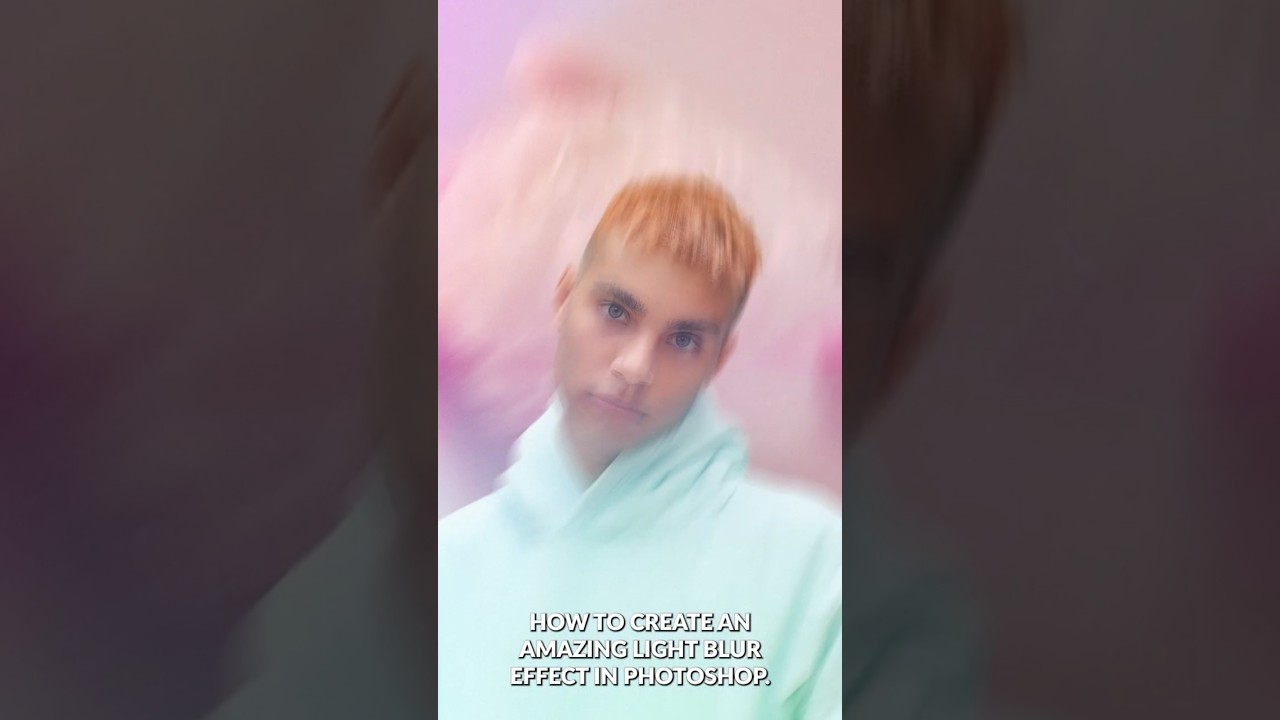
In this excellent tutorial, Aaron Nace (PHLEARN) walks through one of my favorite composite techniques: creating a high-end light blur effect that seamlessly integrates a subject with a background while maintaining professional focus control. What I love about this approach is how it demonstrates non-destructive editing principles throughout—meaning you can adjust nearly every element without permanently altering your work. I’ve used variations of this technique in countless portrait and composite projects, and it never gets old.

Master Non-Destructive Texture Layering in Photoshop: A Complete Breakdown

Master Non-Destructive Texture Layering in Photoshop: A Complete Breakdown

Why Textures Matter in Modern Photography I’ve spent years watching photographers struggle with the “digital look” problem. You know the one—images that feel too clean, too sterile, lacking that tactile quality that draws viewers in. In this excellent tutorial, Aaron Nace (PHLEARN) demonstrates a game-changing approach to texture application that transformed how I approach post-processing. The beauty of textures isn’t just aesthetic. They add visual interest, create depth, and give your work that professional, editorial quality that clients notice.

Master Non-Destructive Editing in Photoshop: A Professional Workflow Breakdown

Master Non-Destructive Editing in Photoshop: A Professional Workflow Breakdown

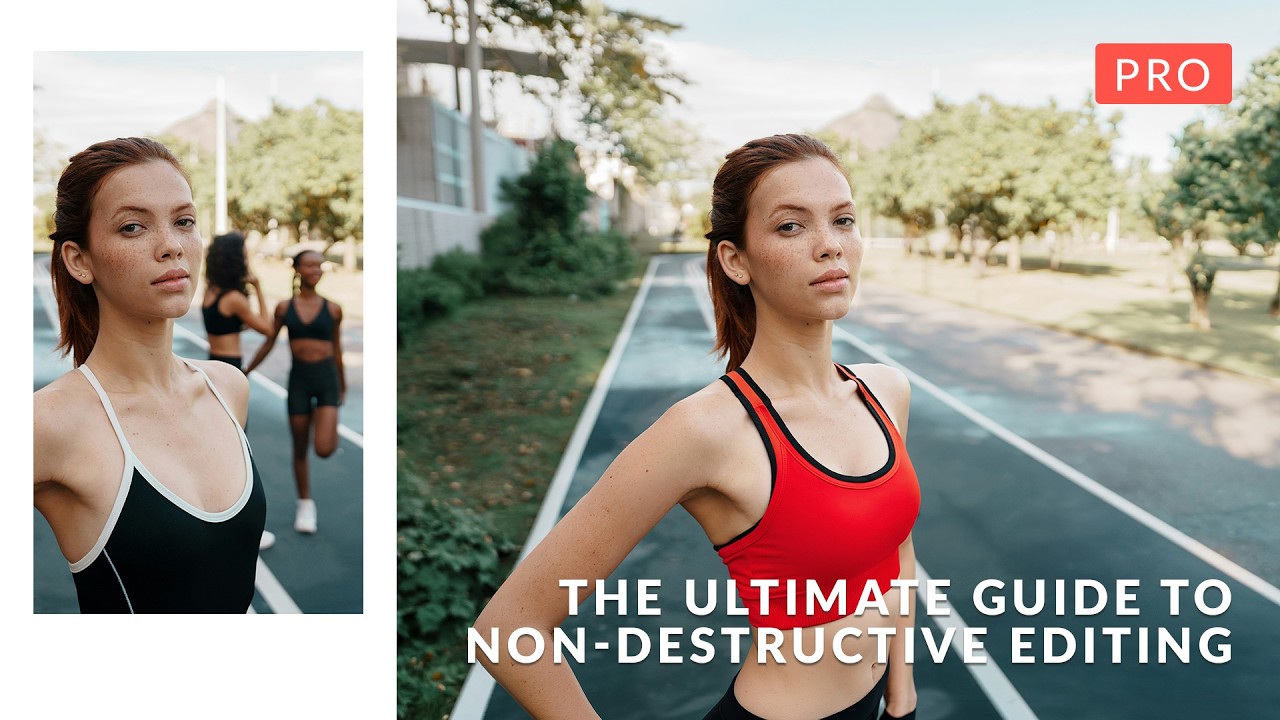
I’ll be honest: when I first started working in Photoshop, the fear of permanently destroying my work kept me from experimenting. One wrong flatten operation and hours of effort could vanish. That anxiety is exactly what In this excellent tutorial, Aaron Nace (PHLEARN) addresses head-on with “The Ultimate Guide to Non-Destructive Editing.” After diving deep into this course, I want to break down the key concepts and workflow strategies that transformed how I approach every Photoshop project.