Path Blur + Smart Objects: How Aaron Nace's Light Effect Technique Changed My Retouching Workflow

Path Blur + Smart Objects: How Aaron Nace's Light Effect Technique Changed My Retouching Workflow

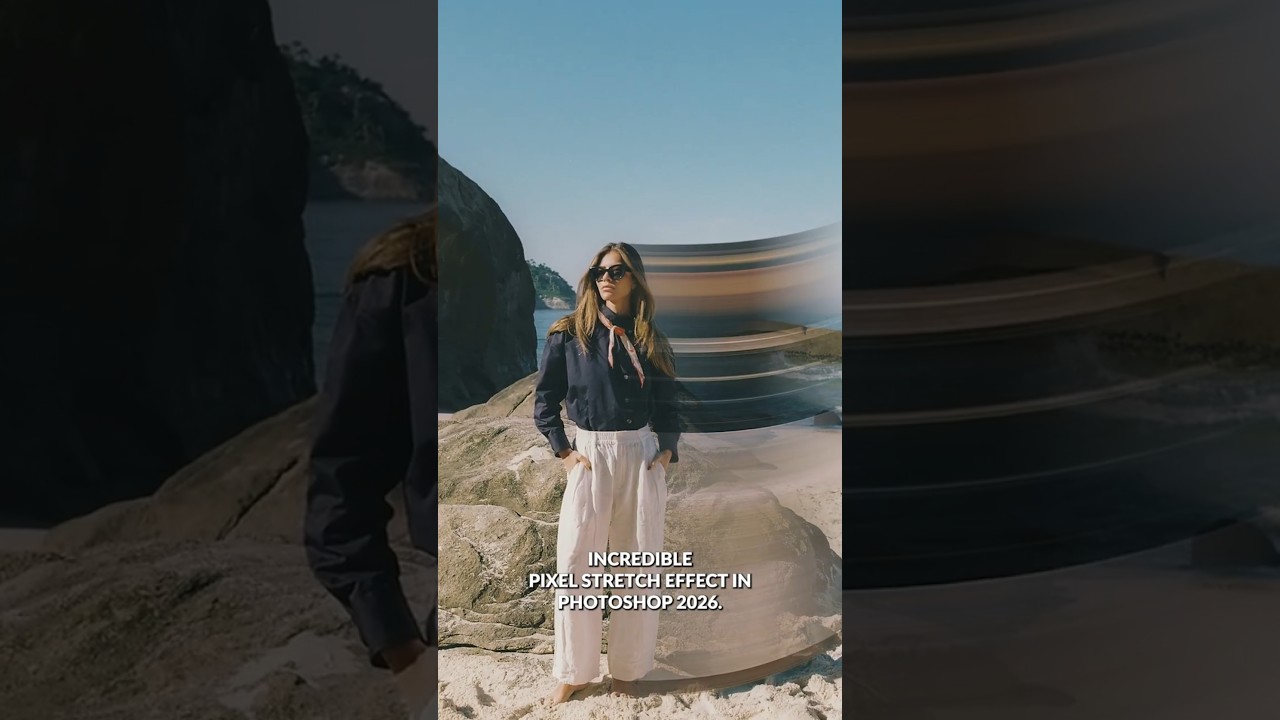
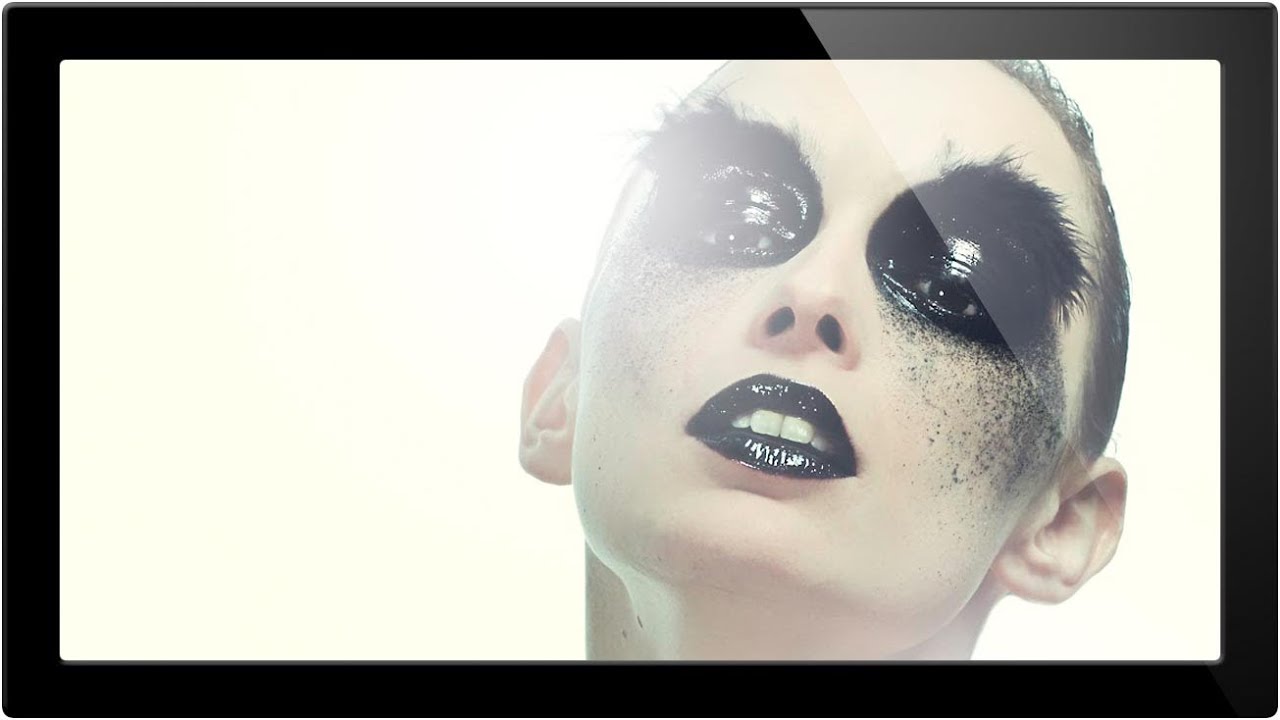
I was sitting on a job last month, a cosmetics campaign with a handful of hero shots that needed that polished, high-end glow you see in magazine spreads. The kind of light that feels like it’s moving. My usual approach, stacking a few soft light layers and leaning on Gaussian Blur, was getting me to “pretty good” but not quite to “that.” I knew the gap was in how I was handling directional light.

Photoshop 2026's Game-Changing Adjustment Layers: A Complete Breakdown

Photoshop 2026's Game-Changing Adjustment Layers: A Complete Breakdown

When Photoshop 2026 dropped, I immediately noticed something that made me genuinely excited: three adjustment layers that had been living in Lightroom finally made their way into Photoshop as native adjustment layers. This isn’t just a convenience update—it’s a legitimate workflow game-changer for anyone who edits photos seriously. In this excellent tutorial, Aaron Nace (PHLEARN) breaks down exactly how to use Photoshop’s newest adjustment layers: Color & Vibrance, Clarity & Dehaze, and Grain.

Master the Double Exposure Effect in Photoshop: A Complete Breakdown of Aaron Nace's Essential Technique

Master the Double Exposure Effect in Photoshop: A Complete Breakdown of Aaron Nace's Essential Technique

I’ve always found the double exposure effect to be one of those techniques that looks incredibly complex but is surprisingly straightforward once you understand the core principle. In this excellent tutorial, Aaron Nace (PHLEARN) demonstrates exactly how to nail this effect in just two minutes—and today, I’m breaking down every step so you can master it yourself. What Makes a Double Exposure Work? Before jumping into the technical steps, let’s talk about why this effect works at all.