Dodge & Burn Like a Painter: Building a Pressure-Sensitive Brush in Photoshop

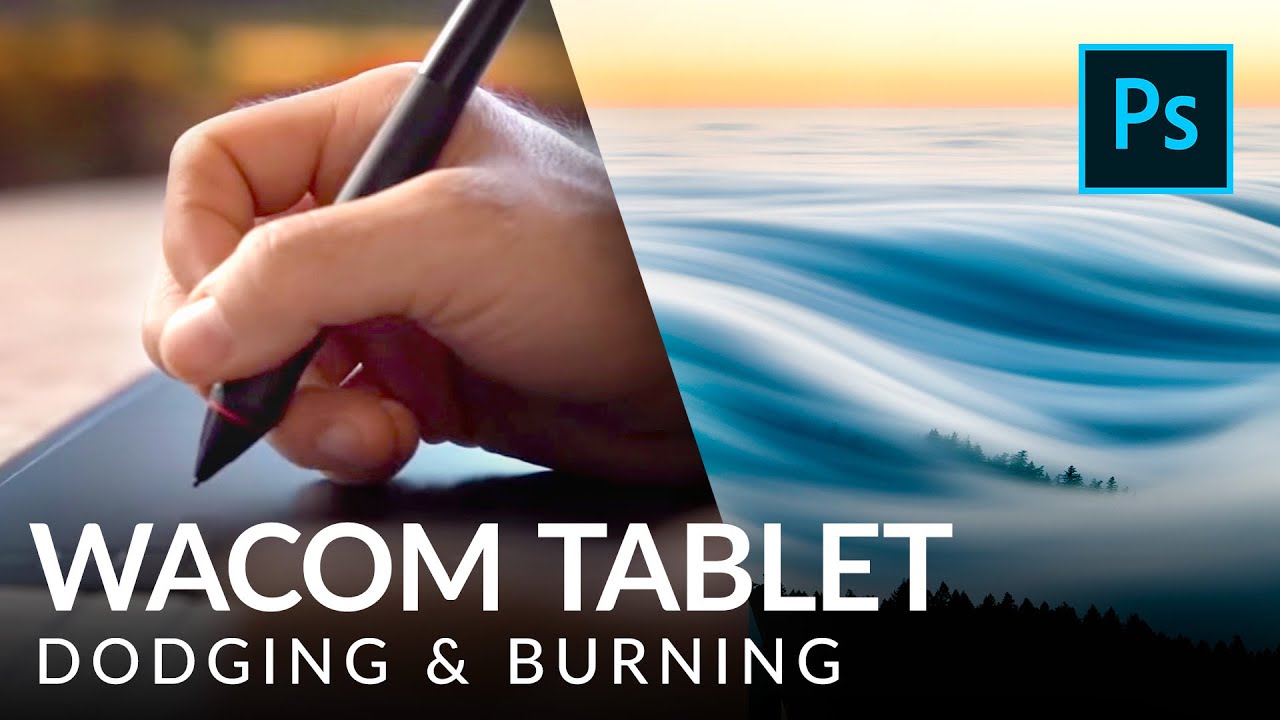
Dodge & Burn Like a Painter: Building a Pressure-Sensitive Brush in Photoshop

Fifteen years of studio work taught me that dodging and burning separates the retouchers from the photo editors. Anyone can pull a Curves adjustment. Shaping light on a face, a product surface, or a landscape so it reads as three-dimensional and intentional – that takes control. Real, granular, stroke-by-stroke control. For most of my career I was doing it with a mouse, convincing myself that lowering brush flow to 5% was “good enough.

How to Build a Cloud Brush in Photoshop That Actually Works (And Why Most People Get It Backwards)

How to Build a Cloud Brush in Photoshop That Actually Works (And Why Most People Get It Backwards)

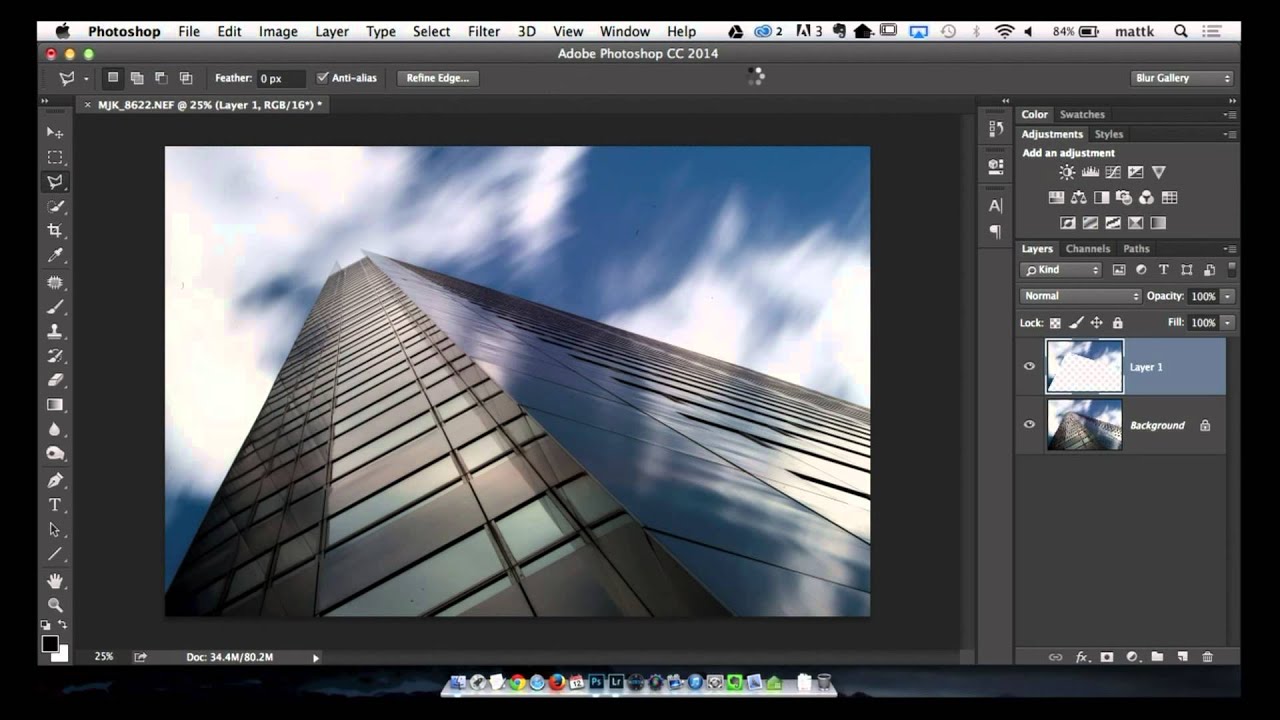
Compositing is where my commercial work lives. Whether I’m dropping a product into a lifestyle scene or building a full environmental composite for an ad agency client, the sky is almost always the first thing that needs fixing. Stock skies are fine, but a brush-based cloud you can paint, scale, and reposition in seconds? That becomes a reusable asset that earns its keep across dozens of projects. The problem is that most people who try to build a cloud brush in Photoshop hit an immediate wall and don’t understand why it’s not working.

The Custom Hair Brush Trick That Actually Works in Photoshop (And Why I Use It on Real Client Work)

The Custom Hair Brush Trick That Actually Works in Photoshop (And Why I Use It on Real Client Work)

Hair is the thing that separates a rushed cutout from a professional one. I’ve been doing post-production work for ad agencies and e-commerce brands for fifteen years, and I still see retouchers either avoid difficult hair entirely or lean so hard on Select and Mask that the result looks like a watercolor painting around the subject’s head. Neither is acceptable when a client is paying for clean, believable composites. In this Aaron Nace (PHLEARN) tutorial, he walks through a technique I hadn’t seen explained this clearly before: building a custom brush that mimics the shape and flow of a single strand of hair, then using it to manually cut hair from a background.

When Photoshop's AI Tools Stop Being Helpers and Start Being Shortcuts

When Photoshop's AI Tools Stop Being Helpers and Start Being Shortcuts

I’ve been editing images professionally for nearly two decades, and I’ve watched Photoshop evolve from a tool that forced you to understand layers, masking, and color theory into something that can generate solutions with a single click. That’s genuinely incredible. But I’m watching something troubling happen in my community: editors are treating AI features as replacements for foundational skills rather than force multipliers. The issue isn’t that these tools exist. It’s that we’re using them without understanding what we’re outsourcing.