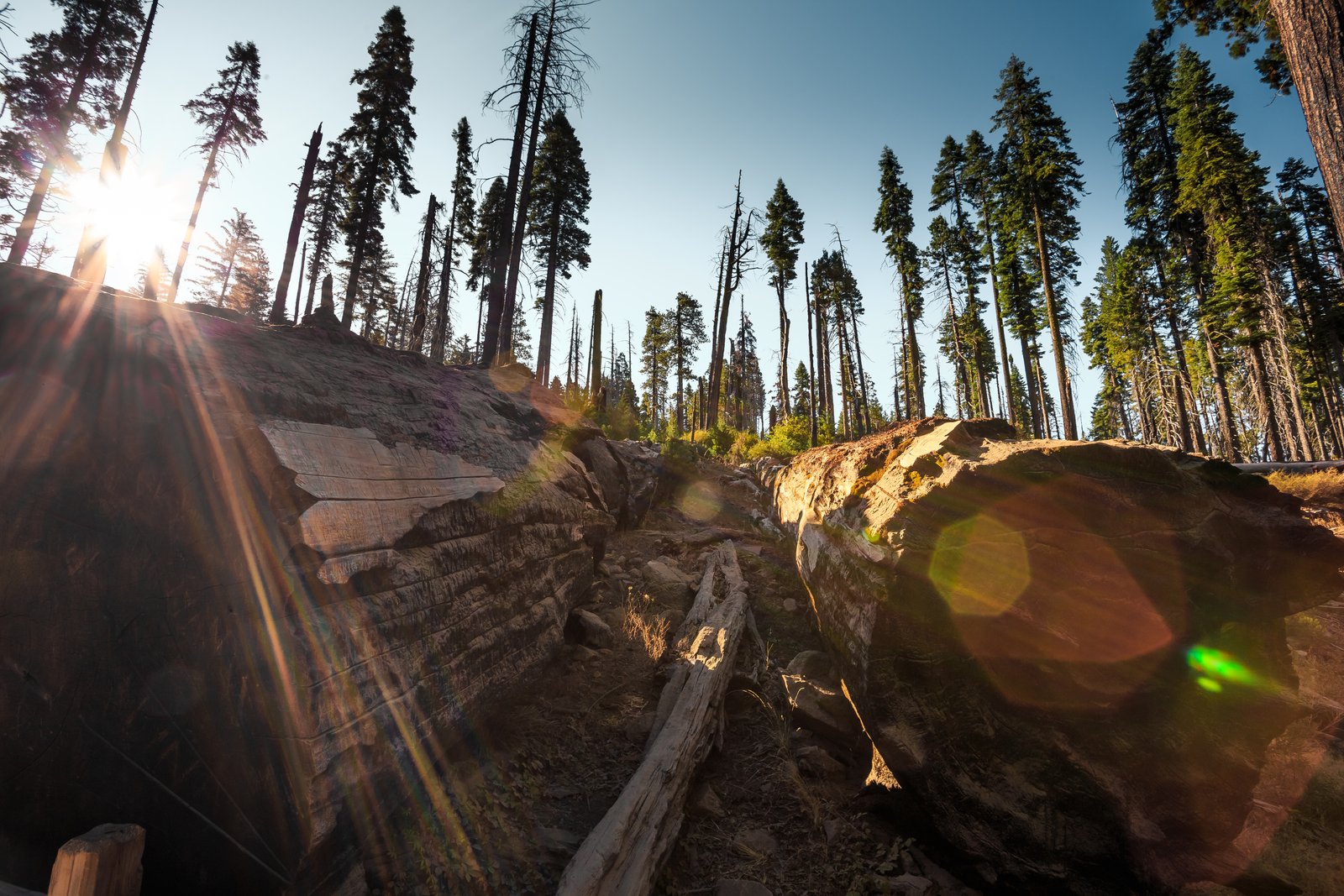
Understanding Lens Flare: Why Modern Glass Creates Those Dreamy Light Artifacts
I’ve spent countless hours chasing that perfect lens flare in my photographs—sometimes intentionally, sometimes cursing it in the field. But I recently dove deep into the optical physics behind this phenomenon, and it completely changed how I approach flare in my post-processing workflow.
The Uncoated Glass Problem
Here’s what fascinated me: when light hits an uncoated glass-to-air surface, roughly 4% of that light bounces straight back. Sounds minimal, right? But here’s where it gets wild. A professional 24-70mm f/2.8 zoom lens contains approximately 30 of these optical surfaces stacked in sequence. That means an uncoated lens would lose over two-thirds of incoming light before it even reached your sensor—it’d be catastrophic.
Modern lens coatings solve this problem brilliantly, but they’re not perfect. Some reflected light still bounces around inside the barrel, and when it hits your sensor or internal elements at the wrong angle, you get flare. That ethereal glow we either love or hate is literally light taking the scenic route through our expensive glass.
Why This Matters for Post-Processing
Understanding this optical behavior has transformed my approach to fixing (or enhancing) flare in Photoshop. I now recognize that flare isn’t just a random artifact—it’s physics expressing itself. This means:
Flare patterns are predictable. Once I understand where the light source is positioned relative to the lens axis, I can anticipate where artifacts will appear and adjust my workflow accordingly.
Correction requires precision. Rather than reaching for generic lens flare removal actions, I’ve developed custom Photoshop presets that account for the specific lens characteristics and light direction. A flare from backlit sun behaves differently than flare from a window reflection.
Enhancement possibilities expand. I’ve started building custom lens flare actions that actually layer multiple flare elements based on realistic optical principles rather than just stylistic guesses.
Practical Workflow Takeaway
I now keep detailed notes about which lenses produce which flare characteristics under different lighting conditions. This intel feeds directly into my post-processing workflow. When I encounter problematic flare in the field, I know whether it’s worth correcting in Photoshop or if I should have adjusted my shooting angle.
The bottom line? Lens flare isn’t magic or mystery—it’s optical physics. And when you truly understand the mechanism, you gain remarkable control over it, whether you’re eliminating it or deliberately crafting it for dramatic effect.
Your post-processing toolkit just got more powerful.
Comments (9)
I've been looking for exactly this kind of tutorial. Perfect timing.
Printing this out and pinning it next to my monitor. That good.
Great article! I actually covered something related on my site — the lighting angle is really complementary to this.
I tried this on a client project yesterday and the results were way better than expected.
Applied this to my portfolio shots and the improvement is noticeable.
Well explained. I think my audience would really benefit from this — mind if I link to it?
This is the kind of content that keeps me coming back.
Just used this on a wedding shoot edit. Client was thrilled.
Really solid breakdown. This pairs perfectly with the retouching work I've been writing about.
Leave a Comment