Build a Snow Brush in Photoshop from Scratch (And Actually Understand Why It Works)

Build a Snow Brush in Photoshop from Scratch (And Actually Understand Why It Works)

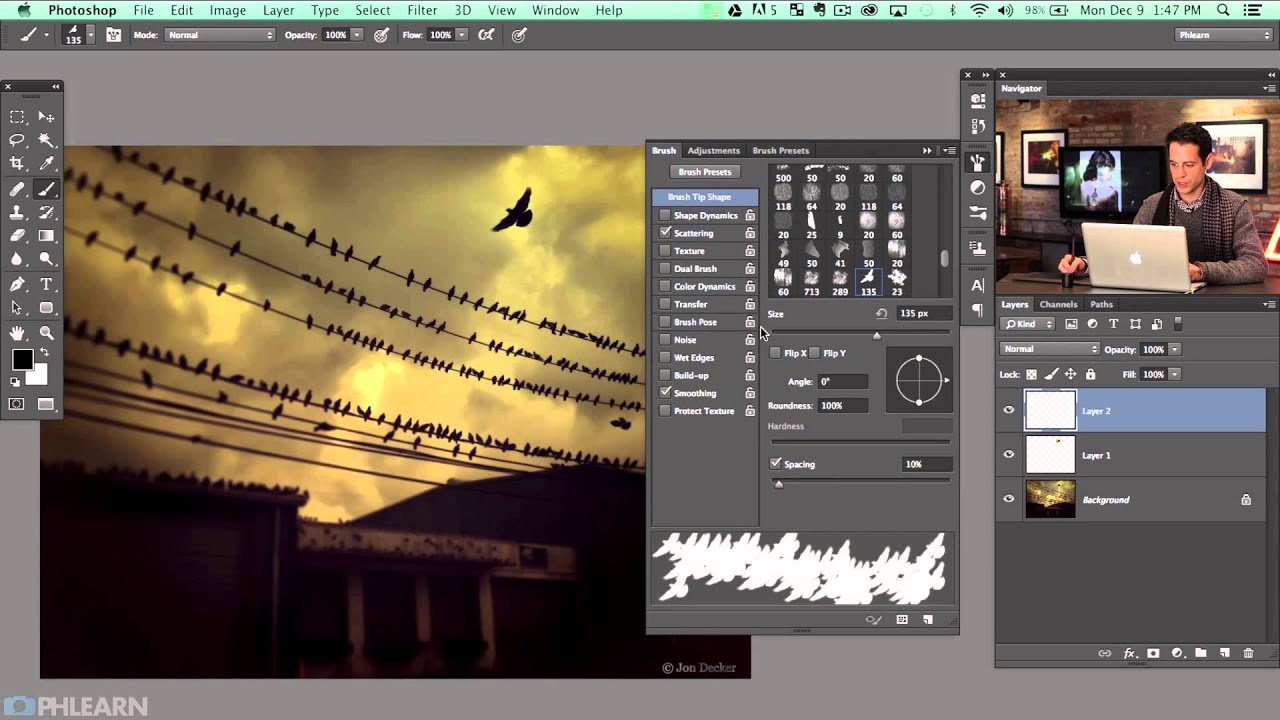
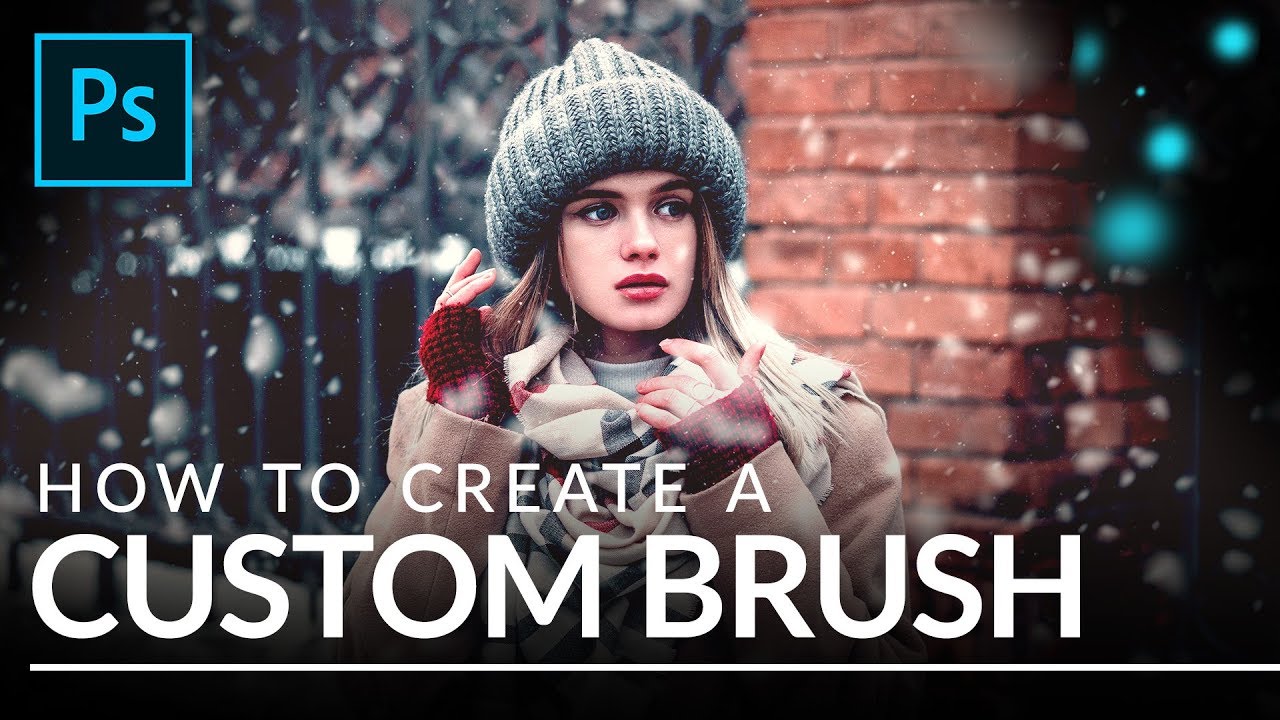
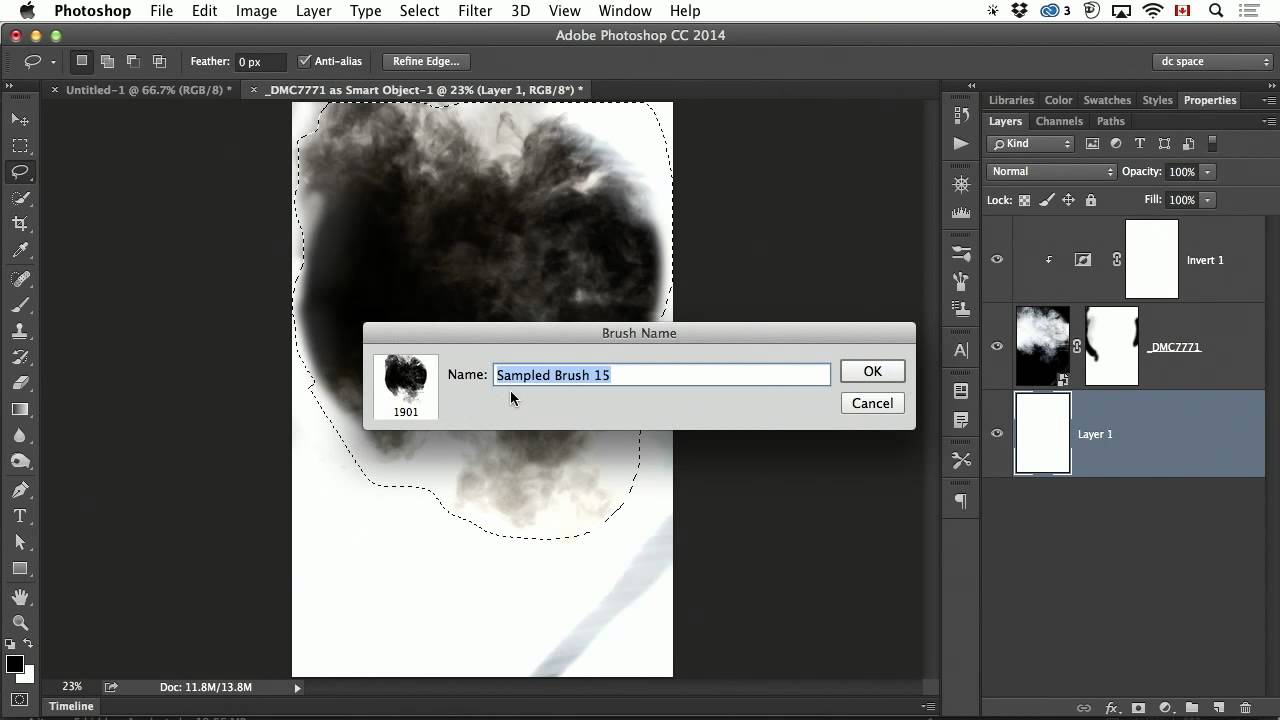
Every December, at least one client asks me to add snow to a product shot or lifestyle image that was photographed in July. For years I licensed stock snow overlays, and they were fine, right up until they weren’t. The wrong flake size, the wrong density, a pattern that tiled visibly if you looked closely. The overlay approach is a patch, not a solution. What I actually needed was a brush I could resize, rescatter, and repaint non-destructively depending on the image.

Master the Double Exposure Effect in Photoshop: A Complete Breakdown of Aaron Nace's Essential Technique

Master the Double Exposure Effect in Photoshop: A Complete Breakdown of Aaron Nace's Essential Technique

I’ve always found the double exposure effect to be one of those techniques that looks incredibly complex but is surprisingly straightforward once you understand the core principle. In this excellent tutorial, Aaron Nace (PHLEARN) demonstrates exactly how to nail this effect in just two minutes—and today, I’m breaking down every step so you can master it yourself. What Makes a Double Exposure Work? Before jumping into the technical steps, let’s talk about why this effect works at all.