Video Tutorials
Build a Vintage Film Preset in Lightroom Classic (And Never Recreate That Look From Scratch Again)
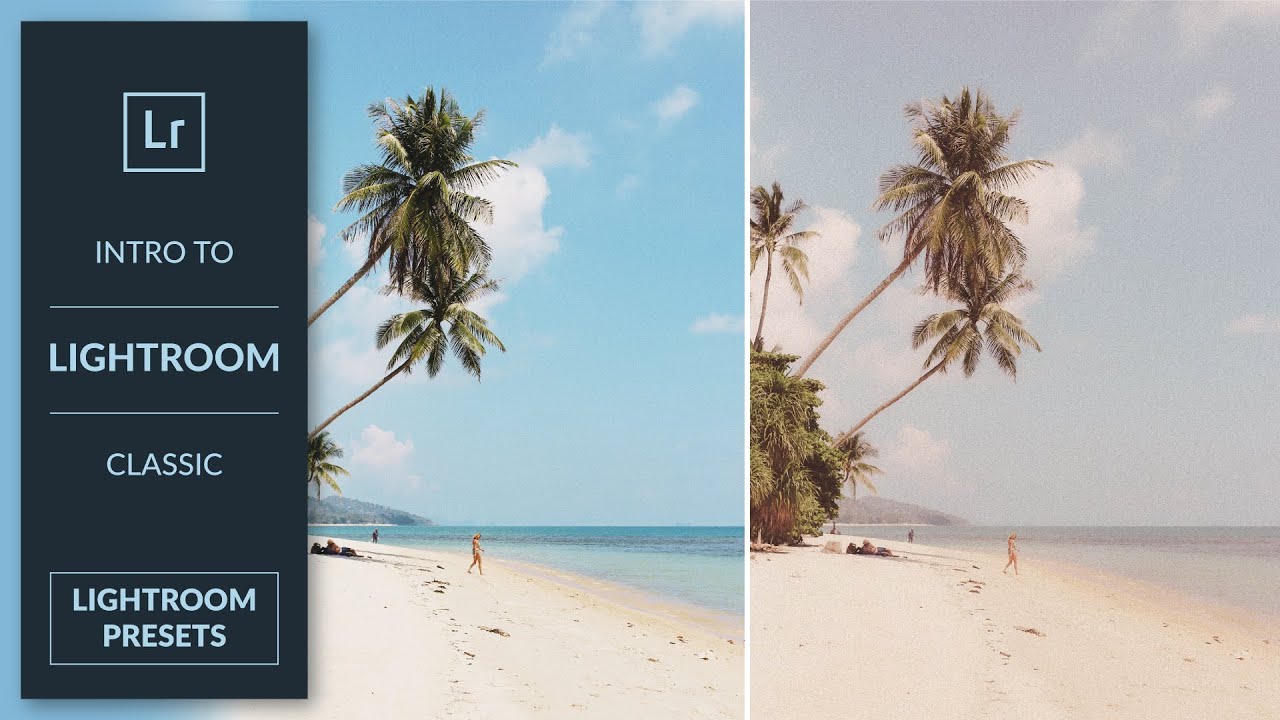
There is a particular kind of frustration that only photographers understand: you nail a look on one image, move on to the next session, and spend twenty minutes trying to remember exactly what you did. Contrast down how much? Which shadow color? I’ve been doing post-production work for fifteen years, and I can tell you that the answer to that problem isn’t a better memory. It’s a preset. In this Aaron Nace tutorial from PHLEARN, he walks through the entire process of building a vintage film preset inside Lightroom Classic - from dialing in the adjustments to saving and organizing the preset so it’s actually usable across sessions and projects.