Lightroom Preset Organization Tips That Actually Stick (5 Techniques From a Pro Workflow)

Lightroom Preset Organization Tips That Actually Stick (5 Techniques From a Pro Workflow)

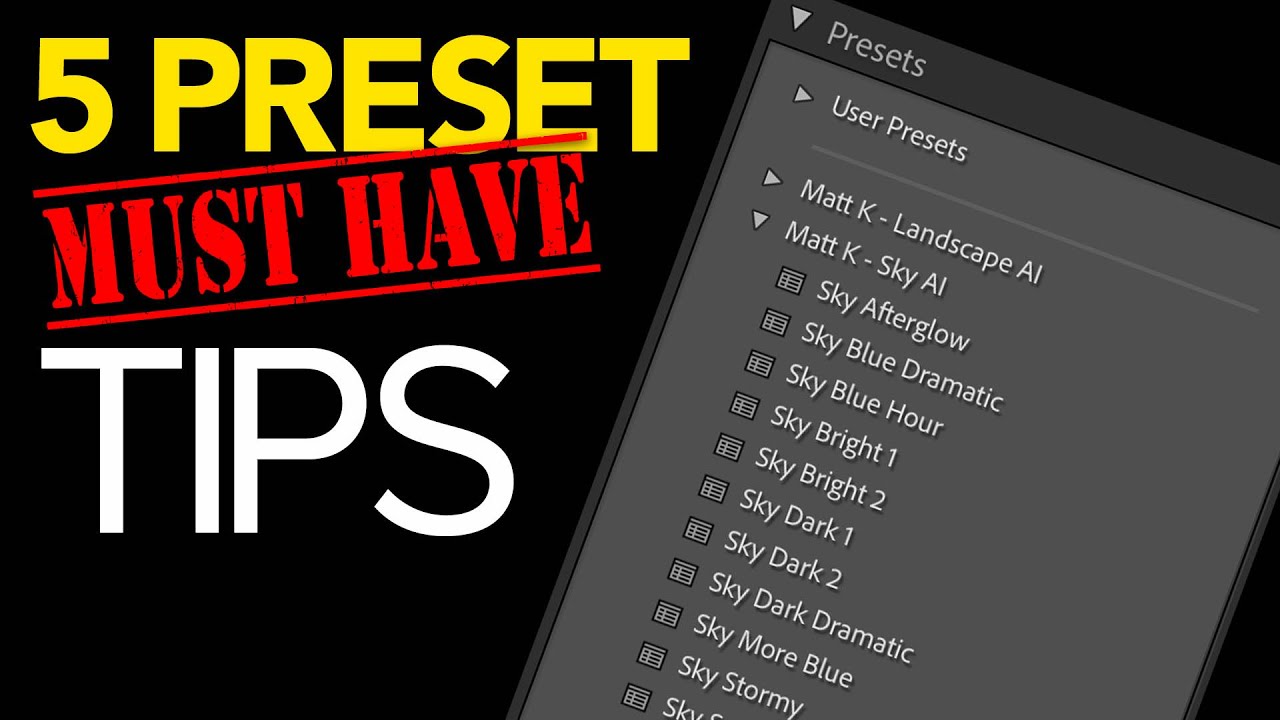
If you’ve worked in Lightroom long enough, you know the feeling: your preset panel looks like someone knocked over a filing cabinet, you can’t find the one you want, and you’re wasting time on organizational problems instead of actually editing. I’ve spent 15 years running post-production workflows for ad agencies and e-commerce clients, and I can tell you that a messy preset library is the kind of slow leak that quietly costs you hours every month.

Clean Up Your Lightroom Develop Module in 5 Moves (Scott Kelby's Workflow Tips, Expanded)

Clean Up Your Lightroom Develop Module in 5 Moves (Scott Kelby's Workflow Tips, Expanded)

Every hour I spend scrolling through panels I don’t use is an hour I’m not billing. After 15 years running post-production for ad agencies and e-commerce brands, I still run into photographers who are white-knuckling it through a default Lightroom interface that was never configured for the way they actually work. The software ships with everything turned on, which sounds generous until you realize you’re hunting through six modules you’ve never opened and scrolling past panels you’ll never touch.

Rethinking Your Landscape Editing Order in ON1 Photo RAW 2019

Rethinking Your Landscape Editing Order in ON1 Photo RAW 2019

I have a spreadsheet that tracks every hour I’ve recovered through better workflow systems. It’s embarrassing how much of that time was lost not to bad tools, but to doing things in the wrong order. Sequence matters enormously in post-production, whether you’re batch-processing 500 product shots or sitting down with a single landscape file you actually care about. That’s why I keep coming back to tutorials from photographers who think systematically, not just creatively.