Stop Painting with Generic Brushes: How to Build Free, High-Quality Custom Brushes in Photoshop

Stop Painting with Generic Brushes: How to Build Free, High-Quality Custom Brushes in Photoshop

Every so often I’ll be retouching a composite for a client and I hit the same wall: the default Photoshop brush set just doesn’t have what I need. The standard round brushes are fine for blocking in masks, but the moment a project calls for realistic texture, organic edges, or painterly detail, they fall flat fast. I’ve bought brush packs over the years, and some of them are excellent, but there’s a constant nagging feeling that a pre-made pack is always someone else’s creative fingerprint, not mine.

How to Turn Any Stock Image Into Custom Photoshop Brushes (Spatter Effects the Smart Way)

How to Turn Any Stock Image Into Custom Photoshop Brushes (Spatter Effects the Smart Way)

Every studio I’ve worked in over the past 15 years has had the same gap in its toolkit: people spending money on individual texture assets when a smarter approach to sourcing and defining custom brushes would give them ten times the mileage for the same cost. I hit this wall myself early on in my consultancy work, particularly when clients started asking for grunge and ink-spatter treatments on ad campaigns. I was grabbing one-off stock images, masking them out manually, and dragging them around as smart objects.

How to Build a Cloud Brush in Photoshop That Actually Works (And Why Most People Get It Backwards)

How to Build a Cloud Brush in Photoshop That Actually Works (And Why Most People Get It Backwards)

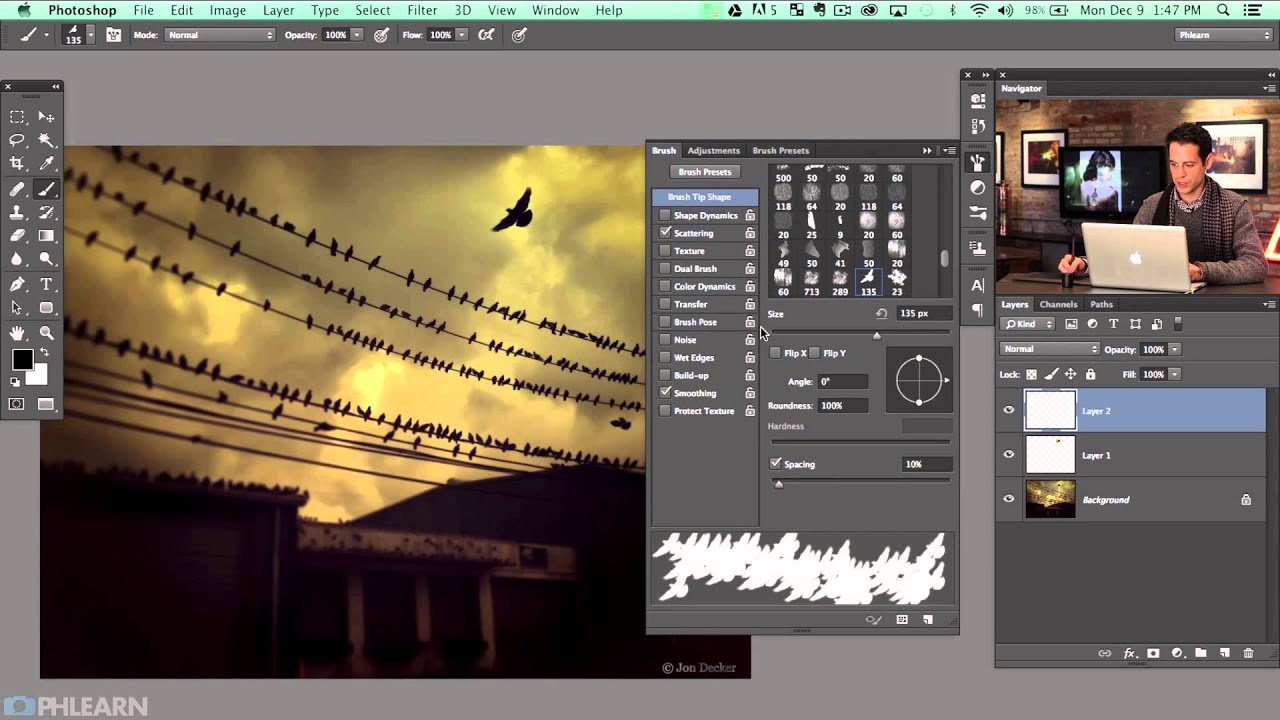
Compositing is where my commercial work lives. Whether I’m dropping a product into a lifestyle scene or building a full environmental composite for an ad agency client, the sky is almost always the first thing that needs fixing. Stock skies are fine, but a brush-based cloud you can paint, scale, and reposition in seconds? That becomes a reusable asset that earns its keep across dozens of projects. The problem is that most people who try to build a cloud brush in Photoshop hit an immediate wall and don’t understand why it’s not working.

How to Build Custom Photoshop Brushes That Actually Work Inside Actions

How to Build Custom Photoshop Brushes That Actually Work Inside Actions

Last spring I was setting up a new dodging-and-burning action for a cosmetics client, one of those workflows where consistency really matters because the same action runs across 300 product shots in a single batch. The action broke on the third image. Not a layer issue, not a color mode conflict. The brush I had defined for the Healing Brush step had a texture applied that referenced a pattern the client’s machine didn’t have loaded.