How AI Depth Masking in Photoshop Finally Solved My Portrait Background Problem

How AI Depth Masking in Photoshop Finally Solved My Portrait Background Problem

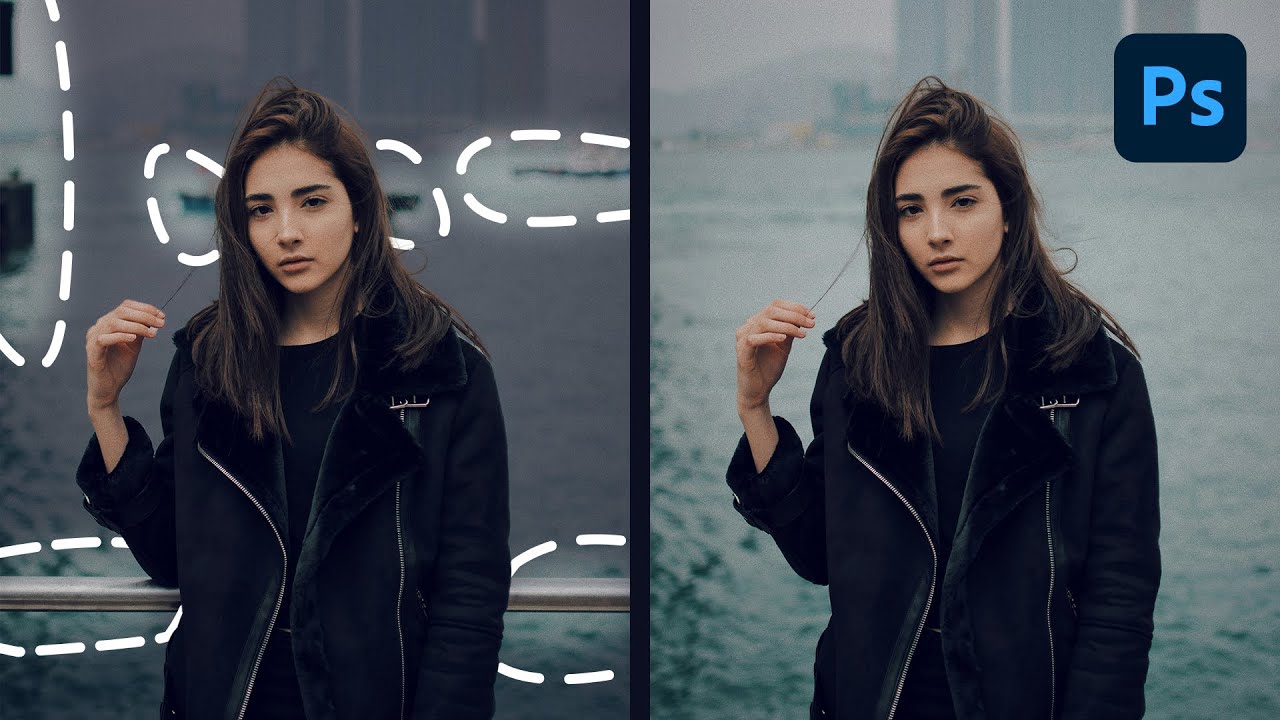
I’ve been doing post-production work for commercial clients for fifteen years. Portrait compositing, product retouching, ad-ready skin work. And there’s one problem that has eaten more of my billable hours than almost anything else: isolating a portrait subject from a busy background when the original shot has mediocre depth of field. You know the scenario. The photographer shot on a crop sensor, or the client approved a frame where the background separation is just… fine.

Depth Masking in Camera Raw Is the Portrait Separation Trick I Wish I'd Had Years Ago

Depth Masking in Camera Raw Is the Portrait Separation Trick I Wish I'd Had Years Ago

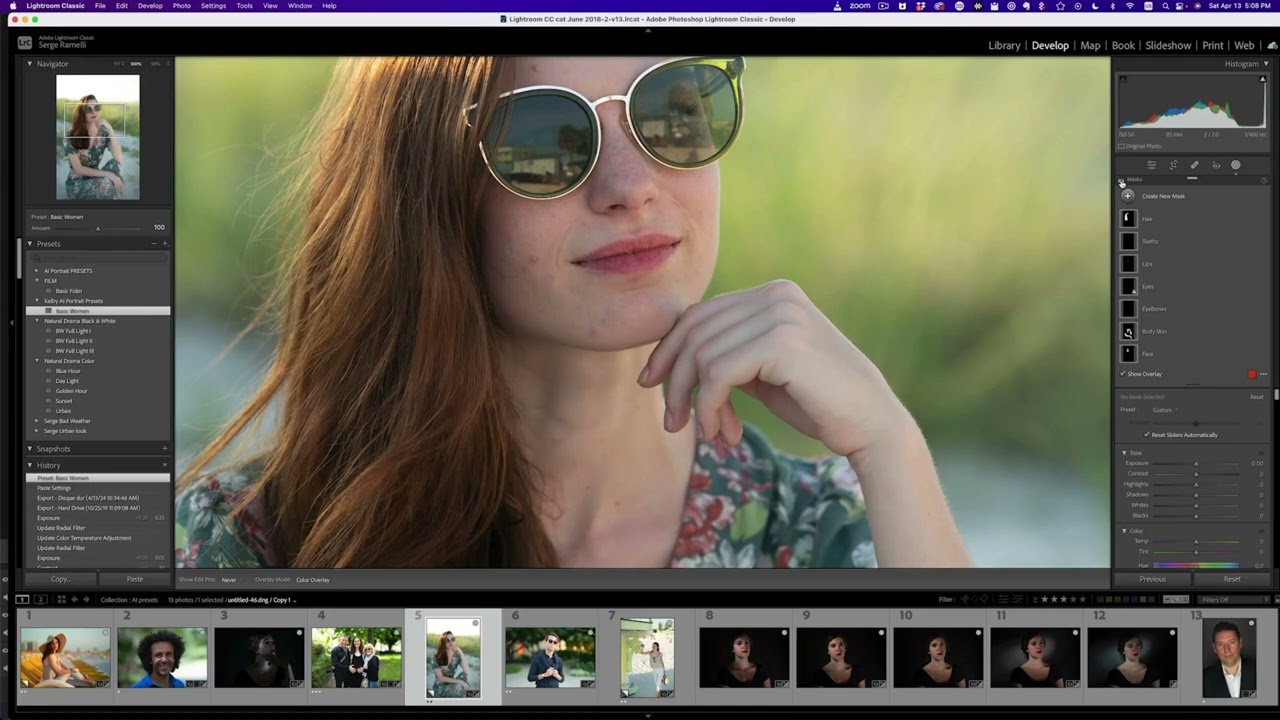
I’ve been doing post-production for ad agencies long enough to remember when separating a subject from their background meant either a careful pen tool path or a lot of hoping the photographer nailed the depth of field in camera. Neither option was fast. Neither was particularly forgiving if the client came back three rounds later wanting changes. Recently I was working through a batch of corporate headshots where the photographer had shot everything on a relatively tight 85mm at f/2.