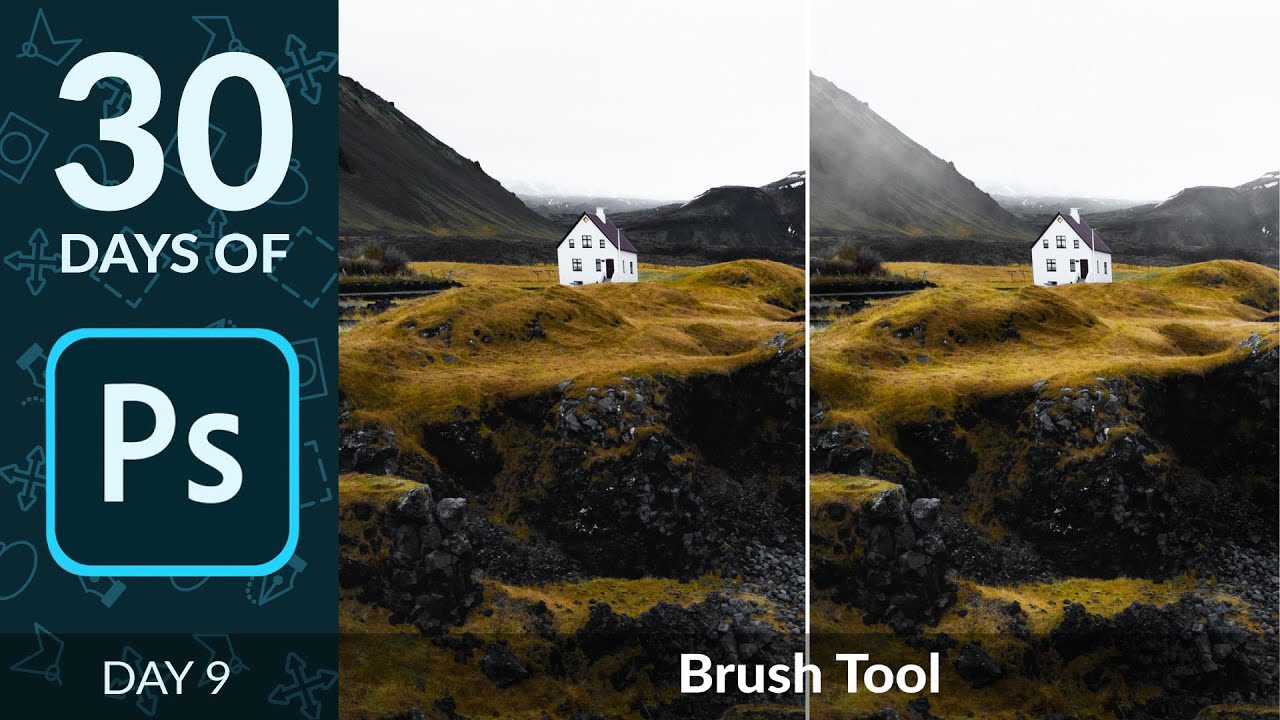
Mastering the Brush Tool in Photoshop: Dodge, Burn, and Custom Cloud Brushes

Mastering the Brush Tool in Photoshop: Dodge, Burn, and Custom Cloud Brushes

Most tools in Photoshop get their moment in the spotlight. The Pen tool has its cult following. The healing brush gets tutorials dedicated entirely to skin retouching. But the brush tool? People tend to gloss over it because it seems obvious. You paint. That’s it. What I’ve found after fifteen years of working in commercial post-production is that the brush tool is quietly responsible for some of the most important work happening in any comp, and most people are using it at maybe 30 percent of its capability.

How to Record a Photoshop Action and Batch Process an Entire Folder of Images

How to Record a Photoshop Action and Batch Process an Entire Folder of Images

I built my first Photoshop Action at 26 and I have not manually repeated a multi-step edit since. That sounds like an exaggeration but I track this stuff obsessively, and the number currently sits at over 2,400 hours saved across my career. So when someone asks me why Actions are worth learning, I don’t give them a philosophical answer. I give them a number. The specific workflow I want to walk you through today comes from a tutorial by Aaron Nace over at PHLEARN.

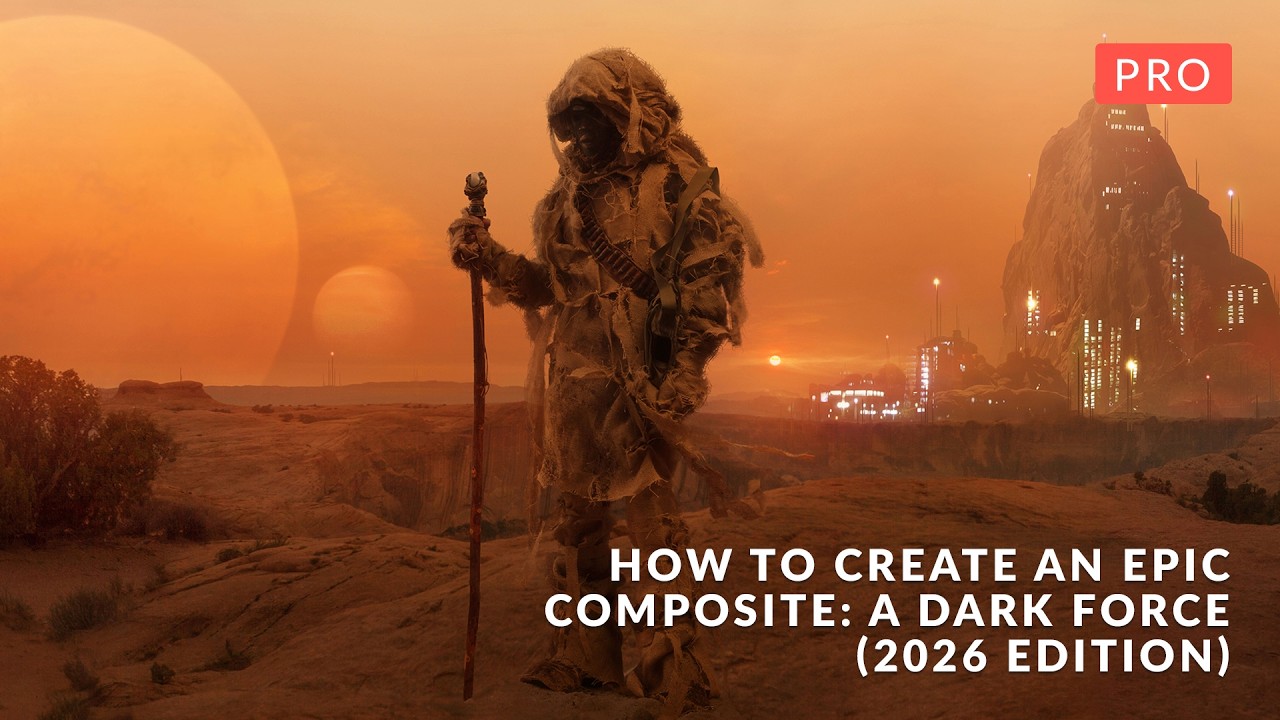
Building a 18-Layer Composite in Photoshop 2026: What Aaron Nace's Dark Force Tutorial Taught Me About Workflow Discipline

Building a 18-Layer Composite in Photoshop 2026: What Aaron Nace's Dark Force Tutorial Taught Me About Workflow Discipline

Most compositing tutorials teach you how to cut something out and drop it onto a new background. Call it a day. The result always looks like exactly what it is: two photographs that don’t belong together. What separates work that actually holds up, whether that’s a billboard, a campaign hero shot, or a spec piece, is whether the light, atmosphere, and depth feel like they came from the same universe.