How to Strip Logos and Distractions from Product Shots in Photoshop (Without Leaving a Trace)

How to Strip Logos and Distractions from Product Shots in Photoshop (Without Leaving a Trace)

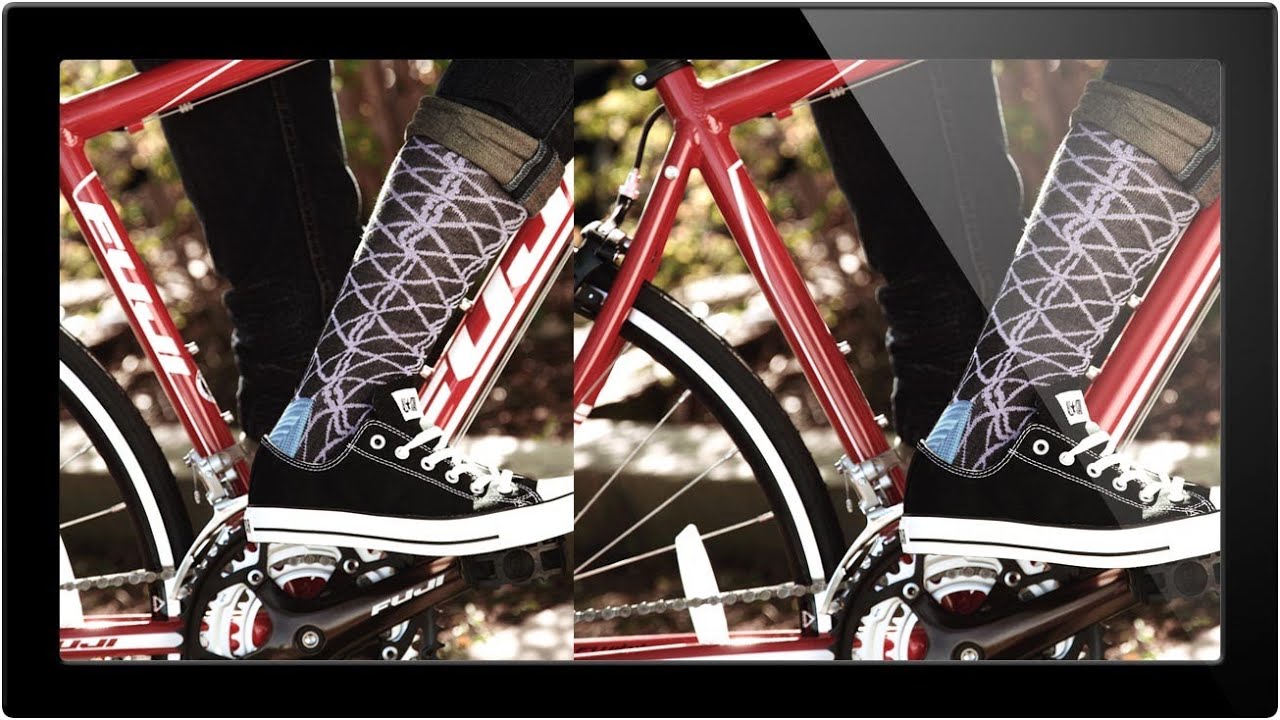
Product shot retouching is one of those jobs that sounds simple until you’re three hours deep, staring at a reflection of a brand logo that lives right on a highlight edge. I’ve been doing commercial post-production for fifteen years, and I can tell you: the work that looks the easiest is almost always the work that punishes you hardest when you rush it. Removing logos, watermarks, and visual distractions from product imagery is a daily reality in e-commerce and advertising retouching – and having a clear decision-making framework before you touch a single tool is what separates a clean two-hour job from an all-day nightmare.

Two Tools, One Clean Image: How to Remove Debris and Distractions in Photoshop Like a Pro

Two Tools, One Clean Image: How to Remove Debris and Distractions in Photoshop Like a Pro

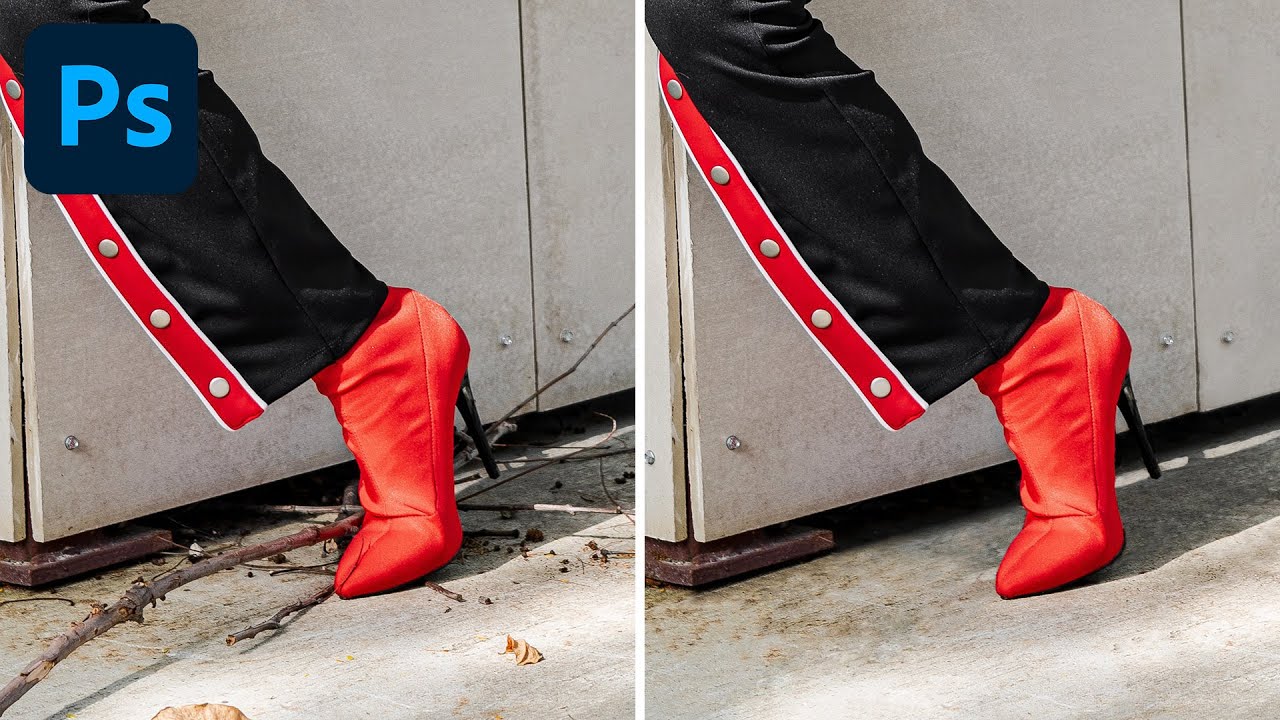
After fifteen years working in commercial studios, I can tell you that a genuinely clean shooting environment is a fantasy. Gravel lots, outdoor lifestyle shoots, product setups on location - there is always something on the ground that shouldn’t be there. A candy wrapper. A twig. A shadow from a fence post that crept into frame at the worst possible moment. The shot is otherwise perfect, the client wants it by Thursday, and you’ve got 40 frames that all need the same treatment.

How to Actually Remove Tourists and Distractions from Travel Photos (A Photoshop and Field Strategy Guide)

How to Actually Remove Tourists and Distractions from Travel Photos (A Photoshop and Field Strategy Guide)

I spent a long time thinking that tourist removal was purely a post-production problem. Set up the tripod, shoot the famous landmark, then spend an hour cloning out strangers in Photoshop. After 15 years of commercial work, I know better now, but I still catch myself skipping the field discipline and paying for it at the computer. That habit got challenged pretty directly when I watched Scott Kelby walk through his approach in this KelbyOne tutorial.

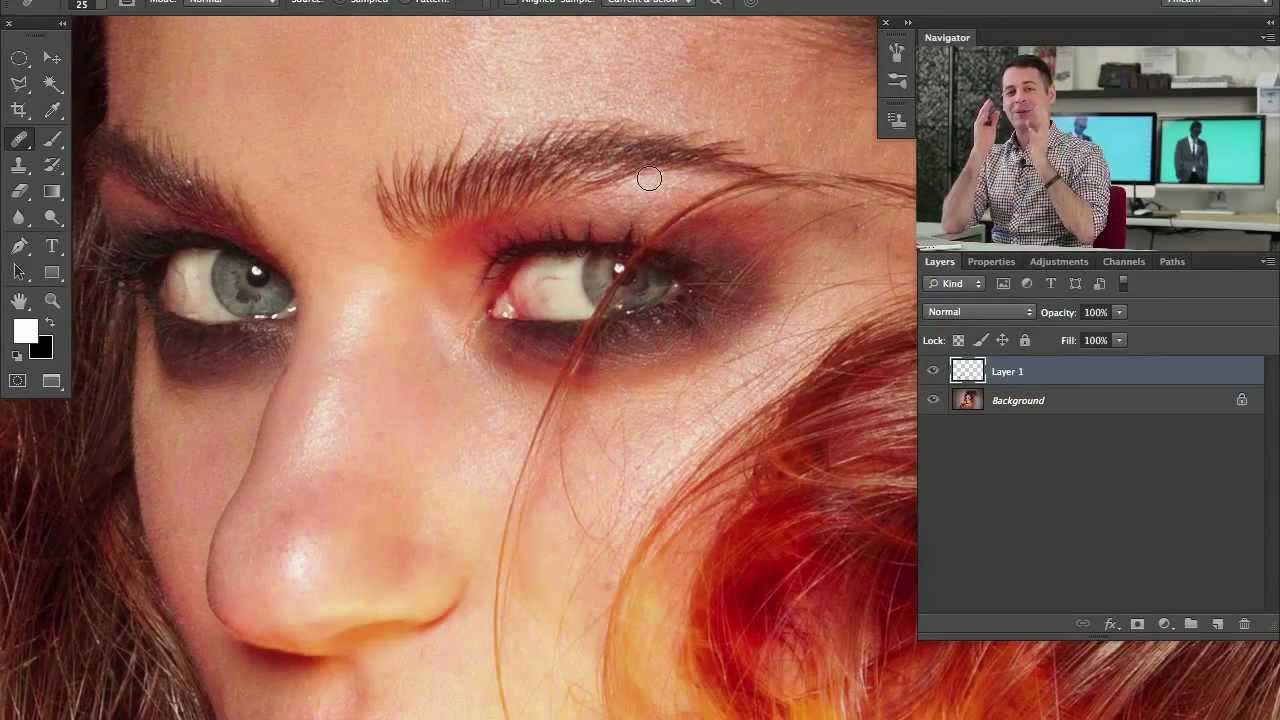
Clone Stamp vs. Healing Brush: The Decision That Changes How You Retouch Forever

Clone Stamp vs. Healing Brush: The Decision That Changes How You Retouch Forever

Fifteen years of production work will teach you things no tutorial ever explicitly states. One of them is this: the photographers who retouch slowly are almost never slow because they lack speed. They’re slow because they’re using the wrong tool and compensating with effort. I’ve watched junior retouchers spend forty minutes on a skin cleanup that should take eight, mostly because nobody ever sat them down and explained the actual mechanical difference between two tools that look, on the surface, like they do the same job.