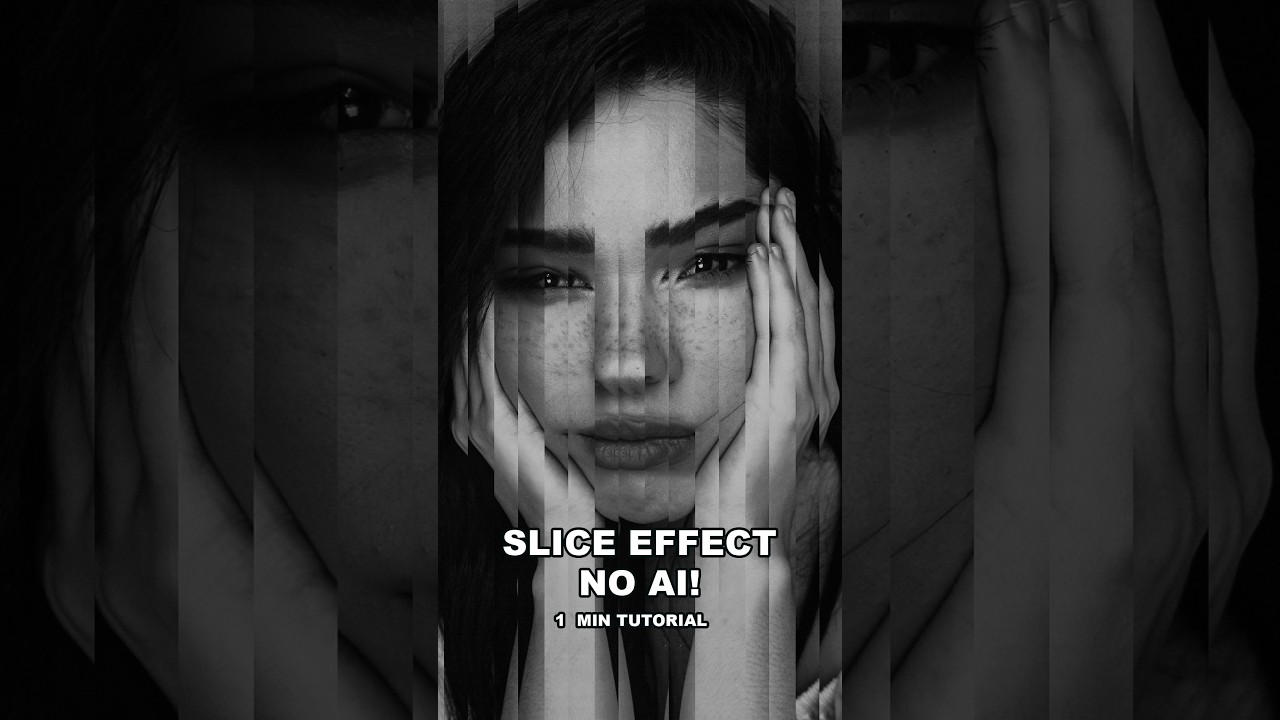
The Photoshop Slice Effect That Takes 5 Minutes and Looks Like It Took All Day

The Photoshop Slice Effect That Takes 5 Minutes and Looks Like It Took All Day

There’s a category of client request I’ve learned to dread over my fifteen years in commercial work: “Make it look editorial. You know, interesting.” That’s it. No reference image, no art direction, just vibes. I’ve built a small library of go-to effects I can reach for in those moments - effects that look considered and intentional without requiring a three-hour compositing session. The portrait slice effect is one of the best of them.
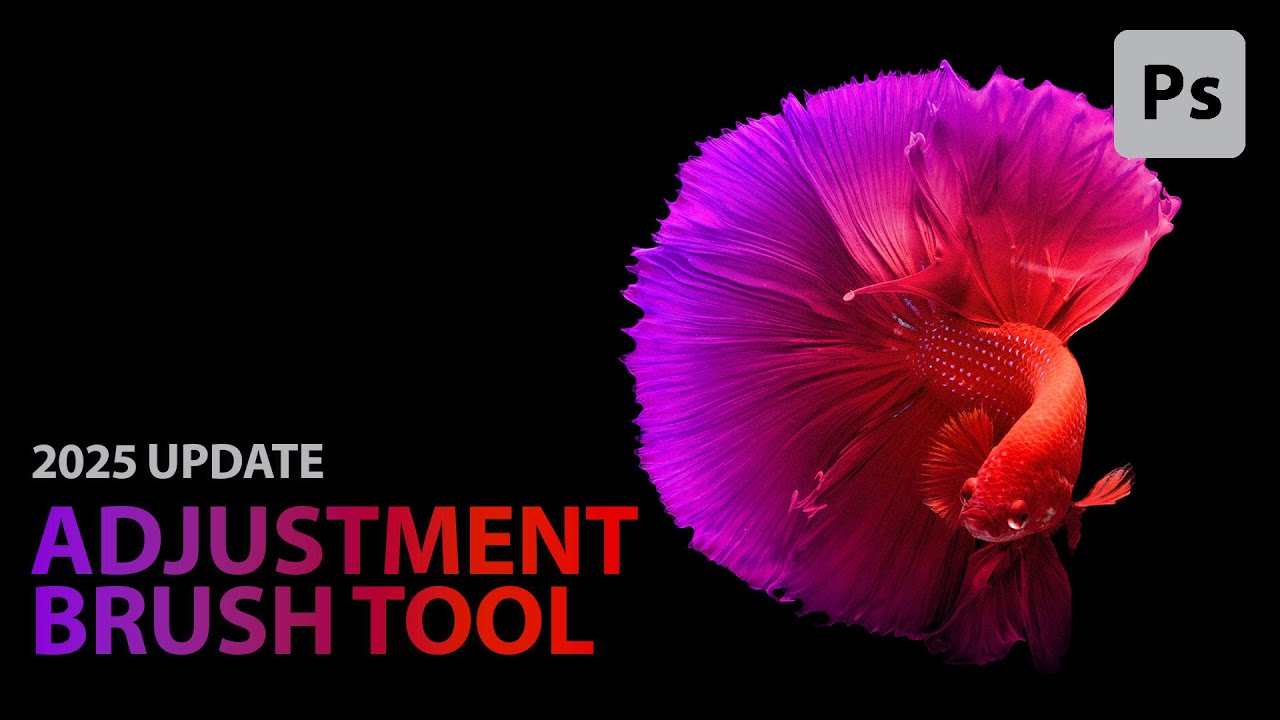
Photoshop 2025's Adjustment Brush Tool Is the Shortcut Your Masking Workflow Has Been Missing

Photoshop 2025's Adjustment Brush Tool Is the Shortcut Your Masking Workflow Has Been Missing

I run post-production for e-commerce and advertising clients, which means I spend a lot of time making isolated edits to specific objects in a photo. Change the color of that product. Brighten just this element. Keep everything else untouched. For years, my workflow for this was: create an adjustment layer, manually paint or refine a mask, adjust the settings, check the mask, fix the edges, repeat. It works. But it adds up fast when you’re moving through dozens of images in a session.

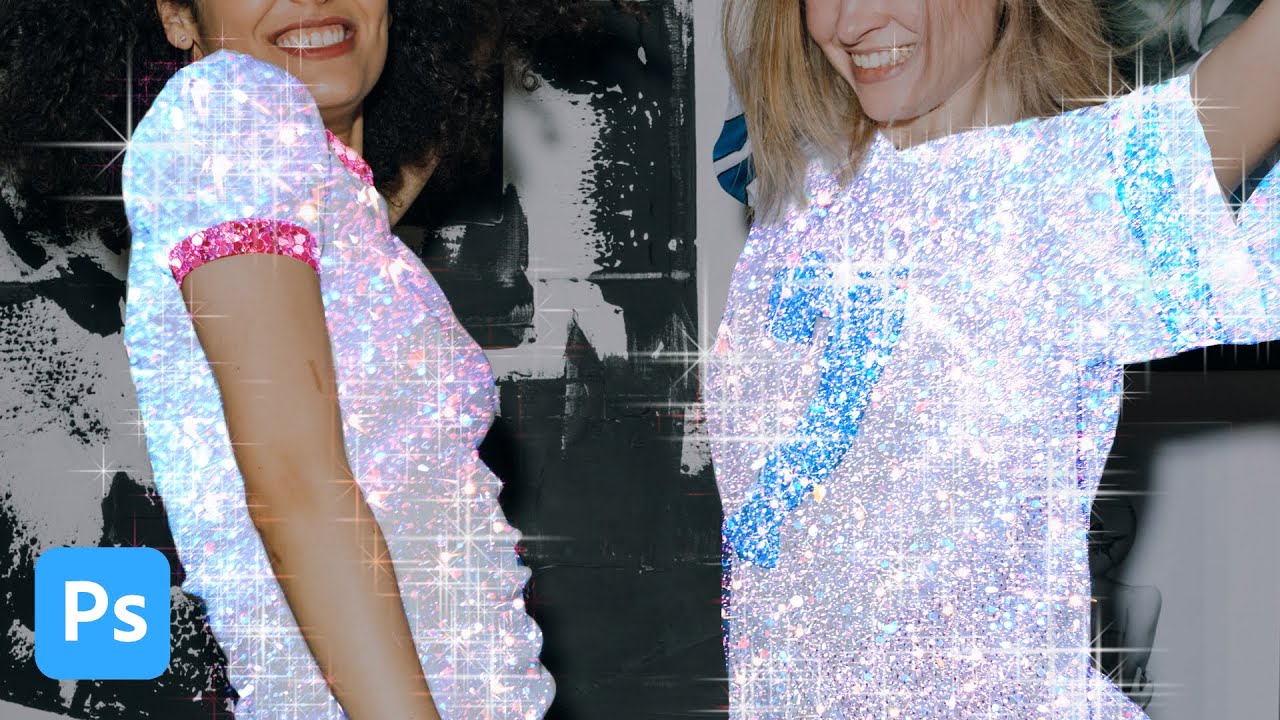
How to Create a Glitter Sparkle Effect in Photoshop Using Blend Modes and Custom Brushes

How to Create a Glitter Sparkle Effect in Photoshop Using Blend Modes and Custom Brushes

My clients come in two flavors: the ones who know exactly what they want, and the ones who send me a Pinterest board full of Instagram-aesthetic images and say “make it look like that.” The glitter sparkle effect falls firmly into the second category. I’ve been seeing it on product shots and portrait campaigns for a couple of years now, and every time a client sends me a reference I’ve had to reverse-engineer it on the fly.

Firefly 5 Generative Fill Is Actually Useful Now — Here's How to Use It Without Making a Mess

Firefly 5 Generative Fill Is Actually Useful Now — Here's How to Use It Without Making a Mess

Client briefs change at the last minute. That’s not a complaint, just the reality of commercial work. An art director decides mid-shoot that the talent’s jacket should match the brand color, or a prop that looked fine on set reads completely wrong in post. For years, my answer to those situations was either a reshoot conversation nobody wanted to have or a painstaking manual composite that added two hours to a job that was already on a tight turnaround.