Adding Window Textures and Light Overlays in Photoshop: A Workflow Worth Stealing

Adding Window Textures and Light Overlays in Photoshop: A Workflow Worth Stealing

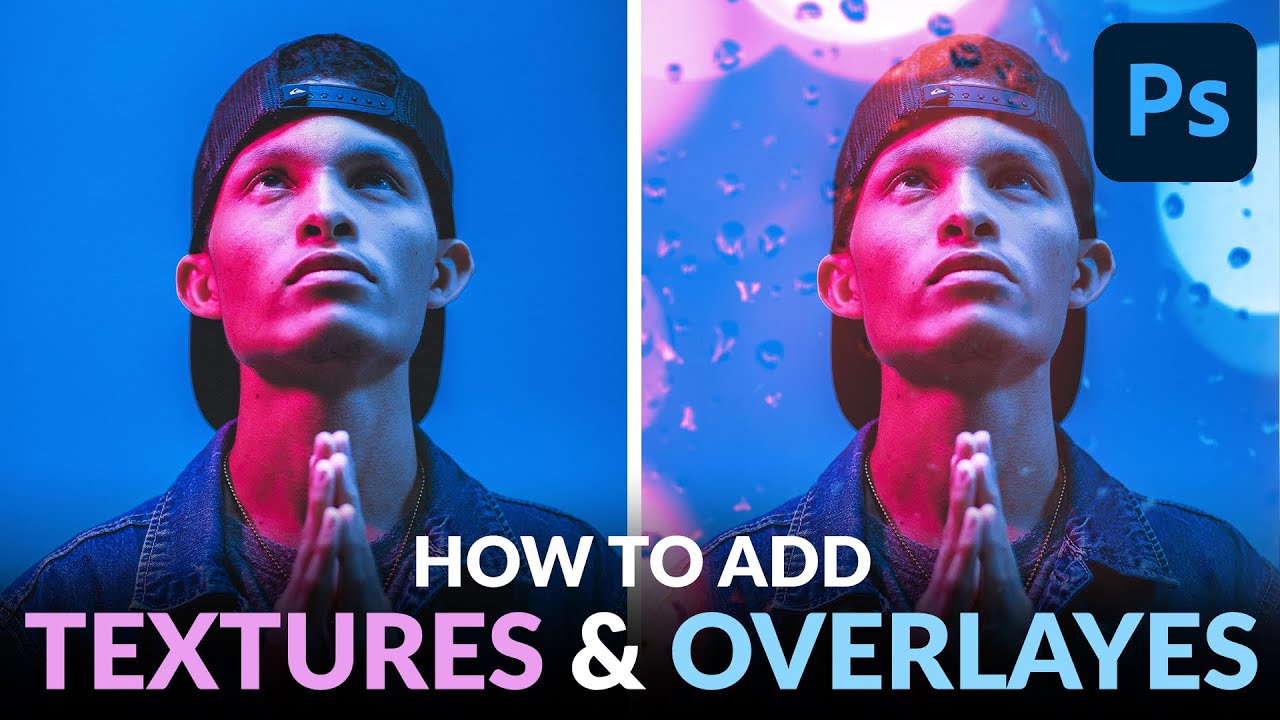
Client work has a way of exposing the gaps in your toolkit. A few months back I was finishing up a portrait series for an ad agency, and the creative director kept asking for something “moodier, more atmospheric” without being able to articulate exactly what that meant. I knew the bones of the image were solid. What it needed was depth, some suggestion of environment and light without compositing in an entirely new background.

How to Create a Glitter Sparkle Effect in Photoshop Using Blend Modes and Custom Brushes

How to Create a Glitter Sparkle Effect in Photoshop Using Blend Modes and Custom Brushes

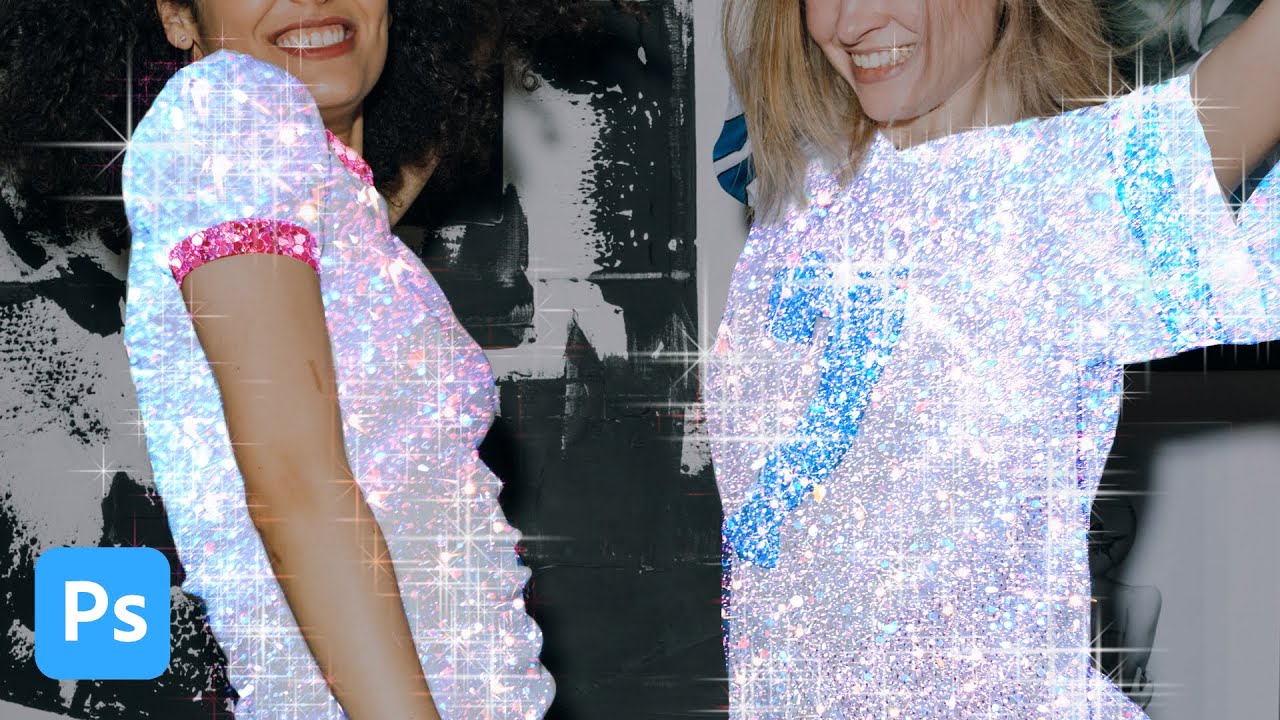
My clients come in two flavors: the ones who know exactly what they want, and the ones who send me a Pinterest board full of Instagram-aesthetic images and say “make it look like that.” The glitter sparkle effect falls firmly into the second category. I’ve been seeing it on product shots and portrait campaigns for a couple of years now, and every time a client sends me a reference I’ve had to reverse-engineer it on the fly.