Lightroom's AI Masks Just Made Presets Actually Worth Using

Lightroom's AI Masks Just Made Presets Actually Worth Using

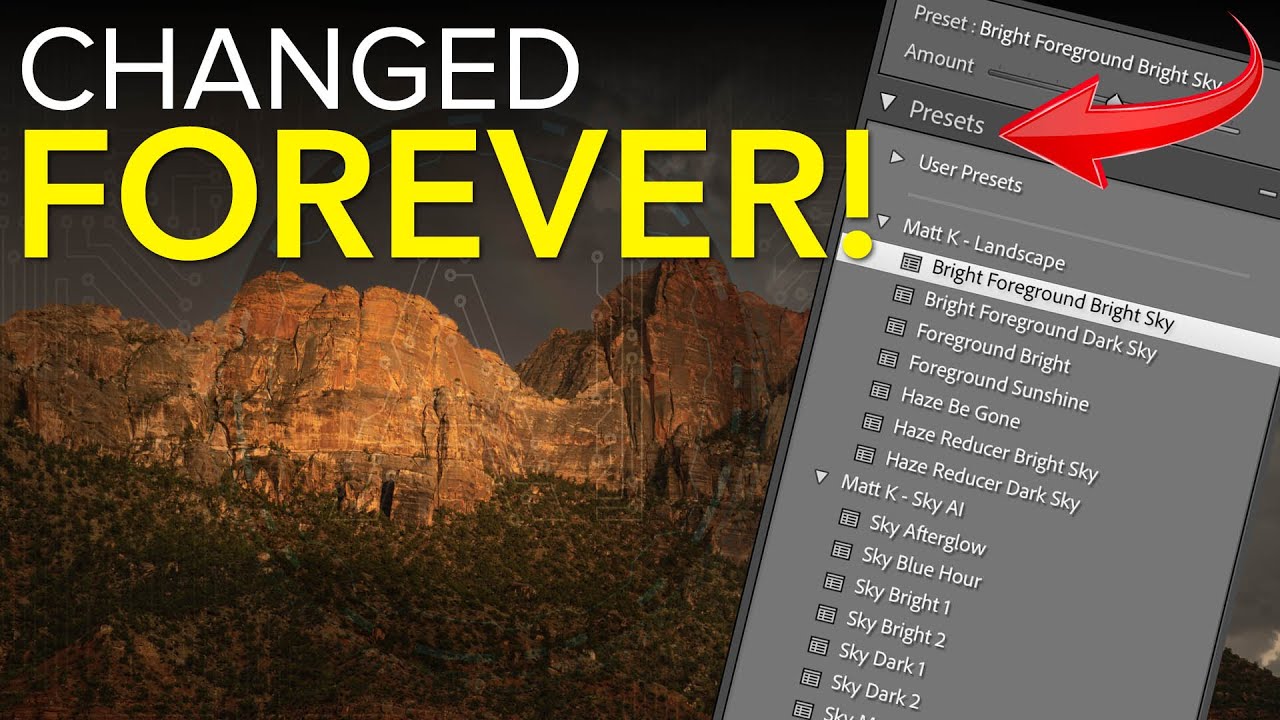
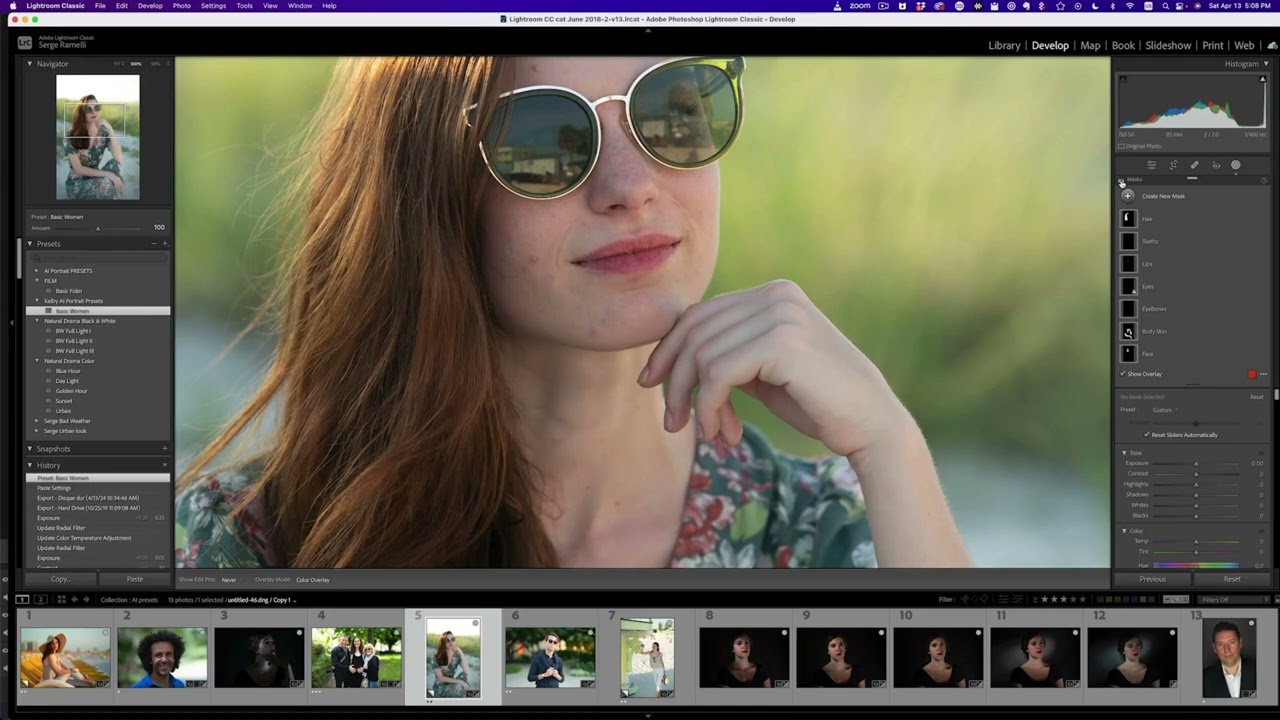
I’ve been skeptical of presets for most of my career. Not because they don’t work, but because they work until they don’t. You build a beautiful sky treatment, save it as a preset, apply it to the next landscape, and then spend five minutes dragging gradients around to make it fit a completely different horizon line. At that point you’ve burned half the time you were trying to save. For high-volume work, that friction adds up fast.

AI Presets in Lightroom: What They Actually Do and When to Use Them

AI Presets in Lightroom: What They Actually Do and When to Use Them

I track the hours my batch systems save me. Obsessively, actually — I’ve got a spreadsheet that currently sits at over 2,400 hours recovered from repetitive post-processing tasks. So when a tool promises to make presets smarter and faster, I pay attention. Not out of optimism, but because I’ve been burned before by “intelligent” features that just added extra steps in disguise. AI presets in Lightroom are different, and it took watching William Patino work through his own philosophy on them for me to fully articulate why.