What the Claude Code Leak Reveals About Automation's Future in Creative Tools

What the Claude Code Leak Reveals About Automation's Future in Creative Tools

The Incident That Got Everyone Talking Earlier this week, a significant security oversight exposed the inner workings of Claude Code’s latest update. While Anthropic quickly contained the situation, the leaked source code revealed something fascinating to those of us obsessed with workflow optimization: the company has been quietly developing some seriously ambitious automation features. The timing couldn’t be more interesting for the creative tech community. As someone who spends considerable time evaluating how different tools handle repetitive tasks, I found myself genuinely excited about what this accidental transparency revealed.

The Best Workflow Tools to Supercharge Your Photoshop Actions

The Best Workflow Tools to Supercharge Your Photoshop Actions

The Best Workflow Tools to Supercharge Your Photoshop Actions I’ve spent years building Photoshop actions and presets, and I’ve learned something crucial: Photoshop alone isn’t enough. The real magic happens when you layer complementary tools around your actions to create a seamless editing pipeline. Let me share the tools that have genuinely transformed how I work, and more importantly, how you can use them without getting overwhelmed. Why Tool Stacking Actually Matters Before I jump into specific recommendations, I want to be honest about something: adding more tools doesn’t automatically make you faster.

Photoshop Actions: The Workflow Game-Changer I Wish I'd Discovered Earlier

Photoshop Actions: The Workflow Game-Changer I Wish I'd Discovered Earlier

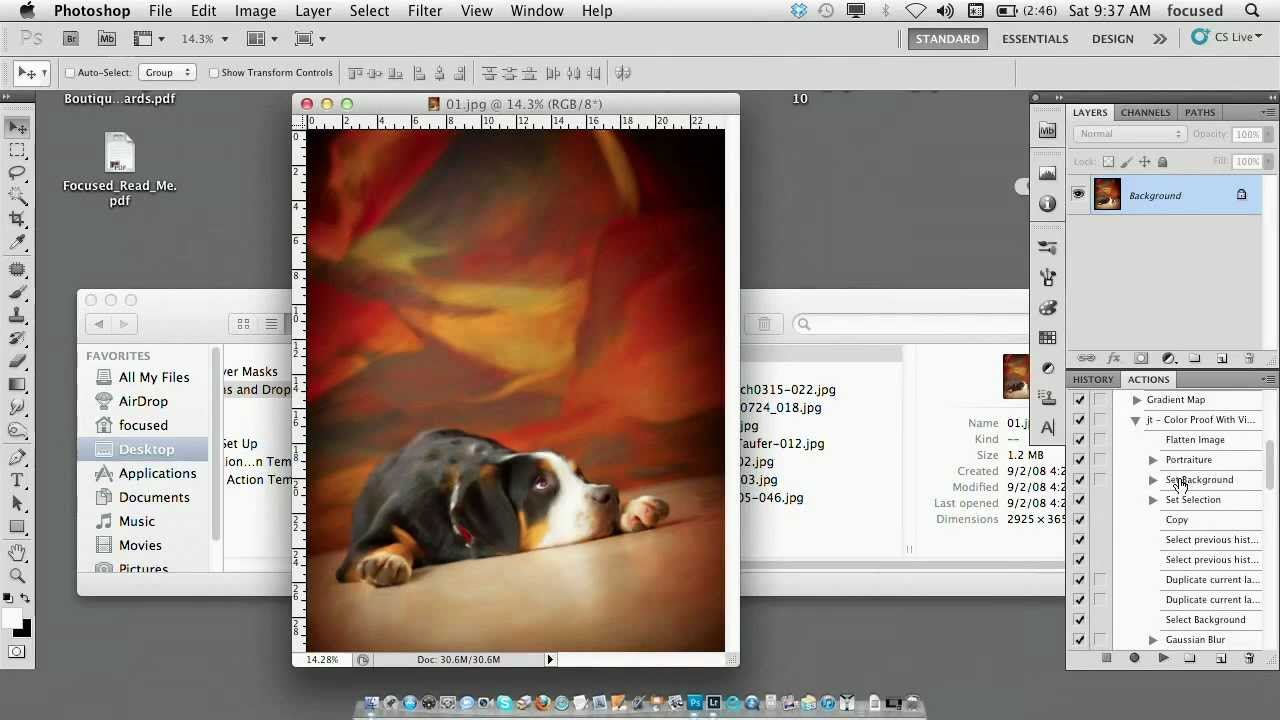
Photoshop Actions: The Workflow Game-Changer I Wish I’d Discovered Earlier I spent three years doing the same thing every single day: open an image, resize it to 1200x800, add a subtle vignette, boost saturation by 12%, and export as JPEG. Three years of mindless clicking. Then I discovered Photoshop actions, and honestly, I felt a bit foolish for not exploring them sooner. If you’re not using actions yet, you’re leaving serious productivity on the table.

Droplets in Photoshop: Automate Your Entire Workflow

Droplets in Photoshop: Automate Your Entire Workflow

Droplets in Photoshop: Automate Your Entire Workflow I’ll be honest—when I first learned about Photoshop droplets, I thought they were overengineered for what I needed. I was wrong. Droplets have become one of my most-used tools for handling client deliverables, batch resizing, and watermarking. If you’re not using them yet, you’re manually repeating work that could be completely automated. What Is a Droplet, Exactly? A droplet is a standalone executable file that triggers a Photoshop action on any file you drag onto it.

Building Custom Presets That Actually Stick: A Practical Guide

Building Custom Presets That Actually Stick: A Practical Guide

Building Custom Presets That Actually Stick: A Practical Guide I’ve watched a lot of photographers and designers download preset packs, use them twice, then abandon them. The problem isn’t usually the presets themselves—it’s that they weren’t built for their specific workflow. That’s why I’m obsessed with custom presets. When you create presets tailored to your actual work, something magical happens. You stop thinking about settings and start thinking about results. Your consistency improves.

Automating Photoshop with Scripts: The Workflow Game-Changer You're Missing

Automating Photoshop with Scripts: The Workflow Game-Changer You're Missing

I spent three years manually resizing product photos for an e-commerce client before I realized I was wasting roughly 15 hours every week. That’s when I started seriously digging into Photoshop automation scripts—and honestly, it’s been one of the best technical investments I’ve made as a designer. If you’re stuck in a loop of repetitive tasks—resizing, renaming, color correcting, or exporting in multiple formats—automation scripts are your answer. I want to share what I’ve learned about making scripts work for your workflow, not against it.