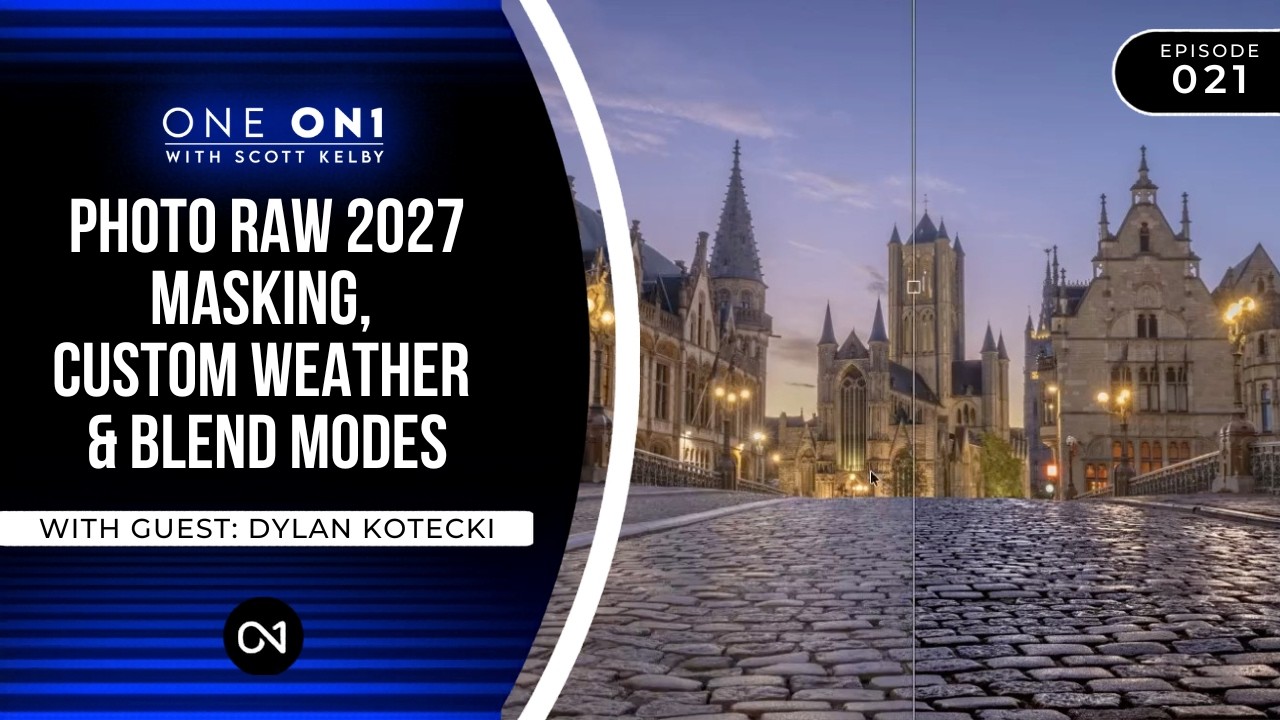
How to Fake Wet Streets, Stack Weather Overlays, and Actually Understand Blend Modes in ON1 Photo RAW

How to Fake Wet Streets, Stack Weather Overlays, and Actually Understand Blend Modes in ON1 Photo RAW

Last month I was retouching a series of architectural shots for a hospitality client. Beautiful cobblestone courtyard, golden-hour light, the whole thing. Problem was, the stones looked completely flat and dusty on camera. The client’s reference images all had that slick, rain-kissed texture that makes stone surfaces look rich and dimensional. I ended up doing a passable job with a luminosity mask and some manual dodging, but it took longer than it should have, and I knew there was a cleaner path.
Clean Skies, No Excuses: Removing Distractions in ON1 Photo RAW the Right Way

Clean Skies, No Excuses: Removing Distractions in ON1 Photo RAW the Right Way

I have a bad habit of not cleaning my sensor often enough. Fifteen years of commercial work and I still catch myself delivering a first round of selects to an ad agency only to get an email back with a screenshot circled in red: “What’s that blob in the sky?” Every photographer I know has a version of that story. The frustrating part is that most of those dust spots are invisible at shooting apertures and only reveal themselves when you shoot at f/11 or tighter for a landscape.

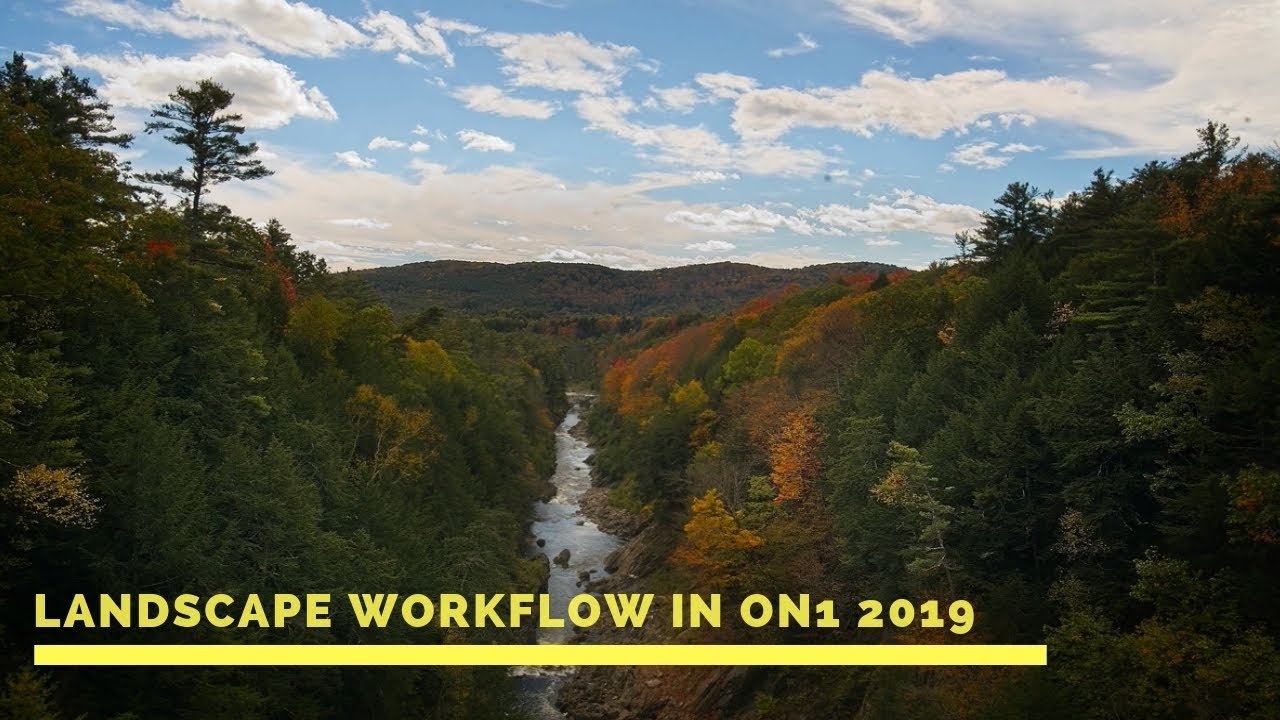
Rethinking Your Landscape Editing Order in ON1 Photo RAW 2019

Rethinking Your Landscape Editing Order in ON1 Photo RAW 2019

I have a spreadsheet that tracks every hour I’ve recovered through better workflow systems. It’s embarrassing how much of that time was lost not to bad tools, but to doing things in the wrong order. Sequence matters enormously in post-production, whether you’re batch-processing 500 product shots or sitting down with a single landscape file you actually care about. That’s why I keep coming back to tutorials from photographers who think systematically, not just creatively.