
The Hidden Amount Slider That Changes How I Use Lightroom's Local Adjustments

The Hidden Amount Slider That Changes How I Use Lightroom's Local Adjustments

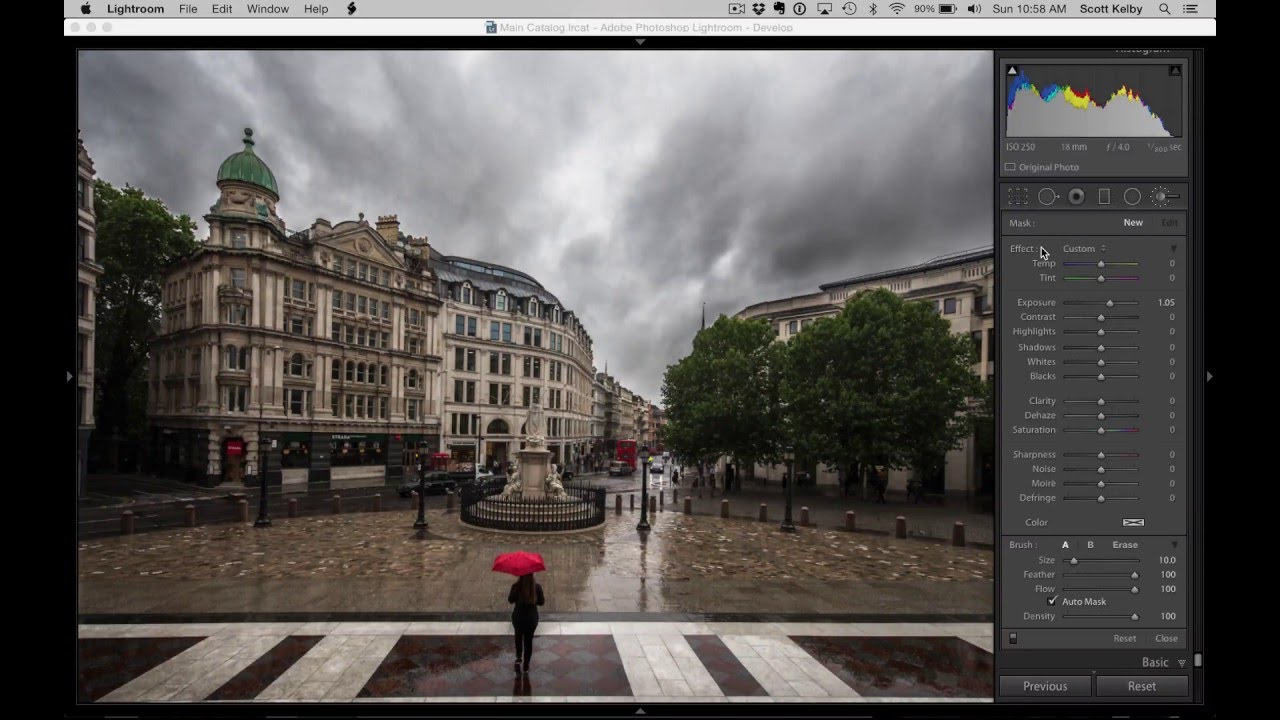
There’s a category of Lightroom feature I think of as “hiding in plain sight” — things that have been in the software for a while, that plenty of experienced editors have never noticed, and that quietly change the way you work once you find them. The Amount slider collapse in local adjustments is exactly that kind of feature. I stumbled across this tip in a recent tutorial from Matt Kloskowski, and my first reaction was genuine annoyance that I hadn’t known about it sooner.
The One Lightroom Adjustment Brush Setting That's Quietly Wrecking Your Masks

The One Lightroom Adjustment Brush Setting That's Quietly Wrecking Your Masks

I’ve watched photographers abandon perfectly good tools because of a single default setting nobody bothered to explain to them. The Lightroom Adjustment Brush is one of the most frequently misunderstood features in the whole application, and the complaint is almost always the same: “It leaves gaps,” or “It paints unevenly,” or my personal favorite, “It misses spots.” After years of building post-production workflows for ad agencies and e-commerce clients, I can tell you those complaints are valid.

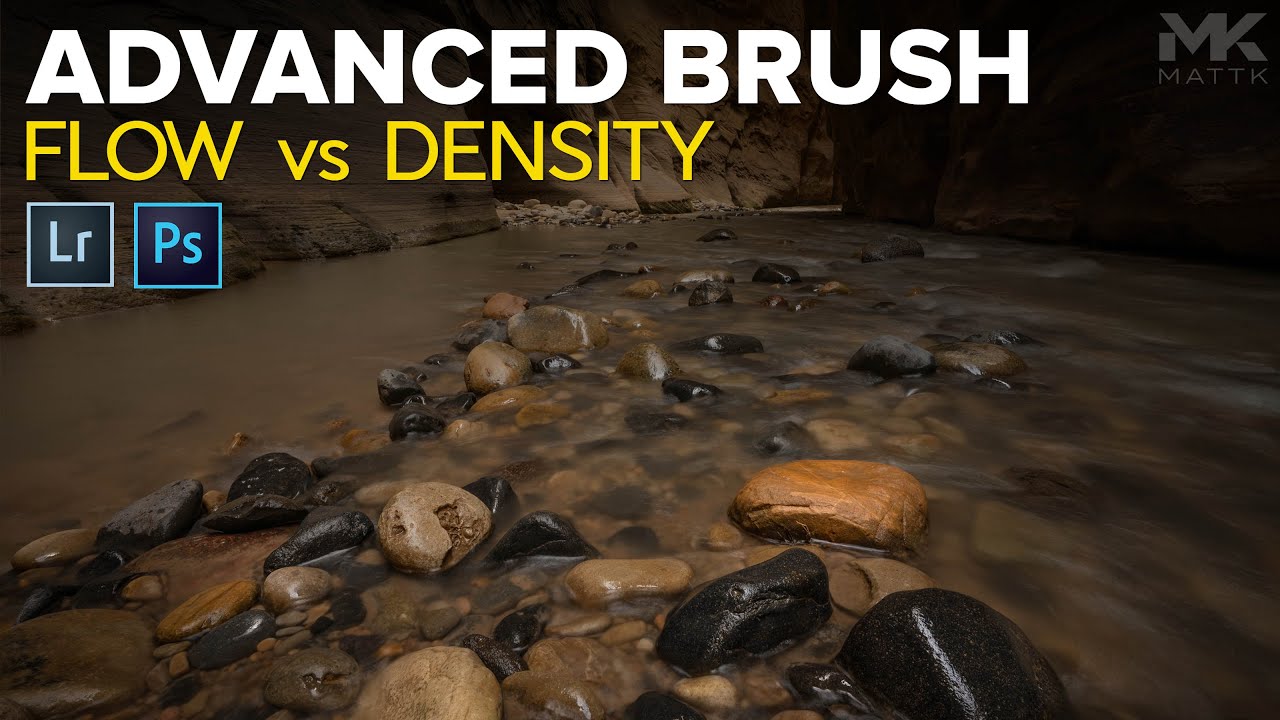
Flow vs. Density in Lightroom's Brush Tool: What They Actually Do and When to Use Each

Flow vs. Density in Lightroom's Brush Tool: What They Actually Do and When to Use Each

Most of my retouching errors over the years haven’t come from bad taste. They’ve come from blunt tools applied too broadly. Global sliders are fast, but they’re indiscriminate, and when you’re delivering product shots to an art director who will absolutely notice that the shadow recovery made the background go muddy, “I moved the Shadows slider” is not a great defense. Local adjustments saved my work more times than I can count, but for a long time I was using the brush tool in Lightroom like a blunt instrument too, mostly because I didn’t have a solid mental model for Flow and Density.