Clean Skies, No Excuses: Removing Distractions in ON1 Photo RAW the Right Way

Clean Skies, No Excuses: Removing Distractions in ON1 Photo RAW the Right Way

I have a bad habit of not cleaning my sensor often enough. Fifteen years of commercial work and I still catch myself delivering a first round of selects to an ad agency only to get an email back with a screenshot circled in red: “What’s that blob in the sky?” Every photographer I know has a version of that story. The frustrating part is that most of those dust spots are invisible at shooting apertures and only reveal themselves when you shoot at f/11 or tighter for a landscape.

Lightroom's Advanced Healing Brush: The Freeform Retouching Tool That Changes How You Work

Lightroom's Advanced Healing Brush: The Freeform Retouching Tool That Changes How You Work

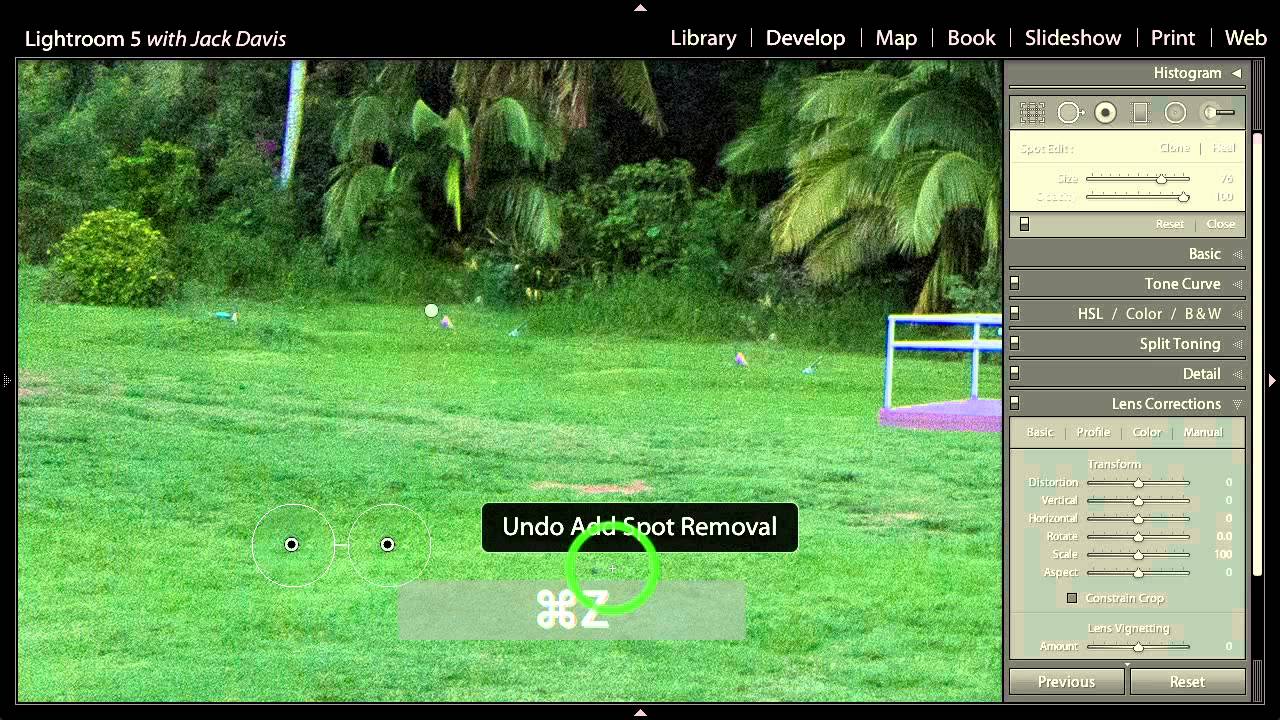
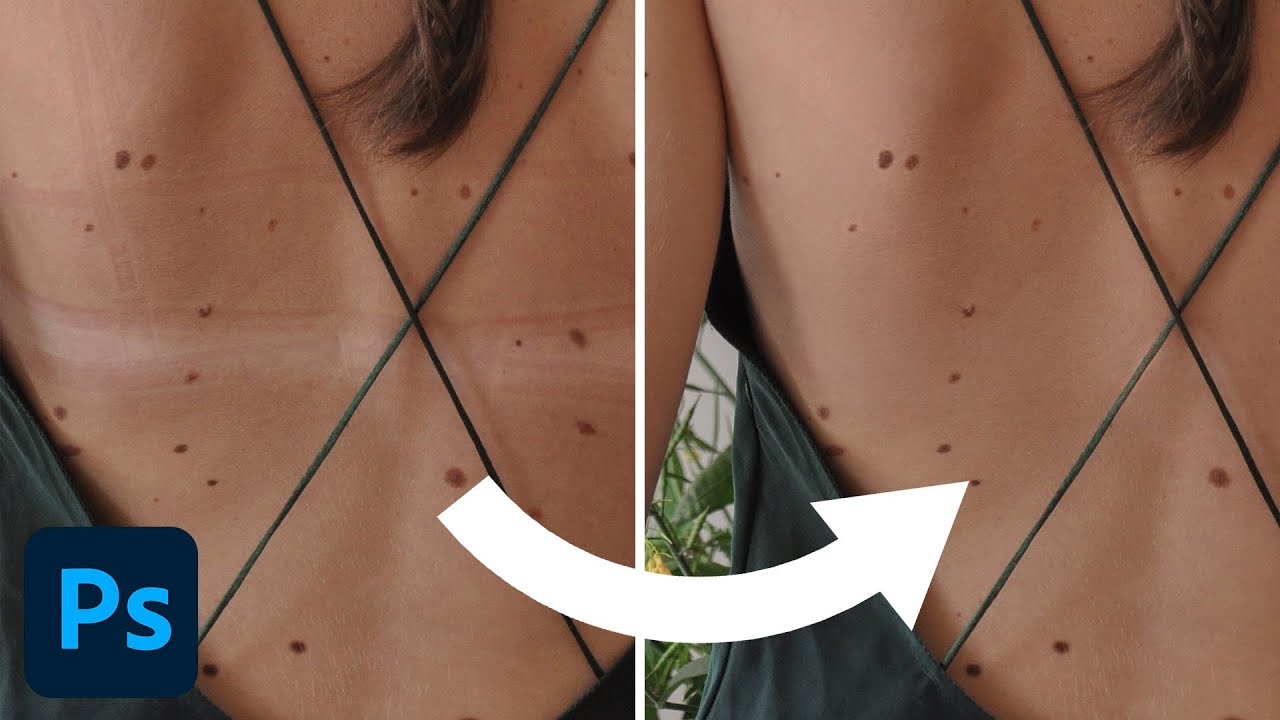
Real estate, product, and portrait work all share one common post-production headache: removing things that shouldn’t be there. Power lines. Lawn debris. Shadows under eyes. For years, my go-to move was to handle all of that in Photoshop, which meant breaking my Lightroom-first workflow every time a client needed a clean sky or a smoother complexion. I kept that exit ramp open because I didn’t trust Lightroom’s healing tools to handle anything more complex than a dust spot.