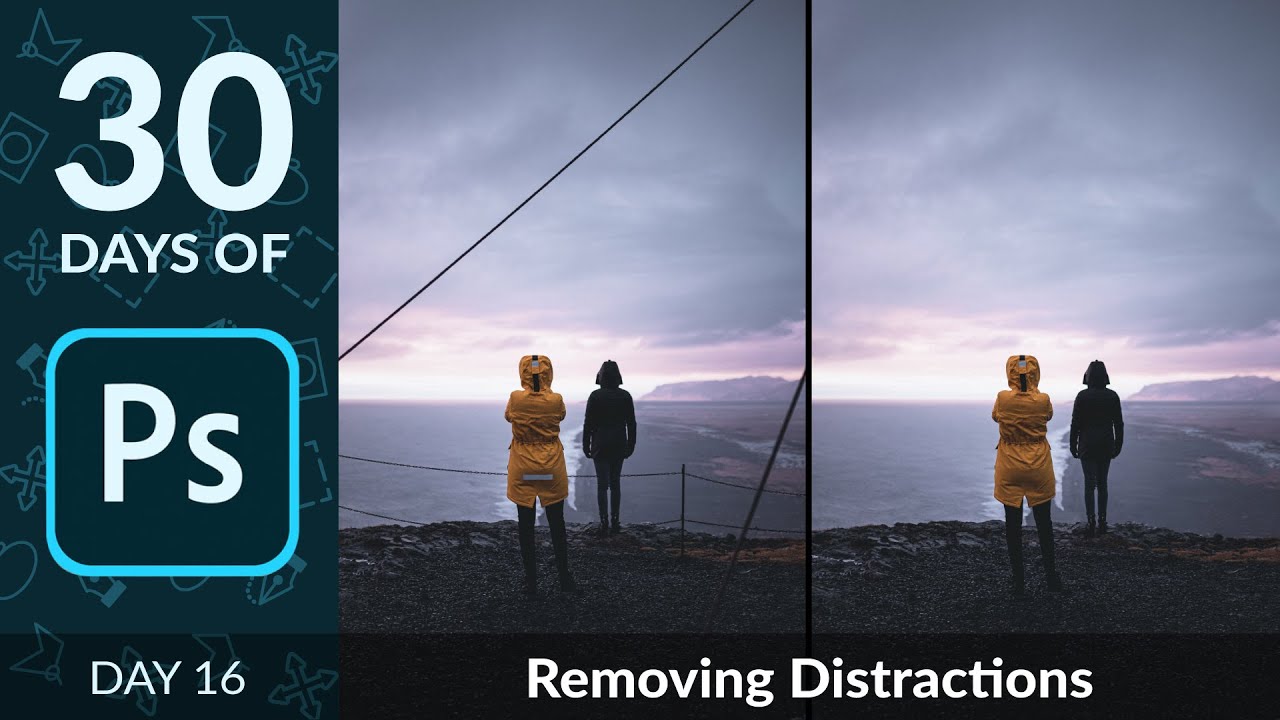
Kill the Clutter: A Working Photographer's Guide to Removing Distractions in Photoshop

Kill the Clutter: A Working Photographer's Guide to Removing Distractions in Photoshop

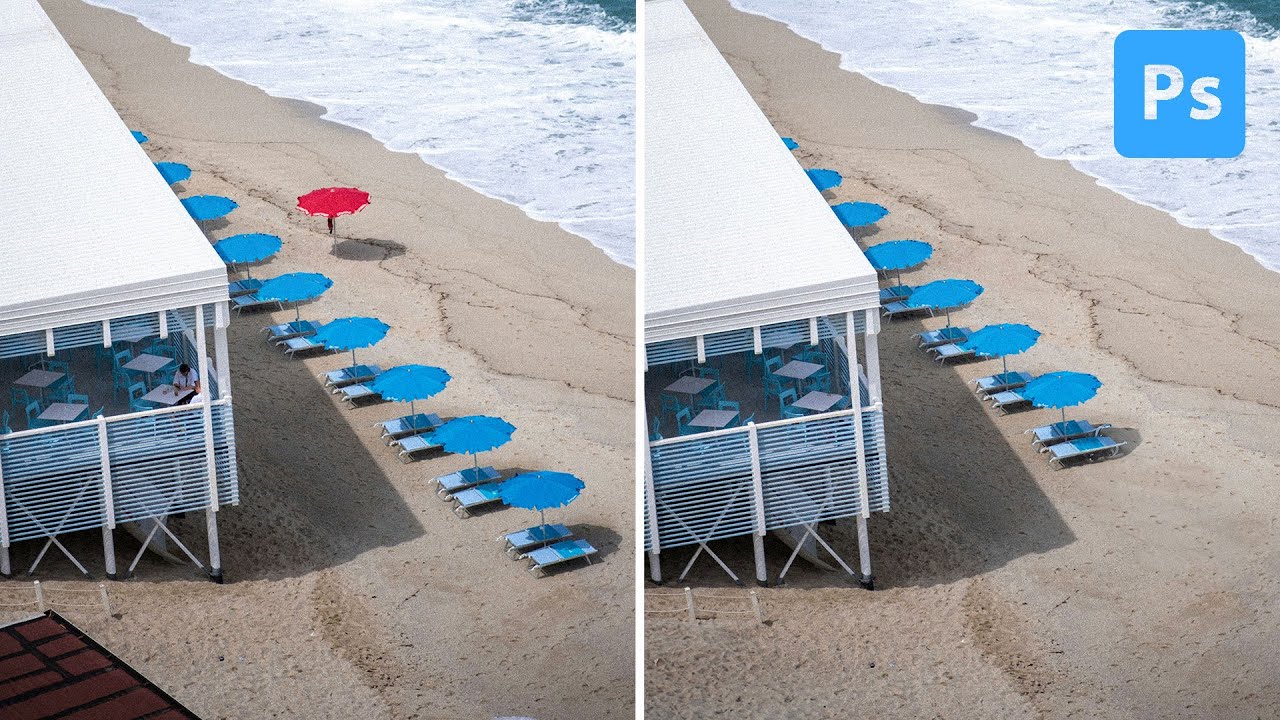
Distracting backgrounds are the silent killers of otherwise great commercial shots. I’ve been doing post-production work for ad agencies and e-commerce brands for long enough to know that a stray power line, a piece of reflective tape, or a stretch of chain-link fence can torpedo an image that the photographer spent an hour lighting perfectly. The fix usually takes less than three minutes in Photoshop, but only if you reach for the right tools in the right order.
Stop Fighting the Clone Stamp Tool — Build a Custom Dirt Brush Instead

Stop Fighting the Clone Stamp Tool — Build a Custom Dirt Brush Instead

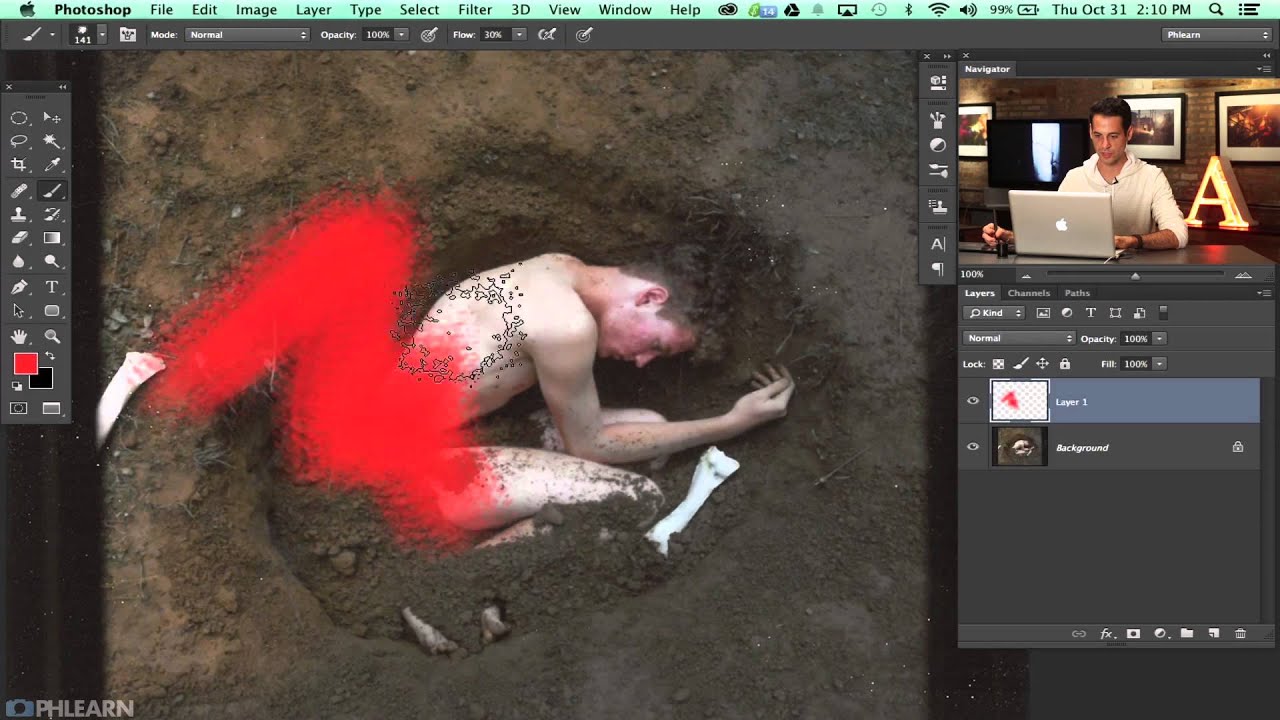
There’s a specific kind of retouching failure I’ve seen come out of otherwise competent studios for years: the ghost smear. You know the one. Someone used the Clone Stamp tool on a gravel path or a dirt surface, and no matter how carefully they feathered the edges, you can still see exactly where one clone sample ends and another begins. It’s subtle, but once you’ve spotted it on a client’s deliverable, you can’t unsee it.

Clone Stamp vs Spot Healing vs Generative Fill: Which Photoshop Tool Should You Actually Use?

Clone Stamp vs Spot Healing vs Generative Fill: Which Photoshop Tool Should You Actually Use?

A question I keep getting from clients and newer retouchers goes something like this: “Why would I ever use the Clone Stamp tool when Generative Fill exists?” It’s a fair question on the surface. But after fifteen years of studio work, I’ve learned that choosing the wrong tool for a removal job doesn’t just affect quality. These days, it can affect how your image gets labeled across every platform you publish to.