Where AI Fits Into Your Creative Workflow (And Where It Doesn't)

Where AI Fits Into Your Creative Workflow (And Where It Doesn't)

The Tool Question We Keep Getting Wrong There’s been a lot of hand-wringing lately about artificial intelligence in creative work. I get it—there’s legitimate philosophical territory here about authorship and craft. But I’ve noticed we’re often framing this as a binary choice when the reality is much more nuanced, especially when you’re thinking about your actual day-to-day editing workflow. Let me be direct: I use AI tools. Not because I’m trying to skip the hard parts of being a photographer or designer, but because I’m pragmatic about what saves me time on repetitive tasks.

What the Claude Code Leak Reveals About Automation's Future in Creative Tools

What the Claude Code Leak Reveals About Automation's Future in Creative Tools

The Incident That Got Everyone Talking Earlier this week, a significant security oversight exposed the inner workings of Claude Code’s latest update. While Anthropic quickly contained the situation, the leaked source code revealed something fascinating to those of us obsessed with workflow optimization: the company has been quietly developing some seriously ambitious automation features. The timing couldn’t be more interesting for the creative tech community. As someone who spends considerable time evaluating how different tools handle repetitive tasks, I found myself genuinely excited about what this accidental transparency revealed.

Remove Distractions in Photoshop in Minutes: Aaron Nace's Game-Changing Generative Fill Workflow

Remove Distractions in Photoshop in Minutes: Aaron Nace's Game-Changing Generative Fill Workflow

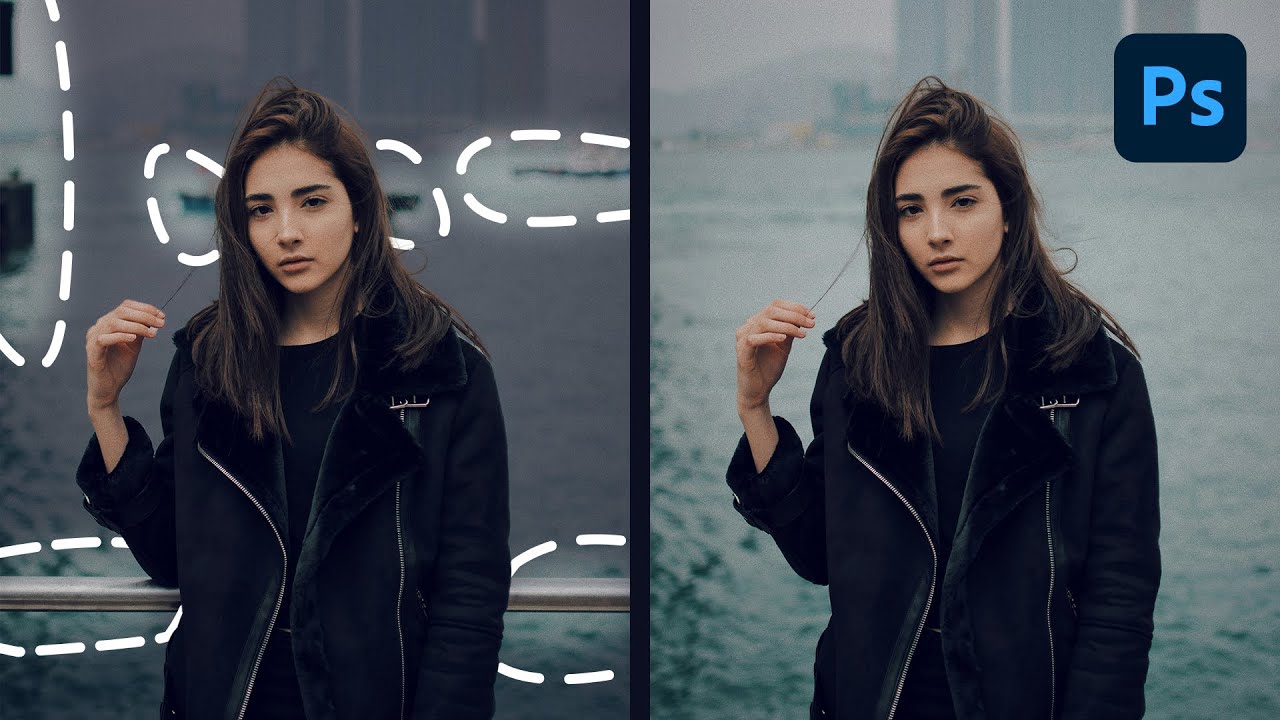
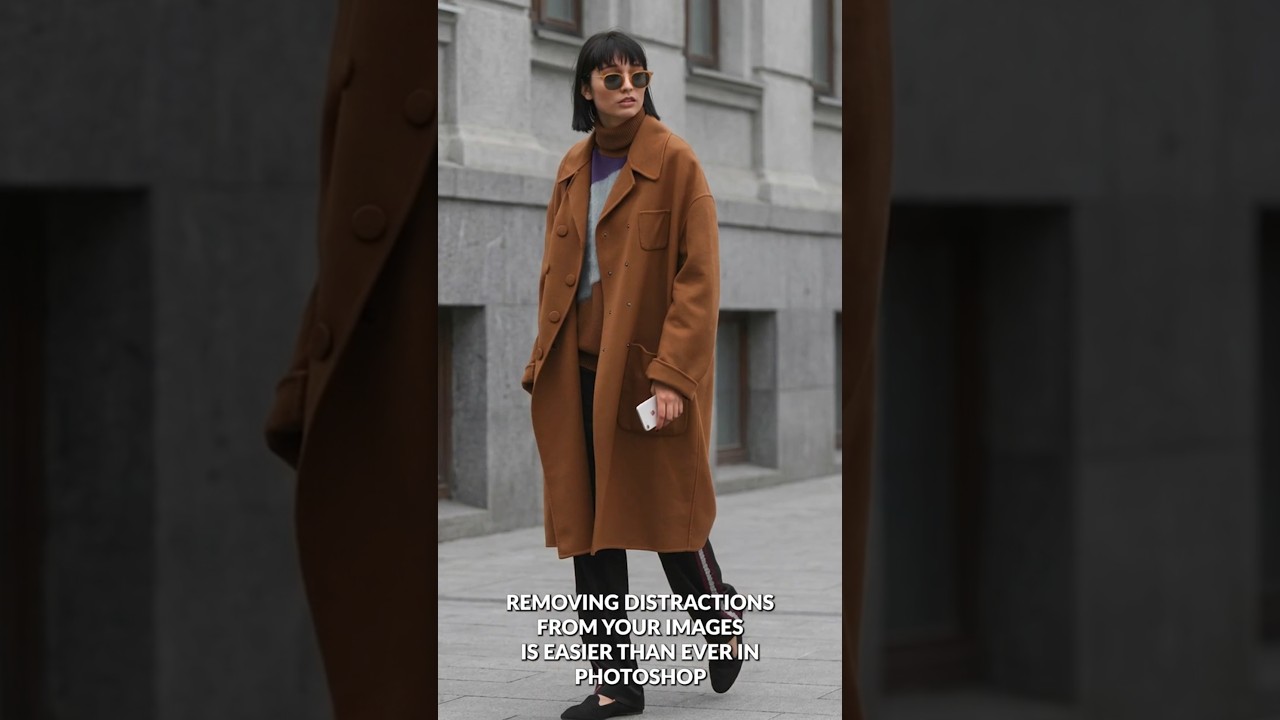
The Game-Changer for Photo Cleanup I’ve spent years testing different Photoshop retouching workflows, and I can tell you without hesitation: the method Aaron Nace demonstrates in this tutorial is genuinely one of the fastest ways to remove distractions from your images. What used to take 15-20 minutes of careful cloning and healing now takes just a couple of clicks. In this excellent tutorial, Aaron Nace (PHLEARN) reveals exactly how to leverage Photoshop’s Generative Fill with the Selection Brush tool to eliminate unwanted elements in seconds.