Turn Any Texture Photo Into a Photoshop Brush (The Right Way)

Turn Any Texture Photo Into a Photoshop Brush (The Right Way)

Texture brushes are one of those tools I kept meaning to build properly and kept bodging together at the last minute instead. I’d grab a photo, define it as a brush preset, and wonder why the result looked like I was stamping a visible square onto my composite. The edges were hard, the contrast was muddy, and the brush never quite blended the way I needed it to on client work.
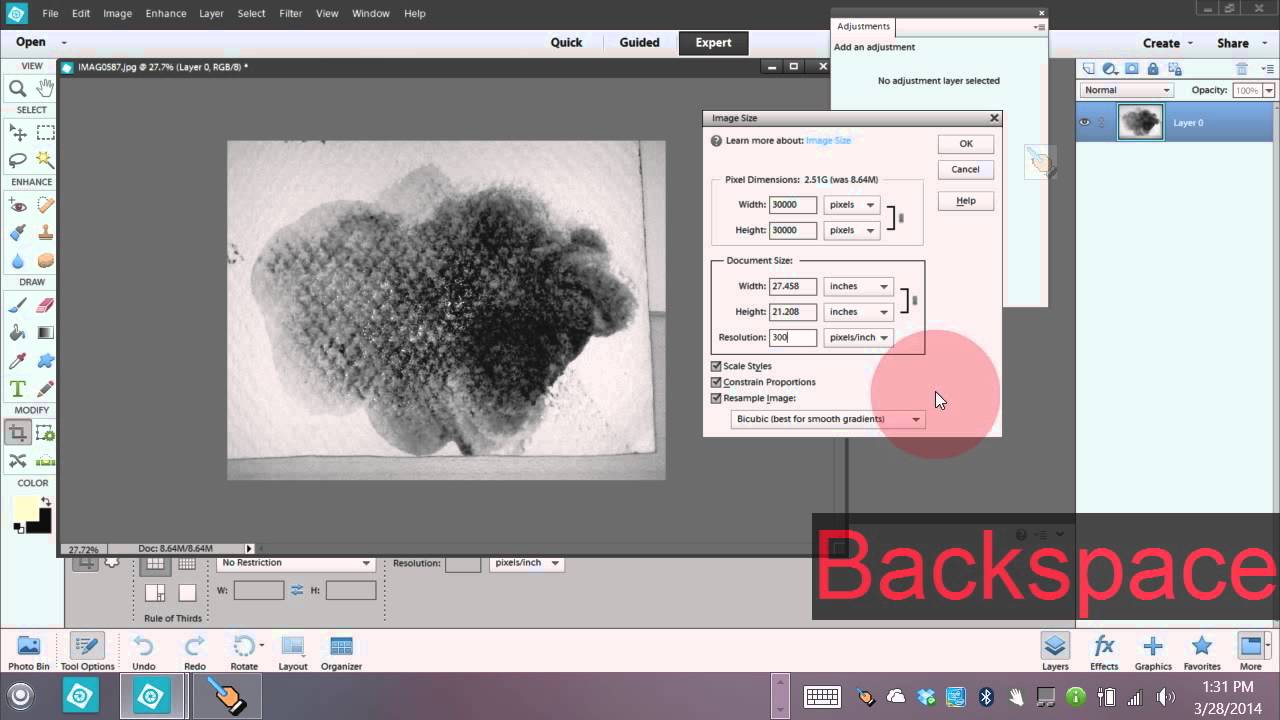
How to Turn a Real-World Texture Into a Custom Photoshop Brush (Using Nothing But a Phone Photo)

How to Turn a Real-World Texture Into a Custom Photoshop Brush (Using Nothing But a Phone Photo)

Most custom brush packs feel like someone else’s handwriting. You install them, they look great in the preview, and then you spend twenty minutes trying to make them fit your actual project. I’ve been there. After fifteen years in commercial studios, I’ve got folders full of brush sets I downloaded once and never opened again. The ones I actually reach for are the ones I made myself - because they carry the specific texture, weight, and imperfection that a stock pack can never replicate.