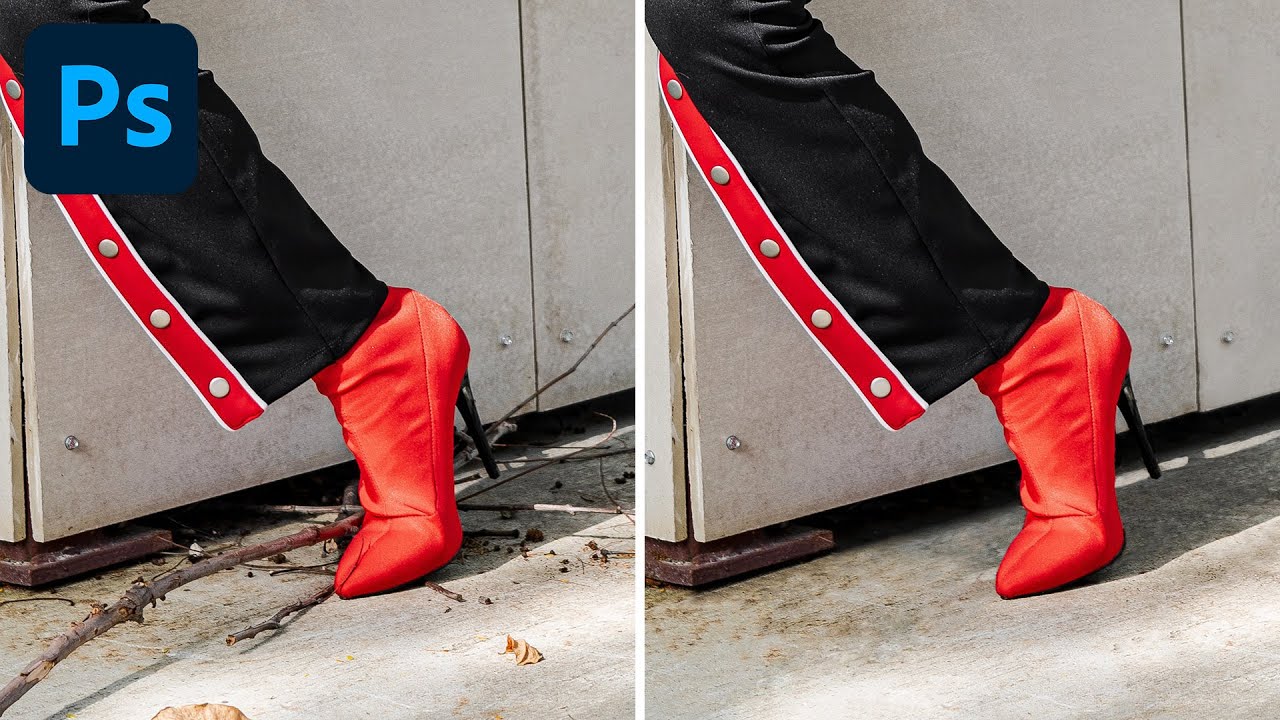
Two Tools, One Clean Image: How to Remove Debris and Distractions in Photoshop Like a Pro

Two Tools, One Clean Image: How to Remove Debris and Distractions in Photoshop Like a Pro

After fifteen years working in commercial studios, I can tell you that a genuinely clean shooting environment is a fantasy. Gravel lots, outdoor lifestyle shoots, product setups on location - there is always something on the ground that shouldn’t be there. A candy wrapper. A twig. A shadow from a fence post that crept into frame at the worst possible moment. The shot is otherwise perfect, the client wants it by Thursday, and you’ve got 40 frames that all need the same treatment.
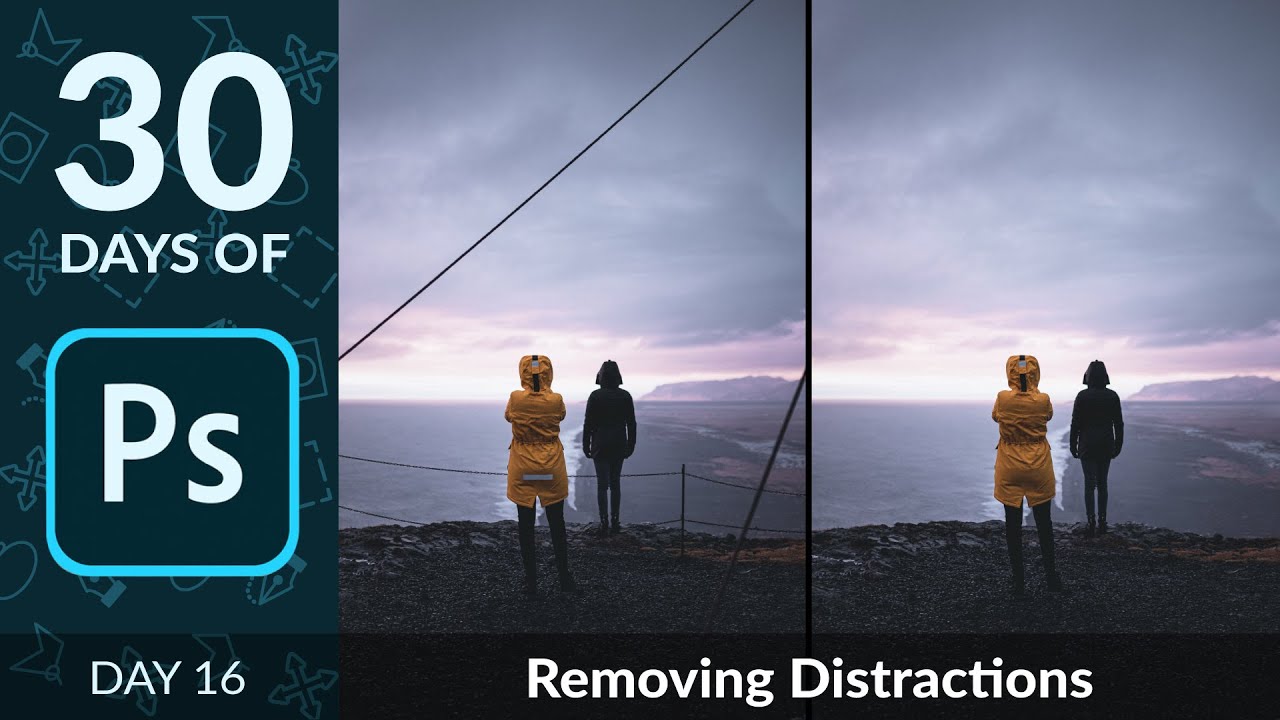
Kill the Clutter: A Working Photographer's Guide to Removing Distractions in Photoshop

Kill the Clutter: A Working Photographer's Guide to Removing Distractions in Photoshop

Distracting backgrounds are the silent killers of otherwise great commercial shots. I’ve been doing post-production work for ad agencies and e-commerce brands for long enough to know that a stray power line, a piece of reflective tape, or a stretch of chain-link fence can torpedo an image that the photographer spent an hour lighting perfectly. The fix usually takes less than three minutes in Photoshop, but only if you reach for the right tools in the right order.