Video Tutorials
How to Strip Logos and Distractions from Product Shots in Photoshop (Without Leaving a Trace)
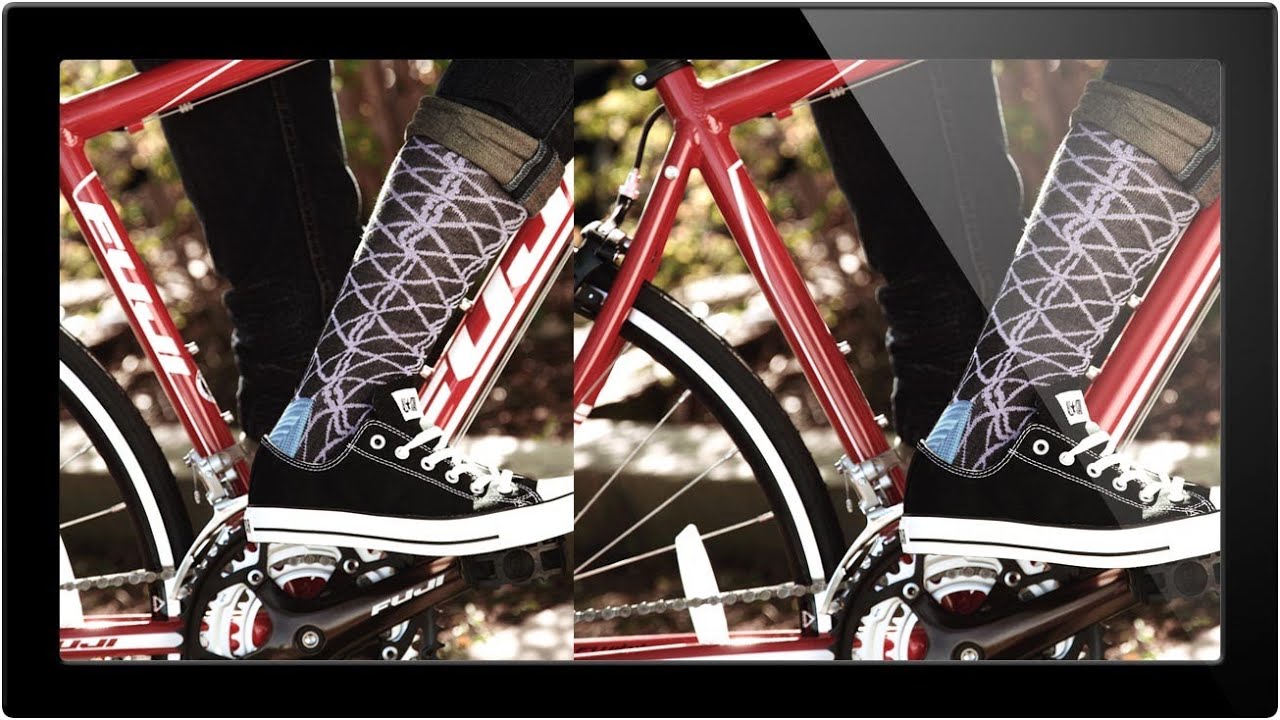
Product shot retouching is one of those jobs that sounds simple until you’re three hours deep, staring at a reflection of a brand logo that lives right on a highlight edge. I’ve been doing commercial post-production for fifteen years, and I can tell you: the work that looks the easiest is almost always the work that punishes you hardest when you rush it. Removing logos, watermarks, and visual distractions from product imagery is a daily reality in e-commerce and advertising retouching – and having a clear decision-making framework before you touch a single tool is what separates a clean two-hour job from an all-day nightmare.