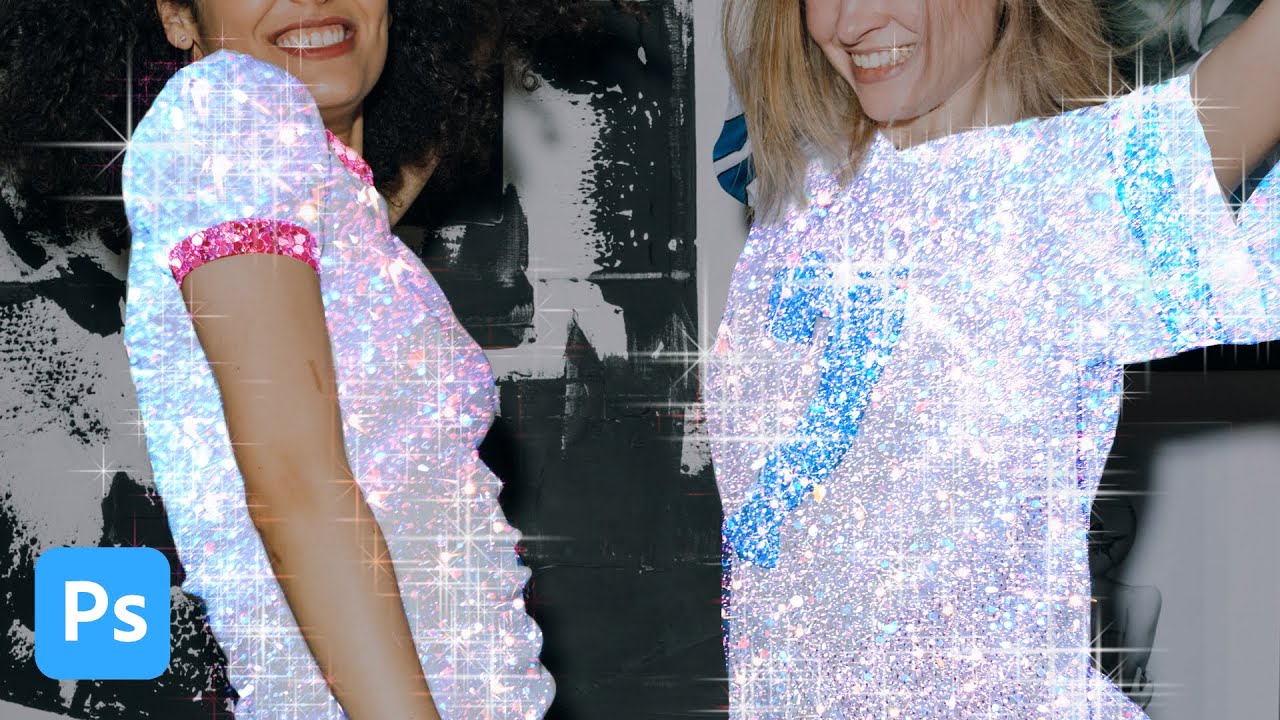
How to Create a Glitter Sparkle Effect in Photoshop Using Blend Modes and Custom Brushes

How to Create a Glitter Sparkle Effect in Photoshop Using Blend Modes and Custom Brushes

My clients come in two flavors: the ones who know exactly what they want, and the ones who send me a Pinterest board full of Instagram-aesthetic images and say “make it look like that.” The glitter sparkle effect falls firmly into the second category. I’ve been seeing it on product shots and portrait campaigns for a couple of years now, and every time a client sends me a reference I’ve had to reverse-engineer it on the fly.
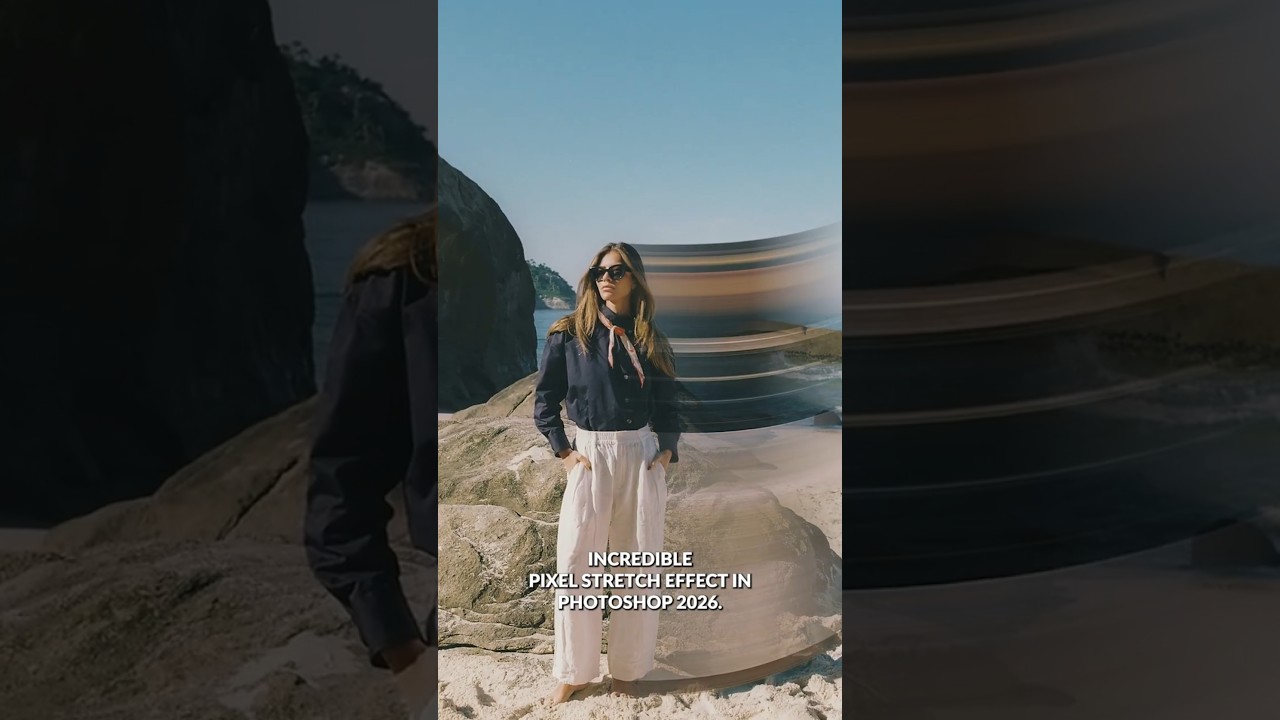
The Pixel Stretch Effect Every Commercial Retoucher Should Know (And It Takes Under 5 Minutes)

The Pixel Stretch Effect Every Commercial Retoucher Should Know (And It Takes Under 5 Minutes)

There’s a category of Photoshop effect that looks like it required hours of work but actually comes down to knowing which three tools to combine. The pixel stretch effect sits squarely in that category. I’ve been doing post-production work for ad agencies and e-commerce brands for fifteen years, and I still get a small thrill when a technique that looks this kinetic turns out to be this efficient. When a client wants energy, motion, something that reads as dynamic on a billboard or a web banner, this is exactly the kind of technique that earns its keep.