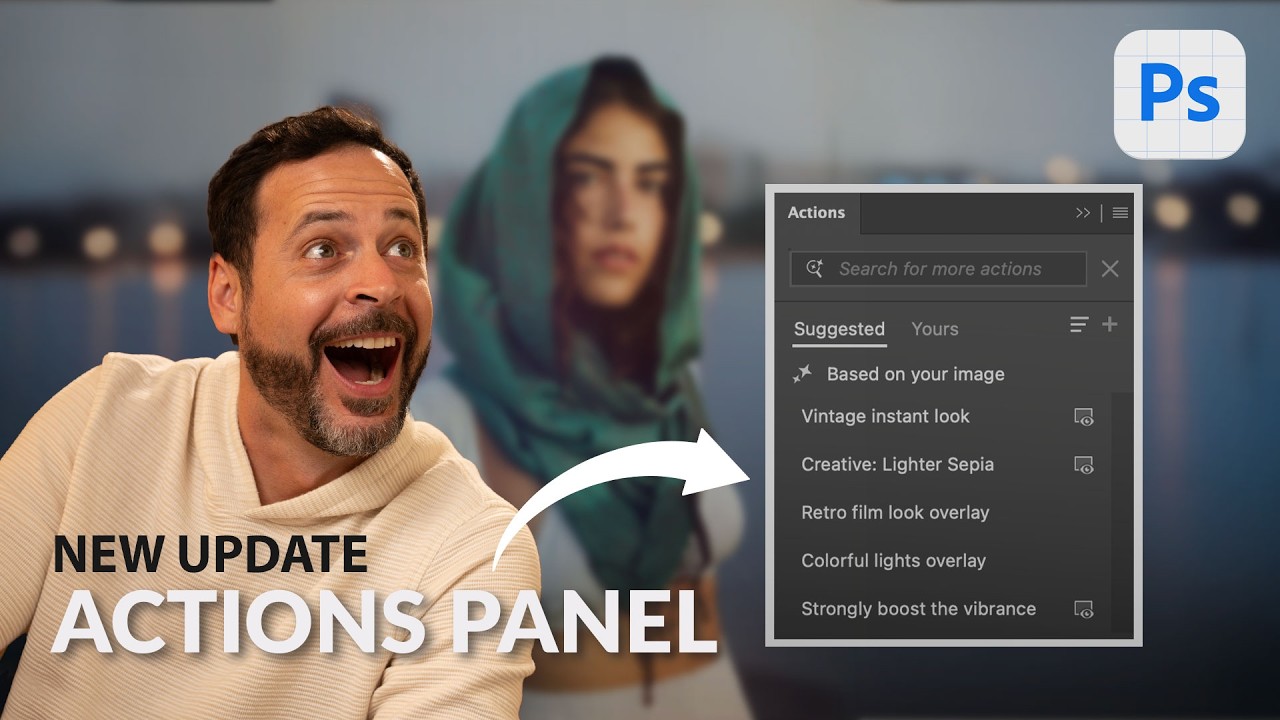
Photoshop's New AI Actions Panel Is the Biggest Workflow Shift in a Decade - Here's What It Actually Does

Photoshop's New AI Actions Panel Is the Biggest Workflow Shift in a Decade - Here's What It Actually Does

I’ve been tracking time saved by Photoshop actions in a spreadsheet since 2014. Over 2,400 hours recovered. That number only stays meaningful if I keep paying attention when something genuinely changes the game - not just tweaks, but structural shifts in how the tool works. The redesigned Actions panel in Photoshop Beta is one of those shifts. In this Aaron Nace (PHLEARN) tutorial, Watch the full tutorial on YouTube, Aaron walks through a brand new Actions interface that combines AI-driven suggestions with a searchable library of thousands of built-in actions.
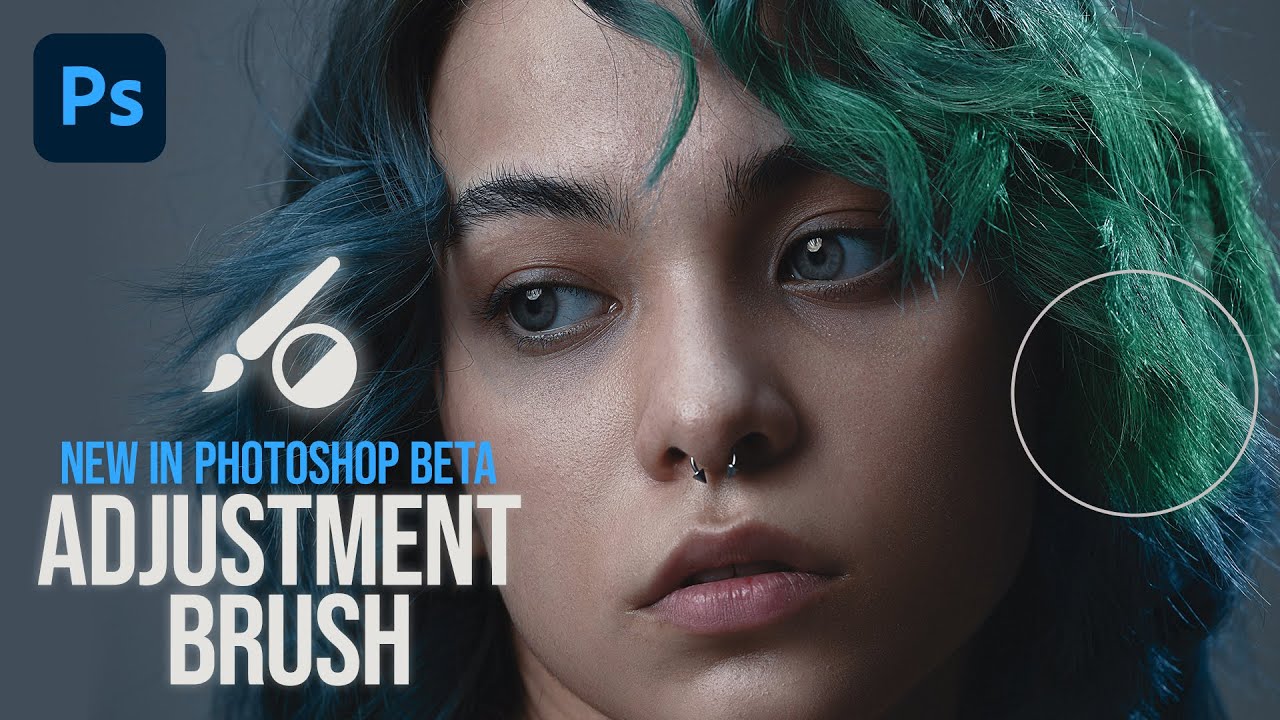
Photoshop's Adjustment Brush Tool (Beta): A Working Pro's First Look

Photoshop's Adjustment Brush Tool (Beta): A Working Pro's First Look

New tools in Photoshop are genuinely rare. Adobe spends most of its energy refining what already exists, which is usually the right call. So when something truly new lands in the beta, I pay attention. The Adjustment Brush tool is one of those features that immediately made me think about how many extra steps I take every single time I want to apply a localized adjustment to a subject. Right now, my standard move is: create an adjustment layer, open Select Subject, load the selection as a mask, then tweak.