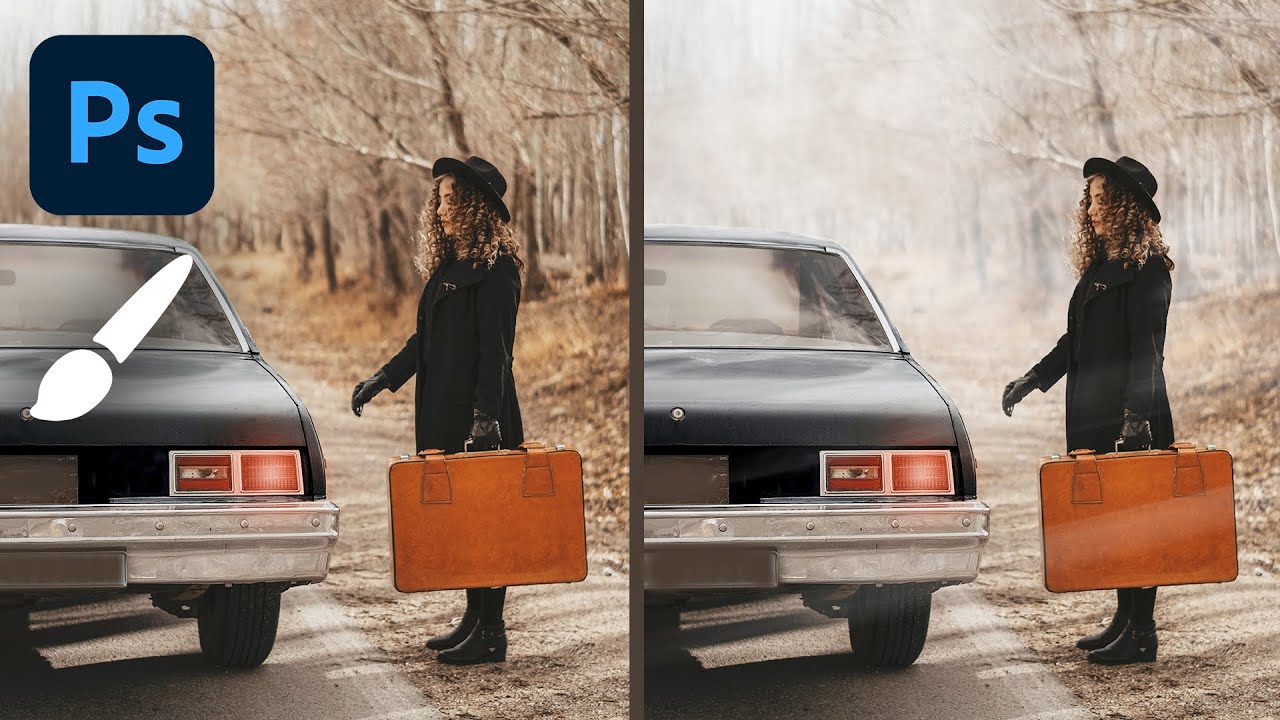
Build a Realistic Fog Brush in Photoshop (The Right Way, Starting from a Real Cloud)

Build a Realistic Fog Brush in Photoshop (The Right Way, Starting from a Real Cloud)

Fog is one of those atmospheric effects that looks deceptively simple until you actually try to add it to a photo. A soft white layer at low opacity fools nobody. It sits on top of the image like a bedsheet rather than wrapping around the scene, and the moment a client squints at it, the whole composite falls apart. I’ve been there. In commercial work, especially automotive and outdoor lifestyle shots, convincing atmosphere can be the difference between an image that sells the mood and one that just sells the product.
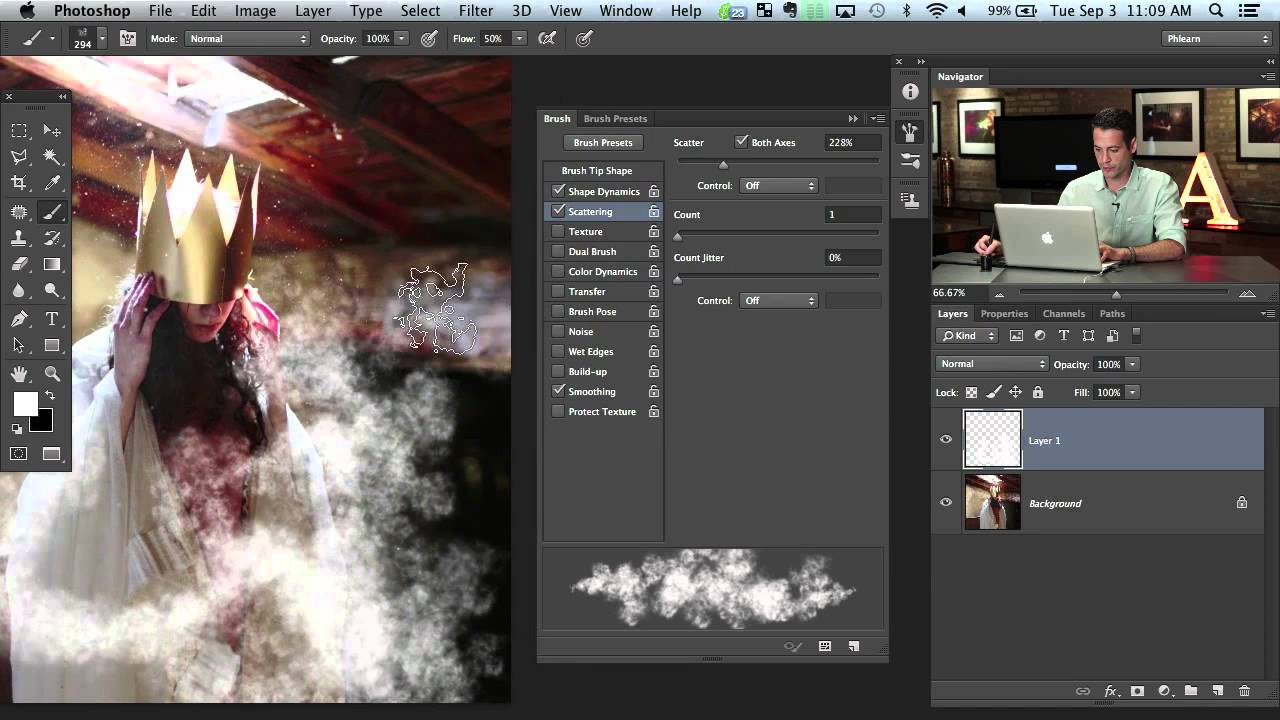
How to Build a Custom Fog Brush from Your Own Photo (And Why It Beats Every Preset You've Tried)

How to Build a Custom Fog Brush from Your Own Photo (And Why It Beats Every Preset You've Tried)

Every few months I have a retoucher on my team reach for a soft round brush to add atmosphere to a composite, and every time I see it, I feel a small, specific pain. The result always looks exactly like what it is: a white blob painted with a Photoshop brush. After 15 years of working in commercial post-production, I can spot a stock brush atmospheric effect from across a client presentation room, and so can the art directors sitting next to me.