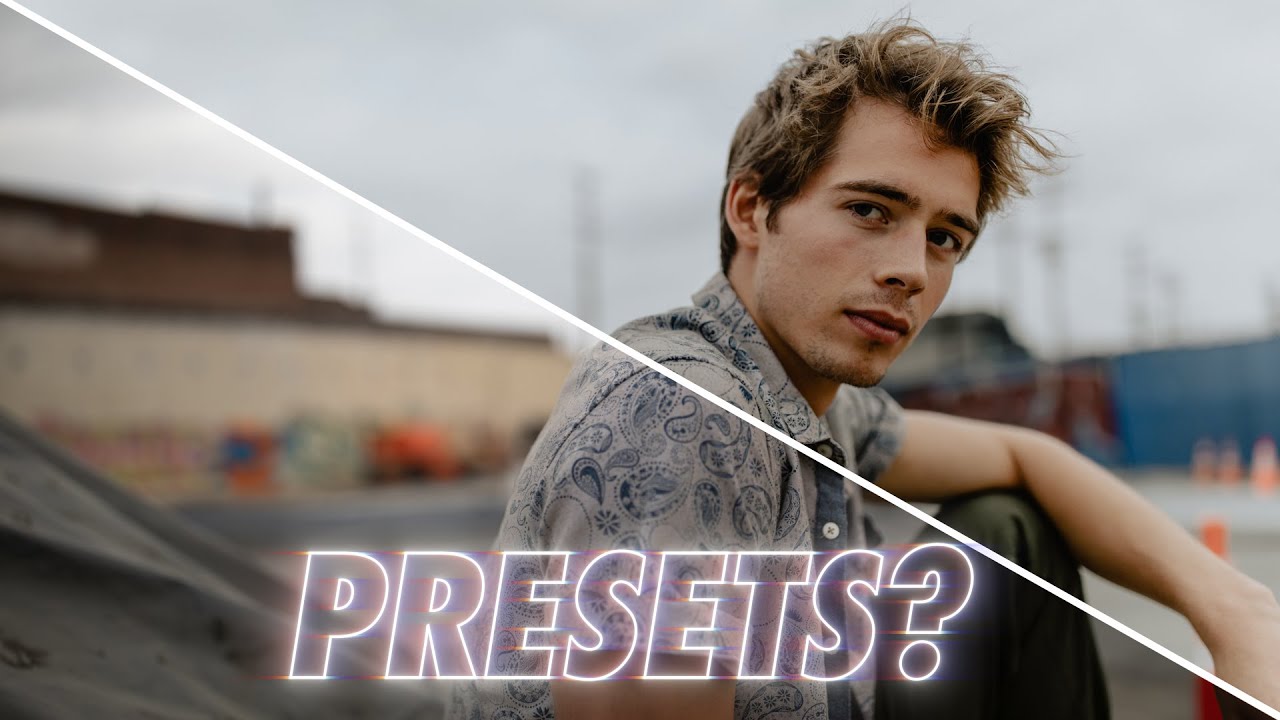
Why Your Presets Keep Failing You (And How to Choose Ones That Actually Work)

Why Your Presets Keep Failing You (And How to Choose Ones That Actually Work)

I have a spreadsheet that tracks every hour I’ve saved through automation. Right now it sits at over 2,400 hours. That number didn’t come from being lazy. It came from being obsessive about building systems that hold up under pressure, whether that’s a batch of 500 product shots for an e-commerce client or a full commercial campaign where consistency across every frame is non-negotiable. Presets are part of that system, but only when they’re built the right way.
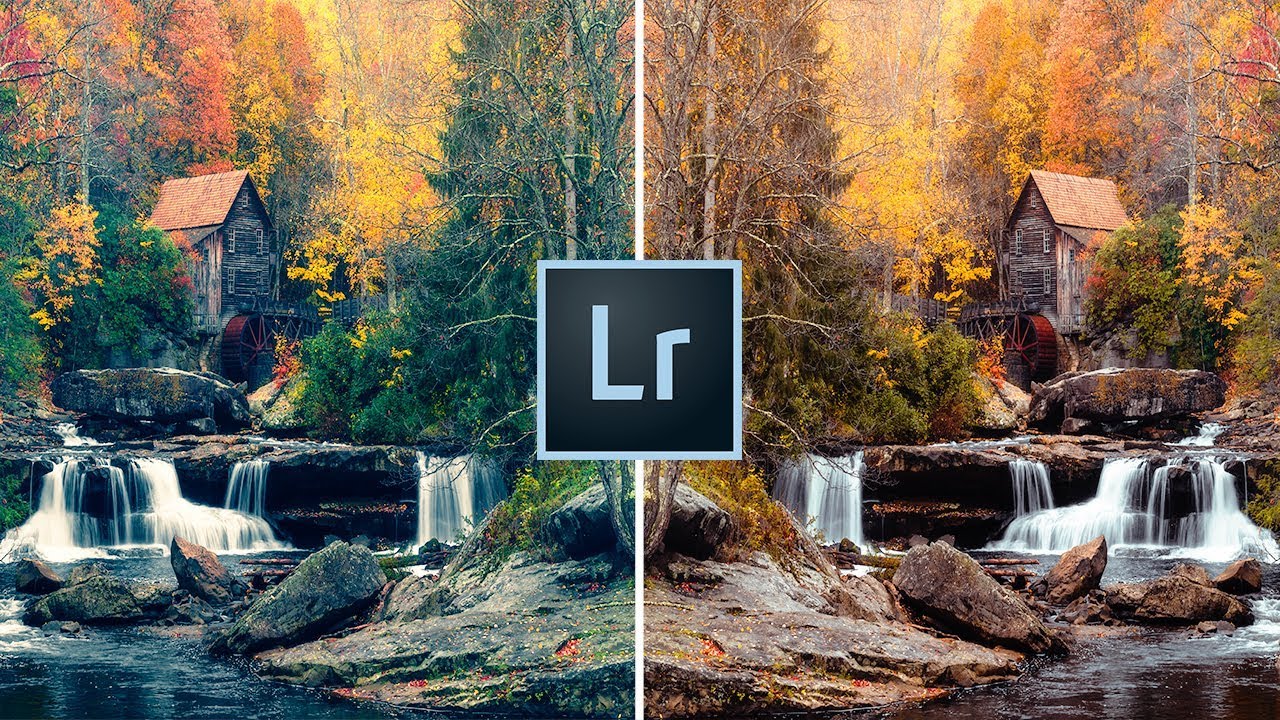
Stop Applying the Same Edits Manually: How Custom Lightroom Presets Fix Your Starting Point Problem

Stop Applying the Same Edits Manually: How Custom Lightroom Presets Fix Your Starting Point Problem

Every editor has a version of this problem. You open a raw file, and before you even really look at it, your hands are already moving. Lens correction. Remove chromatic aberration. Enable profile corrections. Slight vignette. Bump vibrance, pull back saturation a touch. Add sharpening. Clip the highlights. Lift the shadows. You do it so automatically it barely registers as thinking anymore. For me, working through large product shot batches for e-commerce clients, that kind of robotic repetition used to eat 20 to 30 minutes per session before I’d even made a single creative decision.