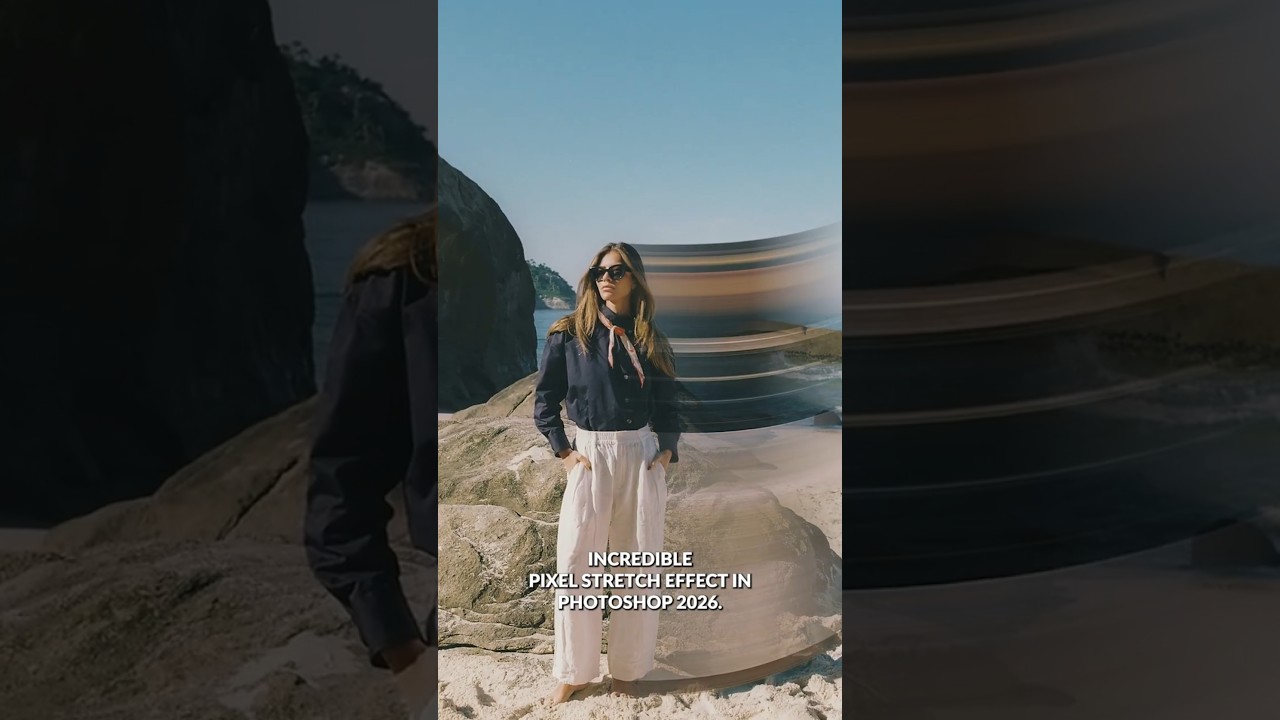
The Pixel Stretch Effect Every Commercial Retoucher Should Know (And It Takes Under 5 Minutes)

The Pixel Stretch Effect Every Commercial Retoucher Should Know (And It Takes Under 5 Minutes)

There’s a category of Photoshop effect that looks like it required hours of work but actually comes down to knowing which three tools to combine. The pixel stretch effect sits squarely in that category. I’ve been doing post-production work for ad agencies and e-commerce brands for fifteen years, and I still get a small thrill when a technique that looks this kinetic turns out to be this efficient. When a client wants energy, motion, something that reads as dynamic on a billboard or a web banner, this is exactly the kind of technique that earns its keep.
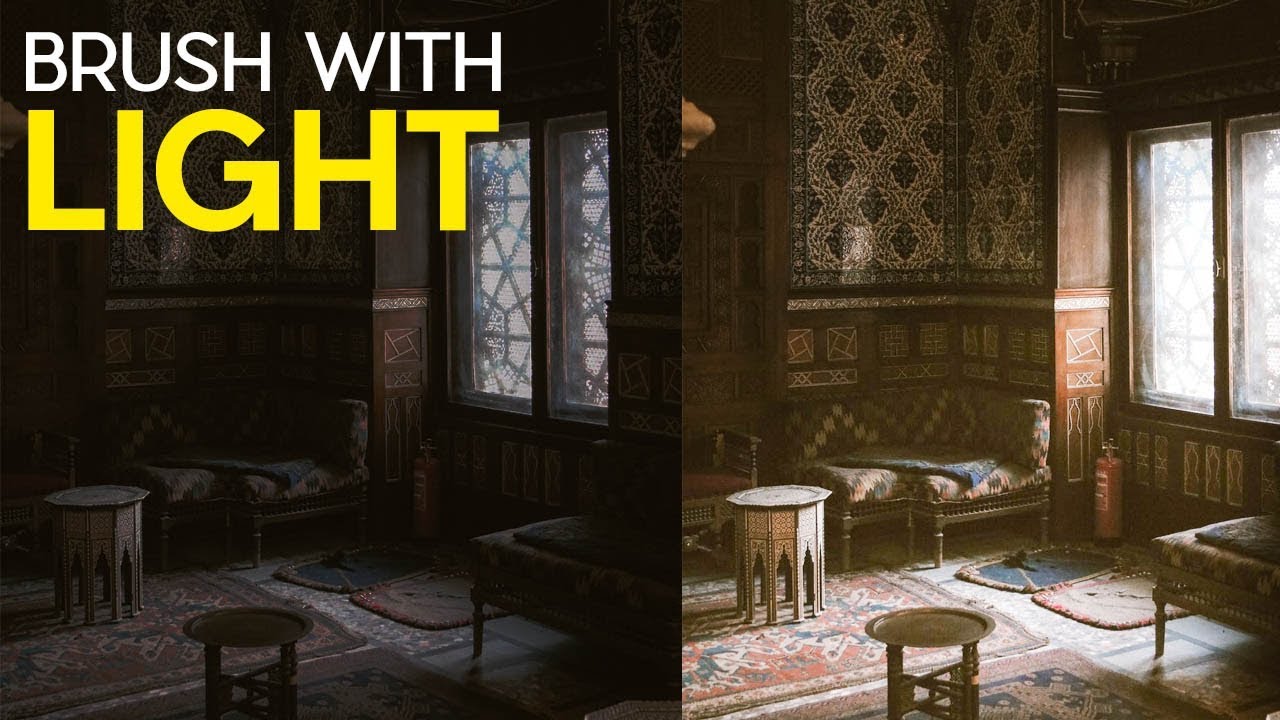
Fake Light Rays That Actually Look Real: A Lightroom Brush Technique Worth Stealing

Fake Light Rays That Actually Look Real: A Lightroom Brush Technique Worth Stealing

Most of my work lands in front of art directors who’ve seen every Photoshop trick in the book. When I show them a before-and-after with added light rays, the question is never “did you add that?” It’s “how did you do it so fast?” That’s the bar I care about: techniques that look intentional and take almost no time to execute. I came across this one in a Matt Kloskowski tutorial on painting light with Lightroom’s adjustment brush, and it earned a permanent spot in my toolkit within about ten minutes of watching it.