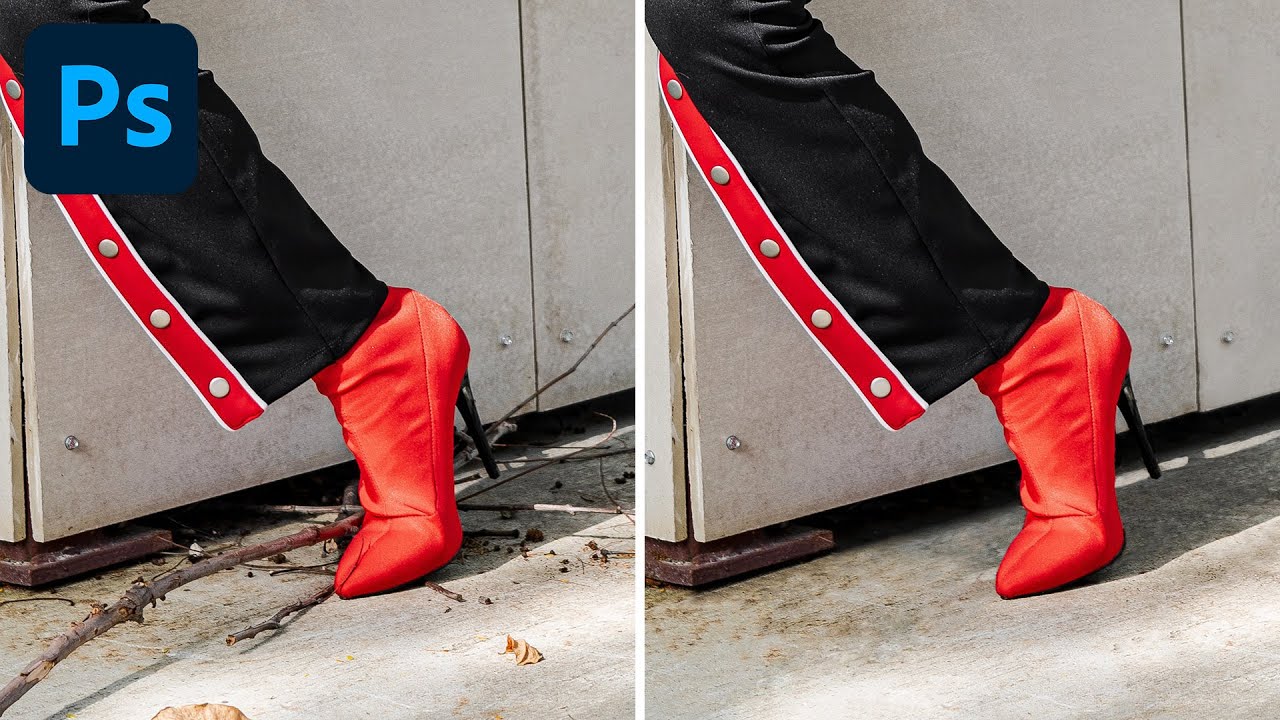
Two Tools, One Clean Image: How to Remove Debris and Distractions in Photoshop Like a Pro

Two Tools, One Clean Image: How to Remove Debris and Distractions in Photoshop Like a Pro

After fifteen years working in commercial studios, I can tell you that a genuinely clean shooting environment is a fantasy. Gravel lots, outdoor lifestyle shoots, product setups on location - there is always something on the ground that shouldn’t be there. A candy wrapper. A twig. A shadow from a fence post that crept into frame at the worst possible moment. The shot is otherwise perfect, the client wants it by Thursday, and you’ve got 40 frames that all need the same treatment.
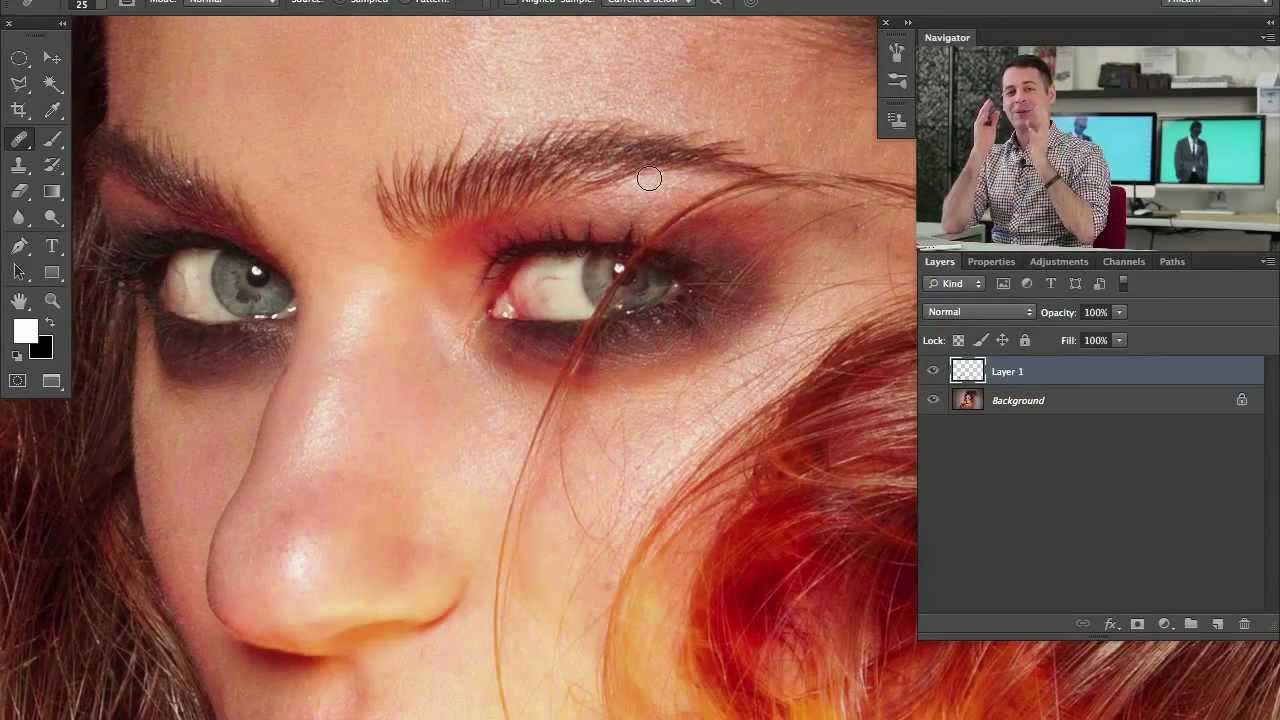
Clone Stamp vs. Healing Brush: The Decision That Changes How You Retouch Forever

Clone Stamp vs. Healing Brush: The Decision That Changes How You Retouch Forever

Fifteen years of production work will teach you things no tutorial ever explicitly states. One of them is this: the photographers who retouch slowly are almost never slow because they lack speed. They’re slow because they’re using the wrong tool and compensating with effort. I’ve watched junior retouchers spend forty minutes on a skin cleanup that should take eight, mostly because nobody ever sat them down and explained the actual mechanical difference between two tools that look, on the surface, like they do the same job.