Flow vs. Density in Lightroom's Brush Tool: What They Actually Do and When to Use Each

Flow vs. Density in Lightroom's Brush Tool: What They Actually Do and When to Use Each

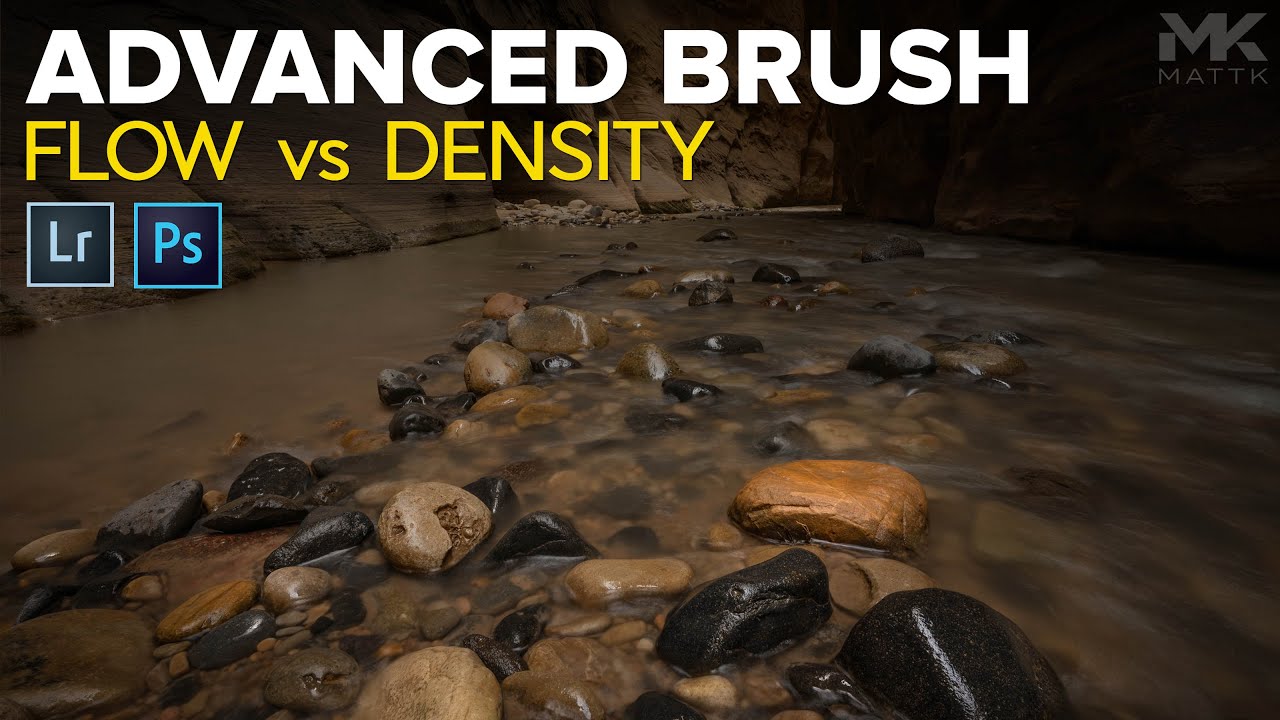
Most of my retouching errors over the years haven’t come from bad taste. They’ve come from blunt tools applied too broadly. Global sliders are fast, but they’re indiscriminate, and when you’re delivering product shots to an art director who will absolutely notice that the shadow recovery made the background go muddy, “I moved the Shadows slider” is not a great defense. Local adjustments saved my work more times than I can count, but for a long time I was using the brush tool in Lightroom like a blunt instrument too, mostly because I didn’t have a solid mental model for Flow and Density.
The Custom Hair Brush Trick That Actually Works in Photoshop (And Why I Use It on Real Client Work)

The Custom Hair Brush Trick That Actually Works in Photoshop (And Why I Use It on Real Client Work)

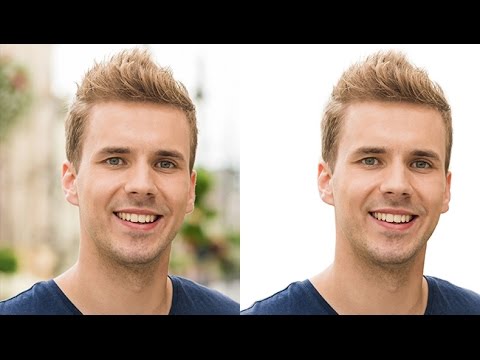
Hair is the thing that separates a rushed cutout from a professional one. I’ve been doing post-production work for ad agencies and e-commerce brands for fifteen years, and I still see retouchers either avoid difficult hair entirely or lean so hard on Select and Mask that the result looks like a watercolor painting around the subject’s head. Neither is acceptable when a client is paying for clean, believable composites. In this Aaron Nace (PHLEARN) tutorial, he walks through a technique I hadn’t seen explained this clearly before: building a custom brush that mimics the shape and flow of a single strand of hair, then using it to manually cut hair from a background.