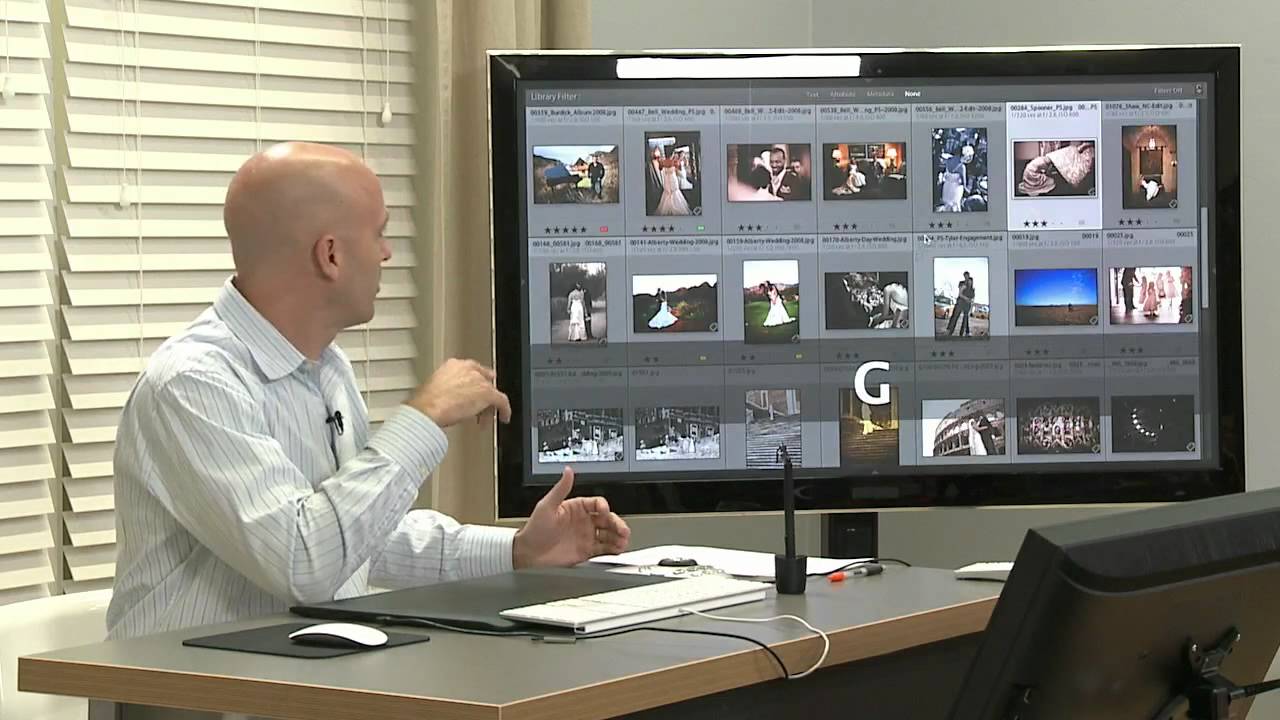
I used to know photographers who would hesitate before pressing the shutter. Not because the light was wrong or the composition needed adjusting, but because they were already dreading the edit. That particular flavor of creative paralysis is more common than anyone admits, and it quietly kills good photographs before they ever get taken. When I first started moving into consultancy work after years in commercial studios, I saw this pattern constantly, especially with wedding and portrait shooters drowning in delivery backlogs. The problem was never really the editing. It was the relationship between shooting volume and workflow confidence.
In this CreativeLive tutorial, Jared Platt lays out the foundational philosophy behind his Lightroom workflow, and while it’s aimed primarily at high-volume shooters like wedding photographers, the core logic applies to anyone processing images at scale. Watch the full tutorial on YouTube before or after reading this breakdown. What Platt is really teaching here is a mindset shift that has to happen before any software setting makes sense. The technique follows the thinking, not the other way around.
Step 1: Audit Your Shooting Fear
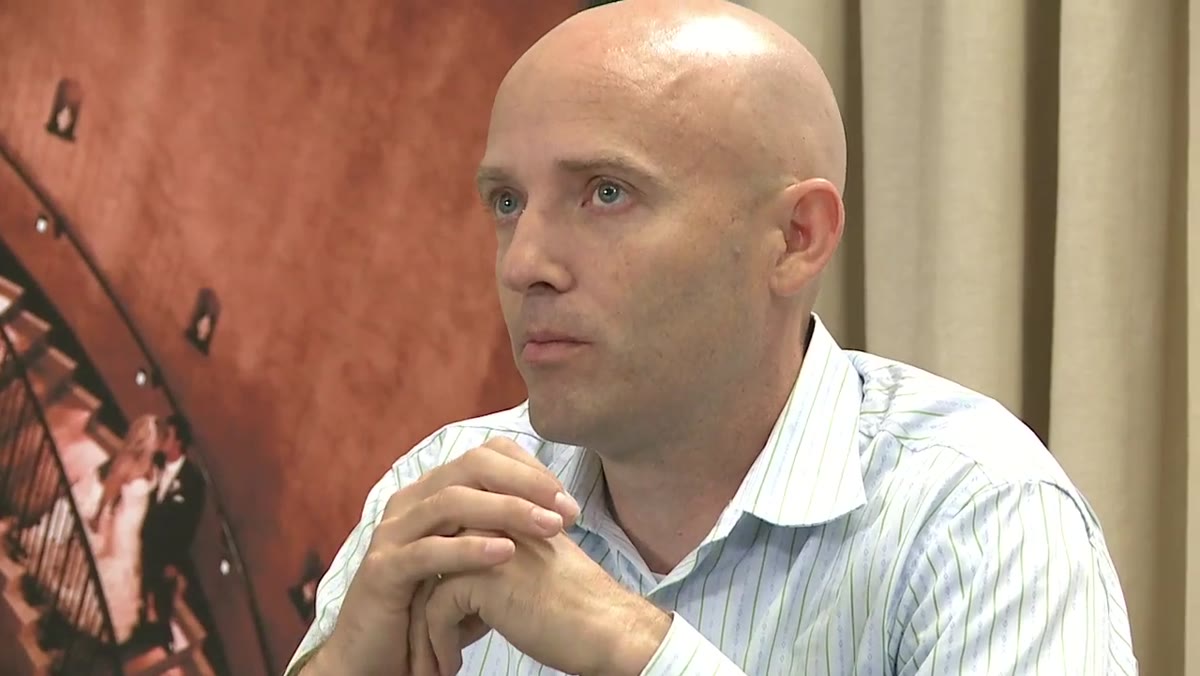 Platt discussing post-production fear holding photographers back
Before touching a single slider, Platt asks his students to be honest about why they hold back on the shutter. He identifies a specific trap: photographers who deliberately limit how many frames they take because they’re afraid of the culling and editing workload waiting for them afterward. That fear creates a false economy. You save yourself an hour of editing, but you cost yourself the best frame of the night.
Platt discussing post-production fear holding photographers back
Before touching a single slider, Platt asks his students to be honest about why they hold back on the shutter. He identifies a specific trap: photographers who deliberately limit how many frames they take because they’re afraid of the culling and editing workload waiting for them afterward. That fear creates a false economy. You save yourself an hour of editing, but you cost yourself the best frame of the night.
The first practical step in his workflow is actually a diagnostic. Ask yourself whether your shooting decisions are being made by creative judgment or by post-production anxiety. If it’s the latter, your workflow problem isn’t in Lightroom at all. It starts in the field. Fixing your editing system is what gives you permission to shoot freely again.
Step 2: Embrace Volume as a Strategic Tool
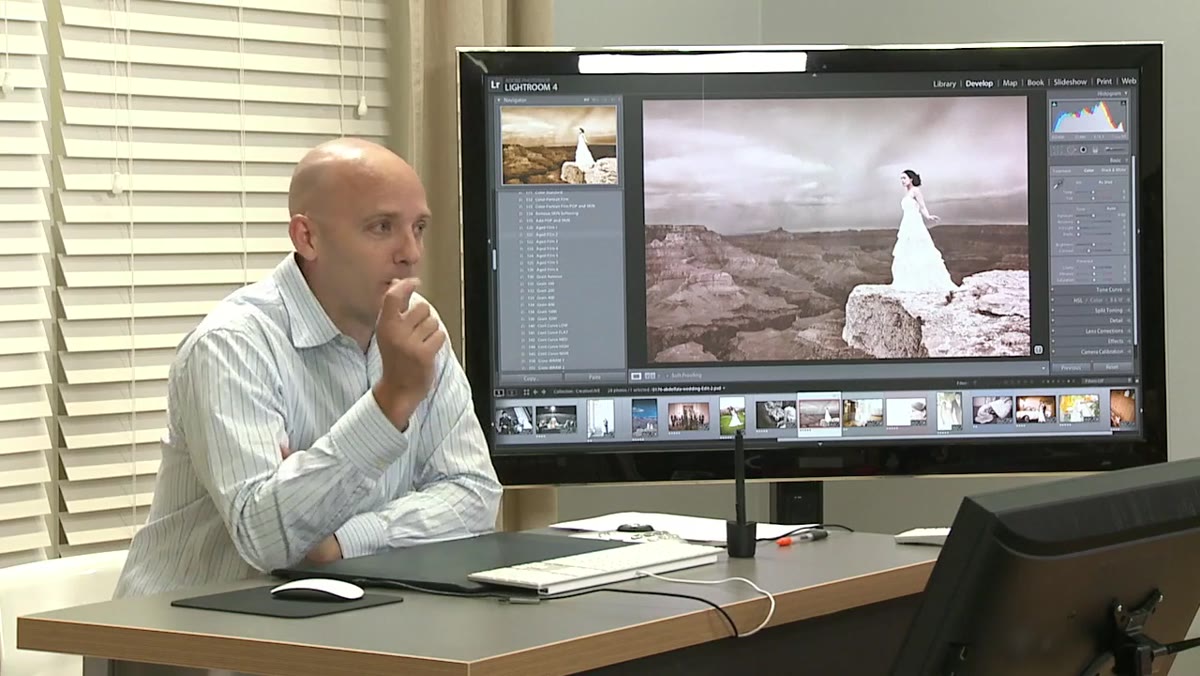 Platt explaining documentary-style shooting and hedging your bets
Platt draws a clear line between spraying frames randomly and shooting with deliberate volume. The machine-gun approach, where you fire continuously and hope something lands, produces chaos in the editing room. What he advocates is something more purposeful: recognizing a moment that’s building toward something significant and covering it from multiple positions and distances as it develops.
Platt explaining documentary-style shooting and hedging your bets
Platt draws a clear line between spraying frames randomly and shooting with deliberate volume. The machine-gun approach, where you fire continuously and hope something lands, produces chaos in the editing room. What he advocates is something more purposeful: recognizing a moment that’s building toward something significant and covering it from multiple positions and distances as it develops.
He calls these “pregnant moments,” situations where you can feel a photograph is about to happen. The professional response is to start shooting early, from farther away, and work your way in. You may get ten frames of a scene that produces one hero image, but you also insure yourself against the moment collapsing before you reach the right position. That’s not waste. That’s coverage. And a well-built Lightroom workflow handles volume efficiently enough that the extra frames cost you far less time than the missed shot would have cost you creatively.
Step 3: Account for the Physics of the SLR
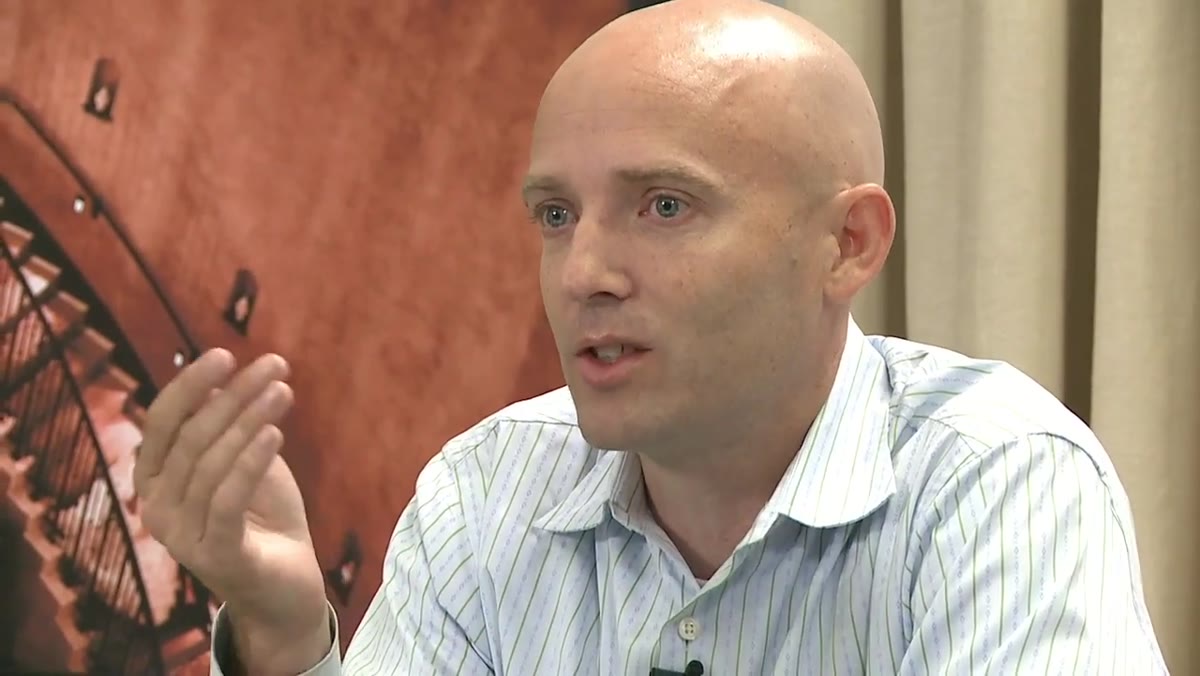 Platt discussing how the mirror blocks your view at the moment of capture
This is a point that gets glossed over in most workflow discussions, but Platt makes it explicit: with a DSLR, you are physically blind at the exact moment the photograph is taken. The mirror flips up, the sensor exposes, and during that fraction of a second you are not seeing what the camera sees. By the time you’re looking through the viewfinder again, the expression has shifted, the gesture has changed, the moment has moved on.
Platt discussing how the mirror blocks your view at the moment of capture
This is a point that gets glossed over in most workflow discussions, but Platt makes it explicit: with a DSLR, you are physically blind at the exact moment the photograph is taken. The mirror flips up, the sensor exposes, and during that fraction of a second you are not seeing what the camera sees. By the time you’re looking through the viewfinder again, the expression has shifted, the gesture has changed, the moment has moved on.
The practical implication for your workflow is that reviewing images on the back of the camera in the field is almost always a bad trade. You miss what’s unfolding in front of you in order to evaluate what already happened. Platt’s approach trusts the process and keeps shooting. That means arriving at the editing session with more frames, which is exactly why having a fast, repeatable Lightroom workflow isn’t optional. It’s the thing that makes this shooting philosophy viable.
Step 4: Reframe Post-Production as the Enabler, Not the Penalty
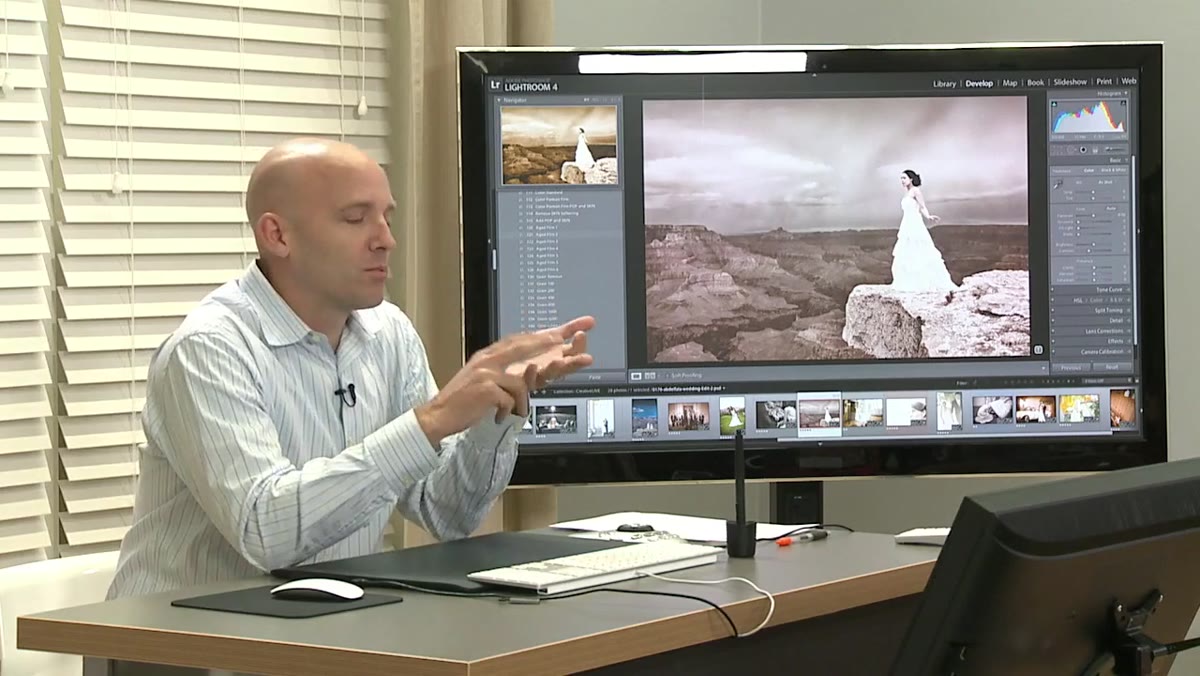 Platt describing weeks of editing as unnecessary for wedding photographers
Wedding photographers, Platt notes, often spend weeks on post-production after a single event. His framing of that situation is blunt: it doesn’t have to be that way. The weeks of editing aren’t evidence that you shot a great wedding. They’re evidence that your workflow hasn’t caught up to your shooting volume.
Platt describing weeks of editing as unnecessary for wedding photographers
Wedding photographers, Platt notes, often spend weeks on post-production after a single event. His framing of that situation is blunt: it doesn’t have to be that way. The weeks of editing aren’t evidence that you shot a great wedding. They’re evidence that your workflow hasn’t caught up to your shooting volume.
The mental reframe he’s proposing is that a fast, efficient editing system isn’t about cutting corners on quality. It’s what allows you to show up to the next shoot without resentment, and to shoot the current job with your full creative attention rather than one eye on the backlog. Post-production should feel like the final step of a process you control, not a punishment for doing your job well.
Step 5: Set Your Workflow Standards Before the Shoot
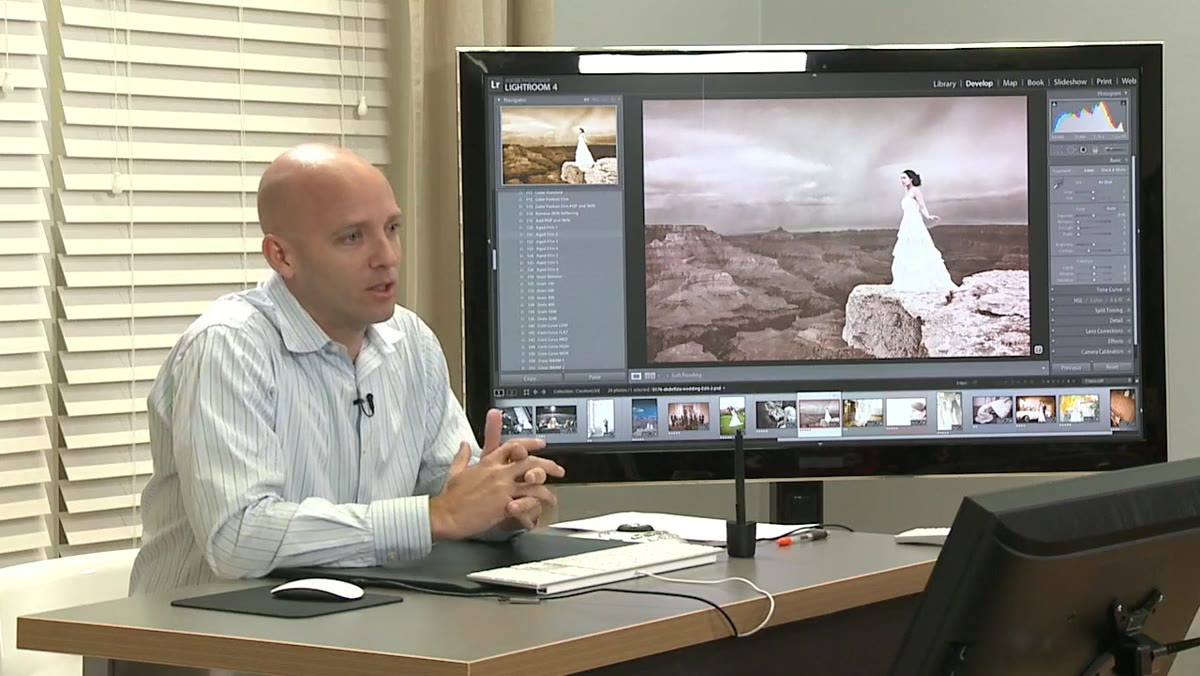 Platt gauging audience shooting volume and time spent editing
One of the more understated moves in Platt’s introduction is his habit of asking photographers to measure their own reality: how many images do you take, and how long does processing them actually take you? Most people have a vague sense that editing takes “a while.” Very few have hard numbers.
Platt gauging audience shooting volume and time spent editing
One of the more understated moves in Platt’s introduction is his habit of asking photographers to measure their own reality: how many images do you take, and how long does processing them actually take you? Most people have a vague sense that editing takes “a while.” Very few have hard numbers.
This is where I’d push you to get specific before you build or adopt any workflow system. Know your average import volume per job. Know how long culling takes versus developing versus exporting. Until you have those numbers, you’re optimizing blind. I’ve kept a running spreadsheet for years tracking exactly where my time goes in post-production, and it has consistently shown me where the real bottlenecks are, which are almost never where I assumed they’d be.
What I’d Add From My Own Experience
The philosophy Platt outlines here maps almost perfectly onto what I’ve seen in commercial studio work, where the volumes aren’t wedding-scale but the efficiency pressure is just as real. The breakthrough for me was building a set of Lightroom presets and export actions calibrated specifically to my most common deliverable formats, so that the mechanical parts of post-production became nearly invisible. Once the workflow handles the repetitive decisions automatically, you spend your actual cognitive energy on the frames that genuinely need individual attention.
If you’re still hand-processing every image from scratch, you’re not editing. You’re doing data entry. The tools exist to automate the repetitive layer of that work. Platt’s system, which this introductory segment sets the foundation for, is built on exactly that principle. Systemize the predictable. Protect your creative attention for what actually requires judgment.
The single most important idea in this tutorial is deceptively simple: fear of post-production is a creative problem masquerading as a technical one. Fix the workflow, and the shooting opens up. Fix the shooting philosophy, and the images get better. These things compound in the right direction once you start pulling on the right thread.
Watch the full tutorial on YouTube to follow Platt’s complete system from this foundation through to his actual Lightroom settings and culling strategy. The introduction alone is worth the time if you’ve ever felt that editing dread creeping into your shooting decisions.
Comments (4)
I've been looking for exactly this kind of tutorial. Perfect timing.
Solid advice. Especially the part about taking your time with it.
Quality content like this is rare. Keep it up.
Great article! I actually covered something related on my site — the gear angle is really complementary to this.
Leave a Comment