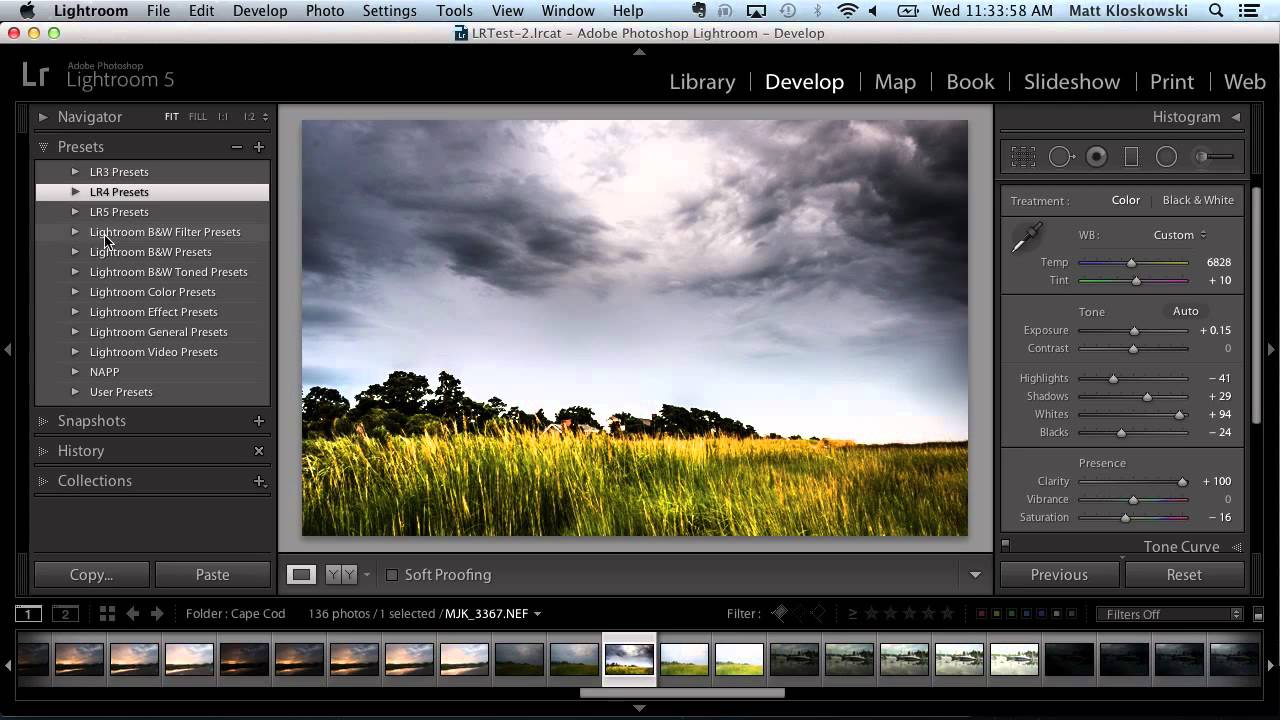
How to Install and Organize Lightroom Presets Without Losing Your Mind

How to Install and Organize Lightroom Presets Without Losing Your Mind

If you’ve ever handed a client a gallery and thought “I wish every shot had that look baked in from the start,” presets are the answer. The problem isn’t finding presets. The problem is that the installation process trips people up every single time, usually at the worst moment, right before a deadline. I’ve watched junior retouchers in my studio waste twenty minutes trying to drag a zip file directly into Lightroom and wondering why nothing happened.


How to Build a Signature Lightroom Preset That Actually Holds Up Across Your Entire Shoot

How to Build a Signature Lightroom Preset That Actually Holds Up Across Your Entire Shoot

Most photographers build presets the wrong way. They chase a look on one hero image, save it, and then discover it turns every other photo into a color disaster. I spent years doing exactly that before I got disciplined about the order of operations. When I came across Watch the full tutorial on YouTube from Mango Street, what struck me wasn’t the specific look they were going for. It was the sequence.

Building Your First Photoshop Action: Step by Step

Building Your First Photoshop Action: Step by Step

Reading about actions is one thing. Building one is how it actually clicks. Let’s create a practical action together: a web export action that resizes an image, sharpens it, and saves it as an optimized JPEG. You’ll use this one constantly. Before You Start Open any photo in Photoshop. It doesn’t matter which — we just need an image to record the steps on. Make sure the Actions panel is visible (Window > Actions).