6 Premiere Pro Plugins That Actually Change How Fast You Edit

6 Premiere Pro Plugins That Actually Change How Fast You Edit

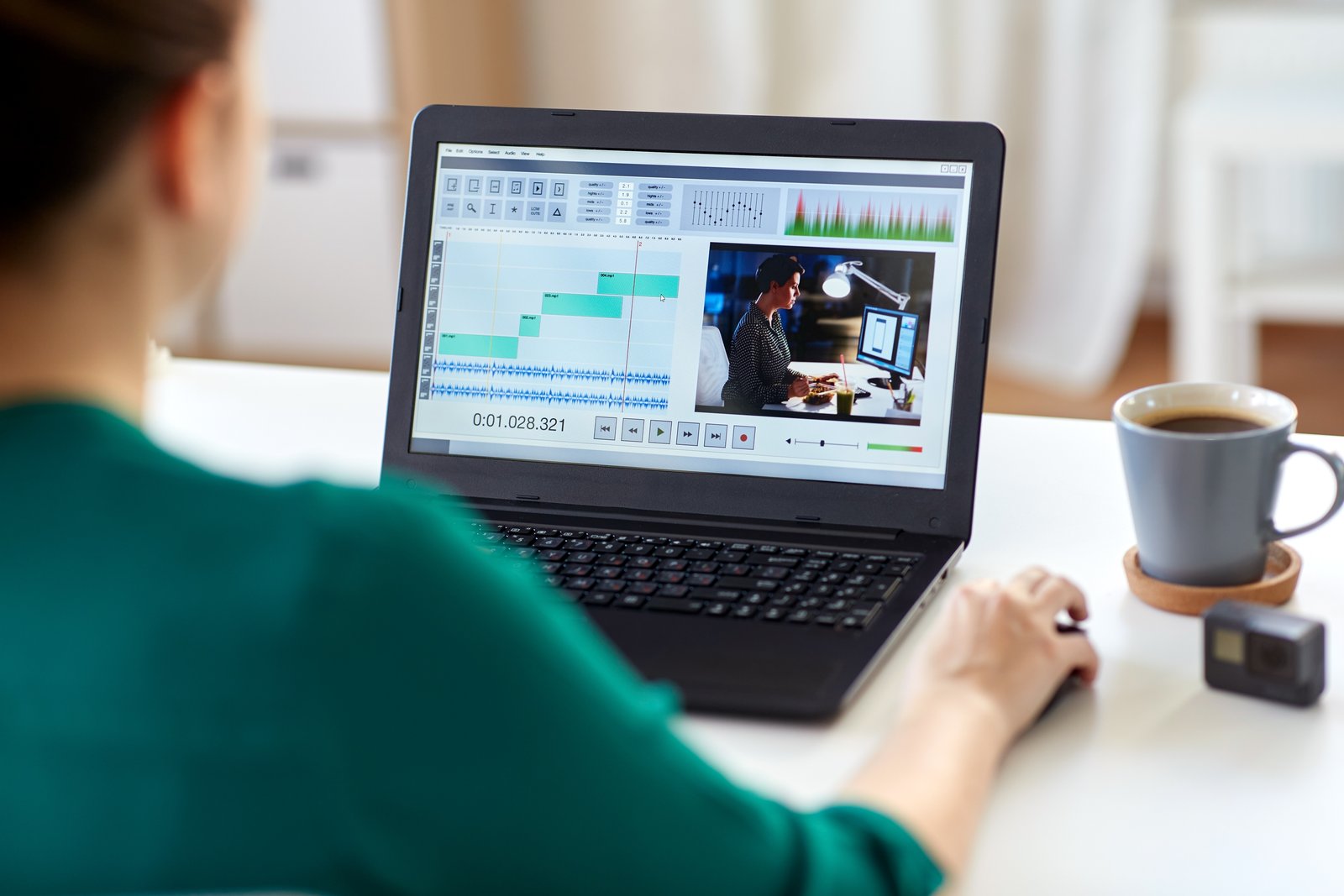
I track time the way some people track calories. Right now my spreadsheet shows 2,400-plus hours saved through automated workflows across Photoshop alone. So when I watch a tutorial from someone who’s clearly put in the same obsessive thinking about shaving minutes off repetitive tasks, I pay close attention. Watch the full tutorial on YouTube – it’s from Mango Street, and the creator brings 12 years of Premiere Pro experience to a tight rundown of six plugins that genuinely move the needle.

Why Your Photoshop Export Settings Are Quietly Destroying Your Workflow (And How to Fix Them)

Why Your Photoshop Export Settings Are Quietly Destroying Your Workflow (And How to Fix Them)

Last spring I delivered 847 retouched product images to an e-commerce client in a single business day. Not because I’m particularly fast, or because I have a team. Because every export decision, every file naming convention, every color profile handoff had been decided weeks earlier and baked into a single action sequence. The client asked how I turned the job around so quickly. I told them I’d done the hard work on a Tuesday afternoon six months prior when no one was paying me for it.

How I Build Custom Photoshop Brushes That Actually Work Inside Actions

How I Build Custom Photoshop Brushes That Actually Work Inside Actions

Last year I was building a retouching action for a mid-sized e-commerce client who needed consistent skin softening applied across several thousand product shots. The action worked beautifully in testing. Then I handed it off to a junior editor on their team, opened the results two days later, and found that the softening brush strokes were painting at 40 pixels on their machine instead of the 400 pixels I’d set on mine.

Photoshop Droplets: The Batch Processing Tool You're Probably Ignoring

Photoshop Droplets: The Batch Processing Tool You're Probably Ignoring

A few years into running my own post-production consultancy, I took on a project that nearly broke me: 500 product shots for an e-commerce client, all needing the same sequence of adjustments. Resize to 2000px on the long edge, sharpen, convert to sRGB, export as JPEG at quality 9. Straightforward stuff. But at the volume they needed, and on a Friday afternoon deadline, “straightforward” stops feeling that way fast. I finished the job, but I also spent the following weekend building a system that meant I’d never sit through that particular grind again.

Blackmagic's New $175 UltraStudio Express 3G: A Game-Changer for Video Workflows

Blackmagic's New $175 UltraStudio Express 3G: A Game-Changer for Video Workflows

I’ve been following Blackmagic Design’s latest hardware releases pretty closely, and their new UltraStudio Express 3G family just caught my attention for all the right reasons. At $175 per unit, these compact USB4 devices are hitting a sweet spot that could genuinely improve how many of us handle video capture and playback. What We’re Dealing With Blackmagic just introduced a pair of portable capture and playback solutions designed to integrate seamlessly into modern creative workflows.

The Workflow Tools Actually Worth Installing (After 15 Years of Testing Bad Ones)

The Workflow Tools Actually Worth Installing (After 15 Years of Testing Bad Ones)

The Hidden Cost of “Just Doing It Manually” Last spring I was onboarding a freelancer to help with overflow work from an e-commerce client. She was talented, fast, detail-oriented. And she was doing every single background removal by hand, one at a time, in a 200-image product catalog. Not because she didn’t know better tools existed, but because nobody had ever sat her down and shown her what was actually available.

GoPro's Mission 1 Pro: What Action Camera Innovation Means for Your Post-Production Workflow

GoPro's Mission 1 Pro: What Action Camera Innovation Means for Your Post-Production Workflow

GoPro’s Make-or-Break Moment I’ve been watching GoPro’s market position closely, and honestly, they’re at a critical juncture. The action camera space has become incredibly competitive, with serious challengers from DJI and Insta360 eating into their market share. The company needed to deliver something genuinely compelling, and the new Mission 1 Pro at $699 is their best shot at reclaiming momentum. What This Means for Your Editing Suite Here’s where I get genuinely excited: this camera’s internal capabilities directly impact how we approach post-production workflows.

Beyond Actions: How Photoshop Automation Scripts Actually Work (And Why I Use Both)

Beyond Actions: How Photoshop Automation Scripts Actually Work (And Why I Use Both)

I learned to write scripts the hard way. A client sent over 200 product images that all needed the same crop, the same canvas size, the same file naming convention. I spent the entire first day doing it by hand. Somewhere around image 140, I made a crop error and had to go back. That evening I opened a JavaScript reference guide and didn’t go to bed until I had something that worked.

Compact Camera Gimbals Are Changing How We Capture Content for Post-Production

Compact Camera Gimbals Are Changing How We Capture Content for Post-Production

I’ve been testing compact gimbal cameras lately, and I’m genuinely impressed by how they’re transforming the way creators approach both shooting and editing. These tools are becoming essential for anyone serious about efficient post-production workflows. Why Gimbal Cameras Matter for Your Workflow For years, I’ve relied on various stabilization methods—gimbals, rigs, even creative handheld techniques. But the latest generation of compact cameras with built-in stabilization is game-changing. When you’re capturing footage that’s already smooth and stabilized at the source, your entire post-production pipeline becomes dramatically simpler.

The Plugin Tax: How to Audit Your Photoshop Stack Before It Audits You

The Plugin Tax: How to Audit Your Photoshop Stack Before It Audits You

Last spring I inherited a plugin folder from a commercial studio that was shutting down. The lead retoucher had accumulated 34 installed plugins over about six years. Some were licensed, some were trial versions that had quietly stopped working, and at least three were duplicates of each other doing the same luminosity masking job. The folder was a archaeological dig through every trend in retouching from 2018 onward. And the studio had been paying for most of it.

Why Your Photoshop Presets Are Probably Fighting Your Workflow (And How to Build Ones That Don't)

Why Your Photoshop Presets Are Probably Fighting Your Workflow (And How to Build Ones That Don't)

The first time I realized my presets were working against me, I was three hours into a 200-image e-commerce job for a Chicago ad agency. I’d built what I thought was a bulletproof export action: sharpen, resize to 2000px on the long edge, convert to sRGB, save as JPEG at quality 10. Clean. Logical. The problem was the client’s web platform wanted 1600px, their email team wanted 800px, and their print vendor wanted TIFFs at 300 DPI.

From Practical Effects to Digital: How Action Directors Are Rethinking Visual Workflows

From Practical Effects to Digital: How Action Directors Are Rethinking Visual Workflows

The Bridge Between Set and Screen I’ve been following the evolution of how filmmakers approach post-production workflows, and there’s a fascinating trend emerging: directors are increasingly treating their digital pipelines like practical effects setups. Rather than relying solely on standard presets and default settings, they’re engineering custom workflows that mirror decisions they’d make on a physical set. This shift caught my attention recently when I learned about how action directors are now applying hands-on cinematography thinking to their Photoshop and color grading work.