
How to Stack Action Photos Into a Single Composite in Photoshop (Step-by-Step)

How to Stack Action Photos Into a Single Composite in Photoshop (Step-by-Step)

Action photography has a fundamental problem that video doesn’t: you get one frozen moment, and if you pick the wrong one, the story disappears. I’ve been shooting commercially for fifteen years and I still feel the tension every time a client wants “energy” in a still image. You can push shutter speed, nail the peak action, get lucky with timing. But showing a sequence of motion in a single frame? That’s a compositing problem, and most photographers don’t know where to start.
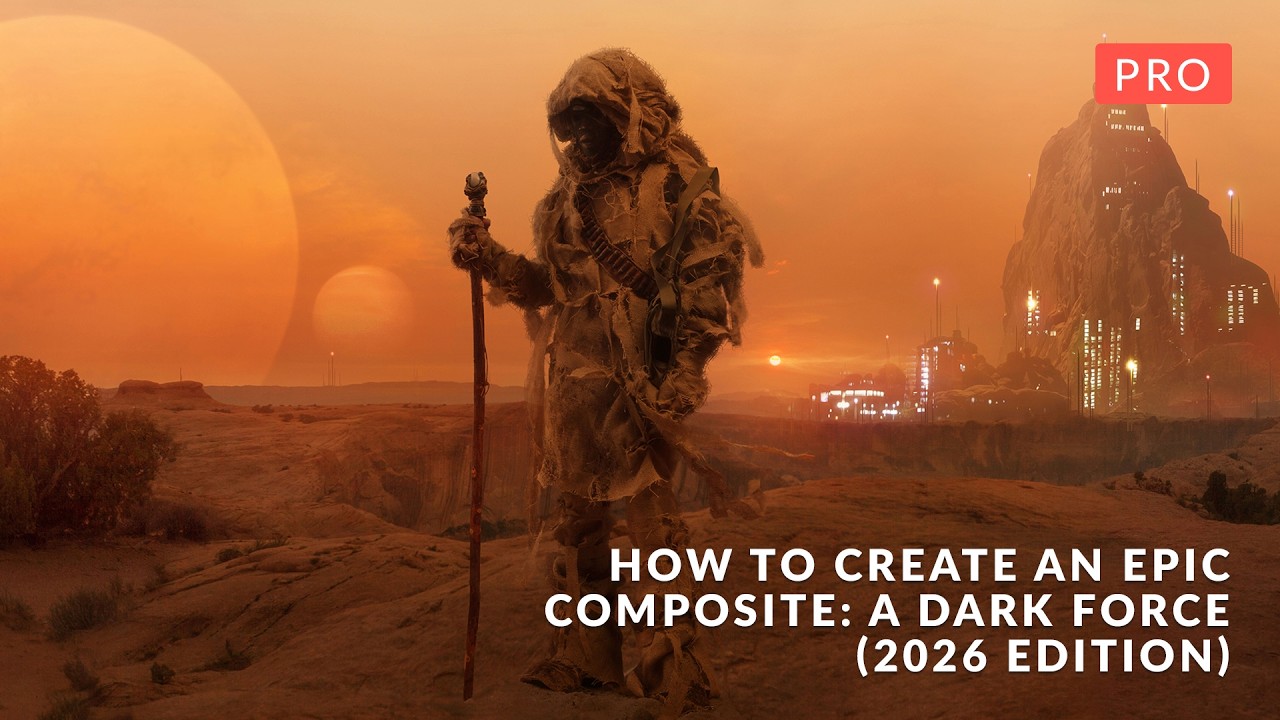
Building a 18-Layer Composite in Photoshop 2026: What Aaron Nace's Dark Force Tutorial Taught Me About Workflow Discipline

Building a 18-Layer Composite in Photoshop 2026: What Aaron Nace's Dark Force Tutorial Taught Me About Workflow Discipline

Most compositing tutorials teach you how to cut something out and drop it onto a new background. Call it a day. The result always looks like exactly what it is: two photographs that don’t belong together. What separates work that actually holds up, whether that’s a billboard, a campaign hero shot, or a spec piece, is whether the light, atmosphere, and depth feel like they came from the same universe.