Video Tutorials
The Manual Glow Effect That Still Beats Every AI Filter I've Tried
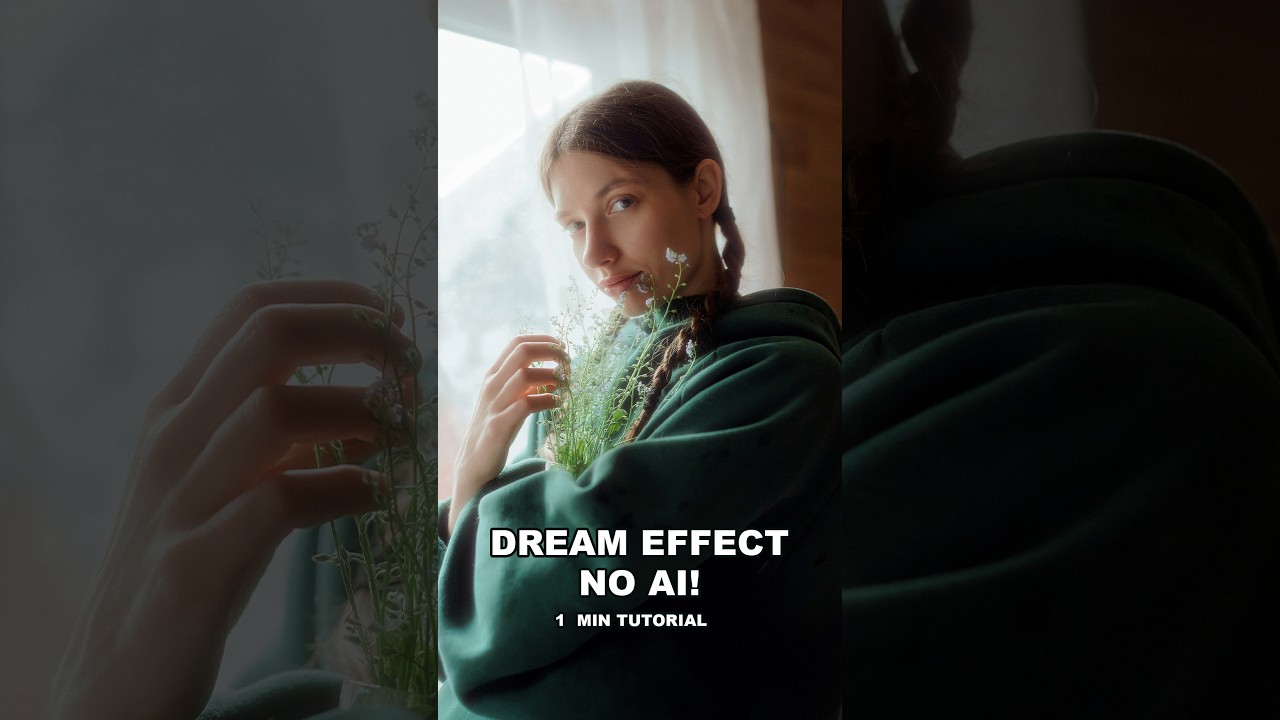
Client work has a way of humbling you. A few months back I was finishing a batch of lifestyle shots for a skincare brand, and the art director kept circling back to one note: “Can we make the light feel softer? More… luminous?” I’d already done my standard luminosity mask pass. I’d tried a couple of glow overlays from my preset library. None of it had the right quality. It looked processed rather than photographic.