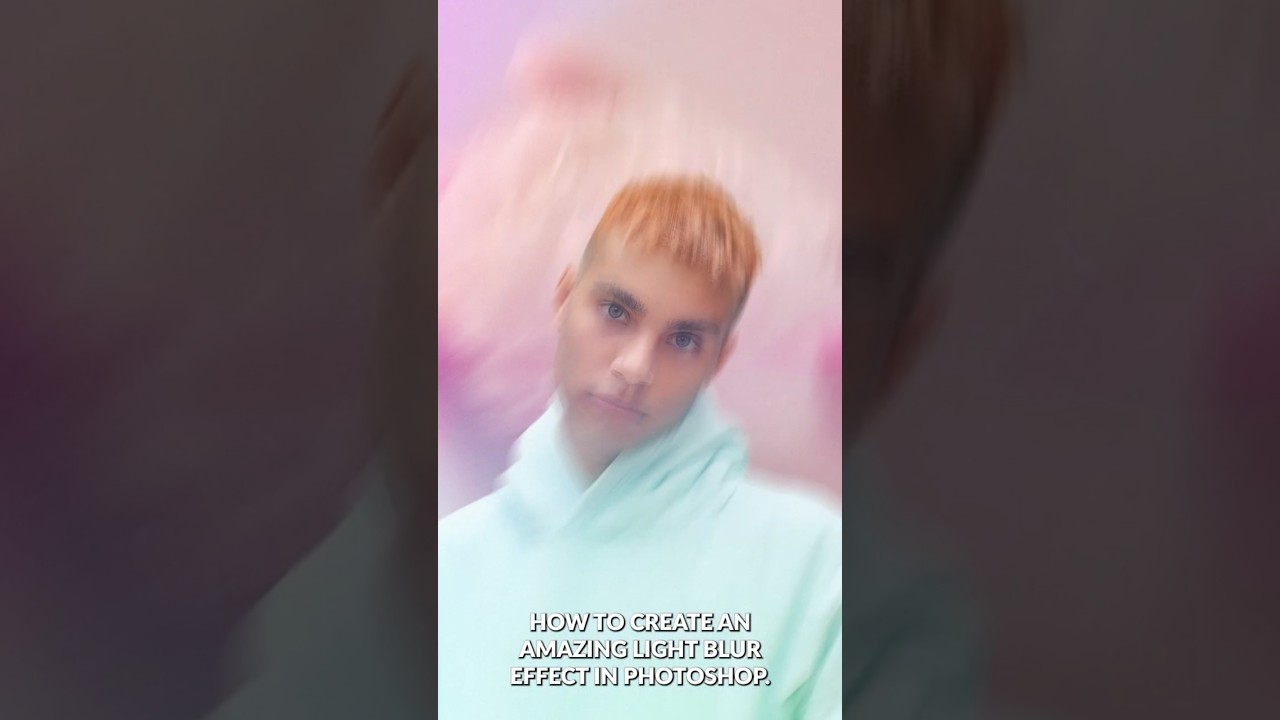
Path Blur + Smart Objects: How Aaron Nace's Light Effect Technique Changed My Retouching Workflow

Path Blur + Smart Objects: How Aaron Nace's Light Effect Technique Changed My Retouching Workflow

I was sitting on a job last month, a cosmetics campaign with a handful of hero shots that needed that polished, high-end glow you see in magazine spreads. The kind of light that feels like it’s moving. My usual approach, stacking a few soft light layers and leaning on Gaussian Blur, was getting me to “pretty good” but not quite to “that.” I knew the gap was in how I was handling directional light.

Master the Light Blur Effect: A Non-Destructive Workflow in Photoshop

Master the Light Blur Effect: A Non-Destructive Workflow in Photoshop

In this excellent tutorial, Aaron Nace (PHLEARN) walks through one of my favorite composite techniques: creating a high-end light blur effect that seamlessly integrates a subject with a background while maintaining professional focus control. What I love about this approach is how it demonstrates non-destructive editing principles throughout—meaning you can adjust nearly every element without permanently altering your work. I’ve used variations of this technique in countless portrait and composite projects, and it never gets old.